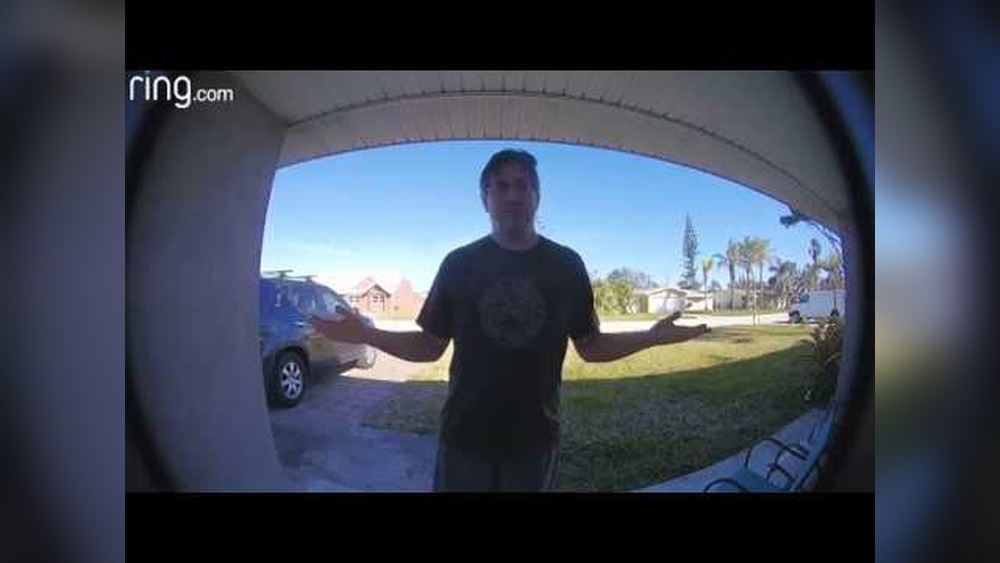

Are you tired of blurry or grainy videos from your Ring Doorbell? Clear, sharp video can make all the difference when it comes to keeping your home safe and knowing exactly who’s at your door.
The good news is, improving your Ring Doorbell’s video quality isn’t as hard as you might think. You’ll discover simple, effective tips that will help you get the best possible video clarity. By the end, you’ll feel confident that every visitor is captured in crisp detail, giving you peace of mind and better security.
Keep reading to unlock the secrets to clearer, sharper video on your Ring Doorbell.
Credit: kdfoundation.org
Optimize Wi-fi Connection
Optimizing your Wi-Fi connection is crucial for improving video quality on your Ring Doorbell. A strong and stable Wi-Fi signal ensures clear and smooth video streaming. Weak Wi-Fi can cause blurry or delayed video. Focus on making your Wi-Fi connection as reliable as possible. This helps your Ring Doorbell capture better video footage.
Check Signal Strength
Check the Wi-Fi signal near your Ring Doorbell. Use your phone or a Wi-Fi analyzer app to see the signal strength. A signal below 40% can cause video problems. Move your router closer or reduce obstacles like walls. Strong signal means better video quality and faster loading times.
Use A Dedicated Network
Create a separate Wi-Fi network for your Ring Doorbell. This reduces traffic on your main network. Less congestion means smoother video streaming. Many routers allow guest networks or secondary SSIDs. Keep your Ring device on this dedicated network for consistent performance.
Place Router Strategically
Position your router in a central, open area. Avoid corners, basements, or places with many walls. Higher placement often improves signal spread. Keep the router away from metal objects and electronics. Good placement boosts Wi-Fi range and video clarity on your Ring Doorbell.
Adjust Ring Doorbell Settings
Adjusting the settings on your Ring Doorbell can greatly improve video quality. Small changes can make the video clearer and more detailed. This section explains three key settings to tweak for better video performance.
Set Video Resolution
Choose the highest video resolution supported by your device. Higher resolution means sharper images and more details. Check your Ring app for resolution options. Select HD or 1080p for clear video. Lower resolutions can make the video blurry or pixelated.
Enable Hdr Mode
HDR mode balances light and dark areas in the video. It helps to see details in shadows and bright spots. Turn on HDR in the Ring app settings. This is useful in areas with uneven lighting or direct sunlight. Videos look more natural and easier to watch.
Manage Motion Sensitivity
Adjust motion sensitivity to reduce false alerts and improve video capture. Set it to a level that detects real movement near your door. Too high sensitivity causes many alerts and poor video focus. Too low sensitivity might miss important activity. Find a balance that works for your home.
Maintain Your Device
Maintaining your Ring Doorbell is key to clear and sharp video quality. Regular care keeps the camera working well. It helps avoid common problems that lower video clarity. A few simple steps make a big difference.
Clean The Camera Lens
Dust, dirt, and water spots blur the video. Use a soft, dry cloth to wipe the lens gently. Avoid harsh chemicals or rough materials. Clean the lens regularly for the best view.
Update Firmware Regularly
Firmware updates fix bugs and improve performance. Check for updates in the Ring app often. Install them as soon as possible. Updated firmware keeps your device running smoothly.
Check Power Supply
Low power can reduce video quality. Make sure the battery is charged or the wired connection is strong. Replace batteries if needed. A steady power supply ensures clear video all the time.
Enhance Lighting Conditions
Good lighting makes a big difference in your Ring Doorbell video quality. Bright and clear light helps the camera capture sharp and detailed images. Poor lighting causes dark, blurry, or grainy videos that are hard to see. Adjusting the light around your doorbell can improve its performance a lot.
Here are simple ways to enhance lighting conditions for better video quality.
Use External Lighting
Install a light near your Ring Doorbell to brighten the area. A small porch light or motion-activated lamp works well. This extra light helps the camera see faces and objects clearly. Choose a light that does not shine directly into the camera lens.
Avoid Direct Sunlight
Direct sunlight can cause glare and wash out the video. Try to position your doorbell where the sun does not shine straight into the lens. Early morning or late afternoon sun can create harsh shadows. Adjust the angle to reduce these effects for clearer images.
Consider Night Vision Settings
Ring Doorbell has built-in night vision for low light. Check the settings to ensure night vision is active. Infrared LEDs help capture video in total darkness. Keep the lens clean and free from dirt or smudges to improve night vision clarity.
Use Additional Accessories
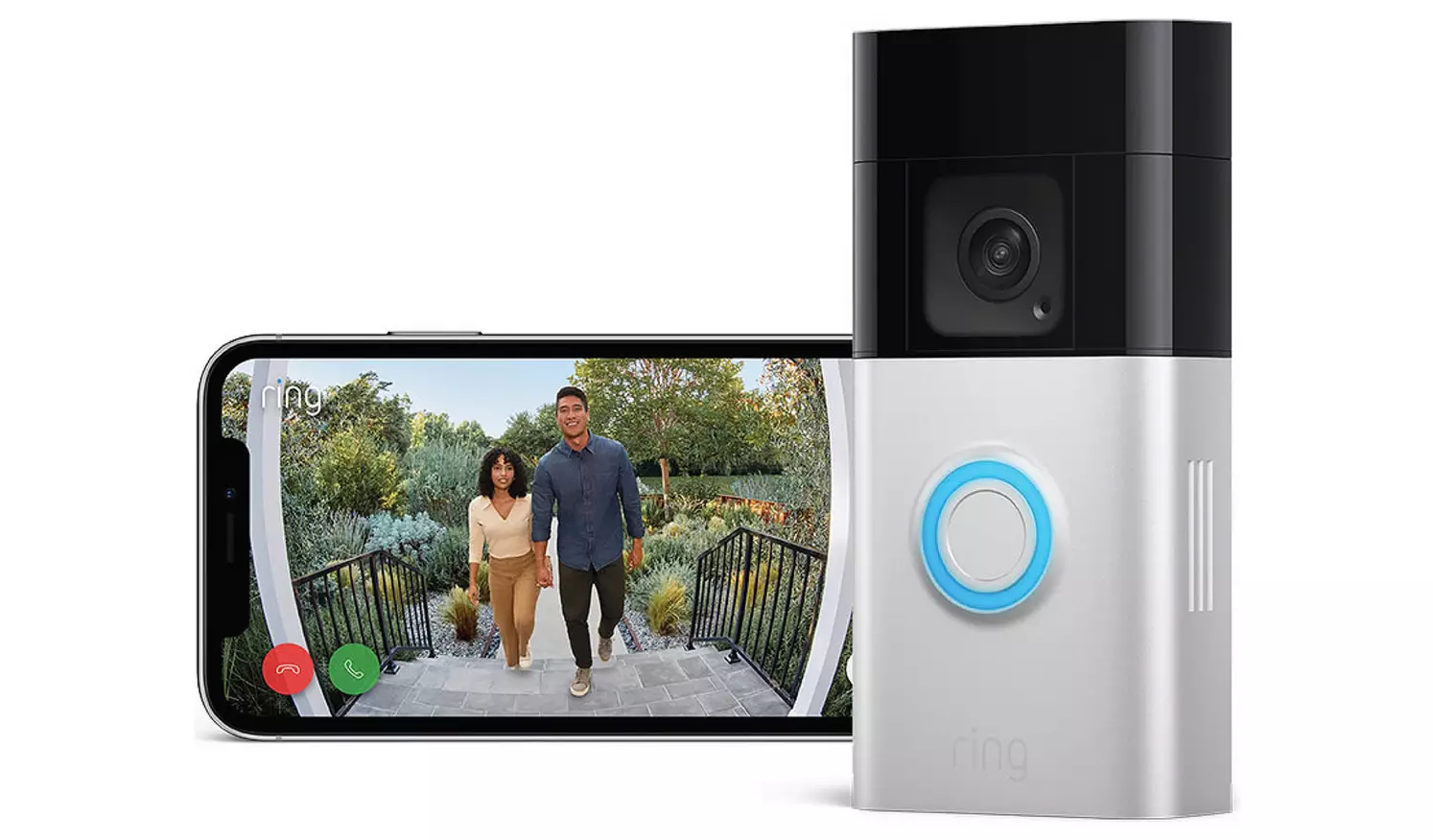
Using extra accessories can help improve your Ring Doorbell’s video quality. These add-ons support better signal strength and device performance. They make sure your video is clear and reliable. Accessories also protect your device from damage and interruptions.
Install Wi-fi Extenders
Wi-Fi extenders boost your home’s wireless signal. They bring a stronger connection to your Ring Doorbell. A strong Wi-Fi signal means smoother video streaming. This reduces lag and blurry images. Place extenders halfway between your router and doorbell for best results.
Add Ring Chimes
Ring Chimes are indoor speakers that link to your doorbell. They alert you with sounds when someone is at your door. Adding chimes does not directly improve video quality. But they help you notice visitors faster. Quick responses let you check video right away, avoiding missed moments.
Utilize Protective Covers
Protective covers shield your Ring Doorbell from weather and dirt. Dust and rain can blur the camera lens. A clean lens records clearer video. Covers also prevent scratches and damage. Choose covers made for your Ring model for best fit and protection.
Credit: argos-support.co.uk
Troubleshoot Common Issues
Troubleshooting common problems can greatly improve your Ring Doorbell video quality. Small issues often cause poor video performance. Fixing these problems is simple and saves time.
Focus on the main issues: video lag, connectivity drops, and blurry footage. Each problem has easy solutions. Follow these steps to enhance your video experience.
Fix Video Lag
Video lag makes it hard to see real-time actions. Check your internet speed first. Slow Wi-Fi causes delay in video streaming. Move your router closer to the doorbell. Remove obstacles between the router and device. Restart the Ring Doorbell and your Wi-Fi router. Update the Ring app to the latest version. Clear app cache if video still lags.
Resolve Connectivity Drops
Frequent disconnections interrupt video recording. Ensure your Wi-Fi signal is strong near your doorbell. Change your Wi-Fi channel to reduce interference. Avoid placing the doorbell too far from the router. Restart your router to refresh connections. Use a Wi-Fi extender if the signal is weak. Check for firmware updates on your Ring Doorbell. Reset the device as a last step.
Handle Blurry Footage
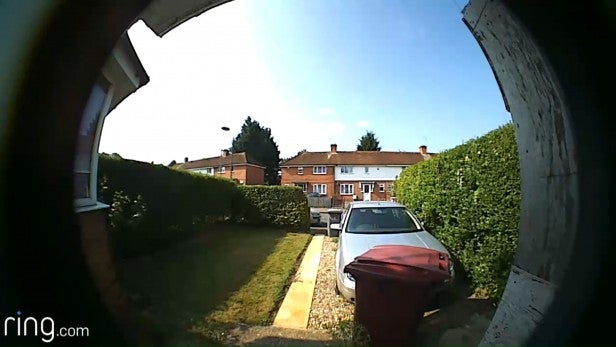
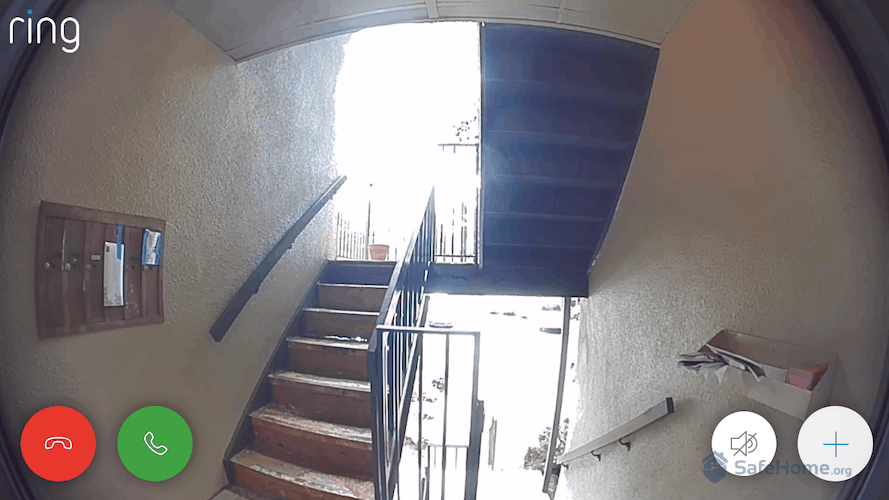
Blurry video lowers the security view quality. Clean the doorbell camera lens gently with a soft cloth. Avoid touching the lens with dirty hands. Adjust lighting around your doorbell for clearer images. Make sure the doorbell is securely mounted and not shaking. Check camera settings in the app for resolution options. Restart the device to refresh the camera.
Credit: kdfoundation.org
Frequently Asked Questions
How Can I Boost Ring Doorbell Video Quality?
To boost video quality, ensure strong Wi-Fi signals. Adjust video settings in the Ring app. Keep the lens clean and free from obstructions.
Why Is My Ring Doorbell Video Blurry?
Blurry videos often result from dirty lenses or poor Wi-Fi. Clean the camera lens and improve your internet connection for clearer footage.
Does Lighting Affect Ring Doorbell Video Quality?
Yes, good lighting improves video clarity. Install your Ring Doorbell in well-lit areas. Use supplemental lighting for nighttime visibility.
How Do I Update Ring Doorbell Firmware?
Open the Ring app, select your device, and check for firmware updates. Keeping firmware updated enhances video performance and security.
Conclusion
Improving your Ring Doorbell video quality is simple and effective. Check your Wi-Fi signal strength often. Clean the camera lens to keep images clear. Adjust settings to match your lighting conditions. Regular updates help keep your device working well. Small steps make a big difference in video clarity.
Enjoy better security with clearer, sharper footage every day. Keep your home safe with easy video upgrades.