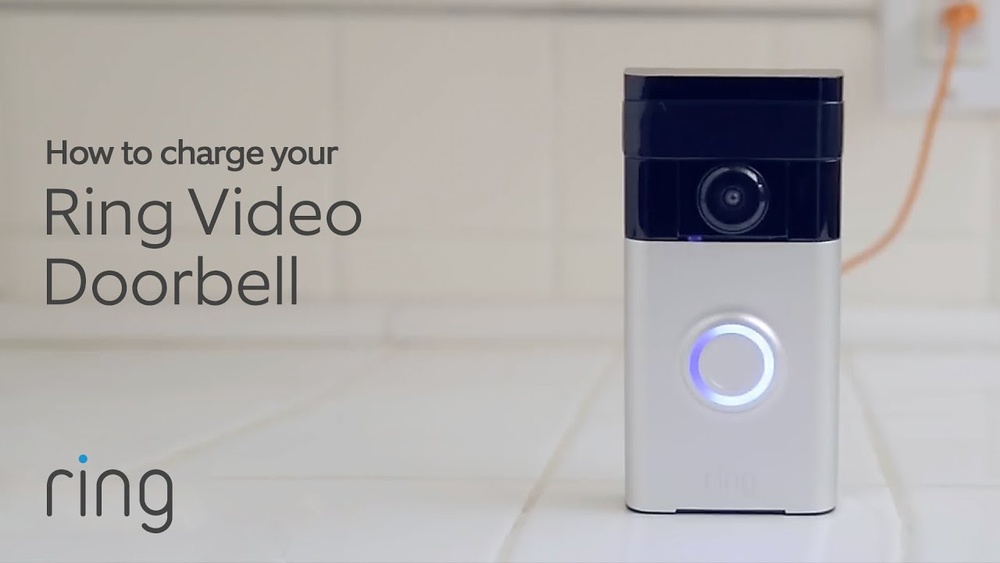

Are you wondering how to keep your Ring Video Doorbell powered up and ready to protect your home? Knowing the right way to charge your device is key to never missing a visitor or an important alert.
In this guide, you’ll discover simple, step-by-step instructions to charge your Ring Video Doorbell quickly and safely. Keep reading to learn the best tips that will help you stay connected without any interruptions.
Credit: wasserstein-home.com
Preparing Your Ring Doorbell
Preparing your Ring Video Doorbell for charging is a simple process. It ensures your device gets the power it needs quickly. Taking the right steps avoids damage and saves time.
Check Battery Status
Start by checking the battery level on your Ring app. The app shows if the battery is low or fully charged. If the battery is above 20%, you may not need to charge it now. A low battery icon means it’s time to charge.
Knowing the battery status helps you plan the charging process. It prevents unnecessary charging and extends battery life.
Gather Charging Tools
Collect all tools needed for charging your Ring Doorbell. You will need the charging cable that came with your device. Usually, it is a USB cable with a magnetic charger.
Check that your power adapter or USB port is working properly. Using the right tools ensures safe and fast charging. Avoid using damaged cables or adapters to protect your device.
Charging Methods
Charging your Ring Video Doorbell is simple and flexible. You can choose from different methods based on your setup and needs. Each method keeps your doorbell powered so it works without interruption. Understanding these options helps you keep your device ready for action.
Here are the main ways to charge your Ring Video Doorbell effectively.
Using Usb Cable
One of the easiest ways to charge your Ring doorbell is using the USB cable. Remove the battery from the doorbell and connect it to a USB charger. Plug the charger into a power outlet. Charging usually takes a few hours. This method works well if you want to charge the battery separately.
Charging With Solar Panel
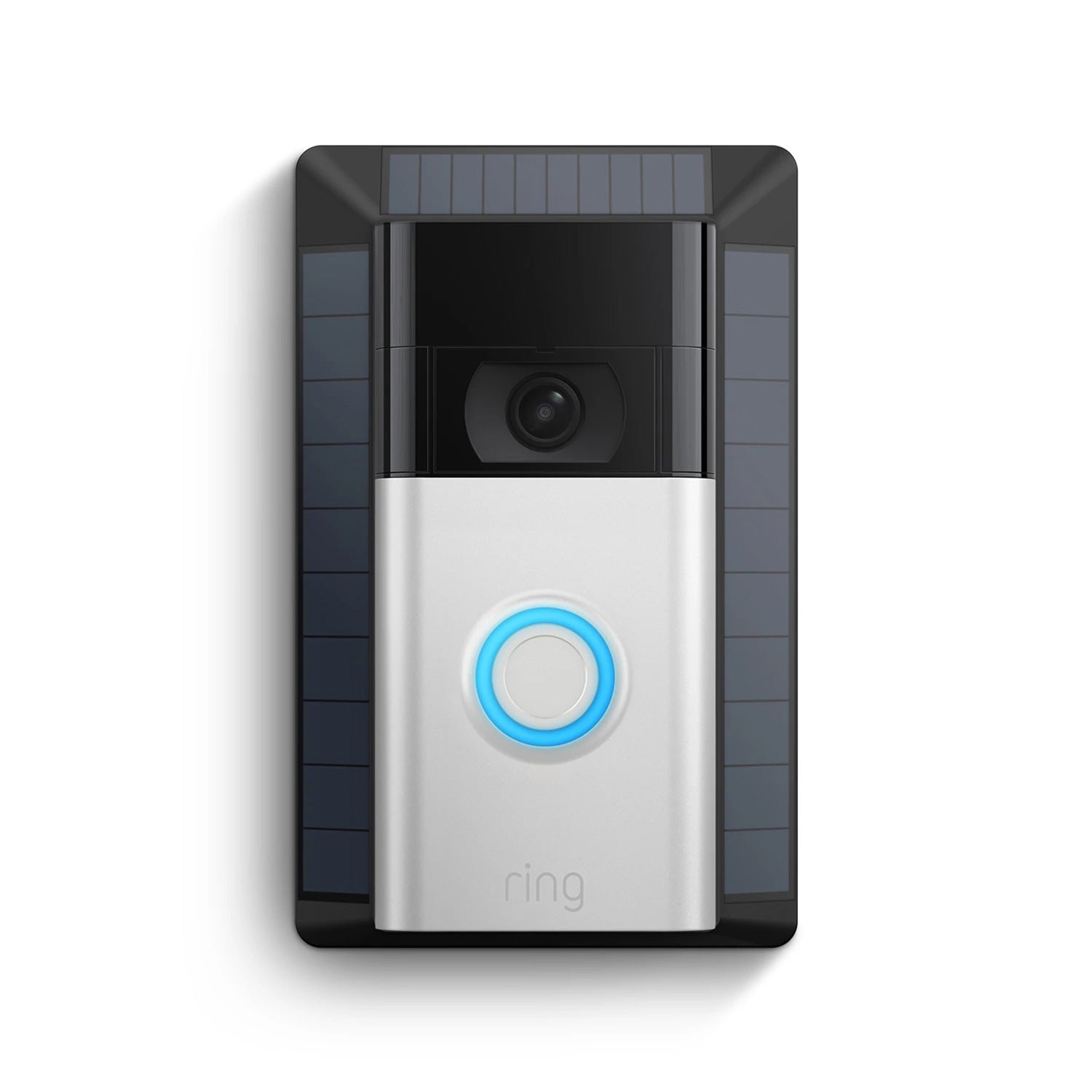
Solar panels offer a green way to charge your Ring doorbell. Install the solar panel in a sunny spot near your doorbell. The panel collects sunlight and converts it into power. This method keeps the battery charged without needing to remove it. It is perfect for outdoor use and reduces the need for manual charging.
Wired Power Options
Your Ring Video Doorbell can also connect to existing doorbell wires. This setup provides a constant power supply. It works well if your home has a traditional doorbell system. The wiring keeps the battery charged automatically. This option means less maintenance and no need to remove the battery for charging.
Step-by-step Charging Process
Charging your Ring Video Doorbell is simple and quick. Follow the steps below to ensure your device stays powered. This guide helps you charge the doorbell safely and correctly. Keep your Ring ready to protect your home at all times.
Removing The Doorbell
First, unlock the security screws at the bottom of the doorbell. Use the special screwdriver that came with your Ring. Gently pull the doorbell away from the mounting bracket. Handle the device carefully to avoid damage. Set it on a flat surface for charging.
Connecting To Power Source
Locate the charging port on the back of the doorbell. Attach the USB charging cable to the port firmly. Plug the other end of the cable into a USB power adapter. Connect the adapter to a power outlet. Ensure the connection is secure to start charging.
Monitoring Charging Progress
Check the LED light on the front of the doorbell. A spinning white light means charging is in progress. A solid green light shows the battery is full. Charging usually takes a few hours. Disconnect the doorbell once the battery is fully charged.
Credit: ring.com
Tips For Faster Charging
Charging your Ring Video Doorbell faster saves time and keeps your device ready. Simple habits can improve charging speed. Follow easy tips to get the best results.
Optimal Charging Conditions
Charge your Ring doorbell in a cool, dry place. Avoid direct sunlight or hot areas. High temperatures slow down battery charging. Use the original charging cable for best power flow. Plug into a stable power source to prevent interruptions. Keep the charging port clean from dust and dirt. A clean port helps maintain good contact.
Avoiding Common Mistakes
Do not use damaged or cheap cables. They reduce charging speed and may harm the battery. Avoid charging your Ring doorbell while it is in use. This can make charging slower and less efficient. Do not let the battery drain completely before charging. Partial charges are better for battery health. Avoid covering the device during charging to prevent overheating.
Troubleshooting Charging Issues
Charging issues with your Ring Video Doorbell can be frustrating. The device may not charge properly or take a long time to regain power. Troubleshooting these problems helps keep your doorbell working and secure. This section covers common charging problems and easy ways to fix them.
Dealing With Slow Charging
Slow charging can happen if the battery is old or the charger is weak. Use the original charger that came with the doorbell. Avoid using USB ports from computers or low-power adapters. Keep the doorbell away from extreme temperatures, as heat or cold affects charging speed. Clean the charging contacts on the doorbell and charger to ensure good connection.
Fixing Connection Problems
Sometimes, the doorbell does not charge because of poor contact between the battery and charger. Check if the battery is properly seated in the doorbell. Clean any dirt or dust from the battery terminals and charging pins. Inspect the charging cable for damage or frays. Replace the cable if you find any cuts or breaks. Restart the doorbell after reconnecting the charger to refresh the system.
When To Replace The Battery
The battery has a limited lifespan. If your doorbell won’t hold a charge for long or stops charging, the battery may be worn out. Test the battery by fully charging and then using the doorbell. If it drains fast or won’t charge fully, it needs replacement. Use only official Ring batteries to avoid compatibility issues. Replacing the battery restores your doorbell’s charging ability and performance.

Credit: ring.com
Frequently Asked Questions
How Do I Charge My Ring Video Doorbell Battery?
Remove the battery from the device and use the included USB charging cable. Charge it fully before reinserting for optimal performance.
How Long Does Ring Video Doorbell Battery Last?
A fully charged battery typically lasts 6 to 12 months, depending on usage and settings like motion sensitivity.
Can I Charge Ring Video Doorbell Without Removing The Battery?
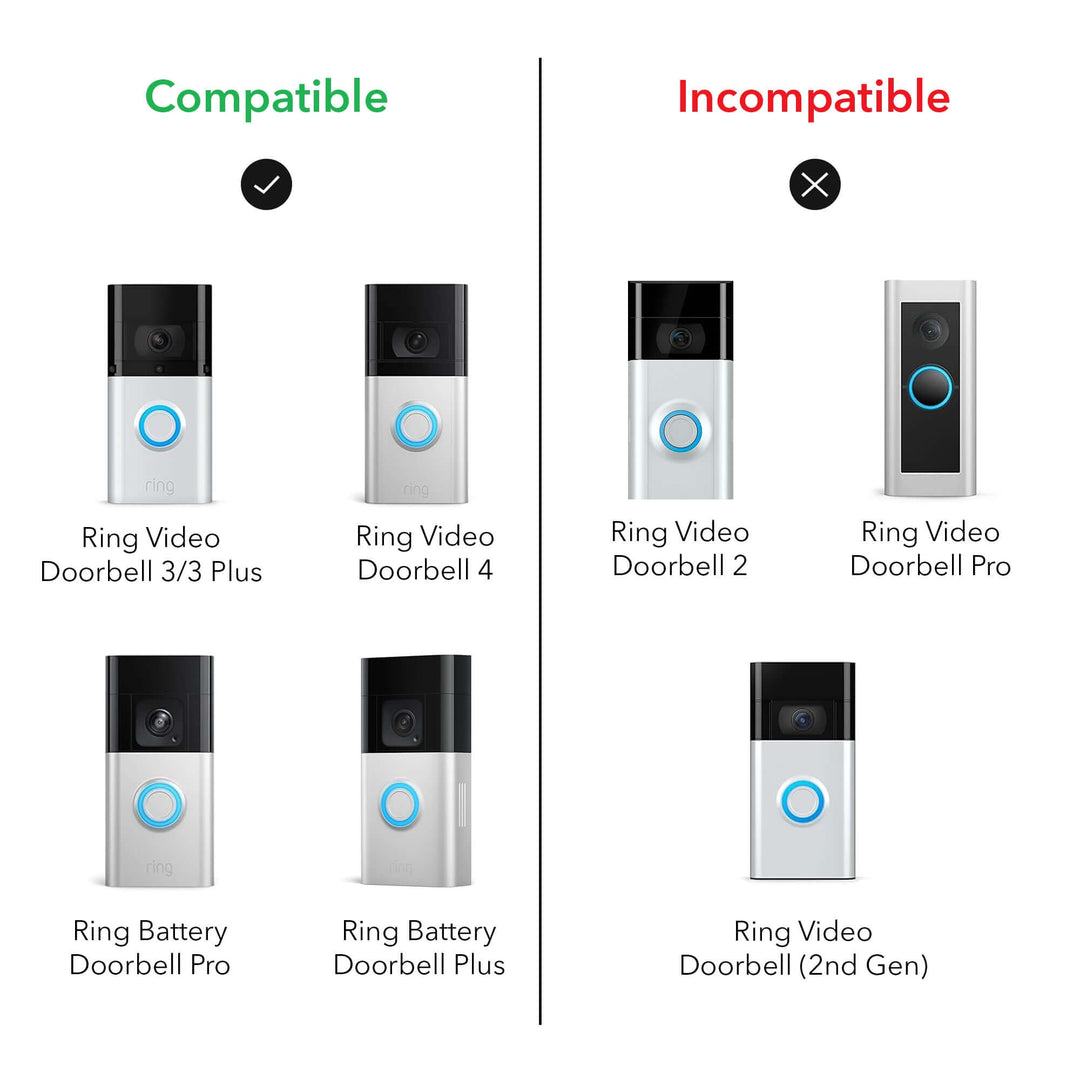
Yes, some Ring models allow charging via a micro-USB port without removing the battery, but check your specific model’s instructions.
What Type Of Charger Is Needed For Ring Video Doorbell?
Use the original USB charging cable provided by Ring, or any compatible micro-USB cable for safe and efficient charging.
Conclusion
Charging your Ring Video Doorbell keeps it ready to protect your home. Use the right charger and follow simple steps for best results. Check the battery level often to avoid surprises. A fully charged doorbell works smoothly and lasts longer.
Keep your device clean and dry during charging. With these easy tips, your Ring doorbell will stay powered and reliable every day. Stay safe and connected without hassle.


