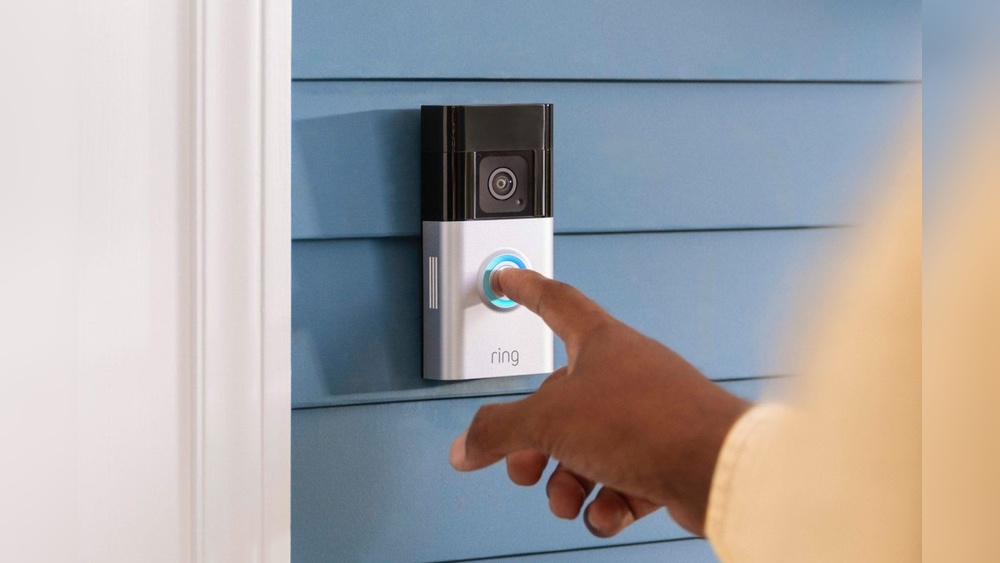

Are you wondering which security systems work seamlessly with your Ring Video Doorbell? Choosing the right setup can make a huge difference in keeping your home safe and making your life easier.
You’ll discover which devices and systems connect smoothly with Ring, so you can create a smart, reliable security network tailored just for you. Keep reading to find out how to boost your home’s protection without any hassle.

Credit: www.aboutamazon.com
Ring Video Doorbell Features
The Ring Video Doorbell offers many features that enhance home security. It helps you see who is at your door from anywhere. The device records video and sends alerts to your phone.
It also allows two-way talk, so you can speak to visitors without opening the door. The doorbell works day and night with its built-in infrared night vision. These features make it a popular choice for home safety.
Core Security Functions
The Ring Video Doorbell shows live video on your smartphone. It alerts you when someone rings or moves near your door. The device records video clips that you can review anytime.
Two-way audio lets you talk to visitors or delivery people. The night vision works well in low light or darkness. Motion detection zones help reduce false alerts. The doorbell also stores videos in the cloud for easy access.
Compatibility Basics
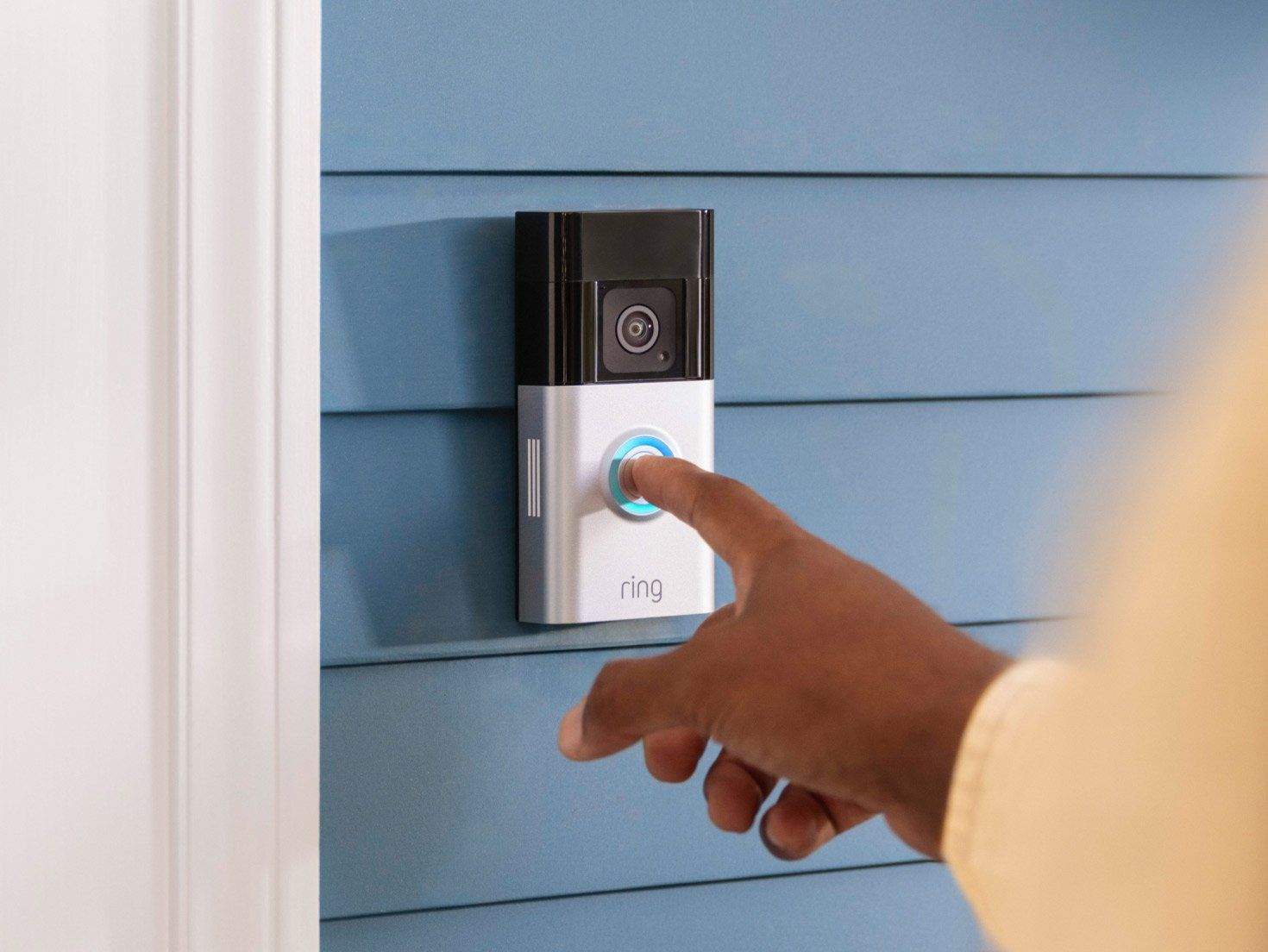
The Ring Video Doorbell works with many smart home systems. It connects to Wi-Fi for remote access. It is compatible with Alexa devices for voice control.
The doorbell can link with Ring Alarm security systems. It also works with some third-party smart locks and lights. This helps create a full home security setup. Compatibility depends on your existing devices and network.
Credit: www.gearbrain.com
Smart Home Platforms
Smart home platforms help connect your Ring Video Doorbell with other devices. They make managing your home easier and safer. With these platforms, you can control your doorbell using voice commands or apps. This section explains how Ring works with popular smart home platforms.
Amazon Alexa
Amazon Alexa lets you control your Ring Video Doorbell by voice. You can ask Alexa to show the front door camera on Echo Show devices. It also sends alerts when someone rings your doorbell. Alexa routines can link your Ring with other smart devices.
Google Assistant
Google Assistant works well with Ring Video Doorbell for hands-free control. You can ask Google to show your front door on Google Nest Hub. It provides notifications and lets you answer the door with voice commands. Google routines can automate your home with Ring devices.
Apple Homekit
Apple HomeKit does not natively support Ring Video Doorbell. But you can use third-party apps or bridges to connect them. HomeKit allows control of many smart devices from the Apple Home app. This adds convenience for users with Apple products.
Security Cameras And Systems
Choosing the right security system can improve your home’s safety. Ring Video Doorbell fits well with many security cameras and systems. This helps create a strong network to watch your home. Here is how different systems work with Ring.
Ring Alarm System
The Ring Alarm System pairs smoothly with the Ring Video Doorbell. They work together to protect your house inside and out. The alarm system alerts you to break-ins and other problems. You can control both from one app on your phone. This keeps managing your home’s security simple and fast.
Third-party Cameras
Ring Video Doorbell supports some third-party cameras too. These cameras add more views around your home. You can see live video and get alerts in the Ring app. Make sure the cameras are compatible before buying. This lets you build a custom system that fits your needs.
Professional Monitoring Services
Professional monitoring services connect with Ring devices for extra safety. Experts watch your home 24/7 and notify police if needed. This service gives peace of mind when you are away. You can choose plans that include this feature through Ring or partners.
Home Automation Integrations
Ring Video Doorbell works well with many home automation systems. These connections help you control your home better. You can link your doorbell to other smart devices. This makes your home safer and easier to manage.
Ifttt Compatibility
Ring supports IFTTT, a tool that connects different devices. IFTTT lets your doorbell talk to many apps and gadgets. For example, it can trigger alerts or turn on lights. This expands what your Ring doorbell can do. It creates new ways to protect and manage your home.
Smart Lighting
Smart lights work great with the Ring doorbell. When someone rings, lights can turn on automatically. This helps you see visitors clearly at night. You can also set lights to flash for alerts. These setups add safety and convenience to your home.
Smart Locks
Ring pairs well with smart locks for added security. You can check who is at the door and unlock it remotely. This means no more hiding keys outside. Smart locks give control over who enters your home. It makes managing guests and deliveries simple and safe.
Network And Connectivity
Network and connectivity are key for Ring Video Doorbell to work well. A strong and steady internet connection keeps video streaming clear. It also helps receive alerts fast on your phone. Understanding Wi-Fi needs and mesh network support improves your system’s performance.
Wi-fi Requirements
Ring Video Doorbell needs a Wi-Fi connection of at least 2.4 GHz. This frequency covers longer distances and passes through walls better. The device does not support 5 GHz Wi-Fi. A stable internet speed of 1 Mbps upload is ideal for smooth video. Weak Wi-Fi signals cause lag and missed alerts. Place the router close to your doorbell or use a Wi-Fi extender.
Mesh Network Support
Mesh networks use several devices to spread Wi-Fi evenly. Ring Video Doorbell works well with mesh systems. These networks reduce dead zones near your door. Mesh helps keep a steady connection even if one node fails. It improves video quality and lowers buffering. Choose a mesh system that supports 2.4 GHz Wi-Fi for best results.
Installation And Setup Tips
Installing a Ring Video Doorbell correctly improves its performance and security. Proper setup ensures clear video and reliable alerts. Follow these tips to make the installation smooth and effective.
Optimizing Device Placement
Place the doorbell at eye level for the best view. Avoid direct sunlight or heavy shadows. Keep the device near your main door for clear footage. Check for wide coverage of your porch or entry area. Avoid areas with heavy traffic to reduce false alerts.
Ensuring Secure Connections
Connect the doorbell to a strong Wi-Fi signal for smooth video streaming. Use a secure, password-protected network to protect your data. Regularly update the device’s firmware to fix bugs and improve security. Use the Ring app to check connection strength and troubleshoot. A stable connection keeps alerts timely and video clear.
Troubleshooting Common Issues
Troubleshooting common issues with your Ring Video Doorbell helps keep your home safe. Problems can stop your doorbell from working correctly. Knowing how to fix these issues saves time and stress. Focus on two main problems: connectivity and integration. These are the most frequent hurdles users face.
Connectivity Problems
Connectivity problems often cause the Ring doorbell to stop working. Weak Wi-Fi signals disrupt video and alerts. Place your router closer to the doorbell for a stronger signal. Restarting your router can clear temporary network glitches. Check if your Wi-Fi password changed. Re-enter it in the Ring app if needed.
Interference from other devices may block the signal. Move cordless phones or microwaves away from your router. Update your Ring doorbell’s firmware to improve network performance. Ensure your internet speed meets Ring’s minimum requirements for smooth operation.
Integration Failures
Integration failures happen when Ring does not connect with other smart devices. Check if all devices use the same network. Confirm compatibility between Ring and your security system. Use the latest versions of apps and firmware for each device.
Re-link your Ring account to third-party apps after updates. Remove and reinstall the integration if problems continue. Clear cached data in the Ring app to prevent glitches. Verify that your smart hub supports Ring products fully.

Credit: ring.com
Frequently Asked Questions
What Smart Home Systems Are Compatible With Ring Video Doorbell?
Ring Video Doorbell works well with Amazon Alexa and Google Assistant. It integrates smoothly with these platforms for voice control and notifications. However, it has limited compatibility with Apple HomeKit. Smart home hubs that support Alexa or Google Assistant typically support Ring devices.
Can Ring Video Doorbell Connect To Existing Security Systems?
Yes, Ring Video Doorbell can connect to some existing security systems. It pairs best with systems that support Z-Wave or Wi-Fi integration. Compatibility depends on the security system brand and model. Always check the manufacturer’s guidelines for integration capabilities.
Does Ring Video Doorbell Support Integration With Alarm Systems?
Ring Video Doorbell supports integration with select alarm systems. For example, it works with Ring Alarm for seamless security management. Integration allows synchronized alerts and enhanced home monitoring. Compatibility with third-party alarm systems varies, so verify before purchasing.
Which Security Cameras Work With Ring Video Doorbell?
Ring Video Doorbell is designed to work primarily within the Ring ecosystem. Other Ring security cameras, like Ring Spotlight or Floodlight Cam, integrate smoothly. Third-party cameras generally do not sync directly but can be managed via compatible smart home hubs.
Conclusion
Choosing the right security system with your Ring Video Doorbell helps keep your home safe. Many popular systems connect easily to Ring for better protection. Simple setups save time and reduce hassle. You can control devices from one app. This makes watching your home easier and faster.
Think about what fits your needs and budget best. A good match improves your peace of mind every day. Stay secure with a system that works well with Ring. It’s a smart step for any homeowner.