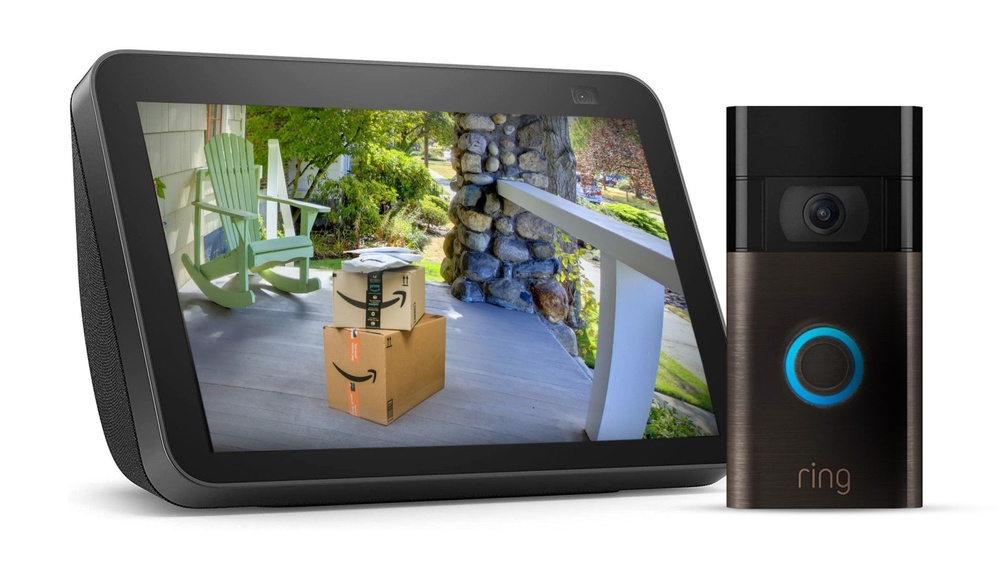

Want to see who’s at your door without lifting a finger? Imagine just saying, “Alexa, show me the front door,” and instantly getting a live video feed from your Ring Doorbell.
It’s not only convenient but also adds an extra layer of security to your home. If you’ve ever wondered how to connect your Ring Doorbell video to Alexa, you’re in the right place. This guide will walk you through simple steps to make your smart home even smarter.
Ready to unlock this hands-free convenience? Keep reading to find out exactly how to do it.
Credit: www.reviewed.com
Requirements For Setup
Setting up your Ring Doorbell video to work with Alexa needs a few important things. These requirements ensure smooth connection and clear video streaming. Knowing what you need helps avoid frustration during setup.
Compatible Devices
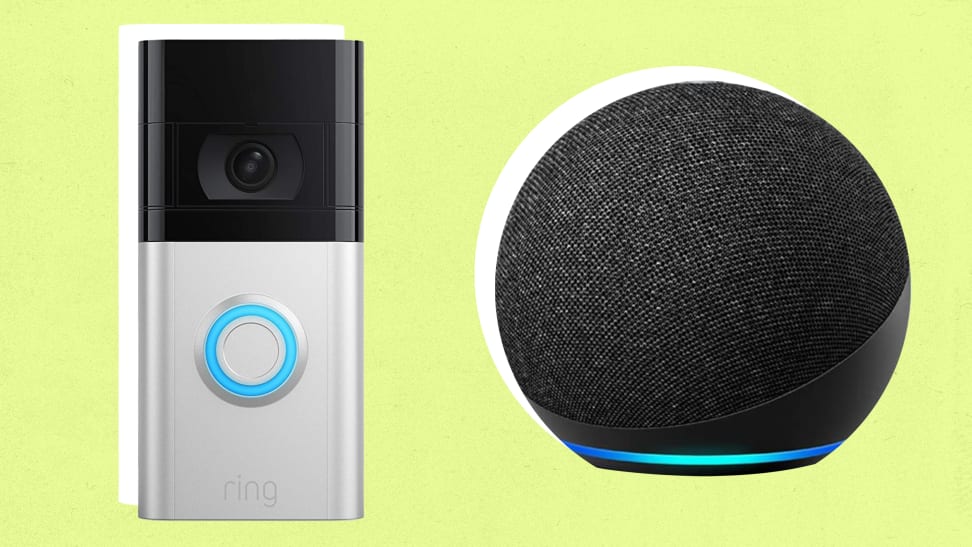
You need an Alexa device with a screen. Devices like Echo Show, Echo Spot, or Fire TV work best. These devices can display the Ring Doorbell video. Regular Echo speakers without screens cannot show video.
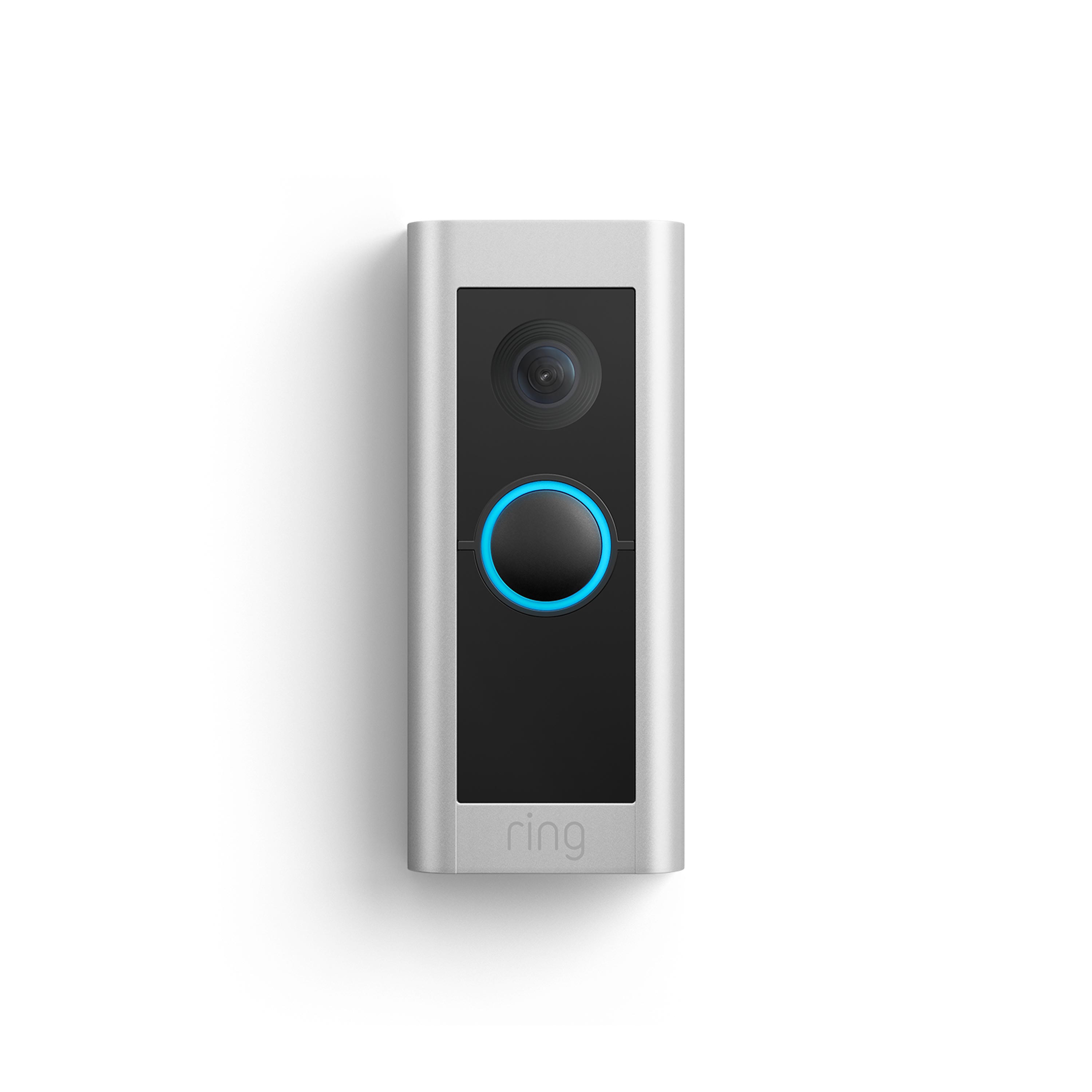
Your Ring Doorbell must be a supported model. Most Ring Video Doorbell versions work well. Check Ring’s official list to confirm compatibility.
Necessary Accounts
Create accounts for both Ring and Amazon. Both accounts link your devices and services. Use the same email for easy management.
Sign in to the Ring app and the Alexa app. Connect the Ring skill in the Alexa app to link devices. This step allows Alexa to access your Ring video feed.
Network Considerations
A strong Wi-Fi network is essential. Both Ring Doorbell and Alexa device need good signal strength. Weak Wi-Fi can cause video lag or disconnection.
Use a 2.4 GHz or 5 GHz Wi-Fi band. Ensure your router supports these bands for better speed. Avoid network congestion for smooth video streaming.
Credit: ring.com
Linking Ring To Alexa
Linking your Ring Doorbell to Alexa lets you watch your doorbell video easily. You can see who is at your door using simple voice commands. Setting up this connection is quick and simple. Follow these steps to connect your devices and enjoy hands-free video access.
Enable Ring Skill
Open the Alexa app on your phone or tablet. Go to the Skills & Games section. Search for the Ring skill in the search bar. Tap on the Ring skill and select Enable to Use. This allows Alexa to communicate with your Ring devices.
Sign In And Authorize
After enabling the skill, you must sign in to your Ring account. Enter your Ring username and password. Give Alexa permission to access your Ring devices. This step links your accounts securely. It ensures Alexa can show your doorbell video.
Discover Devices
Next, ask Alexa to find your devices. Say, “Alexa, discover my devices” or use the app. Alexa will search for your Ring Doorbell and other devices. Once found, they will appear in the Alexa app. You can now control and view your doorbell video on Alexa.
Viewing Ring Video On Alexa
Viewing Ring Video on Alexa devices lets you see your doorbell camera feed easily. This feature adds convenience and security to your home. You can watch live video or recorded clips right on Alexa screens. It works well with devices like Echo Show and Fire TV. The setup is simple, and using voice commands makes it even easier to use.
Using Echo Show
Echo Show is the best Alexa device for viewing Ring videos. Just say a command, and the video appears on the screen. You can watch live feed or past events from your Ring doorbell. The screen size makes it easy to see visitors or packages. Echo Show connects quickly to Ring through the Alexa app. This setup creates a smooth user experience for video viewing.
Voice Commands To Try
Alexa responds to clear voice commands for Ring video. Say “Alexa, show the front door” to see the live feed. Try “Alexa, show me the Ring camera” for general access. Commands like “Alexa, show last motion” play recent recordings. Use simple phrases for best results. Alexa’s quick response lets you check your door without delay.
Troubleshooting Video Playback
Video playback might stop or freeze sometimes. Check your Wi-Fi connection first. A strong internet signal is important for smooth streaming. Restart your Echo Show or Ring device if problems persist. Make sure your Ring and Alexa apps are updated. If video still won’t play, unlink and relink your Ring account in Alexa. These steps usually fix common playback issues.
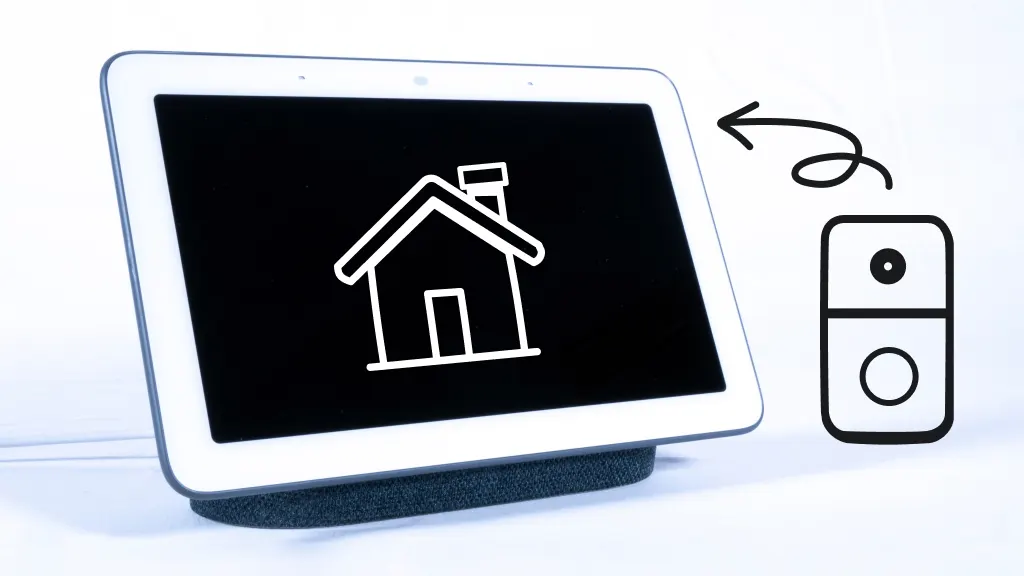
Credit: www.asurion.com
Customizing Alexa And Ring Settings
Using your Ring Doorbell video on Alexa can sometimes lead to common problems. These issues can stop your video from showing or working well. Knowing these problems helps you fix them fast. This saves time and keeps your home secure. Below are some common issues and easy fixes to try.
Connectivity Problems
Weak Wi-Fi can stop Ring video from loading on Alexa. Check your Wi-Fi signal near the Ring Doorbell. Move your router closer if the signal is weak. Restart your router to refresh the connection. Make sure your Ring and Alexa devices connect to the same network. This keeps them talking smoothly.
Skill Activation Errors
Alexa needs the Ring skill to show doorbell video. Sometimes, the skill may not activate correctly. Open the Alexa app and check if the Ring skill is enabled. Disable and re-enable the skill to fix glitches. Sign in to your Ring account again if needed. This often solves activation issues fast.
Video Quality Concerns
Video may appear blurry or laggy on Alexa devices. This usually happens due to slow internet speed. Test your internet speed to ensure it supports video streaming. Close other apps using bandwidth during streaming. Clean your Ring Doorbell camera lens for clear images. This improves video quality instantly.
Frequently Asked Questions
How Can I Connect Ring Doorbell To Alexa?
Install the Ring skill via the Alexa app. Enable it and link your Ring account. Discover devices to complete setup.
Can I View Live Ring Video On Alexa?
Yes, Alexa-enabled devices with screens like Echo Show can display live Ring video on command.
Do I Need Wi-fi For Ring And Alexa Integration?
Yes, both Ring Doorbell and Alexa require a stable Wi-Fi connection for seamless video streaming.
Is Alexa Compatible With All Ring Doorbell Models?
Most Ring Doorbell models support Alexa integration, but check compatibility for your specific model before setup.
Conclusion
Getting Ring Doorbell video on Alexa is simple and useful. Just connect both devices through the Alexa app. Then, ask Alexa to show the front door camera anytime. This helps you see visitors without moving. It also adds extra safety to your home.
Try it today to make your smart home work better. Easy steps bring big benefits. Stay connected and secure with just your voice.