
Are you ready to boost your home’s security with a Ring Video Doorbell? Installing it might seem tricky, but with the right steps, you’ll have it up and running in no time.
Imagine seeing who’s at your door from anywhere, anytime, right on your phone. This guide will walk you through every step, making the process simple and stress-free. Keep reading, and you’ll soon enjoy the peace of mind that comes with knowing your home is just a tap away.
Preparing For Installation
Preparing for the installation of your Ring Video Doorbell is a key step. It ensures a smooth and quick setup. Taking time now saves frustration later. Below are three important parts to prepare for.
Checking Compatibility
Make sure your home supports the Ring Video Doorbell. Check if your doorbell wiring matches the device’s needs. Verify your Wi-Fi signal is strong near your door. The app can also guide you on compatibility.
Gathering Required Tools
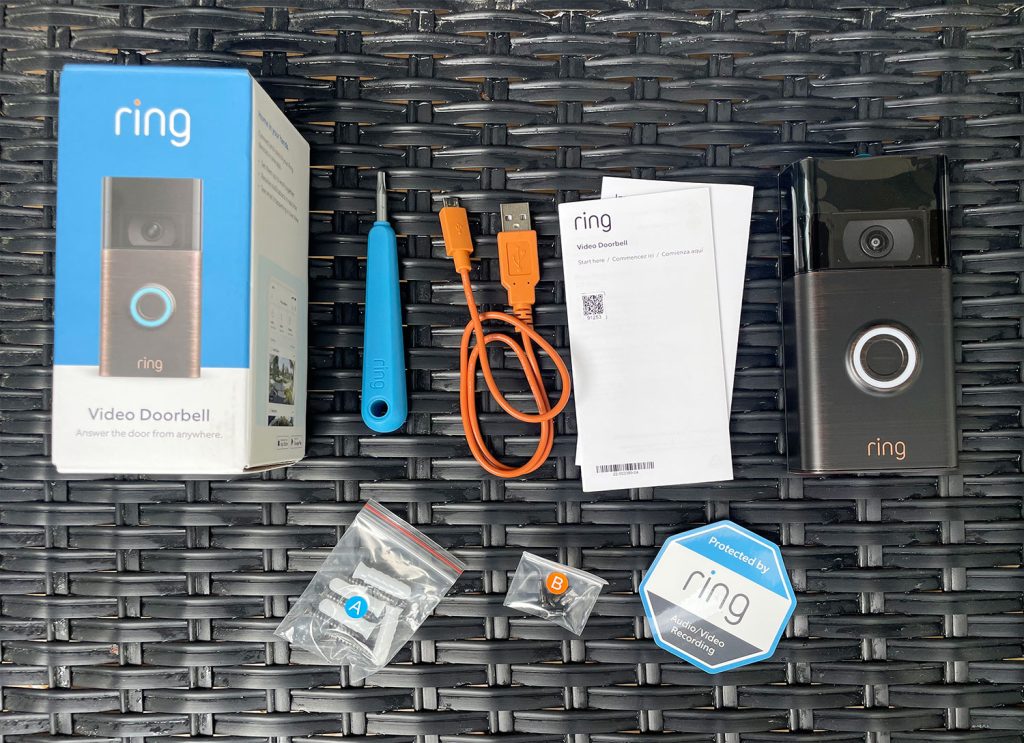
Collect all tools before you start. Common tools include a drill, screwdriver, level, and measuring tape. Having these ready avoids delays. Keep screws and anchors handy too.
Charging The Doorbell Battery
Charge the battery fully before installation. Use the provided USB cable to connect to a power source. A full charge lasts longer and makes setup easier. Check the battery status in the app before proceeding.
Credit: www.tondicaffe.com
Setting Up The Ring App
Setting up the Ring app is the first step to use your Ring Video Doorbell. The app helps you control the doorbell and see who is at your door. It connects your phone to the device easily. Follow the steps below to get started quickly.
Downloading The App
Go to the App Store on iPhone or Google Play on Android. Search for the “Ring” app. Tap the download button. Wait for the app to install. The app is free and safe to use. Open it once the download finishes.
Creating An Account
Open the Ring app and tap “Create Account.” Enter your email address and choose a strong password. Confirm your password by typing it again. Agree to the terms and privacy policy. Tap “Create Account” to finish. You will get a verification email. Check your email and verify your account.
Connecting To Wi-fi
Turn on your Ring Video Doorbell. The app will guide you to connect it to Wi-Fi. Choose your home Wi-Fi network from the list. Enter the password carefully. Make sure the signal is strong. The app will confirm when the doorbell is connected. This step is important to get alerts on your phone.
Mounting The Doorbell
Mounting the Ring Video Doorbell is a key step. It secures the device and ensures clear video capture. Proper mounting helps the doorbell work well and last longer. Follow these simple steps to mount your doorbell correctly.
Choosing The Installation Spot
Select a spot near your front door, about 48 inches high. This height captures faces clearly. Avoid direct sunlight or places with heavy shadows. Check that Wi-Fi signals reach the spot well. Make sure the doorbell does not get blocked by plants or decorations.
Marking Drill Holes
Hold the mounting bracket against the wall. Use a pencil to mark where the screws will go. Double-check the marks to keep the bracket level. Use a level tool if possible. This makes sure the doorbell will sit straight.
Attaching The Mounting Bracket
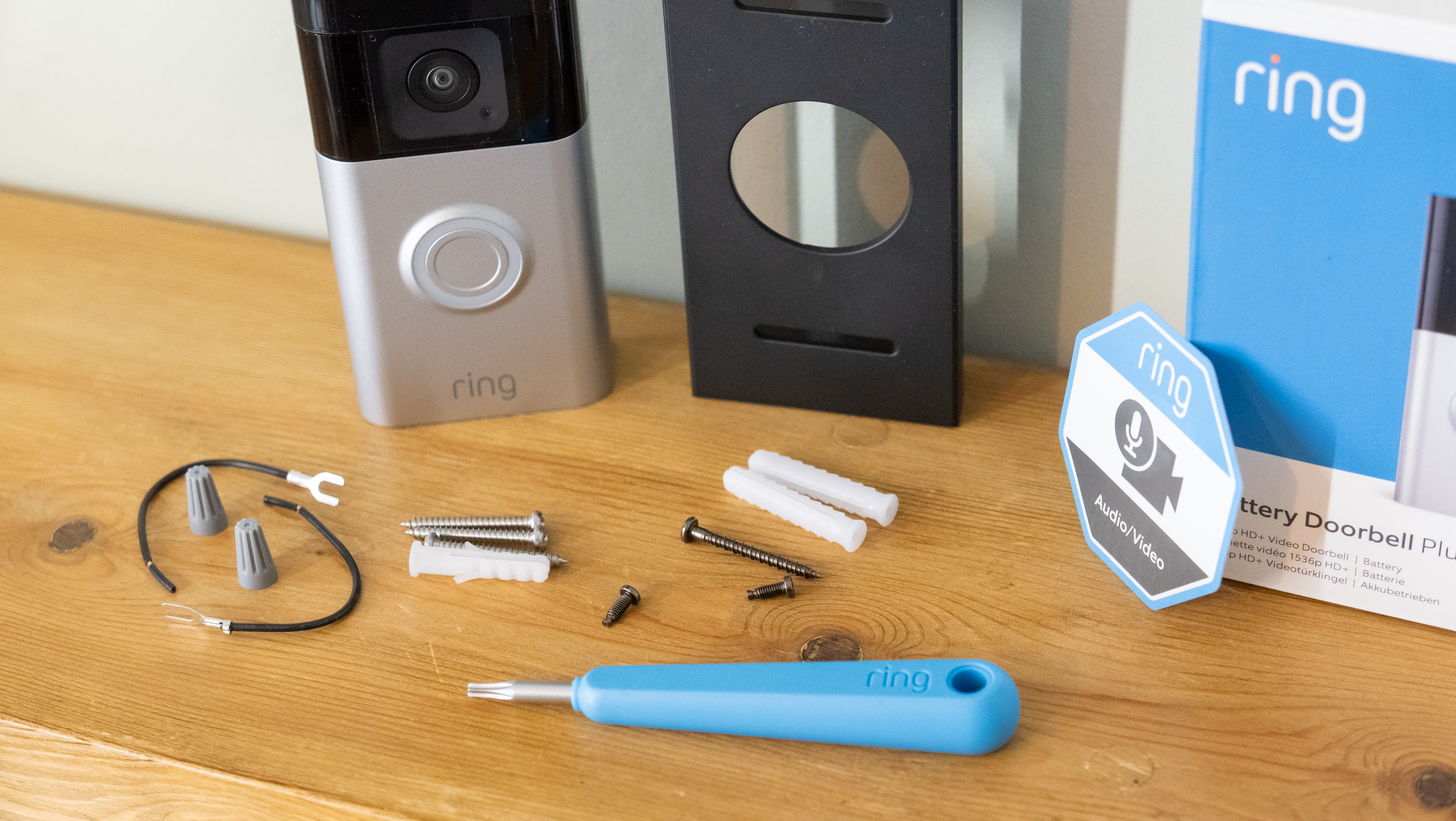
Drill holes on the marked spots carefully. Insert wall anchors if mounting on drywall or brick. Attach the mounting bracket using screws. Tighten the screws so the bracket is firm. Avoid over-tightening to prevent damage.
Credit: meditaenvalladolid.org
Wiring The Doorbell
Wiring the Ring Video Doorbell is a key step in setting up your device. It ensures your doorbell works with your home’s power system. Proper wiring guarantees reliable operation and prevents damage. This part focuses on safely connecting the wires and securing the doorbell to your wall.
Turning Off Power
First, turn off the power to your existing doorbell at the circuit breaker. This step is vital for safety. It stops electric shock while working with wires. Use a voltage tester to confirm the power is off before touching wires.
Connecting Wires
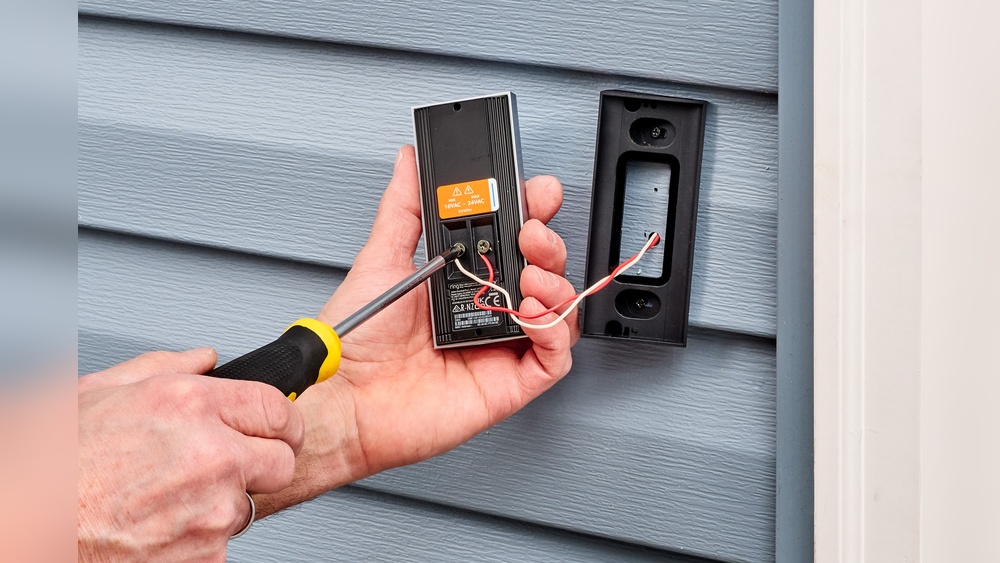
Next, connect the wires from your wall to the Ring doorbell. Most homes use two wires for doorbells. Attach each wire to the screws on the back of the device. Tighten the screws to hold the wires firmly in place. Check for loose connections to avoid malfunctions.
Securing The Doorbell
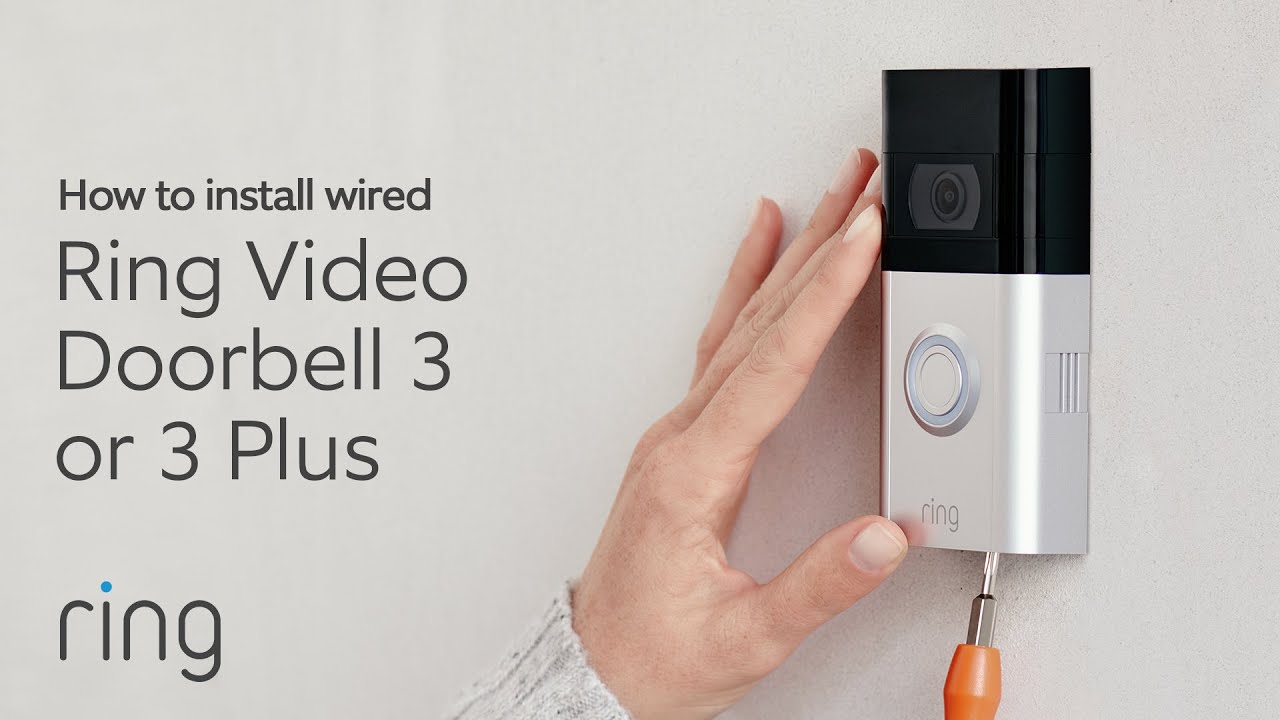
After wiring, mount the Ring doorbell on the wall. Use the screws and anchors provided in the package. Make sure the doorbell sits flush and is stable. Proper mounting protects the device from weather and theft. Finally, restore power and test your doorbell for correct operation.
Finalizing Setup
Finalizing the setup of your Ring Video Doorbell is a crucial step. It ensures the device works properly and protects your home. This part covers powering on, testing, and adjusting settings. Each step helps you get the best use of your doorbell.
Powering On
Start by turning on your Ring Video Doorbell. Press the button on the back or side of the device. The light should blink, showing it is powering up. Wait a few moments for the doorbell to connect to your Wi-Fi network. A steady light means it is ready to use.
Testing The Doorbell
Press the front button to test the ring sound. Check if your phone receives the alert. Speak through the app to test the microphone and speaker. Make sure the video feed is clear and loads quickly. Testing confirms the doorbell works as expected.
Adjusting Settings
Open the Ring app to change your preferences. Set motion zones to focus on important areas. Adjust alert tones to your liking. Modify video quality for faster streaming or better clarity. Customize notifications to avoid unnecessary alerts. These settings help tailor the doorbell to your needs.
Troubleshooting Tips
Troubleshooting your Ring Video Doorbell can solve many common problems fast. This section covers easy tips to fix issues during and after installation. Clear steps help keep your doorbell working well. Follow these tips to enjoy your Ring doorbell without stress.
Common Installation Issues
One frequent problem is poor mounting. Make sure the doorbell is secure on a flat surface. Check the screws are tight but not too tight. Avoid placing the doorbell where it can move or shake. Incorrect placement may cause poor video or sound quality.
Another issue is incorrect wiring. Follow the installation guide carefully. If unsure, turn off power before handling wires. Wrong wiring can stop the doorbell from working or damage it.
Wi-fi Connectivity Problems
Weak Wi-Fi signal often causes connection troubles. Place your router closer to the doorbell for better signal. Avoid walls and metal objects between router and doorbell. Restart your router and doorbell to refresh the connection.
Use the Ring app to check Wi-Fi strength. If the signal is low, consider a Wi-Fi extender. Stable Wi-Fi ensures smooth video and quick alerts.
Battery And Power Concerns
Low battery levels can disrupt your Ring doorbell. Charge the battery fully before installation. Check battery status often in the Ring app. Replace or recharge the battery when it runs low.
For wired models, confirm the power supply works well. Faulty power can stop the device from functioning. Regular checks keep your doorbell powered and ready.
Credit: www.youtube.com
Frequently Asked Questions
How Do I Install A Ring Video Doorbell?
First, charge the battery fully. Next, attach the mounting bracket to your doorframe. Then, connect the doorbell to Wi-Fi and follow the Ring app setup instructions.
Can I Install Ring Video Doorbell Without Wiring?
Yes, you can install it wire-free using the rechargeable battery. Just mount the doorbell and connect it to Wi-Fi for operation.
What Tools Do I Need For Installation?
You’ll need a drill, screwdriver, level, and the included mounting screws. The Ring app also guides you through the process step-by-step.
How Do I Connect Ring Doorbell To Wi-fi?
Open the Ring app, select your device, and choose your Wi-Fi network. Enter the password, and the doorbell will connect automatically.
Conclusion
Installing the Ring Video Doorbell is simple and quick. Follow the steps carefully for best results. You can protect your home and see visitors anytime. The device works well with your smartphone. Keep your family safe with clear video and alerts.
Enjoy the peace of mind that comes with it. Now, you know how to set up your Ring Doorbell easily. Stay secure and connected every day.