
Are you looking to remove your video doorbell but don’t know where to start? Taking down a video doorbell might seem tricky at first, but with the right steps, you can do it quickly and safely.
Whether you’re upgrading to a new model or just need to fix an issue, this guide will walk you through everything you need to know. Keep reading, and you’ll be able to remove your video doorbell without any stress or hassle.
Tools Needed
Removing a video doorbell needs the right tools. Using proper tools makes the task easier and safer. Prepare everything before starting to avoid delays. Here are the tools you need for the job.
Basic Tools
You need a screwdriver set, usually Phillips or flathead. A drill might help if screws are tight. A voltage tester is important to check power safety. Keep a small pry tool or plastic card handy. It helps to gently remove the doorbell without damage. A ladder or step stool is useful for reaching high spots.
Safety Equipment
Wear safety gloves to protect your hands from sharp edges. Safety glasses keep debris out of your eyes. Turn off the power at the breaker to avoid shocks. Use insulated tools to reduce electric risk. Stand on a stable surface to prevent falls. Keep a flashlight nearby for better visibility in dark areas.

Credit: www.amazon.com
Prepare The Doorbell
Preparing your video doorbell before removal is important. It keeps you safe and protects your device. Follow simple steps to get ready and avoid any damage.
Start by cutting off power. Then, disconnect the Wi-Fi to stop any signals. These steps make sure the doorbell is safe to handle.
Turn Off Power
Find your home’s circuit breaker panel. Switch off the power to your doorbell’s circuit. This prevents electric shock during removal. Use a voltage tester to confirm no power flows to the doorbell. Safety first.
Disable Wi-fi Connection
Open the doorbell’s app on your phone or tablet. Look for the settings or device options. Select the option to disconnect or disable Wi-Fi. This stops the device from sending or receiving signals. It helps protect your privacy and data.
Remove The Doorbell
Removing a video doorbell is a simple process. It does not take much time or special tools. First, focus on taking the device off the wall safely. Then, disconnect the wires carefully to avoid damage.
Follow these steps to remove your video doorbell without trouble.
Unscrew The Device
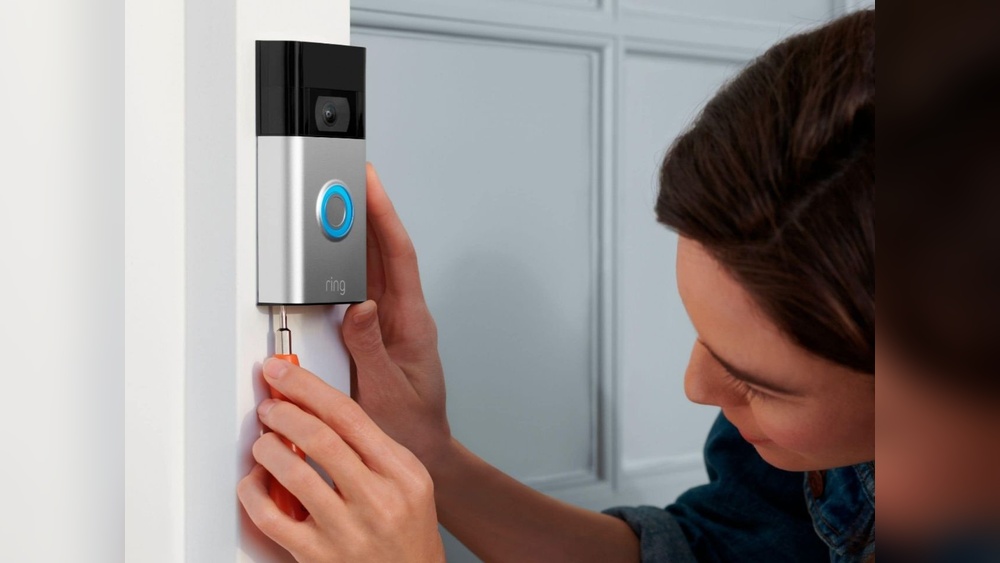
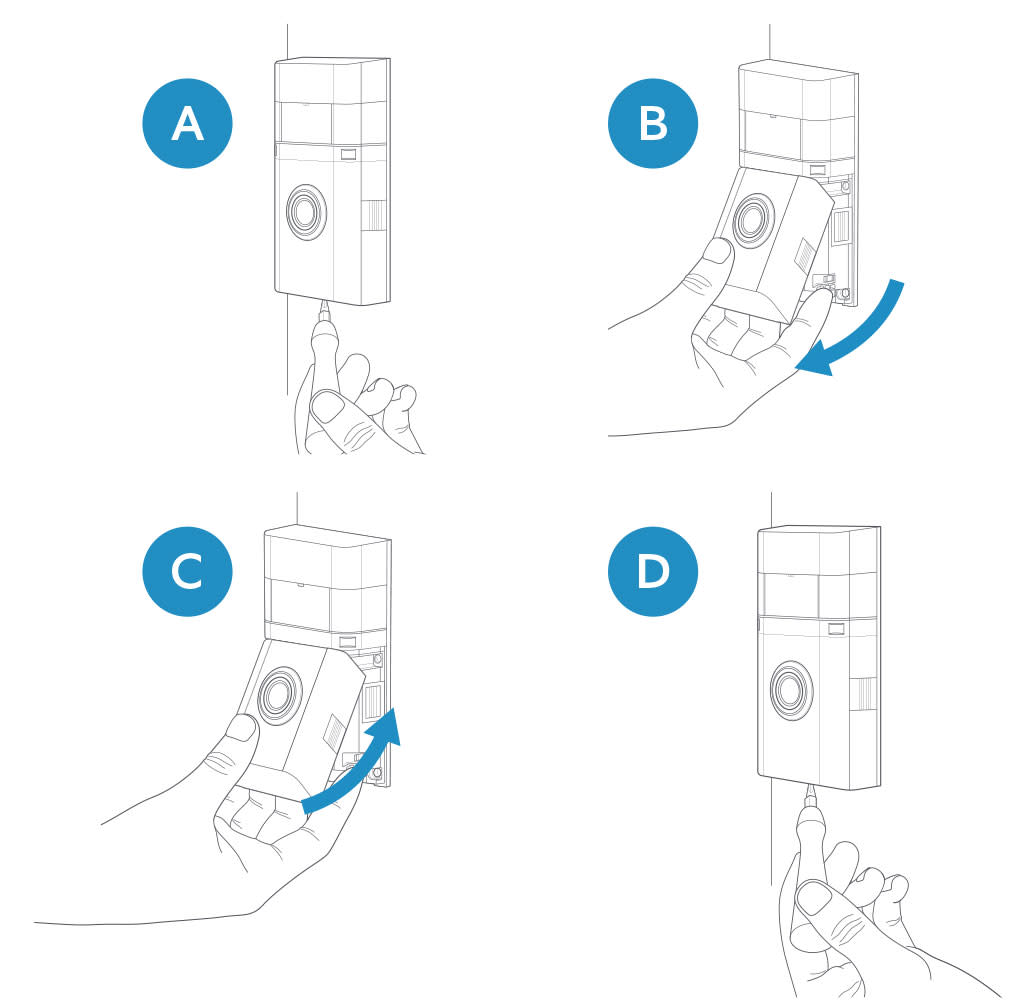
Locate the screws holding the doorbell in place. Use a screwdriver that fits well. Turn the screws counterclockwise to loosen them. Keep the screws safe for later use. Gently pull the doorbell away from the wall. Avoid pulling too hard to protect the wires.
Disconnect Wires
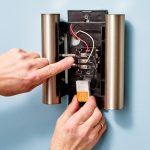
Look behind the doorbell for the wire connections. Identify the wires attached to the terminals. Use a small screwdriver to loosen the screws on each wire. Carefully pull the wires free. Do not let the wires touch each other. Cover the wire ends with tape for safety.

Credit: www.youtube.com
Handle The Wiring
Handling the wiring is a crucial step when removing a video doorbell. It keeps your home safe and prevents electrical issues. Be careful and follow simple steps to manage the wires properly.
Cap The Wires
After detaching the doorbell, the wires will be exposed. Use wire nuts to cover each wire end. This stops wires from touching each other or metal surfaces. It helps avoid short circuits and electrical shocks.
Make sure the wire nuts fit tightly. Twist the wires together before placing the cap. This creates a secure connection and keeps wires safe.
Check For Power
Always check if the power is off before touching wires. Use a voltage tester to see if wires have electricity. If the tester shows power, turn off the circuit breaker again.
Never assume wires are safe without testing. This simple check prevents electric shocks and accidents.
Store Or Dispose
After removing your video doorbell, decide whether to store or dispose of it. Proper handling keeps your device safe or helps protect the environment. Follow simple steps to store or recycle your doorbell correctly.
Store Safely
Keep your video doorbell in a dry, cool place. Avoid direct sunlight or damp areas. Use the original box or a sturdy container for extra protection. Wrap cables and accessories separately to prevent damage. Label the box for easy identification later.
Recycling Options
Electronic devices contain materials that can harm nature. Find local recycling centers that accept video doorbells. Some stores offer take-back programs for old electronics. Remove batteries before recycling to follow safety rules. Proper recycling helps reduce waste and saves resources.
Credit: ring.com
Frequently Asked Questions
How Do I Safely Remove A Video Doorbell?
Turn off the power at the circuit breaker first. Use a screwdriver to detach the doorbell from the wall. Carefully disconnect the wires, labeling them if needed for future use.
Can I Remove A Video Doorbell Without Damaging Walls?
Yes, use a gentle approach with the right tools. Avoid pulling forcefully. Patch holes with spackle and repaint for a clean finish.
What Tools Are Needed To Remove A Video Doorbell?
You typically need a screwdriver, voltage tester, and possibly wire nuts. A drill may be helpful for stubborn screws. Always use tools safely.
How Do I Disconnect The Video Doorbell Wires Properly?
Turn off power to avoid shocks. Unscrew wire connectors and separate wires. Cap exposed wires with wire nuts to prevent contact.
Conclusion
Removing a video doorbell is easier than it seems. Follow the steps carefully and take your time. Always turn off the power before starting. Use the right tools to avoid damage. After removal, check the wiring for safety. You can replace it or leave it empty.
A neat finish keeps your home looking good. Keep this guide handy for future reference. Simple actions make the process smooth and safe. Now, you can remove your video doorbell with confidence.