
Your smoke detector is there to keep you safe, but sometimes its constant beeping can drive you crazy. Whether it’s a low battery warning or an accidental false alarm, knowing how to stop your smoke detector from sounding is key to restoring peace in your home.
You’ll discover simple, effective steps to silence that annoying noise quickly and safely. Keep reading—you’ll be glad you did when your home feels calm again.
Common Causes Of Beeping
Smoke detectors beep to alert you about potential dangers. Often, the beeping is not about smoke but other issues. Knowing the common causes helps you stop the noise quickly. It also keeps your home safe and secure.
Low Battery Signals
The most common cause of beeping is a low battery. Smoke detectors use batteries to stay active. When power runs low, the device beeps to warn you. Replace the battery with a new one to stop the sound. Use the battery type recommended by the manufacturer.
Dust And Debris Build-up
Dust or debris inside the smoke detector can cause false alarms. These particles block the sensor and trigger beeping. Clean the device regularly with a soft brush or vacuum. Make sure to power off the detector before cleaning. This keeps the sensor clear and working well.
Sensor Malfunctions
Sensors can fail due to age or damage. A malfunctioning sensor causes random beeping or no alarms at all. Test the smoke detector monthly to check sensor health. Replace the device if it does not respond properly. A working sensor is critical for safety.
End Of Device Life
Smoke detectors have a lifespan, usually 8-10 years. After this time, the device may beep to signal it needs replacement. Check the manufacture date on the detector. Replace old units to maintain reliable protection. Old devices might not detect smoke well.

Credit: www.angi.com
Basic Troubleshooting Steps
Smoke detectors can start beeping for many reasons. Basic troubleshooting helps stop the noise. These easy steps fix common issues fast. Try these first before calling a professional.
Resetting The Detector
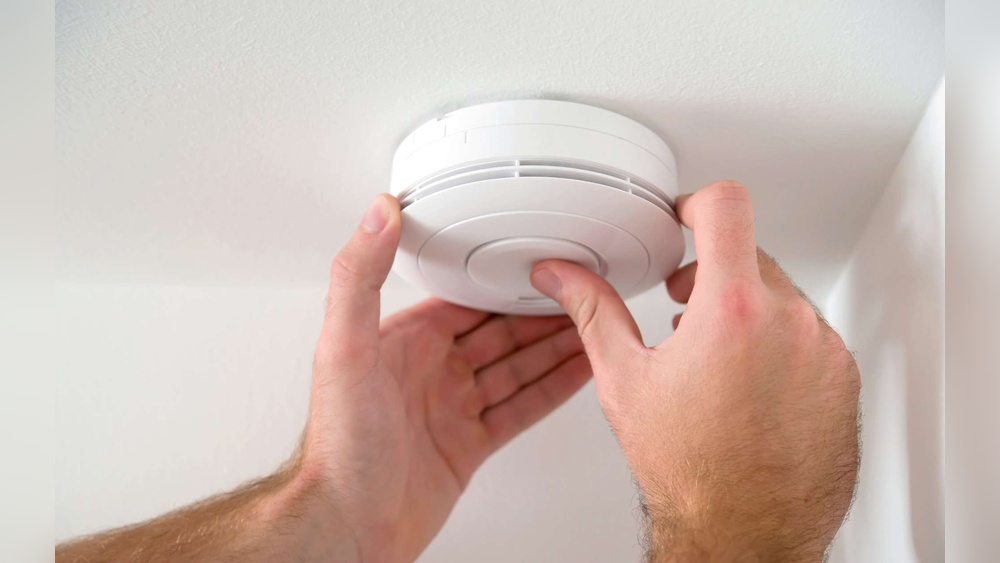
Find the reset button on your smoke detector. Press and hold it for 15 seconds. This clears any false alarms or errors. If the beeping stops, the problem is solved. If not, try the next step.
Replacing The Battery
Open the smoke detector’s cover carefully. Remove the old battery and throw it away. Insert a new battery the right way. Close the cover tightly. Test the detector by pressing the test button. A beep means it works well.
Cleaning The Unit
Turn off the power to the smoke detector. Use a vacuum or soft brush to clean dust and dirt. Dust can cause false alarms or stop it working. Clean the vents and sensor area gently. Turn the power back on and check it again.
Advanced Fixes
Advanced fixes for smoke detectors involve checking internal parts and wiring. These steps require careful attention and basic tools. You may need to open the device and test its components. This ensures the detector works properly and does not give false alarms.
Checking Wiring Connections
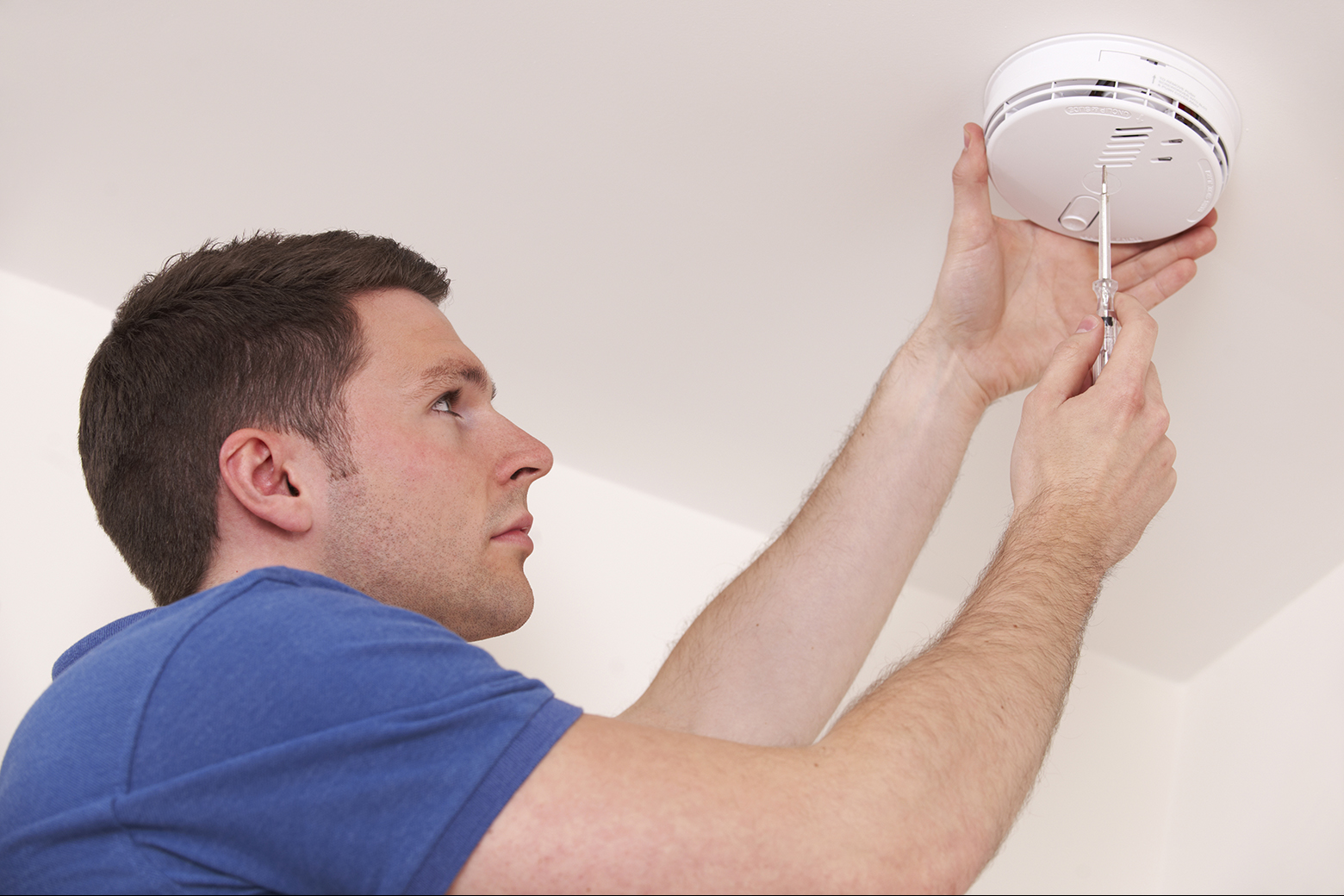
Start by turning off the power to the smoke detector. Remove the detector from the ceiling or wall. Look at the wires connected to the device. Loose or damaged wires can cause alarms to beep wrongly. Tighten any loose wires and replace damaged ones. Use a voltage tester to check if power flows correctly. Reattach the smoke detector and turn the power back on.
Testing The Sensor
Smoke detectors have sensors that detect smoke particles. Dust or dirt on the sensor can cause false alarms. Clean the sensor gently with a soft brush or compressed air. Use a smoke detector tester spray to check the sensor’s response. Follow the instructions on the spray carefully. If the sensor does not react, the detector may be faulty.
Replacing The Smoke Detector
Sometimes, the smoke detector is too old or damaged. Replacement is the safest option in this case. Choose a new smoke detector that fits your home’s needs. Remove the old detector and disconnect its wires. Connect the new detector using the same wiring setup. Attach it securely to the ceiling or wall. Test the new detector to make sure it works well.
Preventing Future Beeping
Stopping your smoke detector from beeping is important for peace at home. Constant beeping can be annoying and stressful. Preventing future beeping keeps your space quiet and safe. Simple steps can help avoid those unexpected alerts. Follow these easy tips to keep your smoke detector working well.
Regular Maintenance Tips
Clean your smoke detector every month. Dust and dirt can cause false alarms. Use a soft brush or vacuum cleaner gently. Test the alarm once a month. Press the test button to check if it beeps. Keep vents and fans away from the detector. This stops air flow from triggering false alerts.
Battery Replacement Schedule
Change batteries at least once a year. Low batteries cause most beeping sounds. Use fresh batteries made for your device. Mark your calendar for battery changes. Some alarms have sealed batteries that last 10 years. If yours does, replace the whole unit after this time.
Environmental Considerations
Place detectors away from kitchens and bathrooms. Steam and smoke can cause false alarms. Avoid placing detectors near windows or doors. Strong drafts trigger unnecessary beeping. Keep detectors at least 10 feet from cooking appliances. This reduces false alerts and keeps your detector reliable.
When To Call A Professional
Knowing when to call a professional is important for smoke detector problems. Some issues need expert help to fix safely and correctly. Understanding when to stop and ask for help can save time and avoid risks.
Persistent Beeping Issues
Sometimes smoke detectors keep beeping even after changing batteries. This could mean a faulty device or internal problem. A professional can check the unit and decide if it needs repair or replacement. Avoid ignoring constant beeping as it may signal a real danger.
Complex Electrical Problems
Smoke detectors wired into your home’s system can have complex electrical faults. These problems need an electrician or technician. They have the tools and knowledge to fix wiring safely. Do not try to fix electrical issues yourself to avoid injury or damage.
Safety Concerns
Smoke detectors protect you from fire risks. If you suspect the device is not working right, call a professional. Faulty alarms can put your family in danger. Experts ensure your smoke detector meets safety standards and works properly.

Credit: waynealarm.com
Credit: www.netatmo.com
Frequently Asked Questions
How Can I Temporarily Stop A Smoke Detector Alarm?
To temporarily stop a smoke detector alarm, press the “silence” or “hush” button on the device. This mutes the alarm for a few minutes, allowing you to address the cause, like smoke or steam, without the alarm sounding continuously.
Why Does My Smoke Detector Keep Beeping Randomly?
Random beeping often signals low battery or dust buildup. Replace the battery and clean the detector with a soft brush. If it persists, the unit might be faulty and require replacement to ensure safety.
How Do I Reset A Smoke Detector After It Goes Off?
To reset a smoke detector, press and hold the reset button for 15-20 seconds. If no button exists, remove the battery, wait, then reinstall it. This clears false alarms and restores normal function.
Can I Disable My Smoke Detector Permanently?
Disabling a smoke detector permanently is unsafe and illegal in many areas. It leaves you vulnerable to fire hazards. Instead, maintain and test your alarms regularly to ensure they work properly.
Conclusion
Stopping a smoke detector from beeping can be simple. Check the battery first; weak batteries often cause noise. Clean the detector to remove dust and dirt. Test it regularly to ensure it works well. Always follow safety steps to avoid risk.
A quiet smoke detector keeps your home safe. Stay calm, act smart, and maintain your device. Safety matters most, so don’t ignore alarms. Keep your home protected every day.