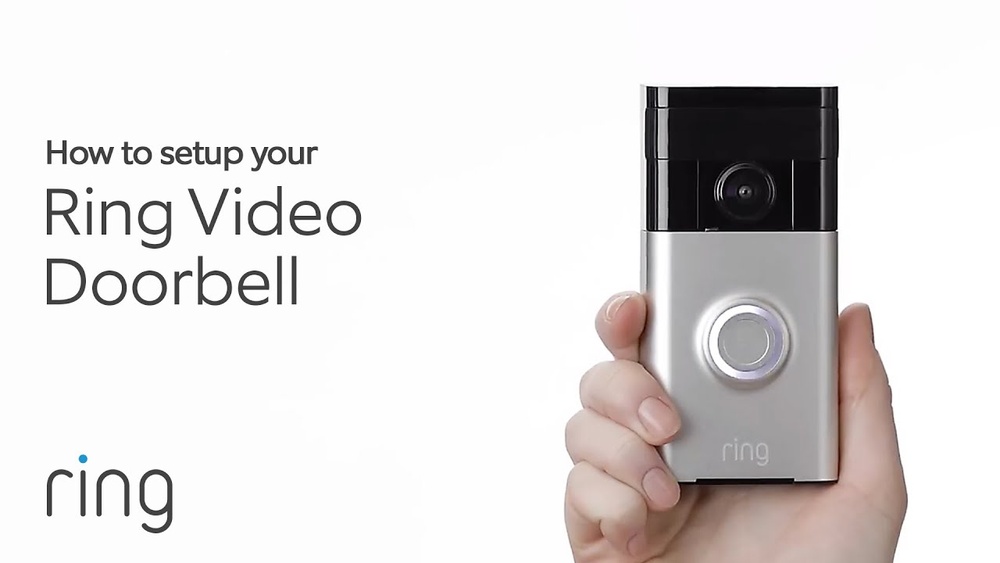

Are you ready to boost your home’s security and convenience? Connecting a video doorbell might sound tricky, but it’s easier than you think.
Imagine seeing who’s at your door from anywhere, right on your phone. In this guide, you’ll learn simple, clear steps to get your video doorbell up and running fast. By the end, you’ll feel confident and in control of your home’s safety.
Keep reading to discover how to connect your video doorbell without any hassle.
Choosing The Right Video Doorbell
Choosing the right video doorbell is important for your home’s safety and convenience. The best choice depends on your home’s setup and your daily needs. This guide helps you decide with simple points on types, compatibility, and features.
Wired Vs Wireless Options
Wired video doorbells connect directly to your home’s power. They work continuously without charging. Installation may take more time and tools. Wireless doorbells use batteries or Wi-Fi. They are easy to install anywhere. Batteries need regular replacement or charging. Choose based on your home’s wiring and ease of setup.
Compatibility With Home Systems
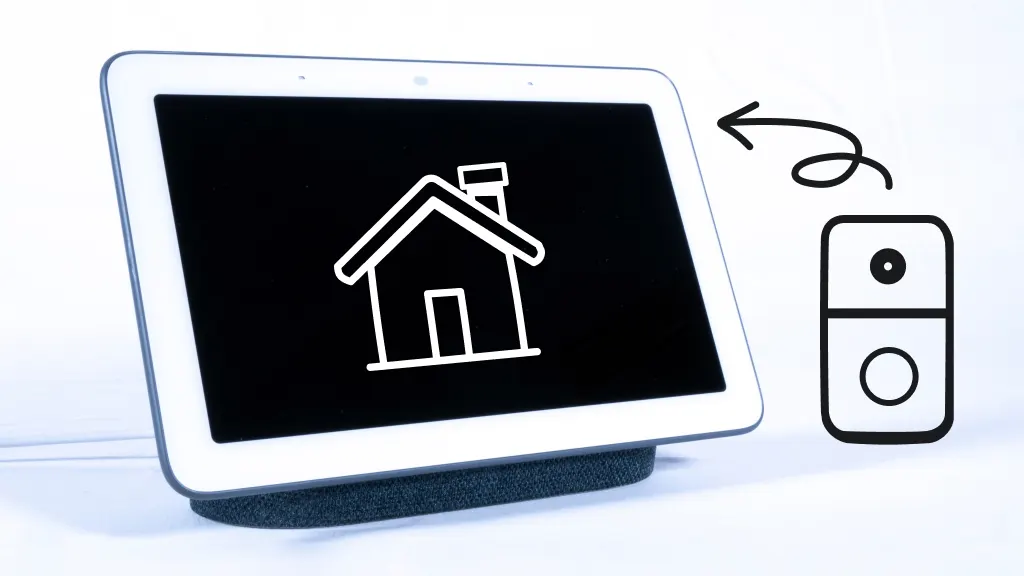
Check if the doorbell works with your smart home devices. Some connect with Alexa, Google Home, or Apple HomeKit. This allows voice commands and better control. Ensure your Wi-Fi supports the doorbell’s signal. Poor connection leads to delays or no alerts. Compatibility makes your smart home run smoothly.
Essential Features To Consider
Look for clear video quality to see visitors well. Night vision helps in low light conditions. Two-way audio lets you talk through the doorbell. Motion detection sends alerts when someone approaches. Cloud storage keeps your footage safe online. Choose features that fit your security needs and budget.
Preparing For Installation
Preparing for installation is the first step to connect your video doorbell. Proper preparation saves time and avoids mistakes. It helps the installation go smoothly and ensures your doorbell works perfectly.
Tools And Materials Needed
Gather all tools and materials before starting. You will need a screwdriver, drill, screws, and anchors. A level tool helps to mount the doorbell straight. Also, keep the video doorbell and its mounting bracket ready.
Checking Wi-fi Signal Strength
Check Wi-Fi signal where you want to install the doorbell. A strong Wi-Fi signal is important for video streaming. Use your phone to test the connection speed and strength. Weak signal causes delays and poor video quality.
Power Source Options
Decide how to power your video doorbell. Some models use batteries, while others connect to existing doorbell wires. Battery power offers easy installation but needs regular charging. Wired options provide constant power but require more work to install.
Installing The Video Doorbell
Installing a video doorbell is a simple process that anyone can follow. It improves home security and lets you see visitors from your phone. This section covers the key steps to install your new device properly.
Mounting The Doorbell
Choose a spot near your front door at eye level. Use the mounting bracket that comes with the doorbell. Mark the holes with a pencil for drilling. Drill small holes carefully, then insert wall anchors if needed. Attach the bracket tightly to avoid movement.
Connecting To Power
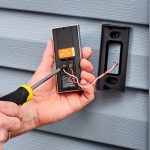
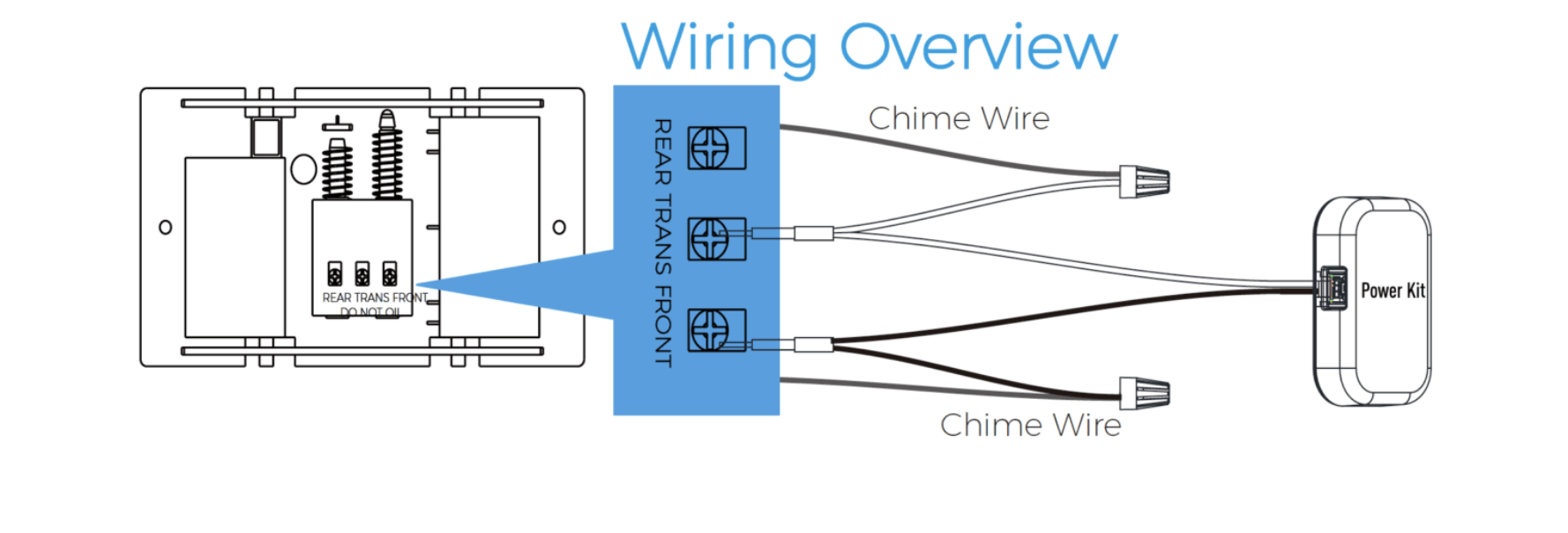
Turn off power at the circuit breaker before starting. Connect the doorbell wires to the house wires using wire connectors. Check the manual for proper wire matching. If you have a battery-powered model, install the battery instead. Turn the power back on to test the connection.
Securing The Device
Attach the video doorbell to the mounting bracket. Make sure it clicks or screws in place. Tighten any security screws to prevent theft. Test the doorbell button and camera angle. Adjust the angle for the best view if needed.
Credit: alula.com
Setting Up The App
Setting up the app is the first step to use your video doorbell. The app lets you control and view your doorbell from anywhere. It connects your phone to the doorbell for easy access.
Downloading The App
Search for the doorbell’s app in your phone’s app store. Use the exact name of the product for quick results. The app is usually free and small in size. Download and install it on your phone.
Creating An Account
Open the app after installation. You must create an account to use the app features. Enter your email and a strong password. Some apps ask for your phone number too. Verify your email or phone as instructed. This keeps your account secure.
Pairing The Doorbell With Your Phone
Turn on your video doorbell. Follow the app’s instructions to start pairing. Usually, you scan a QR code on the doorbell or enter a code manually. Wait for the app to connect to the doorbell. The connection may take a few seconds. Once paired, you can see the live video feed and receive alerts.
Configuring Device Settings
Configuring the settings of your video doorbell helps improve its performance. You can make changes to fit your needs. Adjusting the device correctly allows better security and convenience.
Adjusting Motion Detection
Set the motion detection to cover the right area. Avoid false alarms from passing cars or pets. Choose sensitivity levels that catch real activity. Some devices let you create zones for motion detection. This way, you focus on important spots only.
Setting Notification Preferences
Decide how and when you get alerts. Choose between push notifications, emails, or sounds. Set quiet times to avoid disturbances at night. Custom notifications help you respond quickly. They keep you informed without overwhelming you.
Customizing Video Quality
Select video quality based on your internet speed and storage. Higher quality means clearer images but uses more data. Lower quality saves data but may miss details. Balance video clarity and performance for best results. Some apps allow you to switch quality anytime.
Troubleshooting Common Issues
Troubleshooting common issues with your video doorbell helps keep it working well. Many problems can be solved quickly without expert help. Understanding the main issues saves time and frustration. Below are common problems and simple ways to fix them.
Connectivity Problems
Video doorbells need a strong Wi-Fi signal to work correctly. Weak signals cause delays or no video feed. Move your router closer or use a Wi-Fi extender. Restart your router and doorbell to refresh the connection. Check if the doorbell shows as online in the app. Avoid placing the doorbell where thick walls block signals.
Power Failures
Power issues stop your doorbell from working. Check if the doorbell’s battery is charged or if it is wired correctly. Replace old batteries with new ones. Ensure the wiring matches the doorbell’s power needs. Power surges may require resetting the doorbell. Use a voltage tester to check wiring if unsure.
App Sync Errors
Sync errors prevent the app from connecting to the doorbell. Make sure the app is updated to the latest version. Log out and log back into the app to refresh the link. Clear the app cache in your phone’s settings. Reinstall the app if problems continue. Confirm your phone’s operating system supports the app.
Maintaining Your Video Doorbell
Maintaining your video doorbell keeps it working well and lasting longer. Regular care prevents problems and improves performance. Small actions can make a big difference in how your device operates. Follow simple steps to keep your video doorbell in top shape.
Regular Cleaning Tips
Clean the lens and body often to remove dust and dirt. Use a soft, damp cloth to wipe the surface gently. Avoid harsh chemicals that can damage the lens or casing. Check the camera lens for smudges that blur the video. Keep the motion sensor clear to ensure it detects movement well.
Firmware Updates
Check for firmware updates regularly to improve security and features. Updates fix bugs and add new functions to your device. Use the app or website to download and install updates quickly. Keep your video doorbell connected to Wi-Fi for smooth updates. Ignoring updates can cause your device to work poorly.
Battery Replacement Guidelines
Monitor battery life to avoid sudden power loss. Replace batteries when the app shows low battery warnings. Use the recommended battery type for best performance. Turn off the device before removing or inserting batteries. Dispose of old batteries properly to protect the environment.
Credit: www.asurion.com
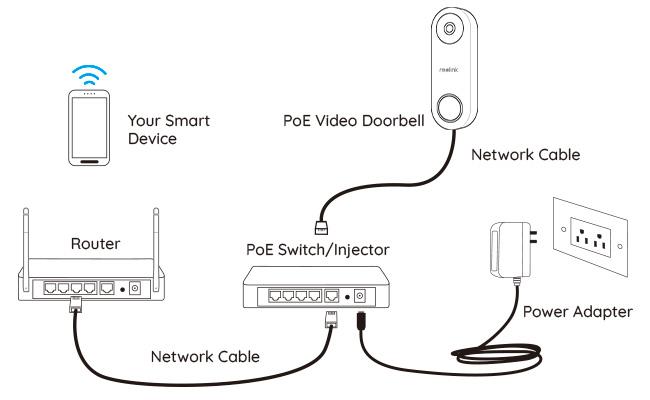
Credit: ptashka.bar
Frequently Asked Questions
How Do I Install A Video Doorbell Step-by-step?
First, turn off your doorbell’s power. Next, mount the bracket, connect the wires, and attach the doorbell. Finally, restore power and configure the device using the app. Follow manufacturer instructions for precise steps and safety.
What Tools Are Needed To Connect A Video Doorbell?
Common tools include a drill, screwdriver, wire stripper, and voltage tester. A ladder may be needed for high installations. Always use tools recommended by your doorbell manufacturer for safe and effective installation.
Can I Connect A Video Doorbell Without Existing Wiring?
Yes, battery-powered video doorbells can be installed without wiring. They connect via Wi-Fi and offer flexible placement. Regular charging is required since they don’t rely on doorbell wiring for power.
How Do I Connect A Video Doorbell To Wi-fi?
Use the doorbell’s app to find your Wi-Fi network. Enter your password, and wait for the device to connect. Ensure strong Wi-Fi signals at your door for optimal video streaming quality.
Conclusion
Connecting a video doorbell is easier than it seems. Follow the steps carefully for best results. Check your Wi-Fi signal before starting the setup. Make sure the doorbell is securely mounted and powered. Test the device to confirm it works properly.
Enjoy the safety and convenience it brings to your home. Stay patient and take your time during installation. Simple tools and clear instructions make the process smooth. You can protect your home with just a few clicks.