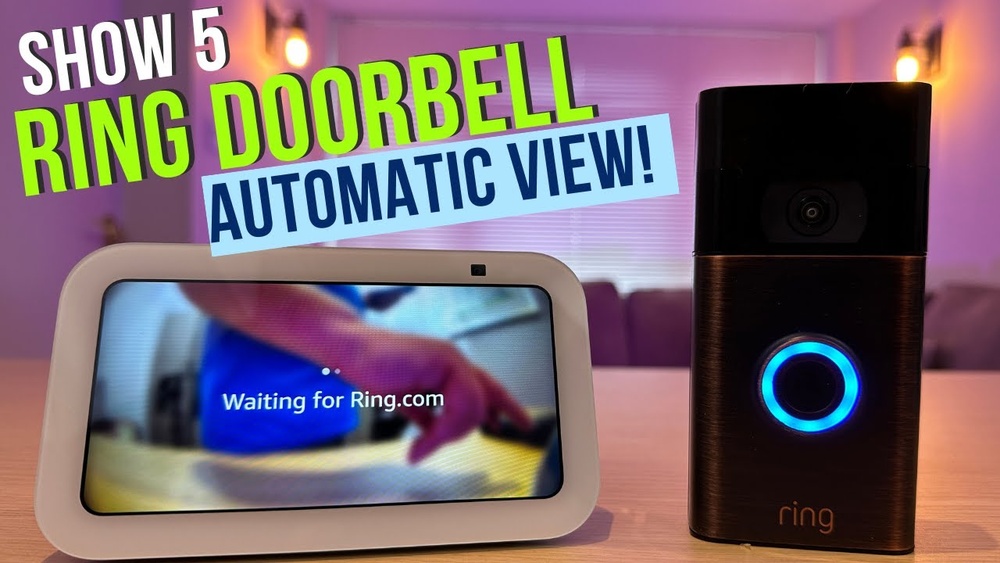

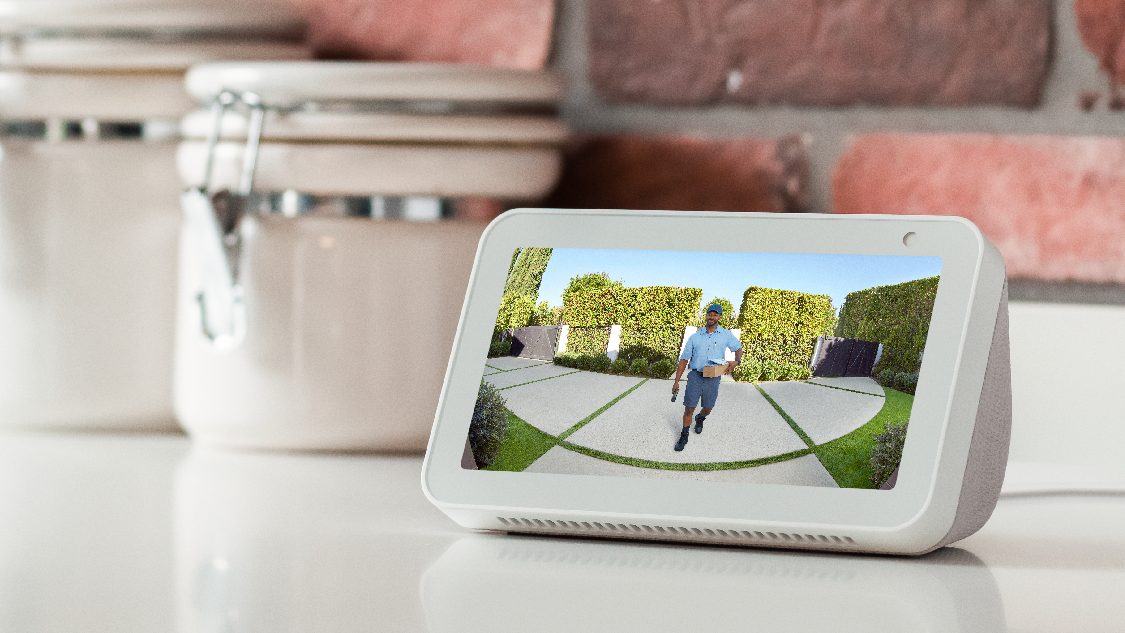
Imagine this: someone rings your doorbell, and you can see and talk to them instantly without leaving your couch. Sounds convenient, right?
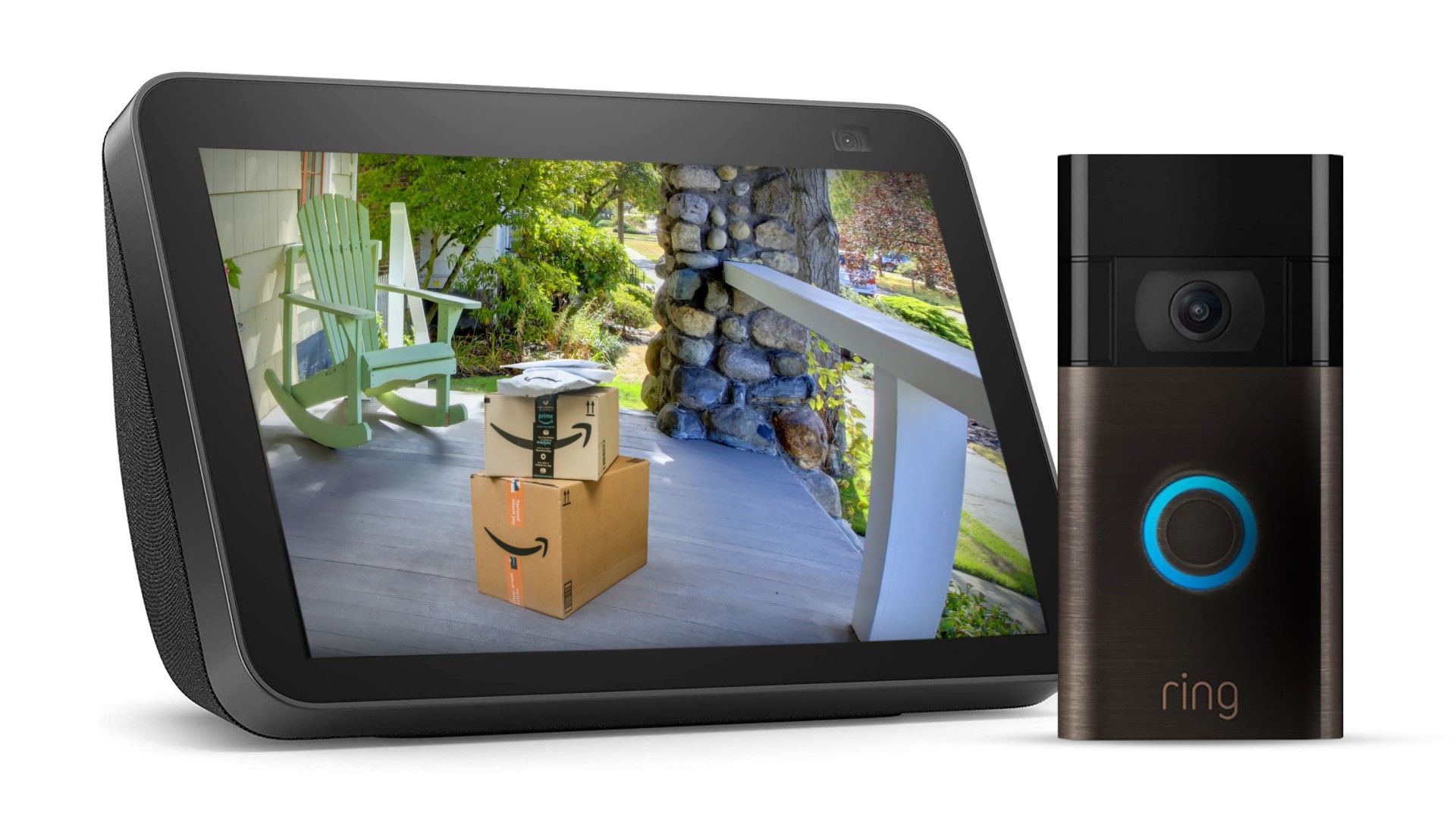
If you have an Echo Show and a Ring Doorbell, you’re just a few simple steps away from making this happen. Connecting these two devices lets you keep an eye on your front door with ease and adds a layer of security and convenience to your home.
In this guide, you’ll learn exactly how to link your Echo Show video with your Ring Doorbell quickly and effortlessly. Ready to make your home smarter and safer? Let’s dive in!
Credit: blizanovy.cz
Echo Show And Ring Doorbell Compatibility
Connecting your Echo Show with a Ring Doorbell allows you to see and talk to visitors easily. Both devices work well together, but compatibility matters. Knowing which models and versions support this connection ensures a smooth setup and use.
Supported Echo Show Models
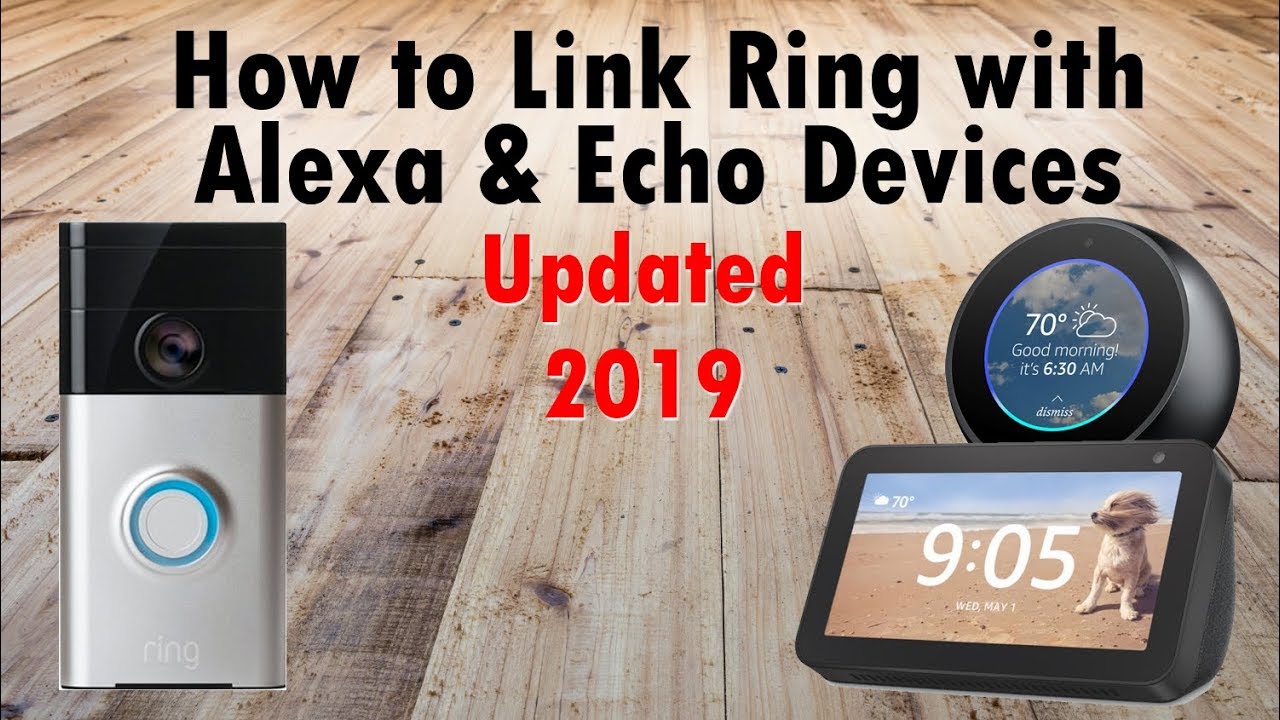
Most Echo Show models support Ring Doorbell integration. This includes Echo Show 5, Echo Show 8, and Echo Show 10. The newer Echo Show 15 also works with Ring devices. Older Echo Show models may not support video streaming from Ring. Always check your device’s software for the latest updates to enable features.
Ring Doorbell Versions That Work
Ring offers several doorbell models compatible with Echo Show. The Ring Video Doorbell 1, 2, and 3 work well. Ring Video Doorbell Pro and Pro 2 also support this feature. The Ring Video Doorbell 4 and Wired models are compatible too. Compatibility may vary with older or basic Ring models. Using supported versions ensures clear video and audio on Echo Show.
Credit: www.przewozcm.eu
Preparing Your Devices
Preparing your devices is the first step to connect your Echo Show with your Ring Doorbell. Both devices must be ready to work together smoothly. This process includes setting up the Ring Doorbell and adjusting the Echo Show settings for video calls.
Taking time to prepare devices properly helps avoid common connection issues. It ensures your video feed is clear and responsive. Follow these simple steps to get started quickly.
Setting Up Your Ring Doorbell
Start by installing your Ring Doorbell at the front door. Make sure it has power, either with batteries or wired connection. Download the Ring app on your smartphone and create an account. Follow the app instructions to connect the doorbell to your Wi-Fi network. Test the doorbell by pressing the button to confirm it sends alerts to your phone.
Check the video quality in the Ring app. Adjust the camera angle if needed. A clear view helps your Echo Show display better video. Keep your Ring app updated to avoid bugs and improve features.
Configuring Echo Show For Video
Turn on your Echo Show device and connect it to the same Wi-Fi network as your Ring Doorbell. Open the Alexa app on your phone and link your Ring account. This step lets Alexa access your Ring video feed.
Enable the Ring skill in the Alexa app. This skill allows voice commands to show your doorbell video. Use simple commands like “Alexa, show the front door.” Check the Echo Show settings to allow video calls and notifications.
Test the connection by asking Alexa to show the Ring video. Make sure the video plays without delays. Adjust volume and screen brightness for a better viewing experience.
Connecting Ring Doorbell To Echo Show
Connecting your Ring Doorbell to an Echo Show lets you see visitors on your screen. This setup brings convenience and security to your home. You can watch live video or answer the door using voice commands. The process is simple and takes just a few steps.
Start by enabling the right skill in the Alexa app. Then link your Ring account to Alexa. Once done, your Echo Show will display the Ring Doorbell video instantly.
Enabling Skills In Alexa App
Open the Alexa app on your phone or tablet. Tap the menu icon and select “Skills & Games.” Search for “Ring” in the search bar. Tap on the Ring skill and press “Enable to Use.” This activates the connection between Alexa and Ring devices. You may be asked to log in to your Ring account here.
Linking Ring Account To Alexa
After enabling the skill, log in with your Ring credentials. This links your Ring Doorbell to Alexa. Give permissions for Alexa to access your Ring devices. Once connected, your Echo Show can stream video from your Ring Doorbell. Test by asking Alexa to show your front door camera.
Testing The Video Connection
Testing the video connection between your Echo Show and Ring Doorbell is an important step. It helps ensure the devices talk to each other. Without this, you may miss important visitors or alerts. Testing confirms the setup works as expected. It also shows if you need to fix anything.
Viewing Live Feed On Echo Show
To see the live video from your Ring Doorbell, say, “Alexa, show my front door.” Your Echo Show screen will display the video. You can watch visitors in real time. The video quality depends on your Wi-Fi speed. Make sure your Ring and Echo Show are on the same network. This keeps the connection smooth and fast.
Troubleshooting Common Issues
Sometimes, the video may not appear on your Echo Show. Check your Wi-Fi connection first. Weak signals cause delays or no video. Restart your Echo Show and Ring Doorbell to refresh connections. Confirm the Ring skill is enabled in the Alexa app. Ensure your devices use the latest software updates. If problems continue, reset the devices and try again.
Customizing Notifications And Settings
Customizing notifications and settings lets you control how your Echo Show and Ring Doorbell work together. You can choose which alerts you get and how you see them. This helps make sure you only get the information you need. It also keeps your experience smooth and personal.
Adjusting Motion Alerts
Motion alerts notify you when someone is near your door. You can set the sensitivity to low, medium, or high. This controls how often you get alerts. Too many alerts can be distracting. Too few might miss important visitors.
You can also choose which areas trigger alerts. This reduces false alarms. For example, ignore motion from the street but catch movement on your porch. Adjusting these settings helps you stay informed without unnecessary noise.
Setting Up Drop-in Features
Drop-In lets you connect instantly with your Ring Doorbell through Echo Show. It acts like an intercom for quick talks. You can enable or disable this feature anytime.
Control who can Drop-In on your device. Limit it to trusted contacts or allow all family members. This keeps your privacy safe. You can also set Do Not Disturb hours to avoid interruptions.
Credit: ring.com
Security And Privacy Tips
Connecting your Echo Show with a Ring Doorbell lets you see visitors easily. Protecting your security and privacy is very important. Follow these tips to keep your devices safe and your video feeds private. Small steps can stop big risks.
Managing Device Permissions
Control who can access your Echo Show and Ring Doorbell. Use the app settings to set permissions. Only allow trusted users to view video feeds. Regularly check device lists for unknown users. Remove any devices you do not recognize. Keep your device software updated to fix security issues.
Securing Your Video Feeds
Use strong, unique passwords for your Ring and Echo accounts. Enable two-factor authentication for extra protection. Avoid sharing your video feeds on public networks. Set your Wi-Fi router to use WPA3 security. Turn off video sharing when you do not need it. Review your privacy settings in the Ring app often.
Frequently Asked Questions
How Do I Connect Echo Show With Ring Doorbell?
To connect Echo Show with Ring Doorbell, enable the Ring skill in the Alexa app. Link your Ring account, then discover devices. This allows video streaming from the doorbell to Echo Show instantly.
Can I View Ring Doorbell Video On Echo Show Live?
Yes, you can view live Ring Doorbell video on Echo Show. Simply say, “Alexa, show me the front door. ” The live feed will appear on your Echo Show screen.
Is It Possible To Receive Ring Doorbell Alerts On Echo Show?
Yes, Echo Show receives Ring Doorbell motion and doorbell press alerts. Notifications appear on the screen and include options to view the video feed immediately.
What Do I Need For Echo Show And Ring Integration?
You need an Echo Show device, a Ring Doorbell, and the Alexa app. Both devices must be connected to the same Wi-Fi network for smooth integration and real-time video streaming.
Conclusion
Connecting your Echo Show with a Ring Doorbell makes home monitoring simple. You can see visitors right on your Echo Show screen. This setup helps you respond faster and stay safe. Just follow the steps carefully for a smooth connection.
Enjoy the convenience of smart home technology working together. Now, your Echo Show and Ring Doorbell work as a team. Stay connected and feel secure in your home every day.