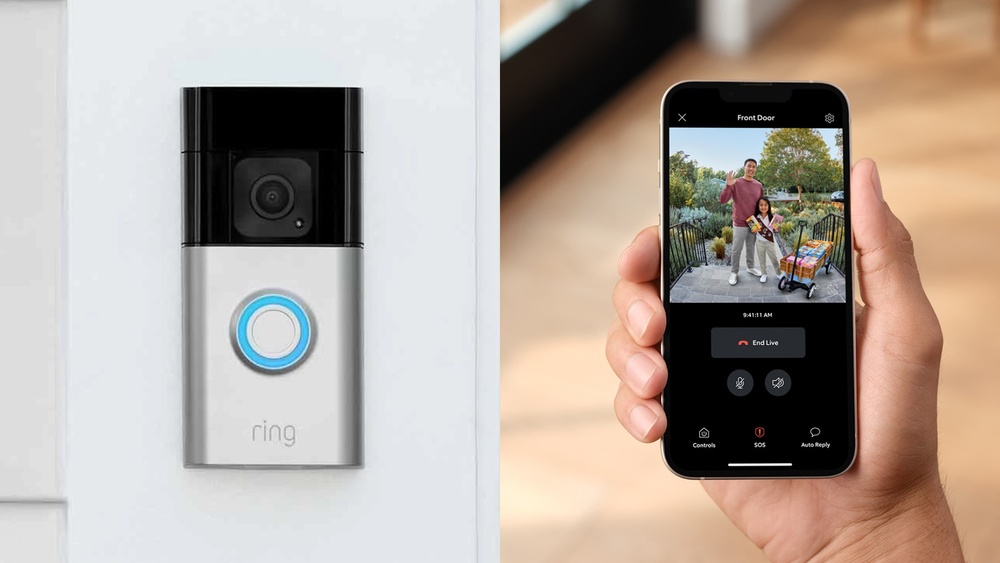

Have you ever wondered how long your Ring Video Doorbell actually lasts before you need to recharge or replace it? Knowing this can save you from unexpected surprises and keep your home security running smoothly.
You’ll discover the real battery life you can expect, factors that affect its performance, and simple tips to make it last even longer. Keep reading to make sure your doorbell is always ready to protect your home when you need it most.
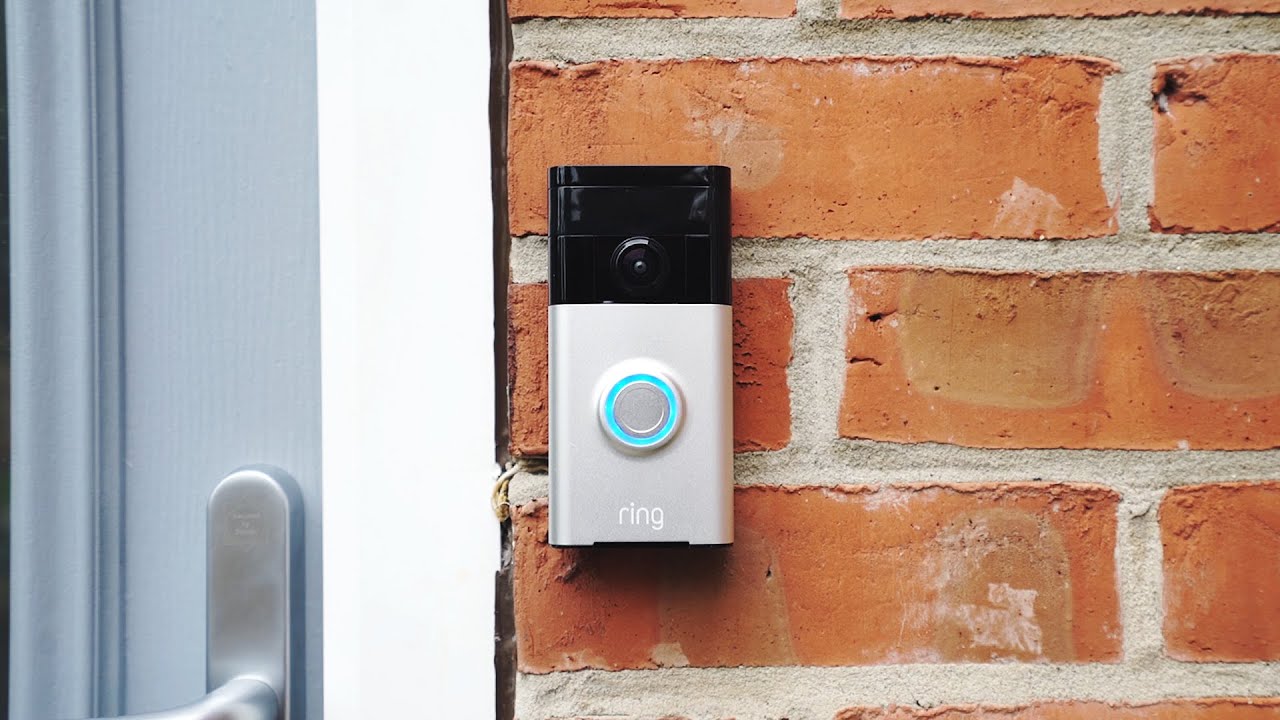
Credit: www.youtube.com
Ring Video Doorbell Models
Ring offers several video doorbell models. Each model fits different home needs and power sources. Understanding these options helps choose the best one for your house. The three main types are battery-powered, hardwired, and solar-powered.
Battery-powered Models
Battery-powered models run on rechargeable batteries. You can place them anywhere without wiring. These models offer flexibility for homes without existing doorbell wires. The battery life varies but typically lasts from six to twelve months. You recharge the battery by removing it or using a charging port. These models are easy to install and move.
Hardwired Models
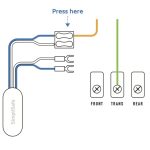
Hardwired models connect to your home’s existing doorbell wiring. They do not need battery changes often. These doorbells draw power continuously from the wires. This setup means fewer interruptions and longer continuous use. Installation takes more effort and may require an electrician. Hardwired models fit best in homes with existing doorbell wires.
Solar-powered Options
Solar-powered Ring doorbells use sunlight to charge. They have a small solar panel attached. This option reduces the need to recharge batteries manually. Solar models work well in sunny locations. They combine the benefits of battery power and green energy. Installation is similar to battery-powered models but needs sunlight exposure.
Credit: kdfoundation.org
Battery Life Factors
The battery life of a Ring Video Doorbell depends on many factors. These factors affect how long the device can work before needing a recharge. Understanding these helps users manage their doorbell better. It also helps avoid sudden battery drains. Here are the main factors that impact battery life.
Frequency Of Motion Alerts
Every time the doorbell detects motion, it uses battery power. More alerts mean more power used. If your doorbell is in a busy area, expect shorter battery life. Adjusting motion settings can reduce unnecessary alerts. This helps save battery for important notifications only.
Video Recording Duration
Recording video uses a lot of battery. Longer videos drain the battery faster. High video quality also uses more power. Short clips and lower resolution can extend battery life. Think about what is really needed before changing settings.
Wi-fi Signal Strength
Strong Wi-Fi means less battery use. The doorbell works harder when the signal is weak. It tries to reconnect often, which drains battery. Place the router closer or use a signal booster. This keeps the connection stable and saves power.
Temperature Effects
Extreme cold or heat affects battery performance. Cold weather reduces battery capacity quickly. Heat can damage the battery over time. Keep the doorbell in a shaded spot if possible. Temperature control helps maintain longer battery life.
Typical Battery Life Expectancy
The typical battery life of a Ring Video Doorbell depends on how often it is used. Battery life can vary widely based on activity and settings. Understanding this helps users plan for recharging or replacement. Below is a breakdown of battery life under different usage scenarios.
Standard Usage Patterns
Most users experience battery life of about six to twelve months. This assumes moderate use with regular motion alerts and video recordings. Night vision and Wi-Fi connections also affect battery drain. Routine battery checks keep the doorbell working smoothly.
Heavy Usage Scenarios
High activity, such as frequent motion alerts or many live views, reduces battery life. In busy areas, expect two to four months before recharging. Constant video streaming or notifications use more power. Heavy users may need to recharge every few weeks.
Minimal Usage Cases
Low activity can extend battery life beyond a year. If few visitors come and motion detection is rare, the doorbell uses less energy. Minimal live viewing also helps conserve battery. In these cases, recharging once a year might be enough.
Extending Battery Life
Extending the battery life of your Ring Video Doorbell is key to keeping it active and reliable. A longer battery life means fewer interruptions and less hassle charging. Small changes in settings can make a big difference. Focus on smart adjustments to save power.
Adjusting Motion Sensitivity
Motion sensors drain battery fast. Lowering the sensitivity stops false alerts from animals or passing cars. Set the motion zones carefully to cover only important areas. This reduces unnecessary recordings and saves energy. Fine-tune sensitivity to match your needs.
Optimizing Video Settings
High video quality uses more battery power. Choose a lower resolution to extend battery life. Shorter video clips also help save energy. Disable live view when not needed. These small tweaks reduce data use and preserve battery charge.
Using Power-saving Modes
Ring offers power-saving modes to cut battery use. Activate these modes during low activity periods. The doorbell will enter sleep mode after set times. This prevents constant battery drain. Use power-saving features to keep your device running longer.
Battery Replacement And Charging
Battery life is key for the Ring Video Doorbell. It keeps your device working without interruptions. Knowing how to charge and replace the battery helps you maintain smooth operation. This section explains how to recharge, replace, and estimate charging time.
How To Recharge The Battery
Remove the battery from the doorbell. Connect it to a USB charger using the provided cable. Use a power adapter with standard USB output. Let the battery charge fully before reinserting it. Charging indoors is best to avoid weather damage. Check the battery level in the Ring app.
Replacing The Battery
Open the doorbell’s front cover carefully. Slide out the battery pack from its slot. Insert a new or fully charged battery. Make sure it fits snugly. Close the front cover securely. Test the doorbell to confirm it powers on. Keep a spare battery for quick replacements.
Charging Time Estimates
Charging time depends on the charger and battery level. A fully drained battery takes about 5 to 10 hours. Using a faster charger may reduce this time. Partial charges take less time to complete. Regular charging keeps your doorbell ready at all times.
Troubleshooting Battery Issues
Troubleshooting battery issues is key to keeping your Ring Video Doorbell working well. Battery problems can stop your doorbell from working at the right time. Knowing how to find and fix these problems helps your device last longer.
Identifying Battery Drain Causes
Battery drains fast for many reasons. Frequent motion alerts use more power. Bright video settings also drain the battery quicker. Cold weather can reduce battery life a lot. Check for any apps running in the background. Make sure your doorbell is not too far from Wi-Fi. Poor connection uses more battery trying to connect.
Firmware Updates Impact
Firmware updates can change battery use. Some updates improve battery life by fixing bugs. Others may add features that use more power. Always install updates to keep your doorbell stable. After updates, watch battery behavior closely for changes. If battery drains more, check update notes for hints.
When To Contact Support
Contact support if battery drains too fast without clear reasons. Also reach out if your doorbell won’t charge properly. Support can guide you through deeper troubleshooting steps. They can check for hardware or software problems. Use official Ring support channels for the best help.
Alternative Power Solutions
Ring Video Doorbells usually run on batteries. These batteries need charging or replacing after some time. Alternative power solutions can keep your doorbell working longer without frequent battery changes. These options provide steady power and reduce the hassle of battery issues.
Solar Panel Integration
Solar panels can power your Ring Video Doorbell using sunlight. They charge the battery during the day. This setup is eco-friendly and saves money on electricity. Solar panels work best in sunny locations. They offer a steady power supply without cables.
Using Hardwired Power
Hardwired power connects your doorbell to your home’s electrical system. This option provides constant power without battery worries. It requires some installation work and basic wiring skills. Hardwired power is reliable and suits homes with existing doorbell wiring.
Third-party Battery Packs
Third-party battery packs extend the battery life of your Ring doorbell. They come in different sizes and capacities. These packs are easy to install and remove. They provide extra power for longer use between charges. Choose a pack compatible with your doorbell model.

Credit: www.aboutamazon.eu
Frequently Asked Questions
How Long Does Ring Video Doorbell Battery Last?
Ring Video Doorbell battery lasts between 6 to 12 months on a full charge. Usage frequency and motion alerts impact battery life. Regular charging or wired connection can help maintain continuous operation and avoid downtime.
Can Ring Video Doorbell Work Without Wi-fi?
No, Ring Video Doorbell requires a stable Wi-Fi connection to function properly. Wi-Fi enables video streaming, alerts, and cloud storage. Without Wi-Fi, the device cannot send notifications or record video footage.
How Often Should I Recharge My Ring Doorbell?
Recharging frequency depends on usage but generally every 6 to 12 months. Heavy usage with frequent motion alerts may require more frequent charging. Monitoring battery status via the Ring app helps plan timely recharges.
Does Ring Doorbell Battery Drain Faster In Cold Weather?
Yes, cold weather can reduce battery efficiency and shorten runtime. Low temperatures affect lithium-ion battery capacity, leading to faster draining. Keeping the device in moderate temperature zones can help maintain battery performance.
Conclusion
Ring Video Doorbell lasts several months on a full charge. Battery life depends on usage and settings. Frequent motion alerts may reduce battery faster. Hardwired models work without battery worries. Regular maintenance helps keep it working longer. Updating software ensures better performance.
Choosing the right model fits your needs. Overall, the Ring Doorbell offers reliable security. It stays active as long as you maintain it. Simple care means your doorbell works well.