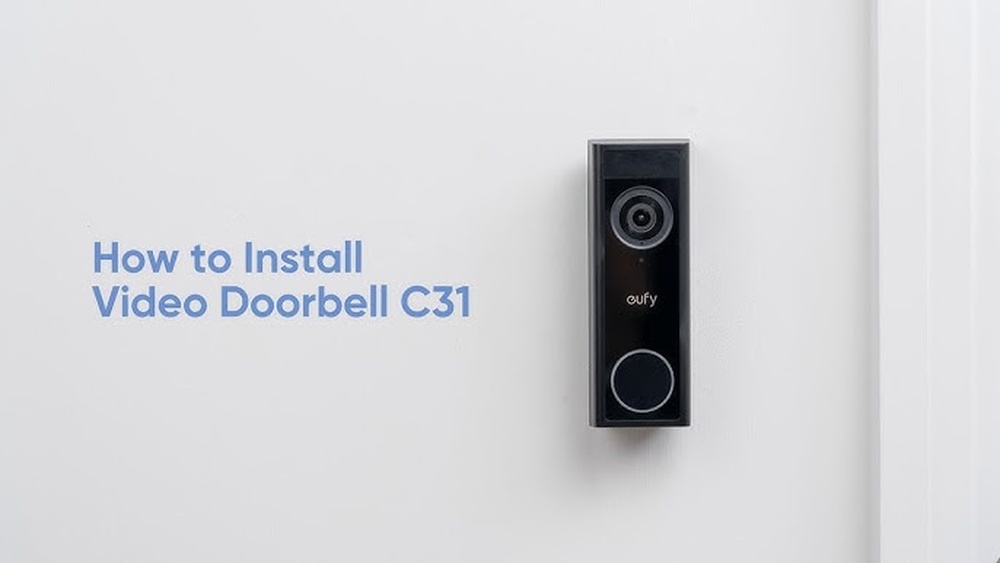

Are you ready to boost your home security with the Eufy Video Doorbell C31? Installing this smart device might seem tricky, but with the right steps, you can do it yourself quickly and easily.
Imagine knowing who’s at your door from anywhere, anytime. In this guide, you’ll find simple instructions that take the guesswork out of installation. Keep reading, and by the end, your doorbell will be up and running, giving you peace of mind and more control over your home’s safety.
Unboxing The Eufy Video Doorbell C31
Unboxing the Eufy Video Doorbell C31 is the first step to securing your home. The experience is simple and straightforward. Inside the box, you will find everything needed to start installation quickly. The packaging is neat and compact, protecting the doorbell and accessories well.
Carefully opening the box reveals the main components. Each item is placed in its own section for easy access. This setup helps avoid confusion during installation. You can check the contents against the included list to ensure nothing is missing.
What’s Inside The Box?
The box contains the Eufy Video Doorbell C31 unit itself. Also included are mounting screws and anchors for wall installation. You will find a screwdriver and a drill bit. A quick start guide is provided for easy reference. Finally, there is a USB charging cable for initial charging.
Inspecting The Doorbell Unit
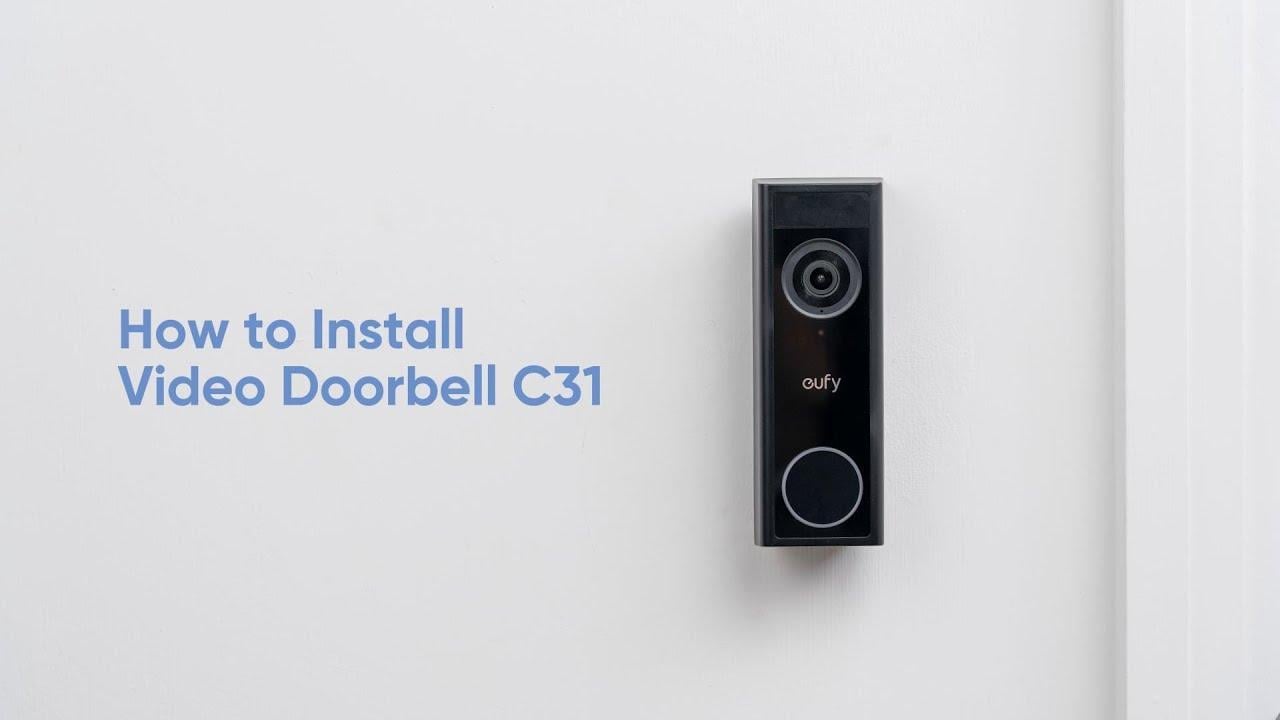
The doorbell has a sleek, modern design. It feels solid and well-made in your hand. The camera lens and sensor are clearly visible. Buttons and ports are easy to find. Check the device for any damage before proceeding.
Checking The Accessories
The package includes all necessary mounting hardware. Screws and anchors fit most wall types. The screwdriver matches the screws provided. The drill bit helps create clean holes. The USB cable powers the doorbell initially.
Reviewing The Quick Start Guide
The quick start guide uses simple language and images. It outlines the basic steps for installation. This guide helps avoid common mistakes. Keep it nearby during setup for quick help.
Checking Required Tools And Materials
Before installing the Eufy Video Doorbell C31, gather all the needed tools and materials. This step saves time and helps the process go smoothly. Having the right items ready makes the installation safe and easy.
Check each tool and material carefully. Use only what is required for the best results. Avoid using broken or poor-quality tools that may cause trouble.
Tools Needed For Installation
You need a drill with the right drill bits to make holes. A screwdriver, both Phillips and flathead, helps with screws. A level tool ensures the doorbell is straight on the wall. Wire cutters may be necessary if you adjust wires. A voltage tester checks electrical power safely.
Materials Required
Use the screws and anchors that come with the doorbell. Electrical tape helps protect wires. The doorbell package includes mounting brackets and installation guides. Have extra batteries ready if your doorbell model requires them. A smartphone is needed to connect and set up the device.
Safety Equipment To Consider
Wear safety glasses to protect your eyes from debris. Gloves protect your hands while handling tools and wires. A sturdy ladder is useful if your doorbell is high on the wall. Make sure the ladder is stable before climbing.
Preparing Your Doorway For Installation
Preparing your doorway for installing the Eufy Video Doorbell C31 is an important first step. It ensures the device works properly and stays secure. Taking time to get ready helps avoid issues later on. Follow these simple steps to prepare your doorway effectively.
Choosing The Best Location
Select a spot near your main entrance. The doorbell should capture clear views of visitors. Avoid placing it in direct sunlight or where shadows fall. Make sure it is easy to reach for installation and maintenance. A height of about 48 inches from the ground is ideal for most users.
Ensuring Wi-fi Connectivity
Check your Wi-Fi signal strength at the chosen location. The doorbell needs a strong connection to work well. Use a phone or laptop to test the signal. If the signal is weak, consider moving your router closer or using a Wi-Fi extender. Reliable Wi-Fi ensures smooth video streaming and notifications.
Turning Off Power Supply
Before starting the installation, turn off the power at the breaker. This step prevents electric shock and protects the device. Use a voltage tester to confirm the power is off. Safety is crucial when working with electrical wiring. Only proceed once you are sure the power is disconnected.

Credit: www.amazon.com
Mounting The Doorbell Bracket
Mounting the doorbell bracket is the first physical step to install your Eufy Video Doorbell C31. It holds the doorbell firmly in place. Proper mounting ensures the device works well and stays secure.
Follow these simple steps to mount the bracket correctly. Take your time and check each step carefully.
Marking Drill Points
Hold the doorbell bracket against the wall where you want to install it. Use a pencil to mark the spots for drilling. These marks guide where the screws will go. Double-check that the bracket is level. This helps the doorbell sit straight.
Drilling Holes
Use a drill to make holes at the marked points. Choose a drill bit size that fits the wall anchors included in the package. Drill slowly and straight into the surface. Be careful not to drill too deep or wide. Clean out any dust from the holes before moving on.
Securing The Bracket
Insert the wall anchors into the drilled holes first. Then, align the bracket with the holes. Use the screws to fasten the bracket tightly to the wall. Make sure it does not wiggle or move. A secure bracket keeps your doorbell safe and stable.
Connecting The Doorbell Wiring
Connecting the doorbell wiring is a key step in installing your Eufy Video Doorbell C31. This process links your new doorbell to the existing power supply. Proper wiring ensures your doorbell works smoothly and safely. Follow these clear steps to connect the wires correctly.
Identifying Existing Doorbell Wires
Locate the wires coming from your wall. Typically, two wires power your current doorbell. They might be red, white, or another color. Use a voltage tester to check if wires have power. Turn off power at the breaker before touching wires.
Attaching Wires To The Doorbell
Strip the wire ends if needed, about half an inch. Connect each wire to the screws on the back of the doorbell. Polarity does not matter for the Eufy C31 doorbell. Make sure connections are tight to avoid loose wires.
Using The Provided Screws
Align the doorbell with the mounting bracket on your wall. Use the screws provided in the package to secure the doorbell. Screw them in firmly but avoid overtightening. This step keeps the doorbell stable and safe from weather.

Credit: www.youtube.com
Attaching The Doorbell Unit
Attaching the doorbell unit is a crucial step in installing the Eufy Video Doorbell C31. This process ensures your doorbell stays firmly in place and works correctly. Follow the steps carefully for a smooth setup.
Aligning The Doorbell
Start by holding the doorbell near the mounting bracket. Match the edges of the doorbell with the bracket’s grooves. Make sure the camera lens points straight ahead. Proper alignment helps the doorbell fit perfectly.
Snapping Into Place
Press the doorbell gently but firmly against the bracket. You will hear a click sound. This means the doorbell has snapped into place. Avoid forcing it, as this may damage the unit.
Testing The Secure Fit
After snapping it in, give the doorbell a light tug. It should not move or wobble. Check that it feels stable and secure. A tight fit protects your doorbell from falling or theft.
Setting Up The Eufy App
Setting up the Eufy app is the first step to using your Eufy Video Doorbell C31. The app lets you control the doorbell from your phone. It helps you see visitors, receive alerts, and change settings. Follow these steps to get started quickly.
Downloading The App
Search for “Eufy Security” in your phone’s app store. The app works on both Android and iOS devices. Tap the download button and wait for the installation to finish. Open the app once it is installed.
Creating An Account
Launch the app and select “Sign Up.” Enter your email address and create a strong password. Confirm your password and accept the terms of service. Check your email for a verification code. Enter the code in the app to complete registration.
Connecting To Wi-fi
After logging in, the app will ask you to add a new device. Choose the Eufy Video Doorbell C31 from the list. Follow the prompts to connect your doorbell to your home Wi-Fi network. Make sure your phone is near the doorbell for a strong signal. Enter your Wi-Fi password carefully to avoid errors. The app will confirm once the connection is successful.
Configuring Doorbell Settings
Configuring your Eufy Video Doorbell C31 settings is key to a smooth experience. It lets you control how the doorbell works and alerts you. Adjusting these settings tailors the device to your needs. This section guides you through the main options.
Adjusting Motion Detection
Start by opening the Eufy app on your phone. Tap the doorbell device to access settings. Find the motion detection option and tap it. You can adjust the sensitivity level here. Choose low to avoid false alerts from small movements. Medium or high picks up more activity but may trigger often. Set the detection zones to focus on key areas. This reduces alerts from irrelevant spots like roads or trees. Save your changes to activate the new settings.
Setting Notification Preferences
Notifications keep you informed about visitors and motion events. In the app, go to notifications settings. Turn on or off alerts for motion and doorbell presses. Choose if you want notifications on your phone, tablet, or both. Set quiet hours to pause alerts during certain times. This helps avoid disturbances at night. Confirm your preferences to start receiving timely updates.
Customizing Chime Sounds
The doorbell chime lets you hear visitors inside your home. Open the chime settings in the app menu. Select from various sounds to find one you like. Adjust the volume to a comfortable level. Some models let you add custom tones. Test the chime sound before saving. This ensures you recognize visitors quickly and clearly.
Troubleshooting Common Issues
Troubleshooting common issues with the Eufy Video Doorbell C31 helps keep your device working well. Small problems can stop the doorbell from working properly. Fixing these quickly brings back the full benefits of your doorbell. Below are some common problems and how to solve them.
No Video Feed
Check if the doorbell camera lens is clean. Dirt or smudges block the view. Restart the doorbell by removing and reinserting the battery. Confirm the app has permission to use your phone’s camera. Update the app to the latest version for better performance. If problems continue, reset the device to factory settings.
Wi-fi Connectivity Problems
Make sure your Wi-Fi signal is strong near the doorbell. Walls or distance can weaken signals. Restart your router and doorbell to refresh the connection. Use the app to check if the doorbell is connected to the right network. Switch to a 2.4 GHz network if 5 GHz causes trouble. Avoid too many devices on the same network at once.
Power Supply Concerns
Verify the battery is fully charged and properly installed. Low battery causes the doorbell to stop working. Use the official charger to avoid damage. Inspect wiring if your doorbell is hardwired. Loose wires reduce power flow. Replace old batteries to maintain steady power supply.
Credit: www.abt.com
Frequently Asked Questions
How Do I Mount The Eufy Video Doorbell C31?
Mount the doorbell using the included bracket and screws. Choose a location near your door, about 48 inches high. Use a drill for holes, insert anchors, and secure the bracket firmly before attaching the doorbell.
What Tools Are Needed For Installation?
You need a drill, screwdriver, level, measuring tape, and pencil. These tools help ensure accurate placement and secure mounting of the doorbell. Having these ready speeds up the installation process.
How Do I Connect Eufy Doorbell C31 To Wi-fi?
After mounting, power on the doorbell and open the Eufy Security app. Follow on-screen prompts to select your Wi-Fi network and enter the password. Ensure your network is 2. 4GHz for best compatibility.
Can I Install The Eufy C31 Without Professional Help?
Yes, the Eufy C31 is designed for DIY installation. The app provides step-by-step instructions. Basic tools and a bit of time are all you need to set it up successfully.
Conclusion
Installing the Eufy Video Doorbell C31 is simple and quick. Follow each step carefully for best results. Test the doorbell after installation to ensure it works well. Enjoy better home security and clear video monitoring. This device helps you see visitors anytime, anywhere.
Keep your home safe with this easy setup. Now, your front door is smarter and more secure.