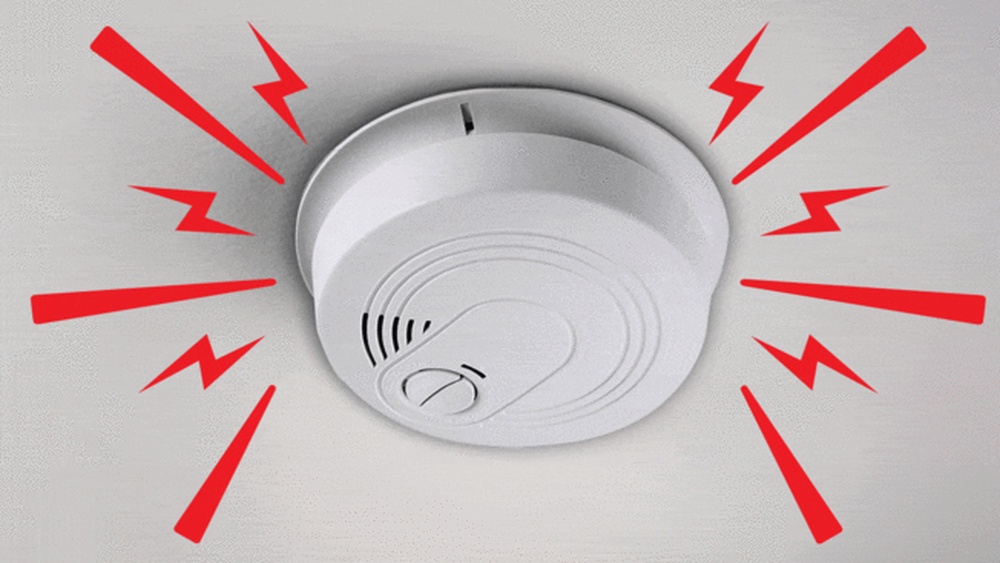

Is your hardwired smoke detector acting up or sounding false alarms? Knowing how to reset it quickly can save you from unnecessary stress and keep your home safe.
In this guide, you’ll learn simple steps to reset your hardwired smoke detectors without needing a professional. Whether your alarm won’t stop beeping or just needs a fresh start, these easy tips will help you get it back to working perfectly.
Keep reading to take control of your home’s safety with confidence.

Credit: www.portland.gov
Safety First
Resetting hardwired smoke detectors helps keep your home safe. Start by turning off the power and pressing the reset button. This simple step ensures the alarm works properly after a false alert or test.
Turn Off Power
Safety is the top priority before resetting hardwired smoke detectors.
Start by turning off the power at the circuit breaker. This step prevents electric shock.
Double-check the power is off by trying to activate the smoke detector.
Do not skip this step. Even a small current can cause injury.
Gather Necessary Tools
Prepare all tools before you begin working on the smoke detector.
You will need a screwdriver, a ladder, and possibly a voltage tester.
Having tools ready helps you work safely and quickly.
Wear gloves to protect your hands from dust and sharp edges.
Credit: www.consumerreports.org
Locate The Smoke Detector
Before resetting a hardwired smoke detector, you must find it first. Smoke detectors are usually on ceilings or high on walls. Knowing the exact location helps you work safely and quickly. It also ensures you reset the correct unit without confusion.
Hardwired smoke detectors connect directly to your home’s electrical system. These units look different from battery-only models. Identifying them correctly is the first step in the reset process.
Identify Hardwired Units
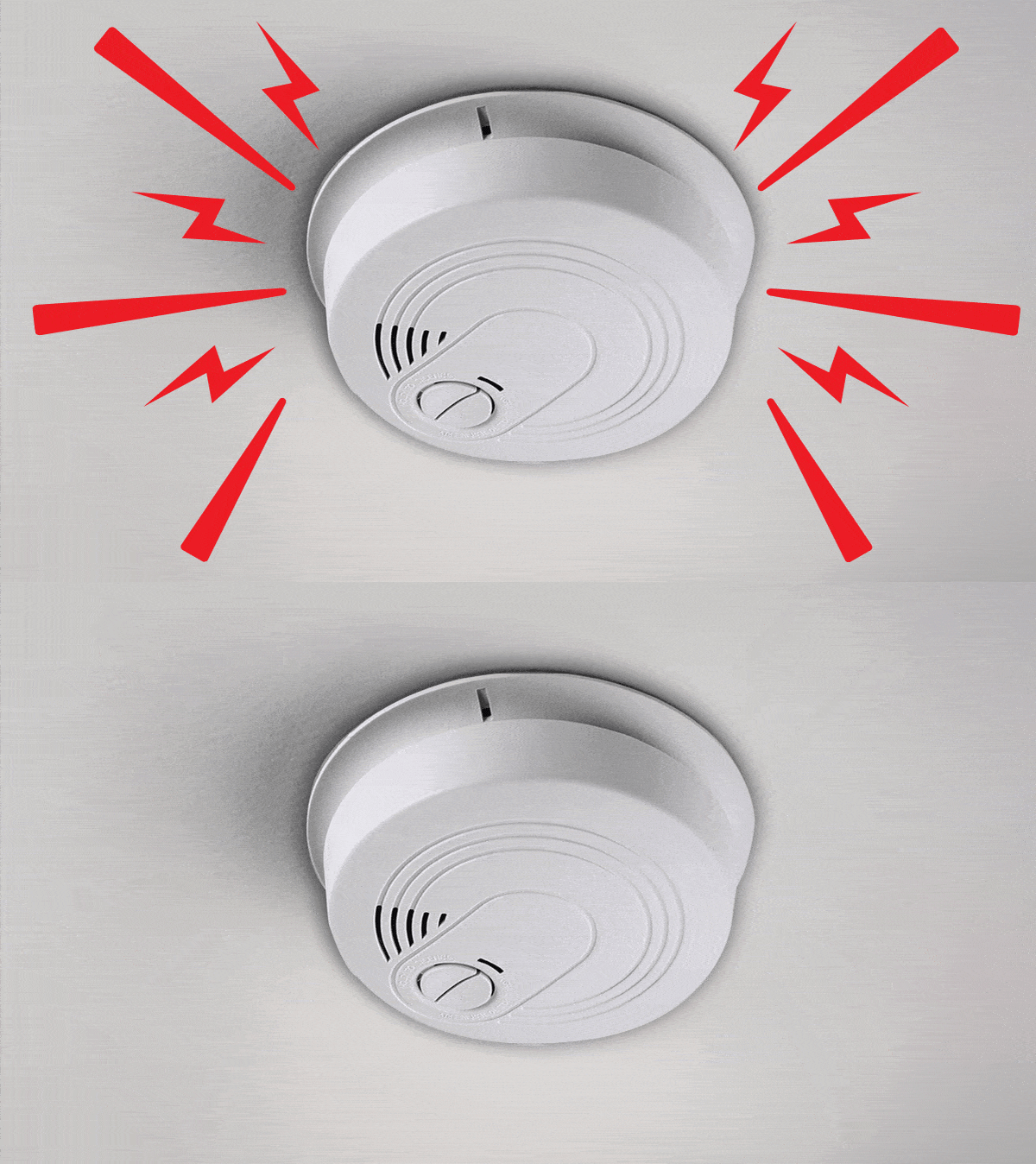
Hardwired smoke detectors are larger and often have a power cord or wiring. They are fixed firmly to the ceiling or wall. They usually have a small light that blinks or stays on. This light shows the device is receiving power from the home wiring.
Battery-only smoke detectors are smaller and hang loosely. They often have a removable battery compartment. Check for a wire or cable connected to the back or side of the smoke detector. This wire confirms it is hardwired.
Check Manufacturer Labels
Look for a label on the smoke detector’s side or back. The label shows the brand, model number, and power type. It tells if the unit is hardwired or battery-operated. This information helps you find the correct reset instructions.
Labels may also include a date of manufacture. Older units might need replacement instead of reset. Checking the label saves time and avoids confusion during the reset process.
Remove The Smoke Detector
Removing a hardwired smoke detector is the first step in resetting it. This process ensures safety and allows you to handle the device properly. Follow each step carefully to avoid damage or injury.
Twist And Unlock
Start by gently twisting the smoke detector counterclockwise. This motion unlocks the unit from its mounting bracket. Use light force to avoid breaking the plastic parts. Once loose, pull the detector down from the ceiling or wall.
Disconnect Wiring Harness
After removing the detector, locate the wiring harness at the back. Press the release tab to disconnect the wires safely. Do not pull on the wires directly to prevent damage. Set the smoke detector aside once disconnected.
Reset The Detector
Resetting a hardwired smoke detector is a key step after testing or fixing it. This process helps clear alerts and prepare the device for normal use. It usually involves pressing a button and clearing error signals. The reset ensures the detector works properly and keeps your home safe.
Press The Reset Button
Locate the reset button on your smoke detector. It is often small and may require a pointed object to press. Hold the button down for about 15 seconds. You might hear a beep or see a light flash. This confirms the detector has reset. Release the button and wait a moment. The device should stop sounding any alarms.
Clear Error Codes
Some hardwired smoke detectors show error codes through blinking lights or sounds. Check the user manual to understand these codes. To clear them, press and hold the reset button as described. If errors persist, disconnect power briefly, then reconnect. This can erase error signals. After clearing, the detector should work without warnings.
Reinstall The Detector
Reinstalling the smoke detector is the final step after resetting it. This process ensures the device works properly and stays secure on the ceiling or wall. Follow the steps carefully for safety and effectiveness.
Reconnect Wiring
Start by reconnecting the wires to the smoke detector. Match each wire to its correct terminal. Usually, the black wire connects to the black terminal and the white wire to the white terminal. Push the wires firmly into place. Loose connections can cause the detector to fail.
Secure Detector To Base
Once the wires are connected, place the detector back on its mounting base. Align the detector with the base’s slots or tabs. Twist or snap it into place until it feels secure. The detector should not wobble or move. This step keeps the detector stable and ready to alert you in case of smoke.
Restore Power And Test
After resetting your hardwired smoke detector, restoring power is essential. This step brings the device back to life and prepares it for testing. Testing ensures the alarm works properly and keeps your home safe. Follow these simple steps carefully.
Turn Power Back On
Locate your home’s circuit breaker panel. Find the switch labeled for your smoke detectors. Flip the switch to the “on” position. This restores electricity to the alarm system. Wait a few seconds for the detector to reboot. You may hear a beep signaling power return. This confirms the device is active again.
Perform Alarm Test
Press and hold the test button on the smoke detector. Hold it for about 5 seconds. The alarm should sound loud and clear. If it does, the device is working properly. Release the button once you hear the beep. If no sound appears, check the power connection again. Replace the battery if your detector uses one. Testing ensures your smoke detector will alert you in danger.
Troubleshooting Tips
Troubleshooting hardwired smoke detectors helps keep your home safe. These tips guide you through common issues. Follow each step carefully to fix problems fast. Simple checks often solve most alarms.
Understanding when to reset or replace the detector saves time and worry. Stay calm and work methodically. Your detector protects your family every day.
Check For Persistent Alarms
Persistent alarms may mean a wiring problem or sensor error. Start by turning off power at the circuit breaker. Remove the detector from its base. Look for dirt or dust on the sensor. Clean gently with a soft brush or cloth.
Check all wire connections for looseness or damage. Tighten any loose wires carefully. Restore power and test the alarm. If it still sounds without smoke, reset the detector by pressing the reset button. This stops false alarms in many cases.
When To Replace The Detector
Smoke detectors have a lifespan of about 10 years. After this, sensors may fail silently. Replace the unit if it sounds false alarms often. Also replace it if it never alarms during tests. Physical damage, such as cracks or corrosion, means replacement is needed.
Use the manufacture date on the detector to check its age. New detectors improve home safety and meet current standards. Changing old detectors ensures your system works well every day.

Credit: localperthelectrician.com.au
Frequently Asked Questions
How Do You Reset A Hardwired Smoke Detector?
To reset a hardwired smoke detector, first turn off the power at the circuit breaker. Then press and hold the reset button on the detector for 15-20 seconds. Finally, restore power and test the alarm to ensure it’s working properly.
Why Won’t My Hardwired Smoke Detector Reset?
If your smoke detector won’t reset, check the battery backup and power supply. A low battery or electrical issue can prevent reset. Also, clean the detector to remove dust or debris that may cause false alarms or malfunction.
Can I Reset Hardwired Smoke Detectors Without Tools?
Yes, you can reset most hardwired smoke detectors without tools. Simply cut power from the breaker, press the reset button on the unit, and restore power. However, some models may require removing the detector from its base to access the reset button.
How Often Should I Reset Hardwired Smoke Detectors?
You should reset hardwired smoke detectors after battery replacement or false alarms. Regular testing and occasional resetting help maintain proper function and alertness. Aim to test and reset every 6 months or as recommended by the manufacturer.
Conclusion
Resetting hardwired smoke detectors keeps your home safe and sound. Regular checks help avoid false alarms and ensure detectors work well. Always follow safety steps carefully during the reset process. Taking a few minutes now can prevent bigger problems later.
Stay alert and keep your smoke detectors in good shape. Safety matters, and simple actions make a big difference.