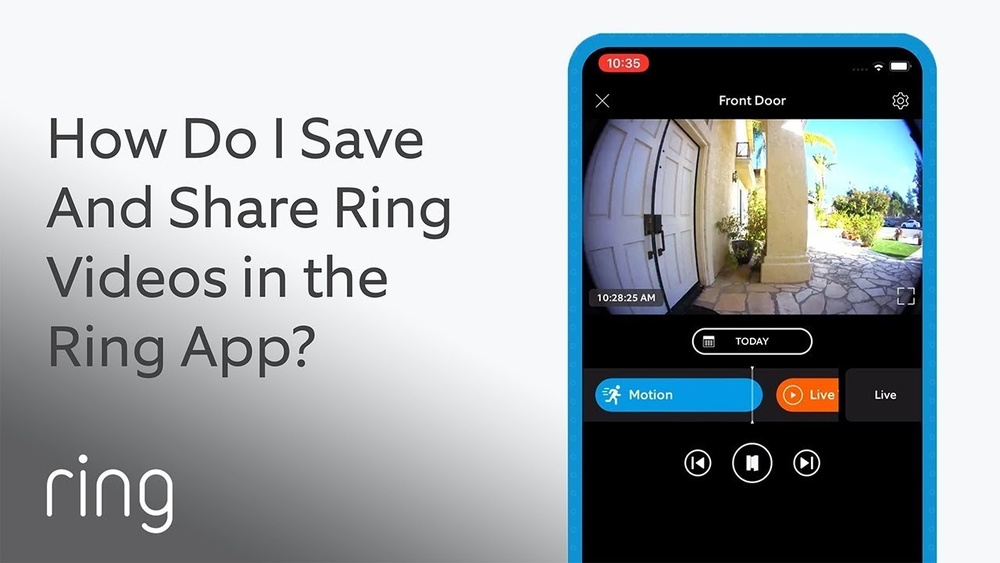

Have you ever wanted to save a video from your Ring Doorbell but didn’t know how? Whether it’s a special delivery, a visitor, or just something you want to keep, downloading your Ring Doorbell videos can be easier than you think.
In this guide, you’ll discover simple steps to get those important clips saved directly to your device. Keep reading to learn how to capture and keep your Ring Doorbell videos with no hassle.

Credit: www.eufy.com
Accessing Ring App
Accessing the Ring app is the first step to download your Ring doorbell videos. The app connects your phone to the doorbell. It lets you view, save, and manage videos easily. You need the app installed and your account ready to go.
Installing The App
Search for “Ring” in your phone’s app store. The app is free for both Android and iOS devices. Tap the download or install button. Wait for the app to finish downloading. Open the app once it is installed. The process takes only a few minutes.
Logging Into Your Account
Open the Ring app on your phone. Enter your email address and password. These details must match your Ring account. Tap the login button. If you forgot your password, use the reset option. Logging in lets you access all your videos and device settings.
Navigating To Recorded Videos
Accessing your Ring doorbell’s recorded videos is simple. Start by opening the Ring app on your phone or tablet. The app stores all your video clips in one place. This makes it easy to review past events anytime you need.
Knowing how to find and select videos saves time. It helps you download the exact footage you want. This section explains the steps clearly and simply.
Finding Event History
Open the Ring app and sign in to your account. Tap on the menu icon in the top left corner. Select “Event History” from the list. Here, you see all recorded videos in order of time. Scroll through to find the video date you need. Each event is marked with a timestamp and icon.
Selecting Desired Footage
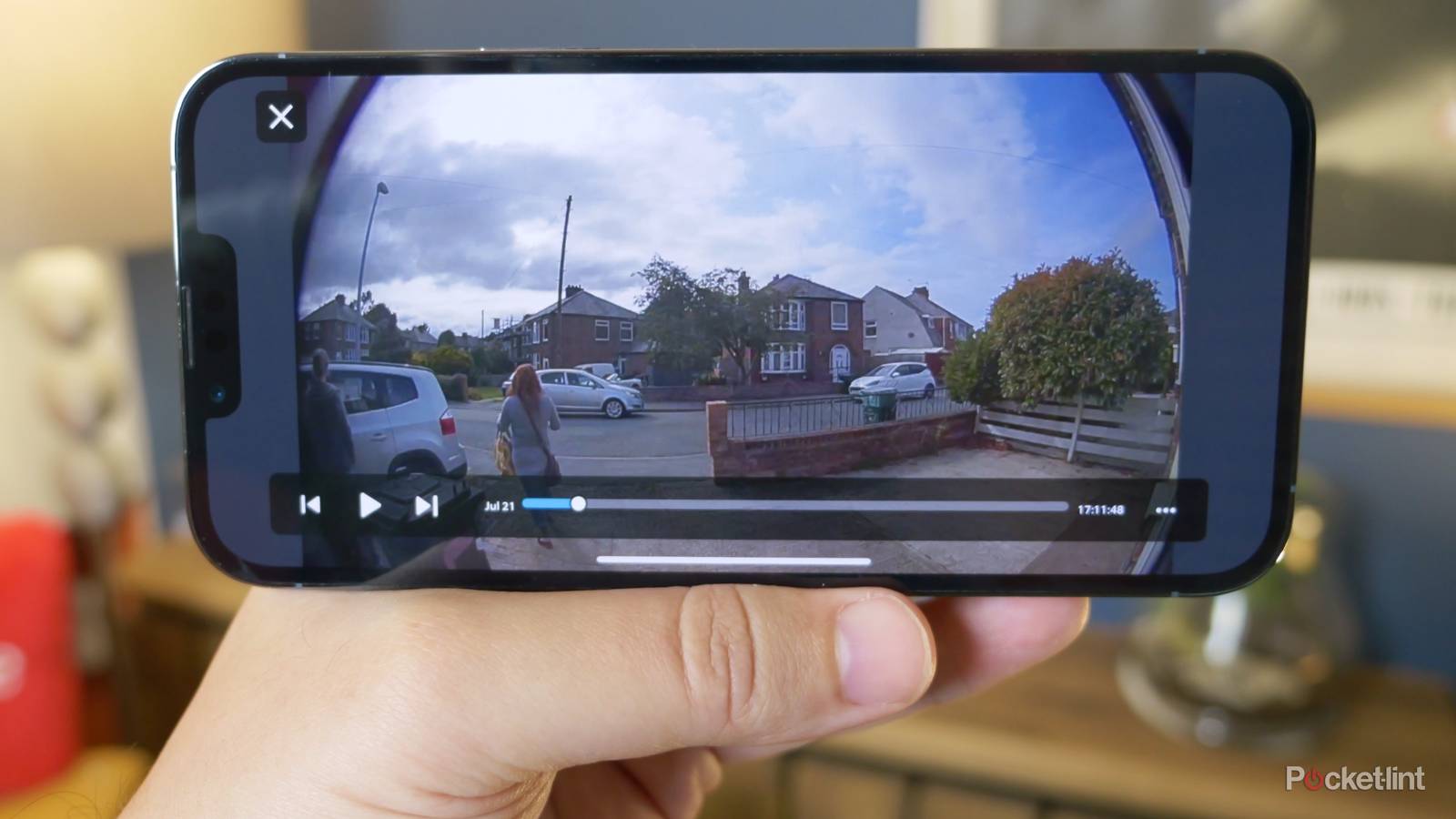
Tap on any event to open the video. Watch the clip to check if it is the right one. Use the play, pause, and skip buttons to review the footage. After confirming, look for the download or save option. This downloads the video to your device for offline access.
Downloading Videos
Downloading videos from your Ring Doorbell is simple and quick. These videos capture important moments at your doorstep. Saving them ensures you keep a record for future use or sharing. Below are easy steps to help you download and save your Ring Doorbell videos.
Using The Download Button
Open the Ring app on your phone or tablet. Find the video you want to download in your event history. Tap the video to play it. Look for the download button, usually shown as a downward arrow. Tap this button to start the download process. The video will save to your device’s storage.
Saving Videos To Device
Once downloaded, the video usually goes to your device’s default downloads folder. You can move the video to any folder you prefer. Use your device’s file manager or gallery app to find and organize videos. This helps keep your videos safe and easy to access later. You can now share or review these videos anytime without internet.
Credit: www.pocket-lint.com
Alternative Download Methods
Downloading Ring Doorbell videos is simple with several alternative methods. These options help users save videos without relying solely on the mobile app. Each method offers a different way to access and store your footage. Choose the one that fits your needs best.
Using A Computer Browser
Access your Ring account on a computer browser to download videos. Log into the Ring website using your email and password. Navigate to the Event History section to see recorded videos.
Click the video you want to save. Look for the download button or icon near the video player. Click it to start downloading the video to your computer. This method works well for users without the mobile app or limited phone storage.
Third-party Apps And Tools
Several third-party apps and tools offer video downloading for Ring Doorbell. These apps often provide extra features like batch downloads or video conversion. Use trusted apps to avoid security risks or privacy issues.
Download and install the chosen app on your device. Link your Ring account by following the app’s instructions. Select the videos you want to download and save them to your device. This method suits users needing advanced download options or backups.
Managing Storage And Backup
Managing storage and backup is important for your Ring Doorbell videos. Videos can take up a lot of space on your device. Without proper storage, you may lose important footage. Backing up videos helps keep them safe from accidental deletion or device failure.
Organizing your files and using cloud storage are effective ways to manage video storage. These methods make it easy to find and protect your videos. Let’s explore how to keep your Ring Doorbell videos well stored and backed up.
Organizing Downloaded Files
Create folders to sort your videos by date or event. Name files clearly with the date and time for easy search. Delete unwanted videos regularly to free up space. Use consistent file naming to avoid confusion. A tidy system saves time and keeps videos accessible.
Using Cloud Storage Options
Cloud storage keeps videos safe on the internet. Services like Google Drive or Dropbox offer secure backups. Upload videos after downloading to your device. Cloud storage lets you access videos from any device. It protects against device loss or damage. Choose a plan that fits your storage needs and budget.
Troubleshooting Download Issues
Downloading Ring Doorbell videos can sometimes cause problems. These issues may stop the video from saving properly. Knowing how to fix these problems helps you get your videos fast. This section guides you through common troubles and how to solve them.
Common Problems And Fixes
One common problem is slow or failed downloads. This often happens due to a weak internet connection. Check your Wi-Fi strength. Move closer to the router or reset it if needed.
Another issue is the app freezing during download. Closing and reopening the Ring app can help. Make sure the app is updated to the latest version.
Sometimes, videos do not appear in the app. This might mean the video has expired or was not saved. Check your Ring subscription status. Without it, videos might not be stored.
Storage space can also cause problems. Your phone or device may not have enough free space to save the video. Clear some space and try downloading again.
Contacting Support
If problems continue, contact Ring support. They can help with account or device issues. Use the Ring app or visit their website for help options.
Prepare your device details and account info before contacting. Clear information speeds up the support process. Support can guide you step-by-step to fix the problem.

Credit: www.youtube.com
Frequently Asked Questions
How Can I Download Ring Doorbell Videos Easily?
To download Ring Doorbell videos, open the Ring app. Select the desired video from your event history. Tap the download icon to save it to your device. This ensures quick access and offline viewing anytime.
Is It Possible To Download Ring Videos Without Subscription?
No, downloading Ring videos requires a Ring Protect subscription. Without it, you can’t access or save recorded footage. The subscription unlocks full video history and download features for your Ring Doorbell.
Where Are Ring Doorbell Videos Saved After Download?
Downloaded Ring videos are saved in your phone’s default gallery or downloads folder. You can view or share them anytime without the Ring app. Check your device’s settings to locate the saved videos easily.
Can I Download Ring Doorbell Videos On My Computer?
Yes, log into your Ring account via ring. com on a browser. Access your event history and select videos. Click the download button to save footage directly to your computer for backup or review.
Conclusion
Downloading Ring Doorbell videos is simple with the right steps. Save important moments to your device quickly. Keep your videos safe and easy to access anytime. This helps you review events without delay. Follow the guide and enjoy peace of mind.
Stay connected and protect your home with ease. Now, you can manage your Ring videos without stress.