
Are you looking to bring a fresh, polished look to your design projects or virtual spaces? Understanding and using tileable floor textures can make all the difference.
These seamless patterns allow you to create continuous, realistic floors without visible edges or breaks—giving your work a professional, high-quality finish. Whether you’re designing a game environment, a website background, or planning your home renovation, knowing how to choose and apply the right tileable floor texture will save you time and elevate your results.
Keep reading to discover how these textures work, where to find the best options, and tips to make your floors look flawless every time. Your next project deserves that perfect foundation.
Types Of Tileable Floor Textures
Tileable floor textures provide endless options for creating seamless and visually appealing surfaces. These textures repeat perfectly, making floors look natural and continuous. Different types of tileable floor textures suit various design styles and spaces. Choosing the right texture enhances the room’s atmosphere and style.
Wood And Parquet Patterns
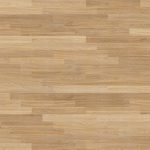
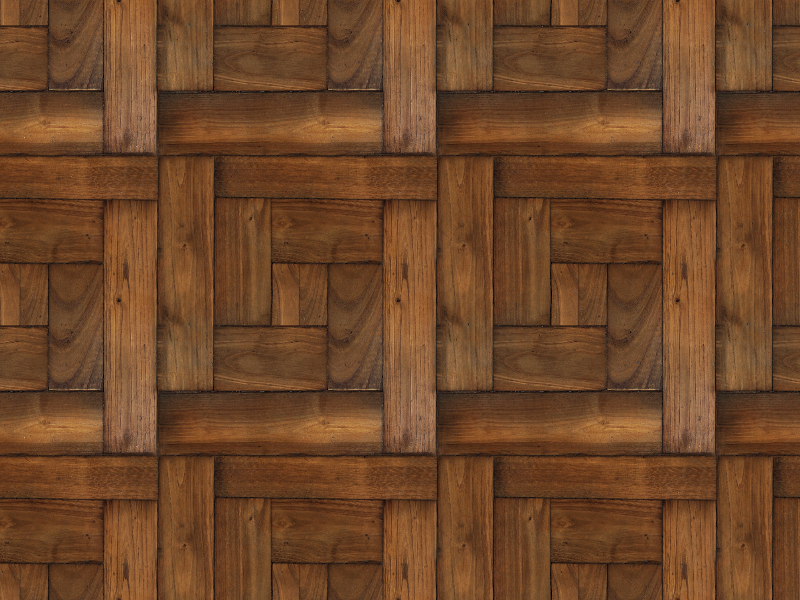
Wood textures bring warmth and natural beauty to floors. Parquet patterns add elegance with geometric wood pieces. These textures mimic real wood grain and knots. They suit both modern and classic interiors. The seamless repeat ensures no visible edges, creating a realistic look.
Stone And Slate Designs
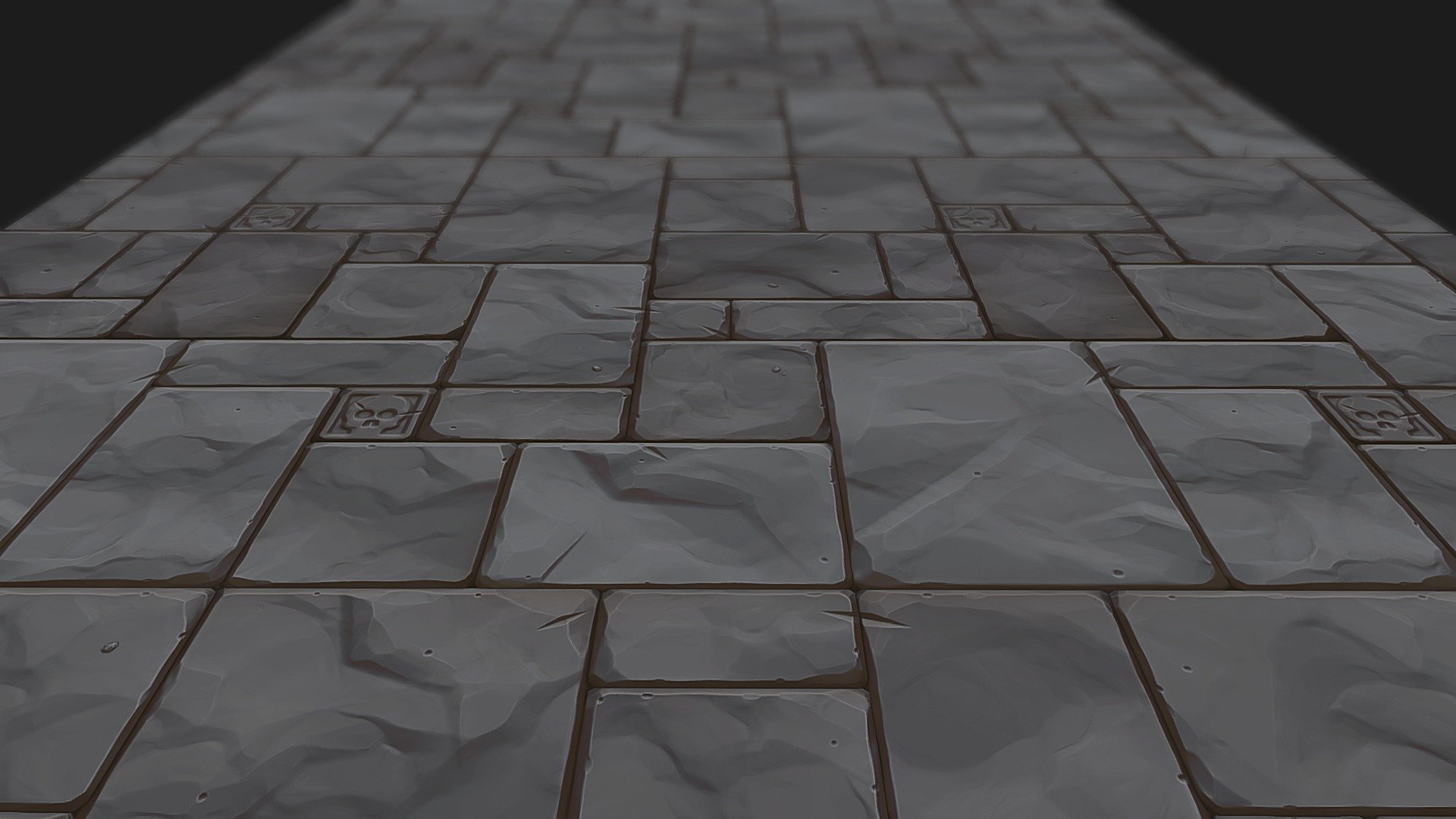
Stone textures offer a rugged and timeless feel. Slate designs show natural cracks and color variations. These textures work well in rustic or outdoor-inspired spaces. Their tileable nature helps maintain a continuous, natural stone look without breaks.
Ceramic And Porcelain Tiles
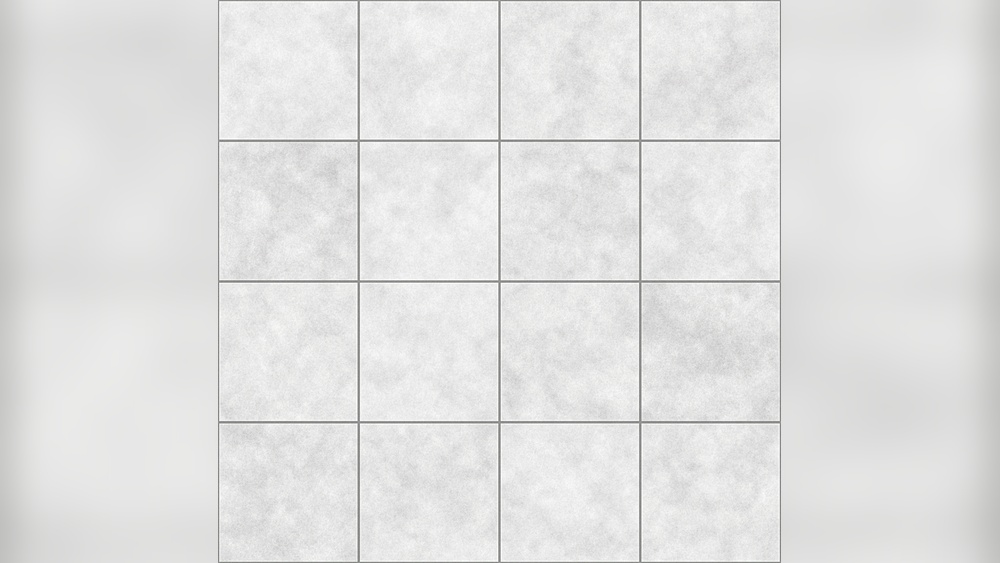
Ceramic and porcelain textures come in many colors and patterns. They create clean, polished surfaces ideal for kitchens and bathrooms. Their smooth finish reflects light, brightening rooms. Tileable ceramic textures provide uniformity with diverse style options.
Concrete And Industrial Looks
Concrete textures add a modern, minimalist vibe. Their rough, matte finish fits industrial and urban designs. Seamless concrete textures create solid, unbroken floors. They bring a cool, contemporary feel to any space.
Carpet And Fabric Simulations
Carpet textures simulate soft, cozy surfaces. Fabric patterns add warmth and comfort. These tileable textures allow easy customization of colors and designs. They bring a plush look without the hassle of real carpet installation.
Creating Seamless Floor Textures
Creating seamless floor textures enhances the visual appeal of any space. Seamless designs ensure the floor looks natural and continuous. This technique prevents distracting breaks or mismatched patterns. Well-made tileable textures improve realism in digital and physical projects. Understanding the process helps achieve smooth, flawless floor surfaces.
Key Principles Of Seamless Design
Seamless design requires careful alignment of texture edges. The pattern must repeat without visible borders. Consistent color and lighting are crucial across tile edges. Avoid sharp contrasts near tile borders to prevent obvious seams. Balance detail and simplicity to maintain realism and smoothness.
Tools For Texture Creation
Several tools help create seamless floor textures. Photoshop offers features like offset filters and clone stamping. Substance Designer provides procedural texture generation with tiling options. GIMP is a free alternative with similar capabilities. These tools simplify editing and ensure precise tile alignment.
Techniques For Tiling Without Visible Seams
Use the offset method to shift texture edges and fix mismatches. Clone stamp tools blend edges by copying nearby pixels. Create symmetrical patterns to reduce noticeable joins. Test textures by repeating tiles to spot and correct flaws. Adjust brightness and contrast near edges for smooth transitions.
Common Challenges And Fixes
Misaligned patterns cause visible seams and disrupt flow. Fix by carefully blending edges and using offset corrections. Color variations create patchy or inconsistent tiles. Normalize colors across tiles for uniform appearance. Repeating obvious elements leads to unnatural texture. Break patterns and add variation to hide repetition.
Sources For High-quality Tileable Textures
Finding high-quality tileable floor textures is key for many design and 3D projects. These textures must repeat smoothly without visible seams. Various sources offer textures with different styles and licenses. Each source type fits unique needs and budgets.
Below are common places to get tileable floor textures. They vary from free libraries to custom commissions. This guide helps choose the right source for your project.
Free Texture Libraries
Free texture libraries provide many tileable floor textures at no cost. They suit beginners and small projects. Sites like Poly Haven and Textures.com offer textures in various resolutions. These libraries often allow commercial use with simple attribution.
Free textures cover wood, stone, tiles, and more. Quality varies, so test samples before final use. They save money and provide quick access to many options.
Premium Texture Marketplaces
Premium marketplaces sell high-quality tileable textures. These usually cost a few dollars per texture or offer subscriptions. Poliigon and Adobe Stock are popular choices. Textures here have detailed maps like normal and displacement.
Paid textures come with clear licenses for commercial projects. They offer professional consistency and high resolution. Ideal for serious design work and game development.
Community And Artist Contributions
Many artists share tileable floor textures on platforms like DeviantArt and Sketchfab. These contributions often include unique styles and hand-painted options. Some are free, others require donation or purchase.
Community textures add creative variety. Always check the license and respect the creator’s terms. These textures bring a personal touch to projects.
Custom Texture Commissions
Custom commissions provide textures tailored to exact needs. Hiring an artist or studio ensures unique tileable floor textures. This option fits projects needing specific designs or branding.
Commissioned textures cost more but guarantee originality. They offer control over style, resolution, and format. Best for large projects or when no existing texture fits well.

Credit: www.freepik.com
Applications Of Tileable Floor Textures
Tileable floor textures serve many purposes across different fields. Their seamless design allows repetition without visible edges. This feature makes them perfect for creating large surfaces efficiently. Professionals use these textures to add realism and detail without heavy resource use. They fit various digital and physical projects, enhancing visual appeal and functionality.
Game Development And 3d Modeling
In game development, tileable floor textures create vast environments quickly. Developers use them to cover floors in scenes with consistent detail. These textures reduce memory use, improving game performance. 3D modelers apply them to add realistic surfaces on objects. The seamless pattern avoids distracting lines, keeping immersion intact.
Interior Design Visualization
Interior designers use tileable floor textures to present ideas clearly. They help showcase different flooring options in virtual rooms. Clients see how patterns and materials fit their space before buying. These textures also speed up the design process with easy adjustments. Visualizations appear more professional and lifelike with tileable textures.
Architectural Rendering
Architectural renderers apply tileable textures to floors in building models. This adds depth and authenticity to digital presentations. The textures allow large areas to look detailed without extra modeling. Architects and clients can evaluate materials and styles visually. Renderings become more accurate and convincing through these textures.
Virtual Reality And Augmented Reality
Tileable floor textures improve realism in VR and AR environments. They create continuous floor surfaces that blend smoothly with surroundings. This seamless effect enhances user immersion and experience. Developers can optimize scenes by reusing textures repeatedly. The result is a believable space that feels natural to explore.
Optimizing Tileable Textures For Performance
Optimizing tileable floor textures for performance is essential for smooth visuals and fast loading times. Efficient textures reduce memory use and speed up rendering. This helps maintain good frame rates and user experience. Careful optimization balances quality and system demands without losing detail.
Balancing Resolution And File Size
High-resolution textures offer clear details but increase file size. Large files slow down loading and use more memory. Choose resolution based on screen size and viewing distance. Lower resolutions work well for distant floors. Resize textures to the smallest size that still looks good. This saves space and improves performance.
Using Procedural Textures
Procedural textures generate patterns with math instead of images. They use less memory and scale easily. Procedural methods create seamless tileable floors without visible edges. Adjust parameters to get different styles and details. This method is flexible and efficient for many projects.
Texture Compression Techniques
Compression shrinks texture files while keeping quality. Use formats like DXT, ETC, or ASTC for best results. Compressed textures load faster and require less memory. Test compression settings to avoid blurry or pixelated floors. Proper compression balances sharpness and file size well.
Platform-specific Considerations
Different devices support different texture formats and sizes. Mobile devices need smaller, optimized textures. Desktop computers handle larger, higher-quality textures better. Check platform limits and adjust textures accordingly. Tailoring textures to each platform improves speed and appearance.
Customizing And Enhancing Floor Textures
Customizing and enhancing floor textures gives your designs a unique, realistic look. You can create textures that fit any style or environment. Small details make a big difference in the final appearance. This section explores ways to improve tileable floor textures effectively.
Adding Weathering And Wear Effects
Weathering adds age and character to floor textures. Scratches, stains, and dirt make surfaces look used. These effects help tell a story about the space. Use brushes or masks to apply wear in natural spots. Focus on edges and high-traffic areas for realism.
Color Variations And Patterns
Color changes prevent textures from looking flat or repetitive. Slight shifts in hue or brightness add depth. Patterns like grout lines or tile shapes create interest. Mixing subtle color differences gives a natural, varied look. Use layers to control and experiment with colors easily.
Using Normal And Displacement Maps
Normal maps add fine surface details without extra polygons. They simulate bumps, grooves, and texture depth. Displacement maps change the actual surface shape for stronger effects. These maps improve lighting and shadow accuracy. Together, they make floors appear more tactile and real.
Combining Multiple Textures
Mixing textures can create complex and rich floors. Blend stone, wood, or concrete textures for new styles. Layering textures adds detail and uniqueness. Use masks to control where each texture appears. This method gives flexibility and fresh looks to your floors.
Popular Software For Texture Design
Creating tileable floor textures requires precise tools that support seamless design and high-quality output. Various software options cater to different skill levels and project needs. Understanding popular texture design programs helps artists and designers choose the right fit for their workflow.
Substance Designer And Painter
Substance Designer excels in creating procedural, tileable textures from scratch. It offers node-based workflows, allowing full control over texture details. Substance Painter complements this by enabling texture painting directly on 3D models. These programs produce realistic and customizable floor textures widely used in games and films.
Blender And 3d Modeling Tools
Blender is a free, open-source 3D modeling tool that supports texture creation and mapping. It allows artists to unwrap models and paint textures seamlessly. Other 3D tools also offer features to design tileable textures while previewing them on models. Blender’s versatility makes it a favorite among beginners and professionals alike.
Photoshop And Image Editors
Photoshop remains popular for editing and creating tileable floor textures. Its powerful tools help blend edges and fix seams to ensure textures tile perfectly. Image editors allow designers to enhance photos or handcraft textures using brushes and filters. They offer flexibility for quick edits and fine-tuning.
Specialized Texture Creation Plugins
Plugins add extra features to existing software, simplifying tileable texture creation. Examples include seamless texture generators and pattern makers. These tools automate repetitive tasks and improve workflow efficiency. Many plugins integrate with Photoshop, Blender, or Substance Designer to enhance their capabilities.
Credit: www.textures4photoshop.com
Credit: igorskugar.artstation.com
Frequently Asked Questions
What Is A Tileable Floor Texture?
A tileable floor texture is a seamless image that repeats without visible edges. It is used in 3D design and game development for realistic flooring. This texture ensures smooth and continuous patterns across large surfaces.
How Do Tileable Textures Improve Floor Design?
Tileable textures create consistent and natural-looking floors by repeating seamlessly. They save time and resources in design projects. Using these textures enhances visual appeal and realism in digital environments.
Where Can I Find Free Tileable Floor Textures?
Free tileable floor textures are available on sites like Poly Haven, Freepik, and SketchUp Texture Club. These platforms offer high-quality, seamless textures suitable for various design needs. Always check licensing for commercial use.
What Types Of Floor Textures Are Tileable?
Common tileable floor textures include wood, stone, concrete, marble, and ceramic tiles. Each type offers unique visual styles and can be used in diverse design projects. Seamless versions ensure easy pattern repetition.
Conclusion
Tileable floor textures offer great flexibility for any design project. They create smooth, seamless patterns that fit perfectly. Using these textures saves time and effort in creating floors. They work well for games, animations, and architectural visuals. Choosing the right texture enhances the look and feel of your space.
Experiment with different styles like wood, stone, or tile for variety. Keep your designs clean and professional with high-quality textures. Explore free and premium options to find what suits your needs best. Simple, seamless textures make your floors look natural and polished.