Are you running out of space to store your photos, videos, and important files at home? Managing all your digital content can quickly become overwhelming.
That’s where Home NAS Storage Solutions come in—offering you a simple, secure, and efficient way to keep everything organized and accessible. Imagine having your own private cloud right at home, where you control your data and never worry about losing it.
You’ll discover how to choose the right NAS device that fits your needs, budget, and tech comfort level. Ready to take control of your digital life and enjoy seamless storage? Keep reading to find the perfect solution designed just for you.
Credit: www.synology.com
Nas Basics
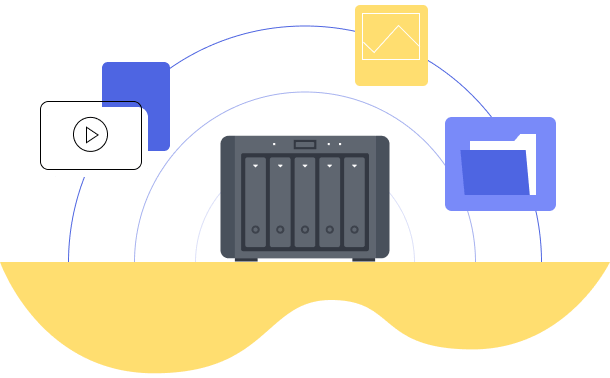
Understanding the basics of NAS is important for any home storage setup. NAS stands for Network Attached Storage. It offers a way to store and share data over a home network. NAS devices help keep files safe and easy to access from multiple devices.
Many people use NAS for storing photos, videos, and documents. It acts like a personal cloud that you control. This section explains what NAS is, how it works, and the main parts it contains.
What Is Nas
NAS is a storage device connected to your home network. It lets multiple users access and save files. Unlike a regular external hard drive, NAS works over Wi-Fi or Ethernet. It is designed to run all the time and manage data securely.
How Nas Works
NAS connects to your router or switch. It creates a shared storage space on your network. Devices like computers, smartphones, and smart TVs can access this space. Data transfers happen through the network, not by plugging in cables each time.
NAS uses special software to organize files and control access. It supports backups and file syncing. Some NAS models even stream media directly to your devices.
Key Nas Components
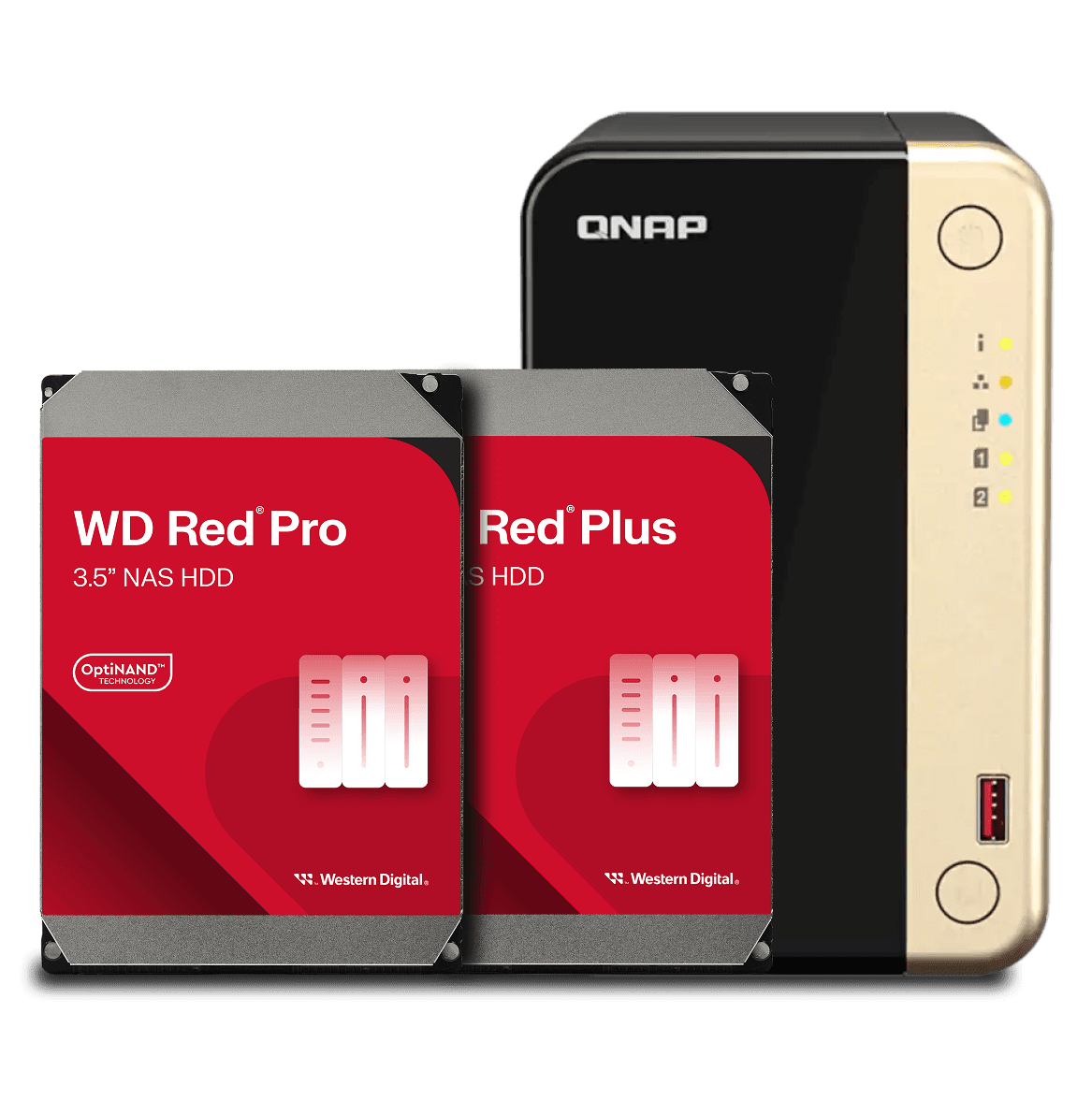
The main parts of a NAS include hard drives, a processor, and memory. Hard drives store your data securely. The processor runs the NAS software and handles tasks. Memory helps the device work smoothly and quickly.
NAS also contains network ports to connect to your router. Some models have USB ports for extra storage or printer sharing. The software interface lets you manage users, backups, and apps easily.
Credit: www.westerndigital.com
Choosing A Nas
Choosing a NAS for your home storage needs requires careful thought. This device stores your files and shares them across your network. It must fit your technical skills and storage demands. Various factors affect your choice, such as software, hardware, and budget.
Understanding these elements helps you pick the right NAS that matches your lifestyle and keeps your data safe.
Operating Systems Compared
NAS devices use different operating systems. Some are user-friendly, ideal for beginners. Others offer advanced features for tech-savvy users. Popular options include Synology’s DSM, QNAP’s QTS, and Western Digital’s My Cloud OS. Check if the OS supports apps you need like media streaming or backup tools. A simple interface saves time and reduces frustration.
Hardware Performance
Hardware impacts speed and reliability. Look at the processor power and memory size. A stronger CPU handles multiple tasks better. More RAM improves performance during heavy use. Consider if you want features like hardware encryption or 4K video support. These boost your NAS’s efficiency for daily tasks.
Drive Bay Options
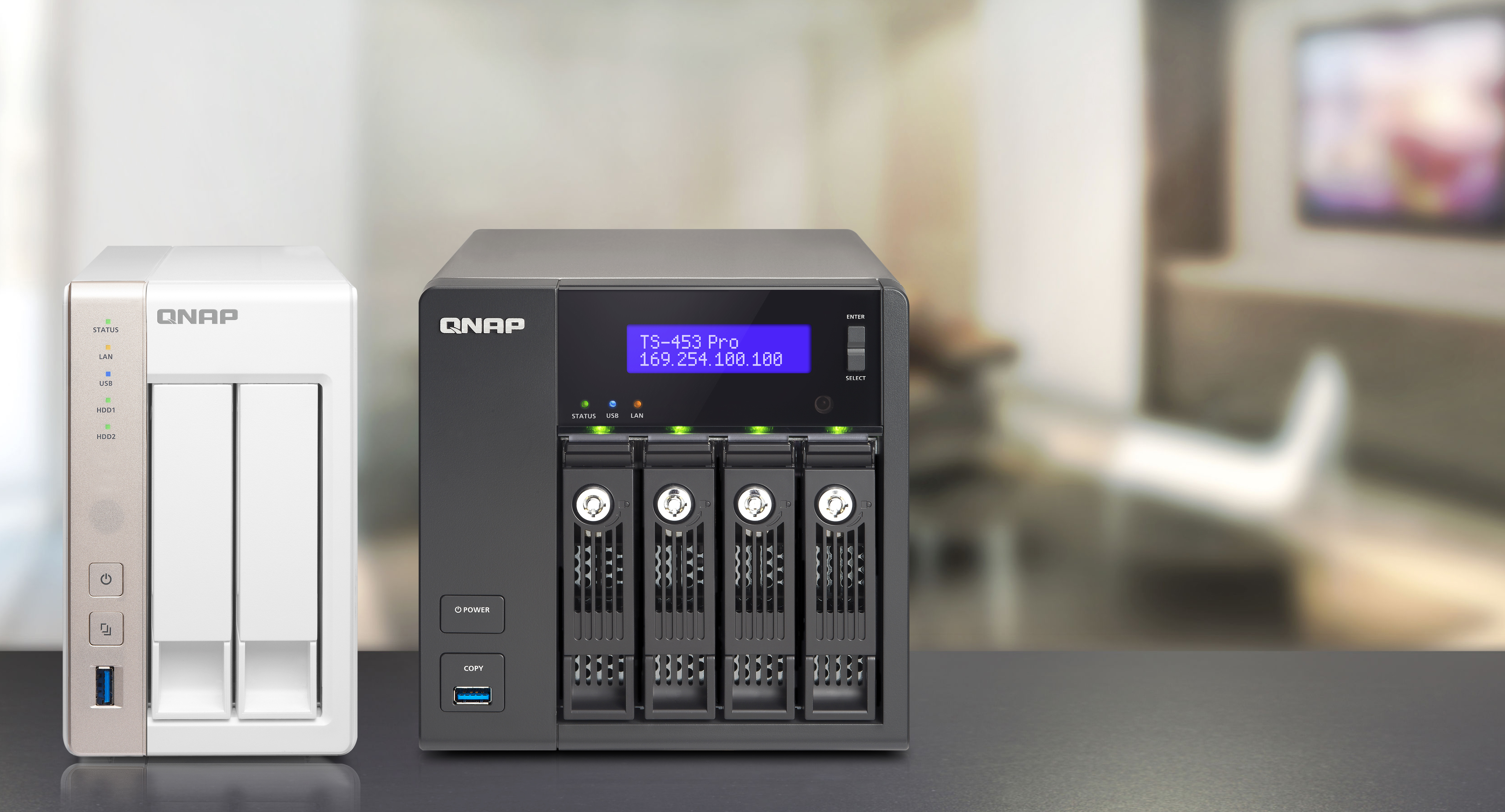
Drive bays determine storage capacity and upgrade potential. Some NAS models have just two bays. Others offer four or more for larger storage needs. More bays mean you can add or replace drives easily. Think about your future storage growth before choosing. RAID support is also vital for data protection.
Essential Features
Look for key features like automatic backups and remote access. File sharing across devices should be seamless. Check for mobile apps that let you manage your NAS on the go. Energy-saving modes help reduce power consumption. Security features such as encryption and antivirus protect your data from threats.
Price Considerations
NAS prices vary widely based on features and capacity. Set a budget that covers your immediate needs and possible upgrades. Cheaper models work well for basic storage. Higher-end units offer faster speeds and more functions. Balance cost with the features that matter most for your home setup.
Top Nas Brands
Choosing the right NAS brand is key for secure and efficient home storage. Many brands offer various features and price points. This helps match different needs and budgets. Explore some of the best NAS brands for home use below.
Synology Highlights
Synology is known for its user-friendly interface. Their NAS devices support many apps and services. They offer strong data protection and backup options. Synology models suit beginners and tech-savvy users alike. Their software updates keep devices secure and fast.
Ugreen Strengths
UGREEN provides reliable and affordable NAS solutions. Their devices often focus on easy setup and use. UGREEN NAS offers good performance for home media storage. Compact designs fit well in small spaces. They include useful connectivity options for various devices.
Other Popular Brands
Western Digital offers NAS devices with large storage capacity. QNAP is famous for powerful hardware and flexible features. Seagate provides simple NAS solutions for basic home needs. Each brand has unique strengths to explore based on your requirements.
Setup And Installation
Setting up and installing a home NAS storage solution is straightforward. It ensures your data is safe and accessible. This process involves several simple steps that anyone can follow. Proper setup helps avoid future problems and maximizes your NAS’s efficiency.
Initial Configuration
Start by connecting your NAS device to power and your router. Power on the device and wait for the system to boot. Use the web interface or a mobile app to begin setup. Set a strong admin password to protect your data. Choose the correct RAID setup to balance speed and safety. Follow on-screen instructions for formatting the drives. Update the firmware to ensure the latest features and security fixes.
Network Integration
Connect the NAS to your home network using an Ethernet cable. Assign a fixed IP address to avoid connection issues. Enable DHCP if you prefer automatic IP assignment. Configure your router to allow NAS access from other devices. Use SMB or NFS protocols for file sharing. Ensure the NAS is visible on all your home devices. Test the connection by accessing files from a computer or smartphone.
User Management
Create user accounts for everyone who needs access. Assign different permission levels to control data security. Enable guest access if you want to share files temporarily. Use groups to simplify permission management for many users. Regularly update passwords to keep accounts secure. Monitor login activity to detect unauthorized access. Set up backup schedules for user data to prevent loss.
Data Security
Data security is vital for any Home NAS storage setup. It protects your files from loss, theft, or damage. Without strong security, your personal and important data remains at risk. A secure NAS ensures your information stays private and safe.
Backup Strategies
Backing up data regularly prevents permanent loss. Use automated backup systems to save time. Store copies on different drives or cloud services. This way, even if one source fails, your data remains safe. Schedule backups during off-peak hours to avoid slowdowns.
Encryption Methods
Encryption turns data into unreadable code for outsiders. Use NAS devices that support strong encryption standards. Encrypt both stored data and data in transit. This stops hackers from accessing your files. Choose AES-256 encryption for solid protection.
Access Controls
Access controls limit who can see or change files. Set strong, unique passwords for all users. Use user accounts with specific permissions. Enable two-factor authentication for added security. Regularly review access logs to spot unusual activity.
Performance Optimization
Performance optimization is key to getting the most from your home NAS storage. It ensures fast data access and smooth file transfers. Optimized NAS systems improve productivity and user satisfaction. Small tweaks can lead to big improvements in speed and reliability.
Speed Enhancements
Upgrading to faster hard drives or SSDs boosts NAS speed. Using a wired Ethernet connection reduces latency and increases transfer rates. Enabling link aggregation combines multiple network ports for higher bandwidth. Adjusting read/write cache settings can also speed up operations. Prioritize critical data for quicker access.
Storage Management
Organize files using folders and labels for easier retrieval. Regularly remove unused or duplicate files to free space. Use RAID configurations to balance speed and data protection. Monitor storage usage to avoid overload and slowdowns. Automate backups to prevent data loss and maintain performance.
Firmware Updates
Keep NAS firmware updated for security and performance fixes. Manufacturers release updates to improve system stability and add features. Install updates promptly to avoid vulnerabilities. Check update notes to understand changes and benefits. Regular updates help maintain smooth NAS operation over time.
Use Cases
Home NAS storage solutions fit many needs around the house. They keep data safe and easy to access. Different users find unique ways to use NAS for daily tasks. Below are common use cases that show how versatile NAS can be.
Home Office Storage
NAS helps store work files securely. It allows quick access to documents from any device. Teams can share files without emailing back and forth. Data backups keep important work safe from loss. It supports remote work and improves productivity.
Media Streaming
NAS acts as a media hub for videos, music, and photos. It streams content directly to smart TVs and devices. No need to use cloud services or internet bandwidth. Families enjoy large libraries without delays or interruptions. It supports multiple users streaming at the same time.
Personal Cloud
NAS creates a private cloud storage space at home. It stores personal files, photos, and videos privately and securely. Users access their data from anywhere with internet. It avoids monthly fees and privacy risks of public clouds. This keeps data under full control of the owner.
Troubleshooting
Troubleshooting is key to keeping your home NAS storage running smoothly. Understanding common problems helps solve issues fast. Regular care prevents many faults. Accessing support resources guides you through complex fixes. This section covers basic troubleshooting for your NAS device.
Common Issues
Slow data transfer rates often occur with network congestion. Drives may fail due to age or overheating. Connection drops happen from faulty cables or router issues. Firmware bugs can cause crashes or freezes. Incorrect settings may block access or reduce performance.
Maintenance Tips
Keep firmware up to date for security and stability. Clean vents and fans to avoid overheating. Check cables and connections regularly. Run disk health checks to spot failing drives early. Schedule backups to protect data against loss.
Support Resources
Manufacturer websites offer manuals and FAQs. Online forums provide user experiences and advice. Customer support teams help with technical problems. Video tutorials show step-by-step guides. Software tools diagnose and repair common errors automatically.
Future Trends
Home NAS storage solutions are evolving rapidly. New trends promise better performance, easier use, and greater security. Understanding these trends helps users prepare for future needs and benefits.
These trends focus on technology improvements, smart home integration, and cloud hybrid setups. They shape how we store and access data at home.
Nas Technology Advances
NAS devices are becoming faster and more efficient. New processors improve data transfer speeds and multitasking. Storage capacities increase to handle large media files and backups. Energy-efficient designs reduce power use without losing performance.
Security features also improve. Advanced encryption and automatic updates protect data from threats. User interfaces become simpler, making setup and management easier for everyone.
Integration With Smart Home
NAS systems now connect smoothly with smart home devices. They can store and stream videos from security cameras instantly. Voice assistants gain control over NAS functions like file searches and playback.
This integration creates a seamless experience. Users access files, media, and backups through smart speakers or home hubs. It adds convenience and centralizes data management within the home ecosystem.
Cloud Hybrid Solutions
Hybrid solutions mix NAS storage with cloud services. This setup offers local speed and cloud flexibility. Files can sync automatically between NAS and cloud platforms for backup and remote access.
This approach increases data safety and accessibility. Users protect files from local hardware failures and access data from anywhere. Hybrid models become popular for their balance of control and convenience.
Credit: blog.qnap.com
Frequently Asked Questions
What Is The Best Nas Drive For Home Use?
The best NAS drive for home use is the Synology DS220+, offering user-friendly DSM software and strong performance. For budget options, consider TerraMaster F2-221. Power users may prefer QNAP TS-451D2 for advanced features and speed. Choose based on your storage and usage needs.
Are Nas Drives Worth It For Home Use?
NAS drives offer secure, centralized storage and easy file sharing for homes. They enable data backup, media streaming, and remote access, making them worthwhile for home use.
How Long Will Ssd Last In Nas?
An SSD in a NAS typically lasts 5 to 7 years, depending on usage, workload, and drive quality. Regular monitoring extends lifespan.
How To Setup Nas Storage At Home?
Choose a NAS device, connect it to your home router, install hard drives, and follow setup software instructions. Configure storage and user access.
Conclusion
Choosing the right NAS storage for your home brings many benefits. It keeps your files safe and easy to access. You can share data with family members quickly. Plus, it helps you save space on your devices. Simple setup and management make it ideal for everyone.
Consider your storage needs and budget carefully. A good NAS system supports your digital life well. Enjoy organized, secure, and reliable home data storage.