Is your Kidde hardwired smoke detector acting up or sounding false alarms? You’re not alone, and resetting it might be the simple fix you need.
Knowing how to reset your smoke detector can save you time, reduce frustration, and ensure your home stays safe. In this guide, you’ll discover easy, step-by-step instructions to reset your Kidde hardwired smoke detector quickly and confidently. Keep reading to get your system back to normal and protect your home without hassle.
Why Reset Your Kidde Smoke Detector
Resetting your Kidde hardwired smoke detector keeps it working well. Smoke detectors can sometimes act up or show errors. A reset helps clear these issues. It makes sure the alarm is ready to protect your home.
Common Reasons For Resetting
Sometimes the smoke detector beeps without smoke. This can happen after a power outage or battery change. Dust or insects inside the detector may cause false alarms. The detector might also need a reset after an alarm test. Resetting fixes these problems quickly.
Benefits Of A Reset
Resetting stops false alarms and annoying beeps. It helps the detector work properly again. A reset can extend the life of your smoke detector. It keeps your home safe by ensuring the alarm responds to real danger. Resetting also helps avoid costly repairs or replacements.
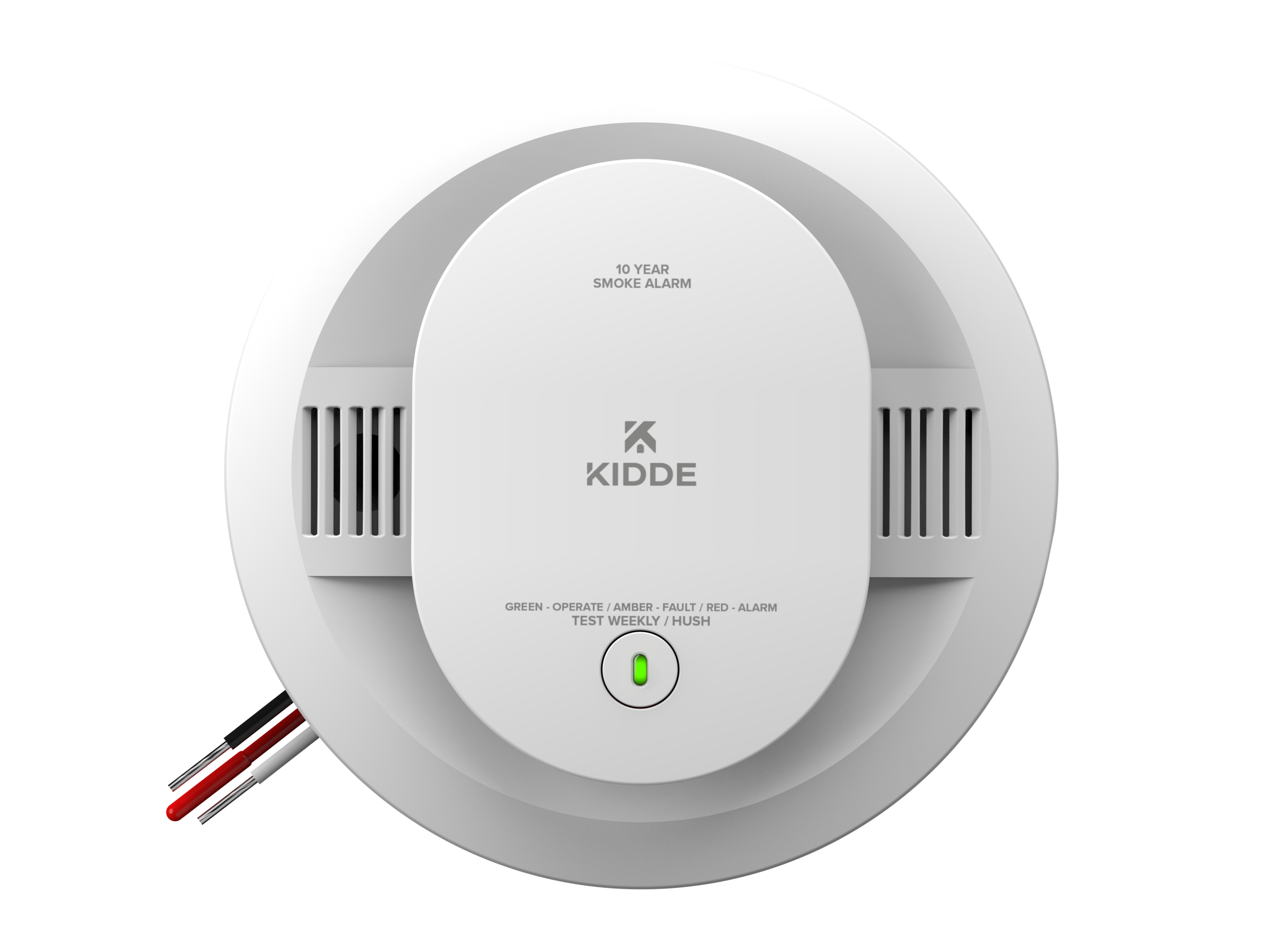
Credit: www.kidde.com
Tools You’ll Need
Resetting your Kidde hardwired smoke detector requires some basic tools. These tools help you complete the task safely and correctly. Having them ready before you start saves time and prevents frustration. This section covers the essential tools and safety tips for the reset process.
Basic Equipment
You need a small flathead screwdriver. It helps to open the detector’s cover. A ladder or step stool is useful for reaching ceiling-mounted detectors. Keep a fresh 9-volt battery nearby. This battery powers the detector during reset. A flashlight is helpful if your work area is dim. Also, have a cloth or gloves to handle the detector safely.
Safety Precautions
Turn off the power to the smoke detector at the circuit breaker. This prevents electrical shock while working. Avoid touching wiring directly with bare hands. Use insulated tools if possible. Keep your ladder stable and secure before climbing. Check the detector for any damage before resetting. If you see damage, replace the unit instead of resetting it.
Steps To Reset The Smoke Detector
Resetting your Kidde hardwired smoke detector is a simple process. It helps clear false alarms and ensures the device works correctly. Follow these clear steps to reset your smoke detector safely and quickly.
Power Down The Unit
Start by turning off the power to the smoke detector. Locate your home’s circuit breaker panel. Switch off the breaker that controls the smoke detector. This step prevents electric shock during the reset.
Disconnect The Battery
Open the smoke detector’s cover. Find the backup battery inside. Carefully remove the battery from its compartment. This step cuts off all power to the unit.
Press The Reset Button
Look for the reset button on the smoke detector. Press and hold the button for about 15 seconds. This clears the device’s memory and stops false alarms.
Restore Power
Put the battery back into its place. Close the smoke detector cover securely. Go back to the circuit breaker panel and switch the power back on. Your smoke detector is now reset and ready to protect your home.
Troubleshooting Reset Issues
Troubleshooting reset issues with your Kidde hardwired smoke detector can be tricky. Sometimes, the alarm won’t stop ringing or the reset button seems unresponsive. Understanding common problems helps fix the device quickly. This section covers persistent alarms, reset button issues, and problems with interconnected units.
Persistent Alarms
Persistent alarms may happen even after pressing reset. Dust or dirt inside the detector can cause false alarms. Clean the unit gently with a soft brush or vacuum. Check for low battery signals; replace batteries if needed. Sometimes, electrical wiring issues cause the alarm to stay on. If the problem continues, test the detector with the test button.
Reset Button Not Responding
The reset button may not work due to power interruptions. Confirm the power supply is steady and the circuit breaker is on. Press and hold the reset button firmly for 15-20 seconds. If it still does not respond, remove the backup battery for a minute, then reinsert it. Reset the detector again. A faulty reset button may require professional repair or replacement.
Interconnected Units Problems
Interconnected smoke detectors alert all units when one triggers. If one unit resets but others keep alarming, the link may be broken. Check wiring connections between units carefully. Power cycles can also cause syncing issues. Turn off the power to all units, wait a minute, then turn it back on. Test each unit to ensure proper communication and reset function.
Maintenance Tips To Avoid Frequent Resets
Frequent resets of your Kidde hardwired smoke detector can be frustrating. Regular maintenance helps keep your detector working well. It also reduces false alarms and the need to reset often. Simple steps can make a big difference in performance and safety.
Regular Cleaning
Dust and dirt can block the smoke sensor. Clean your smoke detector every month. Use a soft brush or vacuum cleaner on low setting. Avoid using water or cleaning sprays. Clean detectors detect smoke quickly and reduce false alarms.
Battery Replacement Schedule
Even hardwired detectors have backup batteries. Replace batteries at least once a year. Use the right battery type as per the manual. Weak batteries cause frequent beeps and resets. Keep spare batteries handy for quick replacement.
Proper Installation
Install smoke detectors away from kitchens and bathrooms. Steam and smoke from cooking can trigger false alarms. Mount detectors on ceilings or high walls. Follow Kidde’s installation guide closely. Correct placement ensures accurate smoke detection and fewer resets.

Credit: www.youtube.com
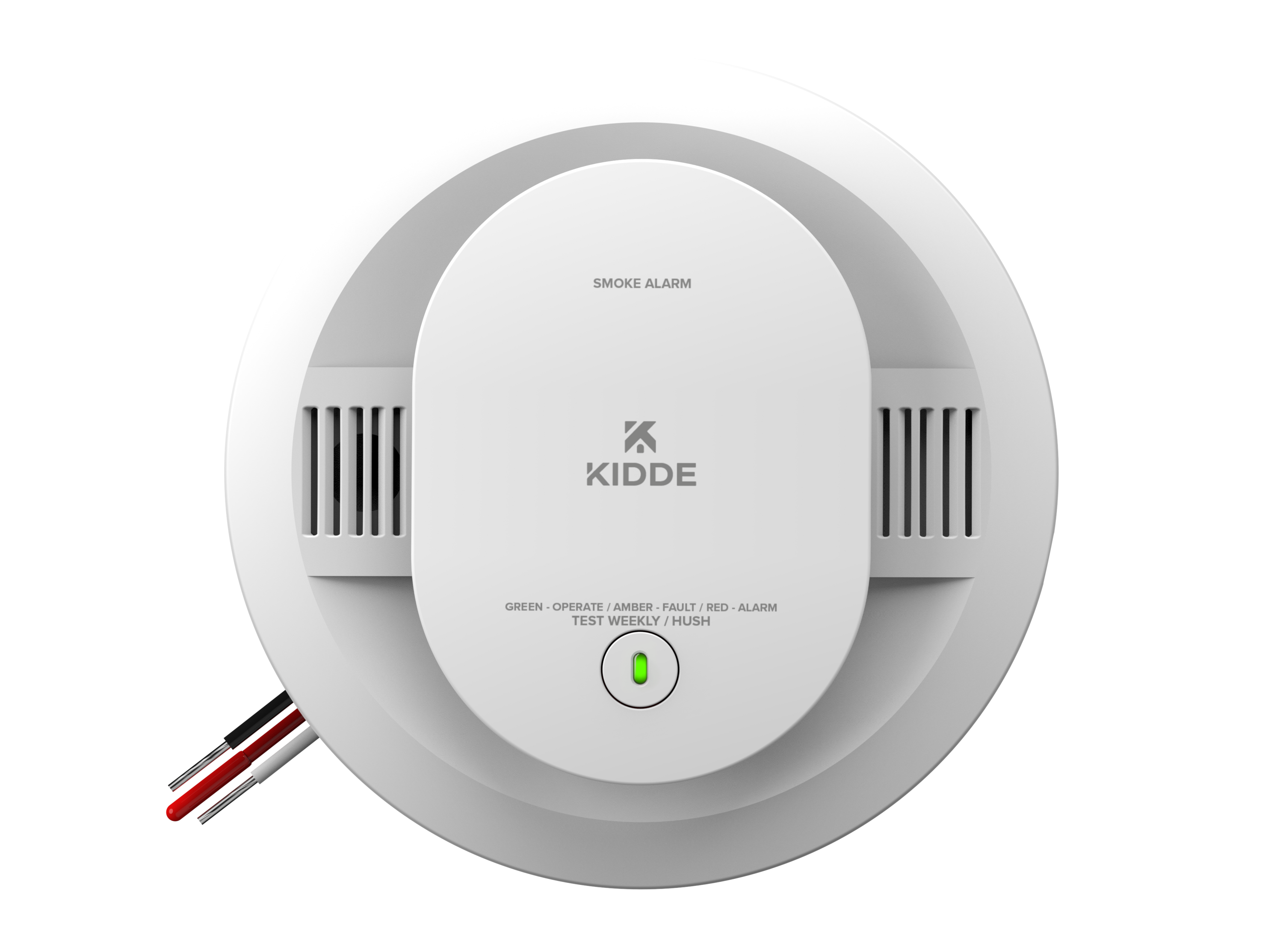
Credit: www.kidde.com
Frequently Asked Questions
How Do I Reset My Kidde Hardwired Smoke Detector?
To reset your Kidde hardwired smoke detector, press and hold the reset button for 15-20 seconds. This clears any error codes and resets the system. If the alarm continues, turn off the power, wait a few minutes, then restore power and try again.
Why Is My Kidde Smoke Detector Beeping After Reset?
Continuous beeping after reset usually means low battery or wiring issues. Replace the backup battery first. Check all wiring connections to ensure they are secure. If problems persist, consult the user manual or contact Kidde support for further troubleshooting.
How Often Should I Reset My Kidde Smoke Detector?
Resetting is only needed after maintenance or false alarms. Regularly test your detector monthly and replace batteries yearly. Frequent resets may indicate a malfunction or wiring problem needing professional inspection.
Can I Reset My Kidde Smoke Detector Without Power?
No, resetting requires power to the smoke detector. Ensure the unit is connected to its power source before attempting a reset. If power is off, restore it and then press the reset button as instructed.
Conclusion
Resetting your Kidde hardwired smoke detector is simple and quick. Follow the steps carefully to avoid errors. Regular resets help keep your home safe. Test the detector after resetting to ensure it works well. Keep your smoke detector clean and batteries fresh.
This small task can protect your family from fire risks. Stay safe by checking your smoke detector often. Safety starts with a working alarm.