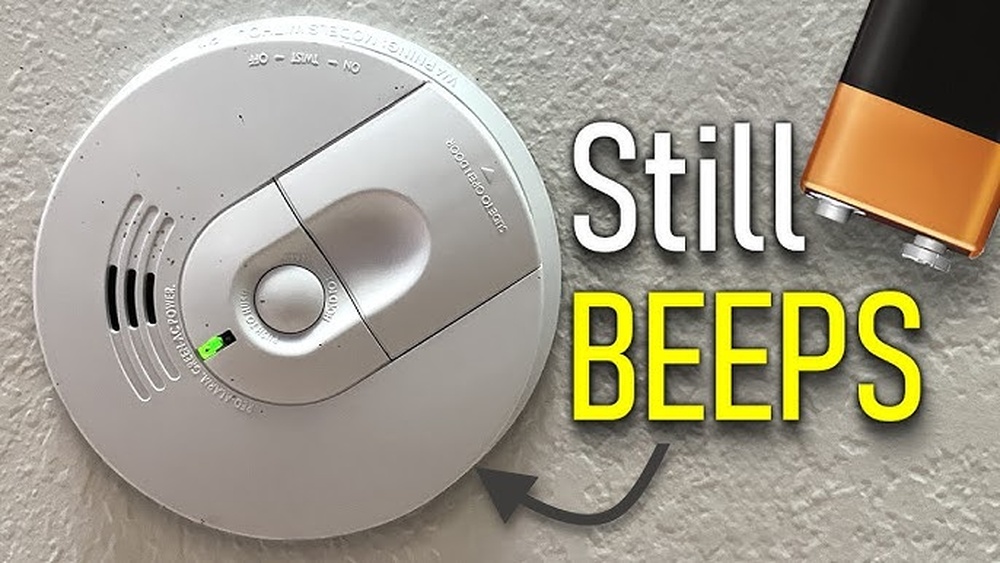

Your smoke detector just got a fresh battery, but that annoying beep won’t stop. Sound familiar?
Resetting your smoke detector after changing the battery is simple—but missing this step can keep the alarm ringing and drain your patience. In this post, you’ll learn exactly how to reset your smoke detector quickly and easily. Keep reading, and you’ll have peace of mind knowing your home stays safe without any annoying interruptions.

Credit: www.youtube.com
Signs Your Smoke Detector Needs Resetting
Knowing the signs that your smoke detector needs resetting helps keep your home safe. After changing the battery, some smoke detectors may not work properly. They might give false alarms or stop beeping. Recognizing these signs ensures the device works as it should. Resetting the smoke detector fixes many common issues quickly.
Common Indicators After Battery Replacement
A smoke detector may beep continuously after a battery change. The light may blink in an unusual pattern. Sometimes, the alarm does not stop sounding even without smoke. The device might fail to test properly. These are clear signs the detector needs a reset. Ignoring these signs can cause annoyance or unsafe conditions.
Why Resetting Is Important
Resetting clears error messages and false alarms. It restores the smoke detector’s normal function. Without a reset, the detector might not alert during a real emergency. Resetting helps the device recognize the new battery. This step ensures the alarm system stays reliable and effective.

Credit: www.wirechiefelectric.com
Preparing For The Reset
Preparing to reset a smoke detector is important. It helps the device work well after changing the battery. Proper preparation saves time and avoids mistakes.
Knowing what to do before the reset makes the process smooth. It also keeps you safe while handling the smoke detector.
Gathering Necessary Tools
Get all tools before starting the reset. You will need a new battery that fits your smoke detector. A small screwdriver may help to open the battery compartment.
Have a step stool or ladder ready if the smoke detector is on the ceiling. Keep a clean cloth nearby to wipe the device if needed.
Ensuring Safety Precautions
Turn off the power to the smoke detector if it is wired to your home. Use the circuit breaker to cut the power supply. This prevents electric shock during battery replacement.
Do not use wet hands or stand on a slippery surface while working. Work in a well-lit area to see clearly. Make sure the ladder or stool is stable before climbing.
Step-by-step Reset Process
Resetting a smoke detector after changing the battery is important for safety. This step-by-step guide shows how to do it right. Follow each step carefully to ensure your smoke detector works properly again.
Removing The Smoke Detector
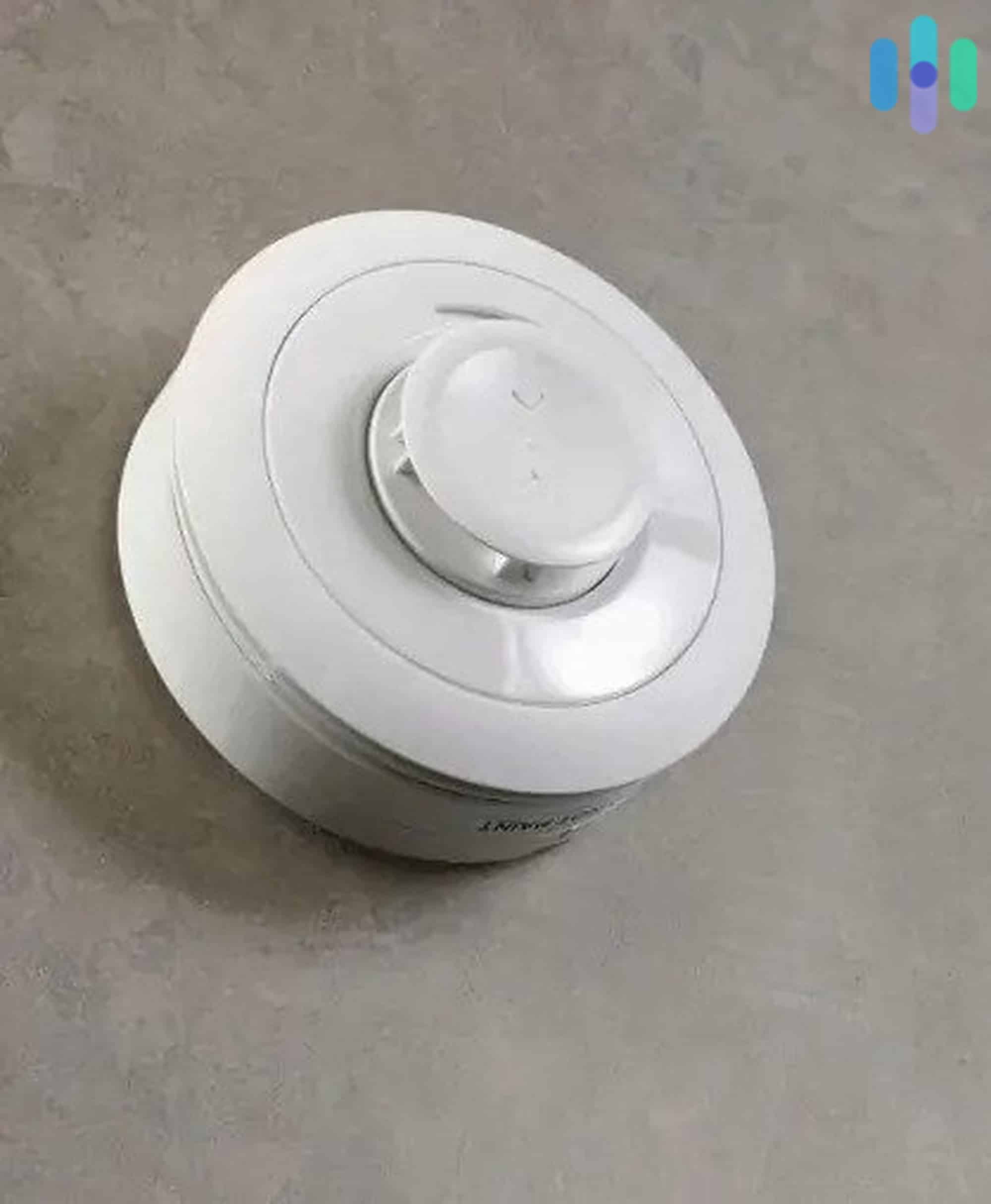
First, turn off the power to the smoke detector. Twist the detector counterclockwise to remove it from the mounting bracket. Hold it gently and pull it down from the ceiling or wall.
Locating The Reset Button
Look for a small button on the smoke detector’s body. It is usually labeled “Reset” or is a tiny recessed button. Use a pen or small object if the button is hard to press.
Performing The Reset
Press and hold the reset button for 15 to 20 seconds. You may hear a beep or a chirp stop. This means the smoke detector has reset and is ready to use.
Reinstalling The Detector
Align the smoke detector with the mounting bracket on the ceiling or wall. Twist it clockwise until it locks into place. Turn the power back on and test the smoke detector by pressing the test button.
Credit: www.security.org
Troubleshooting Reset Issues
Resetting a smoke detector after changing its battery seems simple. Yet, sometimes the alarm keeps beeping or false alarms happen. These issues can be frustrating and confusing. This section helps solve common reset problems. Follow the steps carefully to fix your smoke detector fast.
When The Alarm Won’t Stop Beeping
Beeping after a battery change means the detector has not reset properly. First, check if the battery is inserted the right way. Next, press and hold the reset button for 15-20 seconds. This action clears the system and stops the beep. If it still beeps, remove the battery and unplug the detector from its base. Wait one minute, then reinsert the battery and attach the detector again. This full power cycle often fixes the issue.
Dust or dirt inside the smoke detector can cause beeping. Use a vacuum cleaner or a soft brush to clean the detector gently. Avoid using water or sprays. After cleaning, try the reset steps again. Persistent beeping may mean the smoke detector is old or faulty. Consider replacing it if nothing stops the alarm.
Dealing With Persistent False Alarms
False alarms happen when the detector senses non-smoke particles. Steam, cooking fumes, or dust can trigger these false alerts. Move the smoke detector away from kitchens or bathrooms to reduce false alarms. Make sure the detector is installed at least 10 feet from cooking appliances.
Check the detector’s sensor for dirt or dust. Clean it regularly to keep it working well. Sometimes, humidity or insects inside the detector cause false alarms. Use a soft brush or canned air to clean the sensor area. Avoid using any liquids.
If false alarms continue, try resetting the detector again. Press and hold the reset button for 15 seconds. Replace the battery with a fresh one to ensure proper function. Persistent false alarms could mean the smoke detector is defective. Replace it if cleaning and resetting do not help.
Maintenance Tips For Smoke Detectors
Proper care keeps smoke detectors working well and protects your home. Simple steps extend their life and ensure safety. Regular checks and timely battery changes are key. Follow these tips to maintain your smoke detectors effectively.
Regular Testing And Cleaning
Test your smoke detector every month. Press the test button until the alarm sounds. This confirms the device works properly. Dust and dirt can block sensors. Clean the detector gently with a soft brush or cloth. Avoid water or cleaners that may damage the unit. Keeping it clean helps avoid false alarms and ensures sensitivity.
Battery Replacement Schedule
Change batteries at least once a year. Some models beep when batteries run low. Replace the battery right away if you hear this sound. Use the correct battery type recommended by the manufacturer. Write the date of replacement on the detector for easy tracking. Regular battery changes prevent sudden power loss and keep alarms ready to alert you.
Frequently Asked Questions
How Do I Reset A Smoke Detector After Battery Change?
After replacing the battery, press and hold the reset button for 15 seconds. The alarm should stop beeping and reset automatically.
Why Won’t My Smoke Detector Reset After Battery Replacement?
If the alarm keeps beeping, ensure the battery is installed correctly. Also, clean the detector and try pressing the reset button again.
How Often Should I Change Smoke Detector Batteries?
Change smoke detector batteries at least once a year. Regular replacement ensures the alarm functions properly and keeps your home safe.
Can A Smoke Detector Reset Itself Automatically?
Yes, many smoke detectors reset automatically after battery replacement. However, some models require manual reset by pressing a button.
Conclusion
Resetting a smoke detector after changing the battery is simple. Just follow the steps carefully for safety. Make sure the device beeps or lights up to confirm it works. Test the alarm regularly to keep your home safe. Remember, a working smoke detector saves lives.
Keep batteries fresh and replace them once a year. Stay alert and protect your family from fire hazards. Taking these small steps makes a big difference. Safety starts with a working smoke detector in your home.