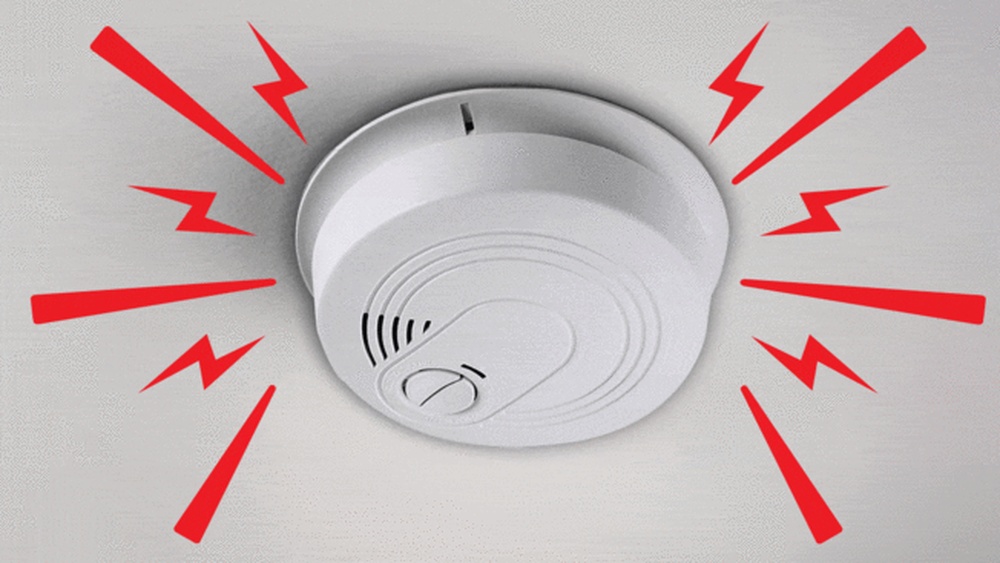

A false alarm from your smoke detector can be startling and frustrating. But don’t worry—you can fix it quickly and get your home back to normal.
Knowing how to reset your smoke detector after a false alarm saves you time and stops that annoying beeping. You’ll learn simple, step-by-step instructions to reset your device safely and effectively. Keep reading, and take control of your home’s safety with ease.
Causes Of False Alarms
False alarms from smoke detectors can be frustrating. They disrupt your day and cause unnecessary worry. Understanding the causes helps reduce these false alerts. It also makes resetting your smoke detector easier and quicker.
Common Triggers
Cooking smoke is a frequent cause of false alarms. Burning toast or frying food can set off the detector. Steam from hot showers or boiling water may also trigger it. Dust or insects inside the detector can cause false alerts too. Low batteries often lead to chirping sounds and false alarms.
Environmental Factors
High humidity can confuse smoke detectors. Smoke alarms near windows may react to outdoor smoke or pollution. Strong air drafts from fans or vents can set off the alarm. Temperature changes, like heat waves or cold drafts, sometimes trigger false signals. Placement near kitchens or bathrooms increases chances of false alarms.
Safety Precautions Before Resetting
Resetting a smoke detector after a false alarm needs care and attention. Safety comes first. Following the right steps protects you and your home. Before you reset, take simple safety actions to avoid risks.
Ensure Fire Safety
Check the area for any signs of fire or smoke. Even if the alarm was false, be sure nothing is burning. Look for heat, sparks, or unusual smells. Do not ignore any warning signs. Keep a fire extinguisher nearby. Stay calm and alert.
Turn Off Power Supply
Switch off the power to the smoke detector before resetting it. This prevents electric shocks or short circuits. You can turn off the power at the circuit breaker or remove the battery. Make sure the alarm is completely off. Only then, proceed to reset the device safely.
Step-by-step Reset Process
Resetting a smoke detector after a false alarm is simple. Follow these clear steps to stop the alarm and make sure your detector works properly again. This process helps avoid confusion and keeps your home safe.
Locate The Reset Button
Find the reset button on your smoke detector. It is usually small and round. Often, it is on the front or side of the device. Some models may have a cover you need to open first.
Press And Hold The Button
Press the reset button firmly. Hold it down for about 15 to 20 seconds. The alarm sound should stop during this time. If it does not, try pressing the button again or check the battery.
Test The Detector
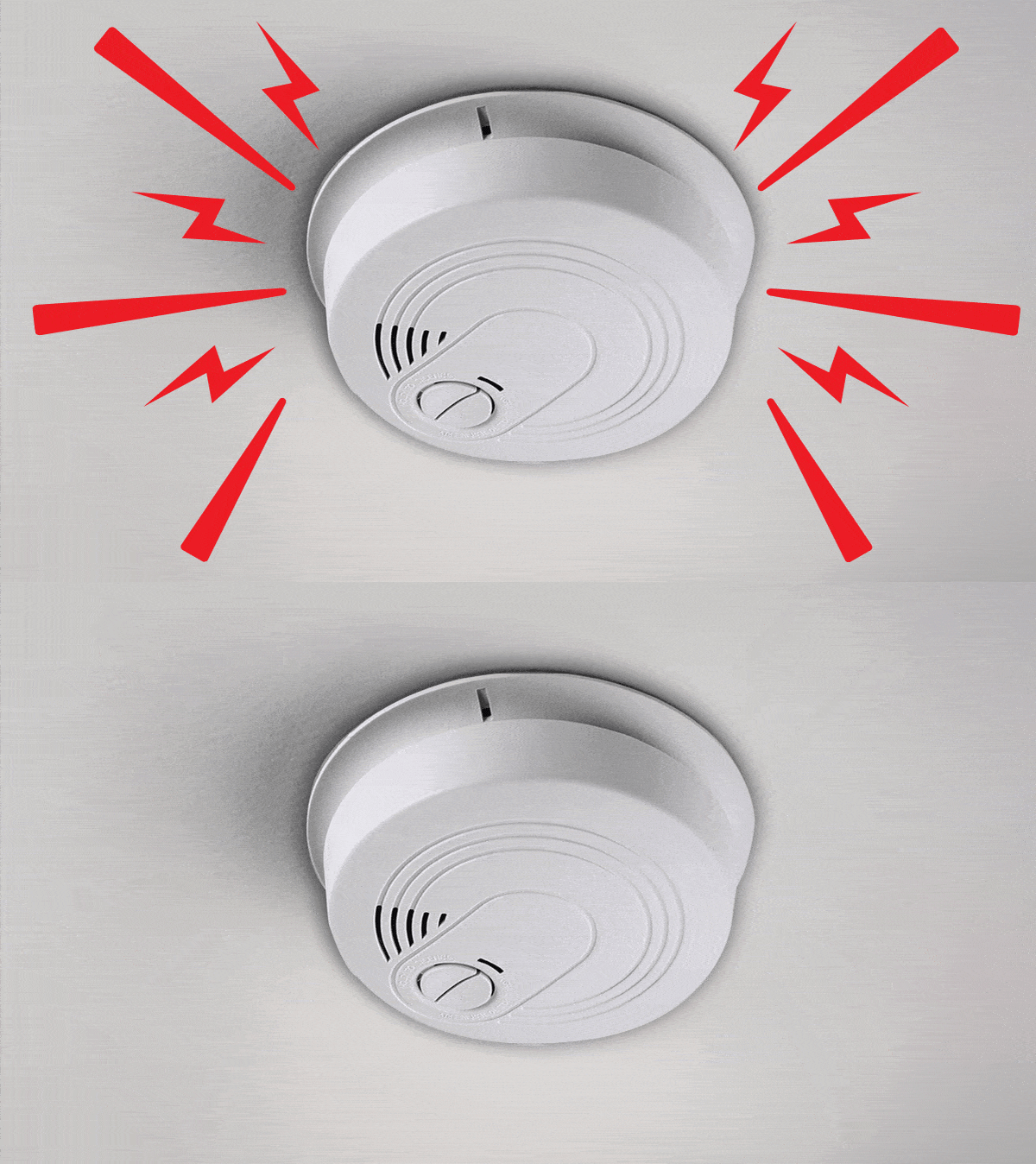
After resetting, test the smoke detector. Press the test button until you hear a loud beep. This confirms the alarm is working. If no sound comes, replace the battery or call a professional.
Credit: www.consumerreports.org
Battery Replacement Tips
Replacing the battery in your smoke detector is key after a false alarm. This step helps reset the device and keeps it working well. Good battery care also prevents future false alarms and keeps your home safe.
Choosing The Right Battery
Pick the correct battery type for your smoke detector. Most use 9-volt batteries or AA batteries. Check the label inside the detector for the right size. Use high-quality batteries to ensure long life. Avoid cheap batteries that drain fast.
When To Replace Batteries
Change batteries once a year to keep your smoke detector active. Also, replace batteries if the alarm chirps or beeps. This sound means the battery is low. Don’t wait for the alarm to stop working. Regular checks keep your home safe every day.
Cleaning And Maintenance
Keeping smoke detectors clean and well-maintained helps avoid false alarms. Dirt and dust can block sensors, causing the alarm to go off incorrectly. Regular cleaning improves detector performance and safety. Simple steps keep your smoke detector working properly.
Remove Dust And Debris
Turn off the power to the smoke detector before cleaning. Use a soft brush or vacuum cleaner to remove dust and cobwebs. Gently clean around the sensor openings. Do not use water or cleaning sprays. Dust buildup can cause false alarms. Clean the detector every few months for best results.
Regular Inspection Schedule
Check your smoke detector monthly for damage or dirt. Test the alarm button to ensure it sounds correctly. Replace batteries at least once a year or as needed. Inspect the detector for any loose parts or corrosion. Keeping a routine helps prevent false alarms and keeps your home safe.

Credit: waynealarm.com
When To Call A Professional
Knowing when to call a professional for smoke detector issues is important. Some problems need expert help to keep your home safe. Do not ignore repeated false alarms or signs of device failure. A professional can check and fix the problem properly. This keeps your smoke detector working well and protects your family.
Persistent False Alarms
False alarms happen sometimes. But if your smoke detector goes off often without smoke or fire, it may need expert attention. Frequent false alarms can mean the sensor is dirty or faulty. A professional can clean or replace parts to stop the problem. They ensure the detector alerts you only in real emergencies.
Detector Malfunction Signs
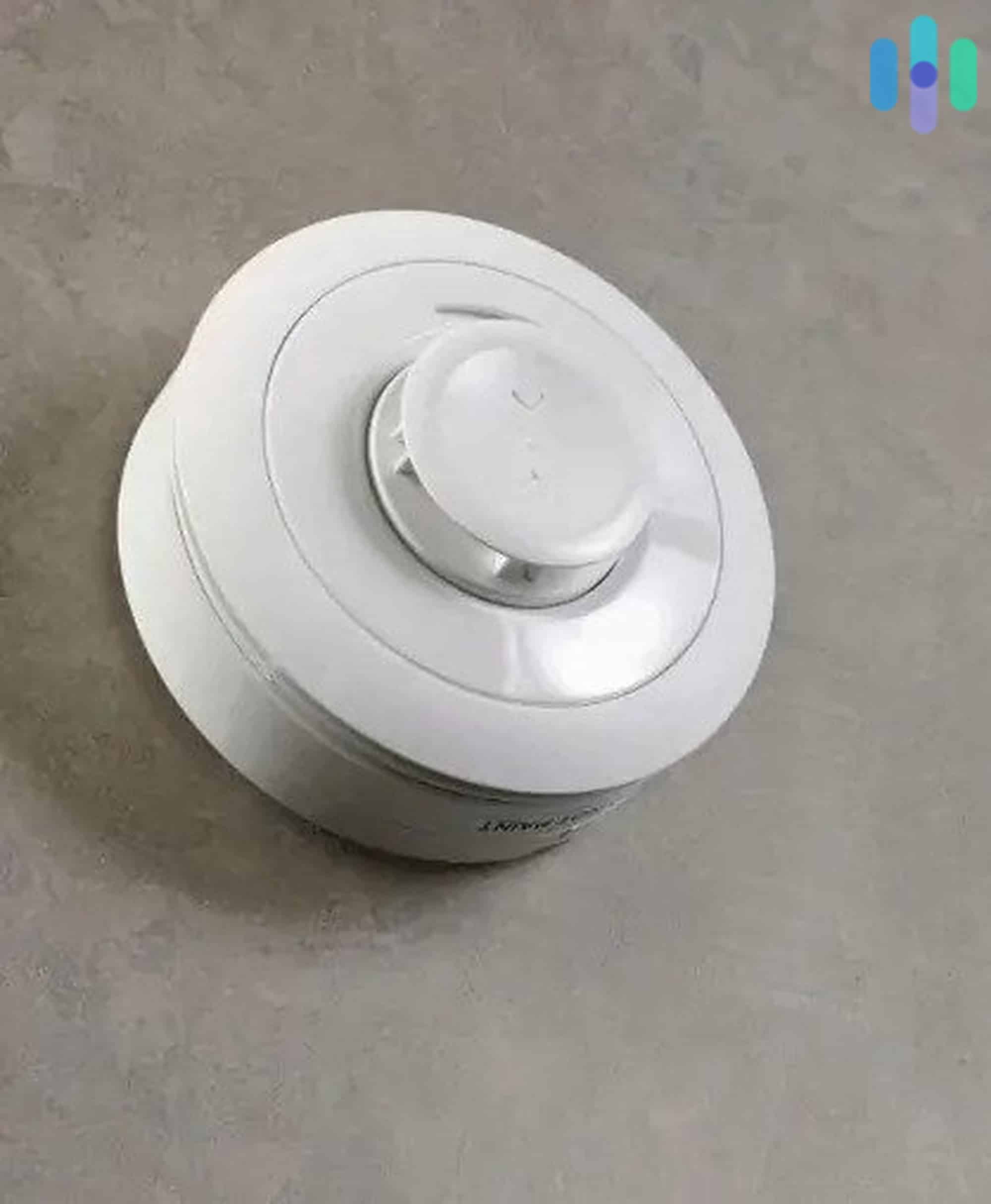
Look for signs that your smoke detector is not working right. These include no sound during tests, strange noises, or lights flashing oddly. A detector that fails tests or shows error signals needs professional service. Experts can diagnose the issue and fix or replace the unit. This keeps your home safe and your detector reliable.
Credit: www.security.org
Frequently Asked Questions
How Do I Reset A Smoke Detector After A False Alarm?
Press the reset button on your smoke detector for 15-20 seconds. If that doesn’t work, remove the battery, wait 30 seconds, then reinsert it. This clears the false alarm and restores normal function.
Why Does My Smoke Detector Keep False Alarming?
False alarms often occur due to dust, steam, or low batteries. Regularly clean your detector and replace batteries yearly to prevent false alerts. Also, avoid placing detectors near kitchens or bathrooms where steam is common.
Can I Reset A Smoke Detector Without Removing The Battery?
Yes, pressing and holding the reset button can reset some detectors without battery removal. However, if the alarm persists, removing and reinserting the battery is recommended for a full reset.
How Long Does It Take To Reset A Smoke Detector?
Resetting usually takes less than a minute. Press and hold the reset button for about 15-20 seconds or remove and reinsert the battery quickly to reset the device.
Conclusion
Resetting a smoke detector after a false alarm is simple and quick. Always start by turning off the power or removing the battery. Press the reset button to clear the alarm. Test the detector to make sure it works properly.
Regular checks keep your home safe and your detector ready. Stay calm and follow these easy steps next time. Safety matters, and so does knowing how to reset your smoke detector.