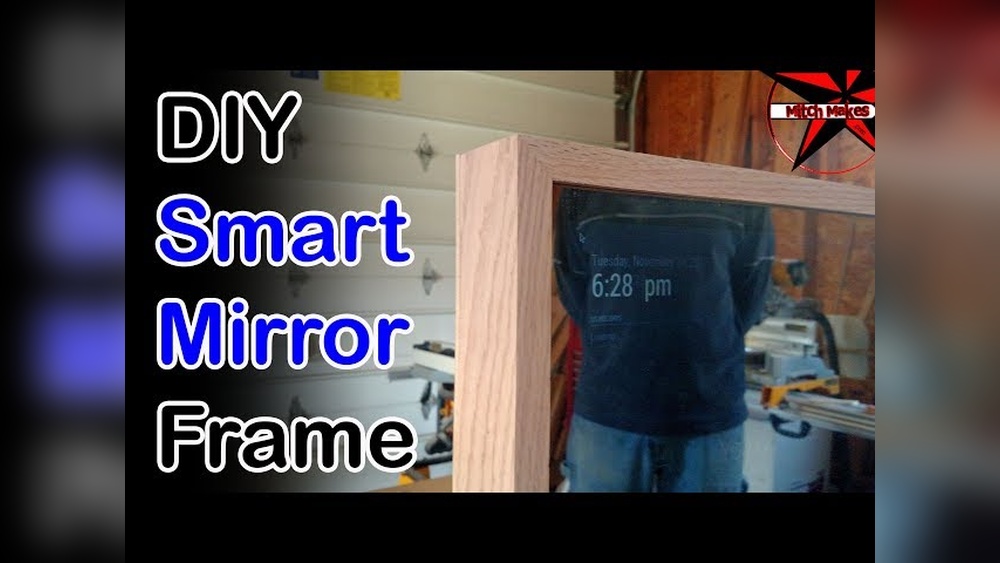

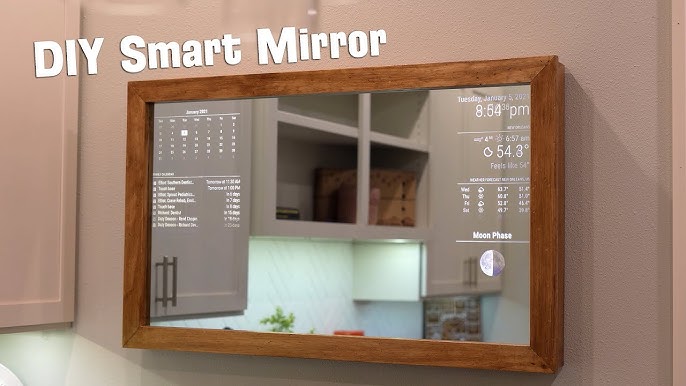
Imagine having a mirror that not only shows your reflection but also displays the weather, time, news, and even your daily reminders. Building a smart mirror frame might sound complicated, but with the right steps, you can create one yourself.
In this guide, you’ll discover simple techniques to make a stylish and functional frame that fits your smart mirror perfectly. Ready to turn your ordinary mirror into a high-tech centerpiece? Keep reading, and you’ll learn exactly how to do it.
Credit: www.youtube.com
Materials And Tools
Building a smart mirror frame requires some basic materials and tools. Choosing the right supplies helps you create a sturdy and attractive frame. The list below covers the essentials for this project. Follow it carefully to avoid delays or mistakes.
Essential Materials
Start with a two-way mirror. It lets light pass through and shows your reflection. Use wood or metal for the frame. Wood is easier to cut and shape. Metal is stronger but needs special tools.
Get wood glue and screws to hold parts together. Sandpaper smooths rough edges. Paint or stain adds color and protection. Include a digital display screen to show the smart features. A power supply and cables are also necessary.
Required Tools
A saw cuts the wood or metal to size. Use a drill to make holes for screws. Screwdrivers help fasten screws tightly. Measuring tape ensures accurate dimensions. A level keeps the frame straight and even.
Soldering tools may be needed to connect wires. A utility knife trims excess material. Safety gear like gloves and goggles protect your hands and eyes. Having all these tools ready speeds up your work.
Choosing The Right Mirror
Choosing the right mirror is the first step in building a smart mirror frame. The mirror affects how well the smart features work. It also changes the look and feel of the final product. Picking the correct mirror helps balance style and function. This section explains key points to consider when selecting a mirror.
Types Of Smart Mirrors
There are different types of smart mirrors based on mirror glass. Two main types are two-way mirrors and acrylic mirrors. Two-way mirrors let light pass through the back display. They offer clear images but can be heavier and fragile. Acrylic mirrors are lighter and less breakable. Their image clarity is lower but they are easier to cut and shape. Choose a mirror type that fits your project needs and budget.
Mirror Size And Shape
Size and shape matter for both appearance and function. Pick a size that fits your space and the screen behind it. Larger mirrors show more content but need bigger displays. Smaller mirrors are easier to handle and mount. Shapes like rectangle, square, or circle affect style. Rectangles suit most rooms and screens. Circles add a modern look but may limit screen options. Match mirror size and shape with your design goals.
Designing The Frame
Designing the frame is a key step in building a smart mirror. The frame holds the mirror and the technology inside. A well-designed frame makes the mirror look great and protects the parts.
Choosing the right style and size helps your smart mirror fit your room. Careful planning avoids mistakes and wasted materials. Let’s explore how to design a perfect frame for your smart mirror.
Frame Styles
Frame styles change the look of your smart mirror. Simple frames use clean lines and basic shapes. These frames suit modern and minimal spaces.
Ornate frames have detailed carvings and patterns. They add a classic or vintage feel to the mirror. Choose a style that matches your room’s decor.
Materials like wood, metal, or plastic affect the style. Wood offers warmth and natural texture. Metal gives a sleek and industrial look. Plastic is lightweight and easy to shape.
Measuring And Planning
Measure the mirror surface carefully. Note the height, width, and thickness. Accurate measurements help the frame fit perfectly.
Plan space for smart mirror parts like screens and sensors. Allow room for wiring and ventilation. Sketch your frame design on paper or software.
Check all measurements twice before cutting materials. Planning saves time and avoids errors. A precise frame improves the final product’s quality.
Building The Frame
Building the frame is a key step in creating your smart mirror. The frame holds the mirror and electronics securely. It also shapes the look of your smart mirror. Taking care during this step ensures a strong, neat frame.
Cutting And Assembling
Start by measuring your mirror and materials carefully. Use wood or aluminum for a sturdy frame. Cut the pieces to fit the mirror size exactly. A saw with a fine blade works best for clean cuts.
Next, join the pieces together using wood glue or screws. Clamp the corners firmly to keep the frame square. Let the glue dry fully before moving to the next step. Check that all sides align perfectly.
Sanding And Finishing
Smooth the edges and surfaces with sandpaper. Start with medium grit and finish with fine grit for a polished feel. Sanding removes splinters and rough spots.
Apply paint, stain, or varnish to protect the frame. Choose a finish that matches your room’s style. Allow the finish to dry completely. This step improves durability and adds a nice look.
Installing Smart Components
Installing smart components is a key step in building a smart mirror frame. It brings your mirror to life with features like weather updates, news, and time display. This process requires careful selection and setup of hardware and wiring. Proper installation ensures your smart mirror works smoothly and looks neat.
Selecting Hardware
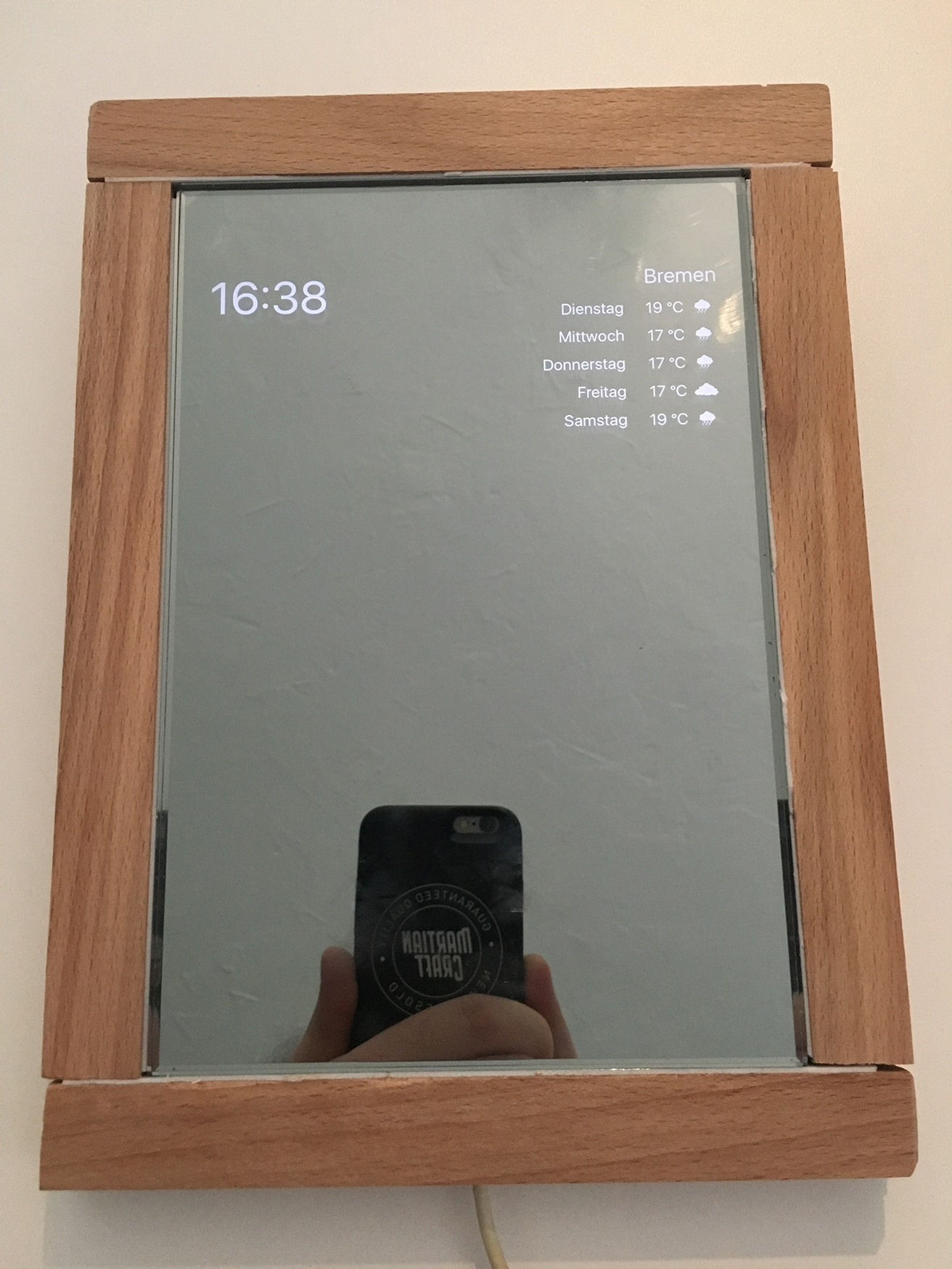
Choose a small computer like a Raspberry Pi for your smart mirror. It controls the display and runs the software. Pick a screen that fits your mirror size. A two-way glass or acrylic sheet works well for the mirror surface. Include sensors like a motion detector to turn the display on or off. Make sure all parts are compatible and easy to connect.
Wiring And Mounting
Use short cables to keep the inside clean and tidy. Secure wires with clips or tape to avoid loose connections. Mount the computer behind the mirror frame, out of sight. Attach the screen firmly to prevent movement. Connect power and data cables carefully to avoid damage. Test each connection before final assembly to ensure everything works properly.
Credit: martiancraft.com
Setting Up Software
Setting up the software is a key step in building your smart mirror frame. It brings the mirror to life by displaying useful information. This process involves installing the right operating system and configuring smart features.
Installing Operating System
Start by choosing a lightweight operating system. Raspberry Pi OS is a popular choice for smart mirrors. Download the OS image from the official website. Use software like Balena Etcher to flash the image onto a microSD card.
Insert the microSD card into your Raspberry Pi. Connect the Pi to a monitor, keyboard, and mouse. Power on the device and follow the setup instructions. Ensure your Pi connects to the internet for further updates.
Configuring Smart Features
After installing the OS, install the smart mirror software. MagicMirror² is a widely used open-source platform. Use the terminal to clone the software repository. Follow the setup commands to install necessary dependencies.
Customize modules to show weather, news, calendar, and more. Edit the configuration file to suit your needs. Enable automatic startup to run the mirror software on boot. Test each feature to ensure proper display and functionality.
Testing And Troubleshooting
Testing and troubleshooting are key steps in building a smart mirror frame. They make sure your project works well and lasts long. Careful checks help find small problems early. Fixing these issues prevents bigger troubles later.
Functionality Checks
Start by turning on the smart mirror. Watch the screen for any display errors. Test the touch features if your mirror has them. Check the Wi-Fi connection by loading a web page. Make sure the sensors respond to movement or light. Test the sound by playing audio through the speakers. Confirm the mirror shows correct time and weather updates. Repeat tests several times to confirm consistent performance.
Common Issues And Fixes
Screen does not turn on? Check power connections and cables. No touch response? Clean the screen and recalibrate the touch sensor. Wi-Fi not connecting? Restart the router and check network settings. Sensors not working? Make sure they are clean and properly connected. Audio not playing? Verify volume settings and speaker connections. Display shows wrong data? Update the software or reset the device. Follow these simple steps to solve most common problems.
Maintenance Tips
Maintaining your smart mirror frame keeps it looking fresh and working well. Regular care helps prevent damage and extends its life. Small steps make a big difference in daily use.
Cleaning The Frame And Screen
Use a soft, dry cloth to wipe the frame gently. Avoid harsh chemicals that can harm the finish. For the screen, use a microfiber cloth to remove dust and fingerprints. Lightly dampen the cloth with water if needed. Never spray liquid directly on the screen. Clean the frame and screen weekly to keep the mirror clear and shiny.
Updating Software
Check for software updates often to improve performance. Updates fix bugs and add new features. Connect your mirror to Wi-Fi before starting updates. Follow the instructions provided by the manufacturer carefully. Restart the mirror after updating to apply changes. Regular updates keep your smart mirror running smoothly and safely.

Credit: www.reddit.com
Frequently Asked Questions
What Materials Do I Need To Build A Smart Mirror Frame?
You need wood or acrylic for the frame, glass or acrylic mirror, a monitor, and mounting hardware. Additional tools include a saw, drill, and screws. Choose materials based on your design preference and durability requirements.
How Do I Install The Monitor Behind The Mirror?
Place the monitor behind the two-way glass or acrylic mirror, ensuring the display is centered. Secure it with brackets or mounting tape. Proper ventilation prevents overheating, so leave space between the monitor and frame.
Can I Customize The Smart Mirror Frame Design?
Yes, you can customize the frame size, shape, and finish to match your decor. Use paint, stain, or decorative trims for a unique look. Customization allows your smart mirror to blend seamlessly into any room.
What Software Is Best For Smart Mirror Functionality?
Popular options include MagicMirror², HomeMirror, and DakBoard. These open-source platforms offer customizable widgets for weather, news, and calendars. Choose software based on your technical skills and desired features.
Conclusion
Building a smart mirror frame takes some time and effort. Start with simple tools and clear steps. Choose materials that fit your space and style. Test your work often to avoid mistakes. Enjoy the process and learn along the way.
A smart mirror adds function and style to any room. Keep practicing to improve your skills. Soon, you will create even better projects. This guide helps you begin your smart mirror journey. Give it a try and see the results yourself!