
Your smoke detector is one of the most important safety devices in your home. But what do you do when it starts beeping or acting up?
Knowing how to reset a smoke detector can save you from unnecessary stress and keep your home safe. You’ll learn simple, step-by-step methods to quickly reset your smoke detector and get it working properly again. Keep reading—your peace of mind depends on it.
Types Of Smoke Detectors
Smoke detectors come in different types. Each type works a bit differently. Knowing the type helps you reset it correctly. It also helps with maintenance and battery changes.
Battery-powered Detectors
Battery-powered detectors run only on batteries. They are easy to install and move. These detectors beep when batteries run low. Resetting usually means pressing a button after changing batteries. Check batteries twice a year for safety.
Hardwired Detectors
Hardwired detectors connect to your home’s electricity. They often have a backup battery inside. These models stay powered during outages. Resetting might need turning off power first. A simple press of the reset button works after power is back.
Combination Models
Combination models use both hardwire and battery power. They offer constant power with battery backup. These detectors often link with other alarms in the house. Resetting them follows the same steps as hardwired types. Always check the battery and power source.
When To Reset A Smoke Detector
Knowing when to reset a smoke detector is important for safety and proper function. Resetting helps clear errors and readies the device for accurate alerts. It also stops annoying noises after a false alarm or battery change. Below are key moments to reset your smoke detector.
False Alarms
False alarms can happen from steam, cooking smoke, or dust. Resetting the detector stops the loud noise quickly. It also resets the sensor to avoid repeated alarms. Always check the cause before resetting the device.
After Battery Replacement
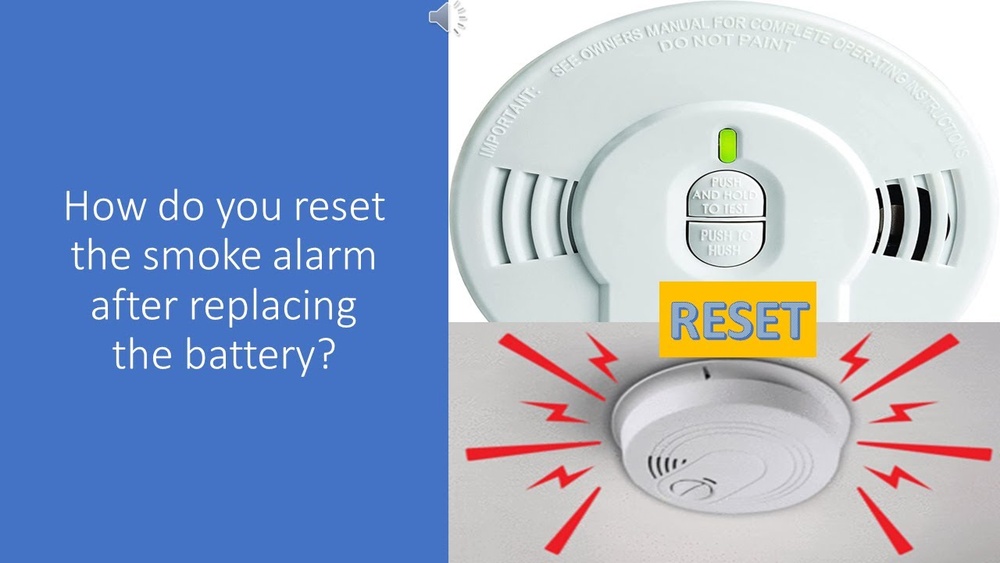
Changing the battery often triggers a beep. Resetting the smoke detector stops this sound. It helps the device recognize the new battery. This ensures it works correctly and stays ready to alert you.
Post-installation
New smoke detectors may beep when first installed. Resetting confirms the setup is complete. It clears any initial errors or test signals. This step makes sure the alarm is fully functional.
Tools Needed For Resetting
Resetting a smoke detector needs a few simple tools. These tools make the process safe and quick. Having the right tools helps avoid damage to the device. It also ensures the reset works correctly. Here are the basic tools and safety tips you need.
Basic Tools
A small flathead screwdriver works well for most detectors. It helps open the battery compartment or remove the cover. A new set of batteries is good to have on hand. Use a step ladder or sturdy chair to reach the detector safely. Keep a soft cloth nearby to clean dust off the device. These tools are easy to find and use.
Safety Precautions
Turn off the power to the smoke detector before starting. This prevents electric shock or false alarms. Use the ladder carefully and never stand on unstable surfaces. Avoid touching the sensor or electronic parts directly. Always handle the detector gently to avoid damage. Wear gloves if you have sensitive skin or allergies.

Credit: www.youtube.com
Step-by-step Reset Process
Resetting a smoke detector helps keep your home safe and secure. The process is simple and quick. Follow these easy steps to reset your smoke detector properly. This guide works for most types of smoke alarms.
Power Off The Detector
Start by turning off the power. Locate the circuit breaker for the smoke detector. Switch it off to cut power. This step prevents electric shock during reset.
Remove The Detector
Next, gently twist or slide the smoke detector off its mounting bracket. Hold it carefully to avoid damage. Set the detector on a flat surface for the next steps.
Replace Or Check Batteries
Open the battery compartment. Remove old batteries and check for corrosion. Insert new batteries if needed. Use fresh batteries to ensure the detector works well.
Press The Reset Button
Locate the reset button on the detector. Press and hold it for 15 to 20 seconds. Release the button when the alarm beeps or stops sounding. This clears any faults or errors.
Reinstall And Test
Place the smoke detector back on the mounting bracket. Turn the circuit breaker back on to restore power. Press the test button to check if the alarm sounds. The detector is now reset and ready to protect your home.
Troubleshooting Common Issues
Troubleshooting smoke detector issues can be simple. Many problems happen often and have quick fixes. Knowing what causes these problems helps you reset your device fast. Here are common issues and how to handle them.
Persistent Beeping
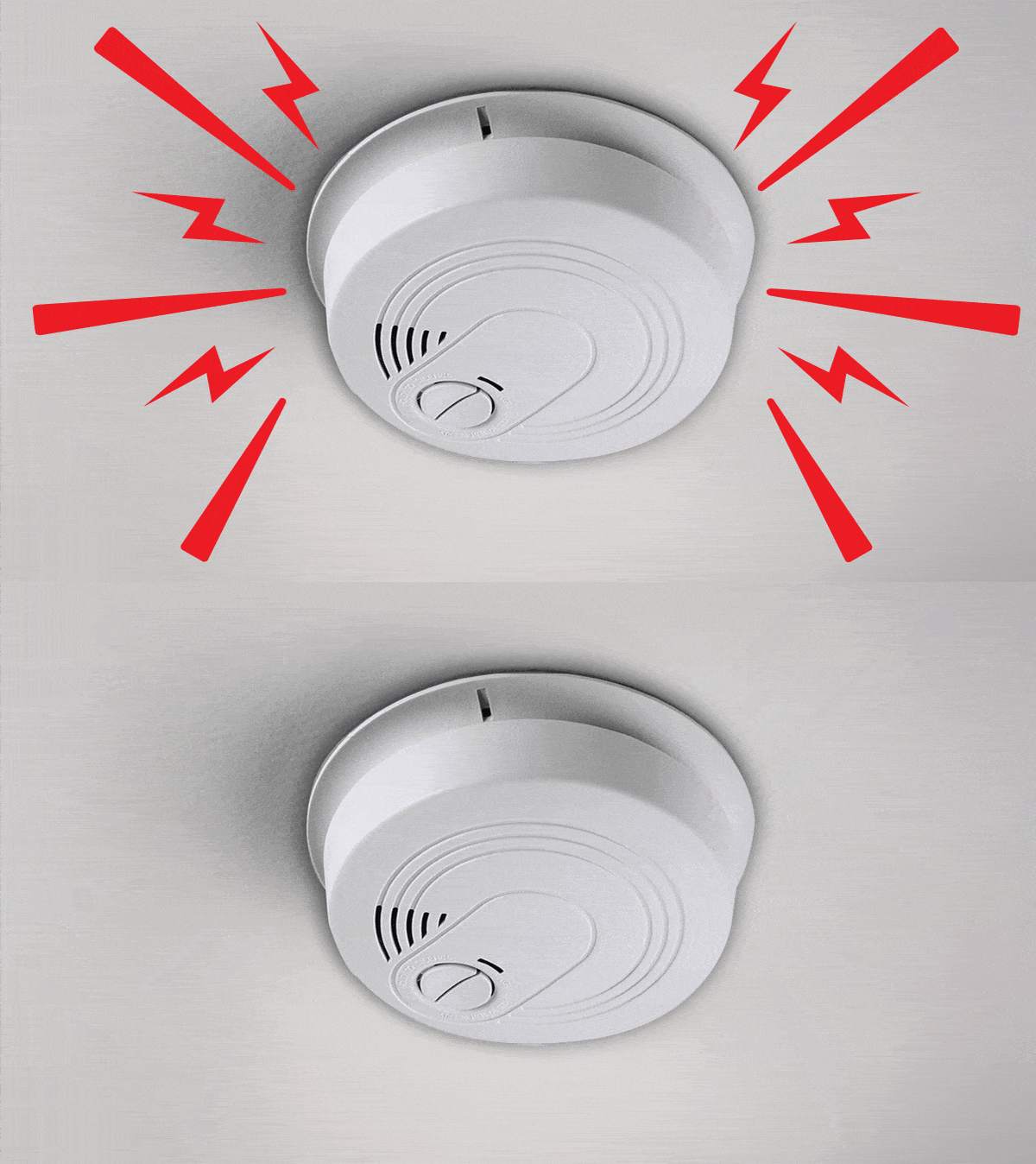
Constant beeping means the detector needs attention. Check the battery first. A low battery causes frequent alerts. Replace the battery with a fresh one. Clean the detector with a soft brush. Dust can cause false alarms. If beeping continues, test the device or replace it.
Detector Not Resetting
The reset button might not work if the power is off. Ensure the unit has power from the battery or electricity. Press and hold the reset button for 15-20 seconds. This usually clears errors. If it still won’t reset, remove the battery. Wait a few minutes, then reinstall it.
Interference Problems
Other devices can interfere with smoke detectors. Wireless signals or appliances nearby cause false alarms. Move the detector away from electronics like routers or microwaves. Keep it at least 3 feet from such devices. Check if interference stops after moving the unit.
Credit: www.consumerreports.org
Maintenance Tips To Avoid Resets
Smoke detectors need care to work well and avoid false alarms. Simple maintenance helps keep them reliable. It stops the need for frequent resets. Follow these tips to keep your smoke detector in good shape.
Regular Cleaning
Dust and dirt can block sensors inside smoke detectors. Clean them once a month with a soft brush or vacuum. Avoid using water or cleaners. This keeps sensors clear and stops false alarms.
Battery Replacement Schedule
Change batteries at least once a year. Weak batteries cause warning beeps and resets. Use fresh, good-quality batteries. Mark the date of replacement to remember the next change.
Environmental Factors
Smoke detectors near kitchens or bathrooms can trigger false alarms. Steam, smoke, and cooking fumes affect sensors. Move detectors away from these areas if possible. Keep rooms well ventilated to reduce triggers.

Credit: www.wirechiefelectric.com
Frequently Asked Questions
How Do I Reset A Smoke Detector After It Beeps?
To reset a smoke detector, first silence the alarm by pressing the reset button. Then, remove the battery for 30 seconds. Reinsert the battery and press the reset button again. This clears false alarms and restores normal function.
Why Is My Smoke Detector Beeping Continuously?
Continuous beeping usually means a low battery or a sensor issue. Replace the battery first. If beeping continues, clean the detector and reset it. Persistent alarms may indicate it’s time to replace the unit.
Can I Reset A Smoke Detector Without Removing The Battery?
Yes, some smoke detectors reset by pressing the reset button for 15-20 seconds. However, removing the battery ensures a full reset. Check your model’s instructions to confirm the proper reset method.
How Often Should I Reset My Smoke Detector?
Resetting is only needed after false alarms or battery changes. Regular maintenance includes monthly testing and yearly battery replacement. Resetting too often isn’t necessary and may indicate a faulty detector.
Conclusion
Resetting a smoke detector keeps your home safe and sound. Regular checks help avoid false alarms and ensure it works well. Always follow the right steps to reset it quickly. Keep your smoke detector clean and replace batteries on time.
Stay alert and protect your family from fire risks. A working smoke detector can save lives. Simple actions make a big difference. Stay safe and ready.