
Choosing the right batteries for your video doorbell can make all the difference in how well it works. If you want your doorbell to stay powered, respond quickly, and keep your home safe, knowing which batteries to use is key.
You might be wondering, “What type of batteries do I need for my video doorbell? ” Don’t worry—this guide will help you pick the perfect power source so your doorbell never misses a moment. Keep reading to find out exactly what you need and why it matters for your home security.
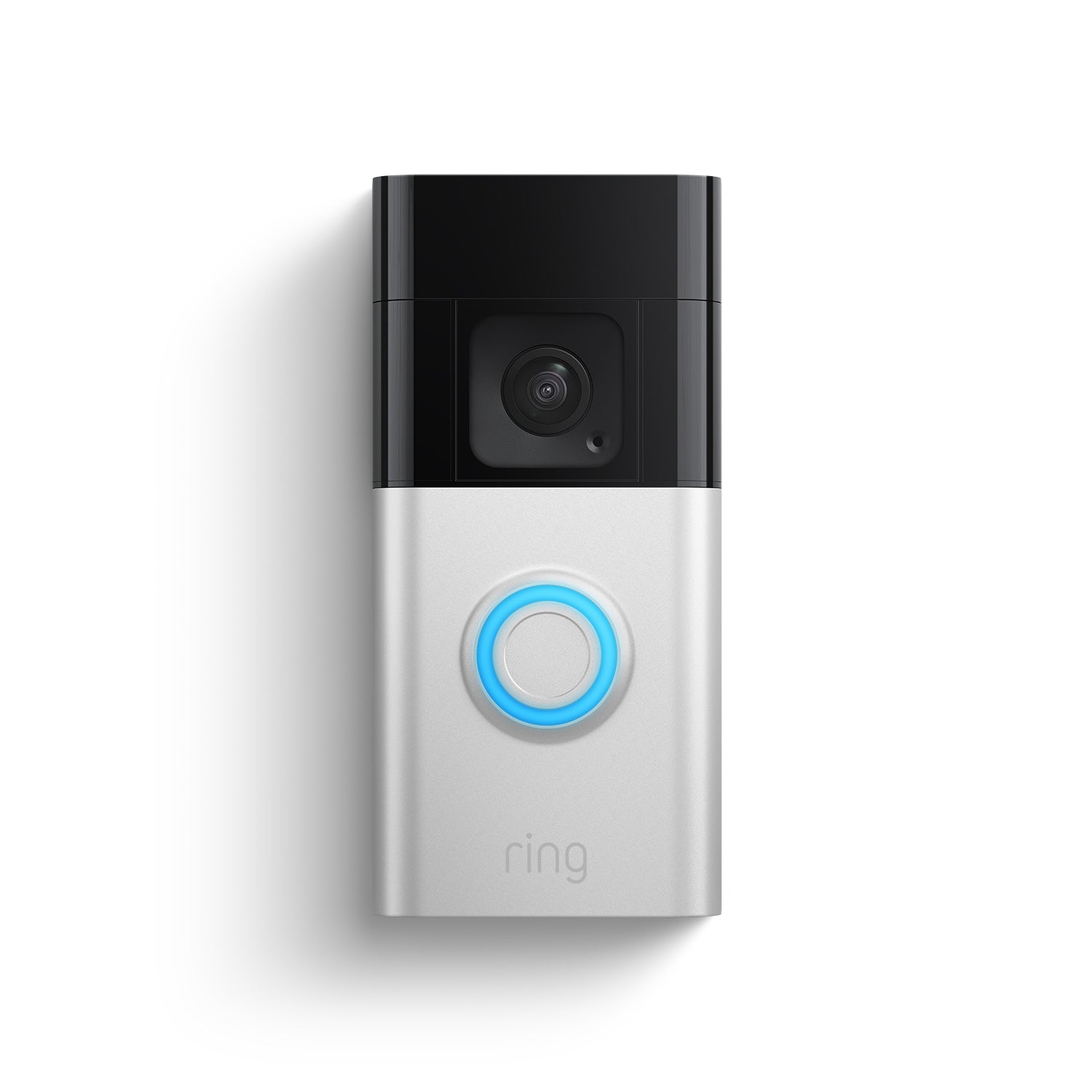
Credit: ring.com
Battery Types For Video Doorbells
Choosing the right battery for a video doorbell is important. It affects how long your device works without needing a recharge or replacement. Different batteries offer various benefits and limits. Knowing the types helps you pick the best one for your needs.
Some video doorbells use removable batteries, while others have built-in ones. Battery life and power output vary with each type. Understanding these details can save time and money.
Lithium-ion Batteries
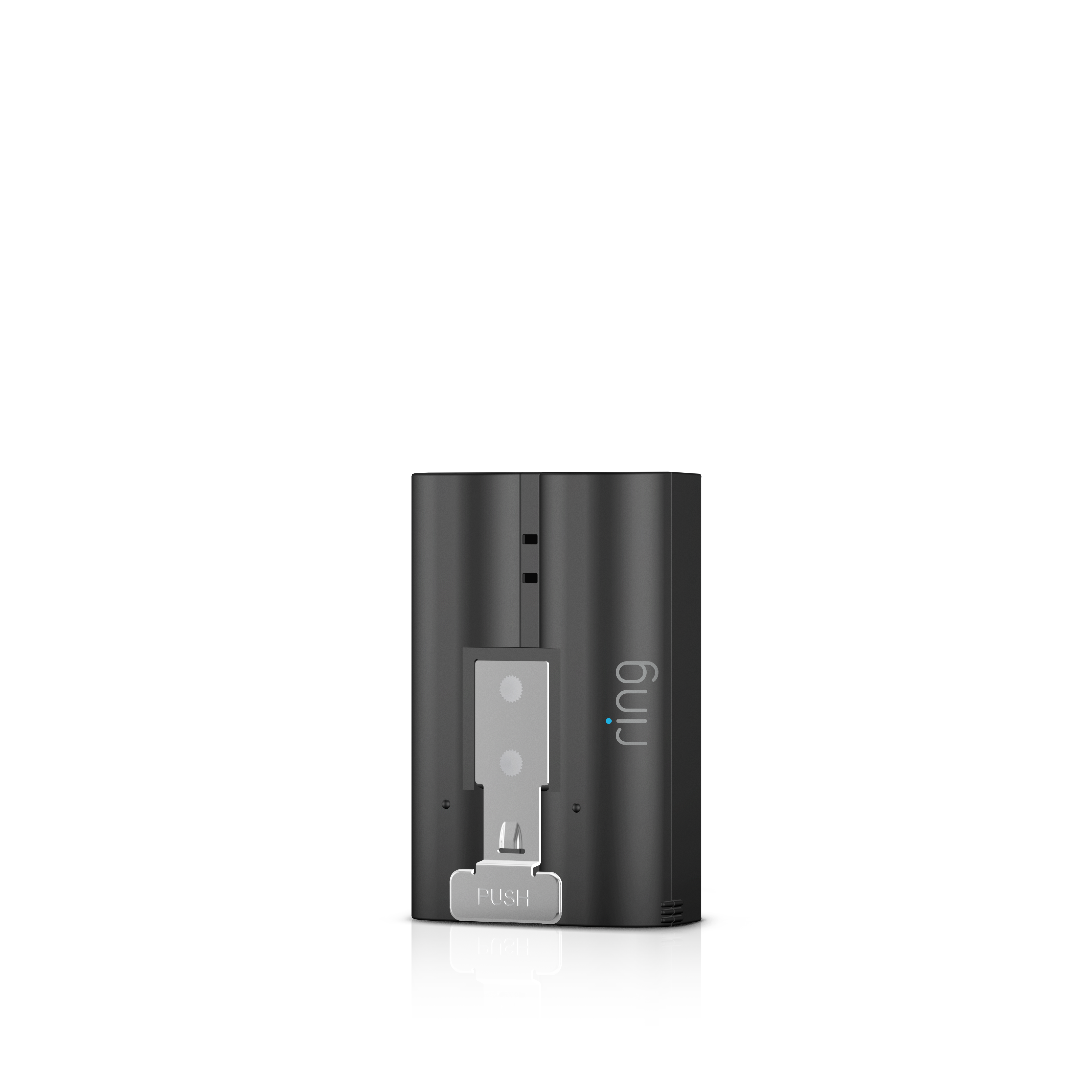
Lithium-ion batteries are common in video doorbells. They hold a lot of power for their size. These batteries recharge quickly and last long. They perform well in cold and hot weather. Lightweight and compact, they fit well in small devices.
Nickel-metal Hydride Batteries
Nickel-metal hydride batteries are less common but still used. They provide steady power and recharge multiple times. These batteries have a good balance of cost and performance. They are safer than older nickel-cadmium types. They tend to be heavier than lithium-ion batteries.
Alkaline Batteries
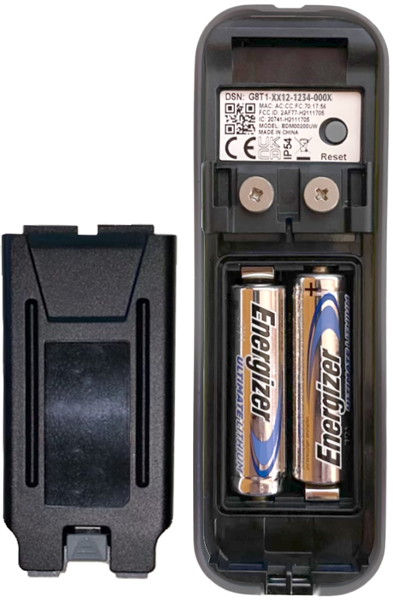
Alkaline batteries are widely available and cheap. Many video doorbells support alkaline types. They are usually non-rechargeable, so you replace them after use. Alkaline batteries work well for low-drain devices. Their lifespan is shorter compared to rechargeable batteries.
Rechargeable Vs Non-rechargeable
Rechargeable batteries can be used many times. They save money over time and reduce waste. Non-rechargeable batteries are single-use and easier to find. Rechargeable types need a charger and more care. Non-rechargeable batteries suit devices with low power needs.
Credit: support.blinkforhome.com
Battery Life And Performance
Battery life and performance are key for video doorbells. They affect how long your doorbell works without charging or changing batteries. Good battery life means fewer interruptions and better security.
Choosing the right battery and understanding its limits helps you keep your doorbell running smoothly. Let’s explore what affects battery life and how long you can expect it to last.
Factors Affecting Battery Life
Battery life depends on several things. The type of battery is important. Lithium-ion batteries last longer than alkaline ones. How often the doorbell is used also matters. More rings and video recordings use more power. Settings like motion detection sensitivity can drain the battery faster. Brightness of night vision and Wi-Fi signal strength also play roles. Stronger Wi-Fi uses less energy to send data.
Typical Usage Duration
Most video doorbells run on battery for a few months. Light users may get six to twelve months. Heavy users might need to recharge every one to three months. Frequent motion alerts and video clips reduce battery life. Lowering video quality and motion sensitivity can extend it. Regular maintenance helps keep the battery healthy and lasting longer.
Impact Of Weather Conditions
Weather affects battery performance a lot. Cold weather slows down battery chemistry, reducing power. Batteries drain faster in winter. Hot weather can also harm batteries over time. Moisture and rain may cause problems for some doorbells. Using weatherproof models and keeping batteries warm in winter helps maintain performance. Check your doorbell’s specifications for weather guidelines.
Choosing The Right Battery
Choosing the right battery for your video doorbell is important for its performance. The right battery keeps your doorbell working longer and avoids frequent replacements. Understanding key factors helps you pick the best option for your device.
Compatibility With Video Doorbell Models
Not all batteries fit every video doorbell model. Each brand may require specific battery types or sizes. Check the manufacturer’s guide or product manual before buying. Using the wrong battery can cause poor performance or damage.
Power Requirements
Video doorbells need a certain power level to work well. Look for batteries that meet the voltage and current needs of your doorbell. Batteries with too low power may cause connection problems or short battery life. Choose batteries with stable power output.
Size And Capacity Considerations
The battery size must match the doorbell’s battery compartment. Larger batteries often have higher capacity and last longer. Capacity is measured in milliamp-hours (mAh). Higher mAh means longer use between charges. Balance size and capacity for best results.
Battery Maintenance Tips
Battery maintenance is key to keeping your video doorbell working well. Proper care helps the battery last longer and perform better. Follow simple steps to avoid common problems and save money on replacements.
Proper Charging Practices
Use the charger made for your battery. Avoid cheap or wrong chargers. Charge the battery fully but do not overcharge. Unplug it once it reaches 100%. Avoid charging overnight to prevent overheating. Charge in a cool, dry place for best results.
Storage Recommendations
Store batteries in a cool, dry spot. Keep them away from direct sunlight and heat. If you do not use the doorbell for a long time, remove the battery. Store it at about 50% charge to keep it healthy. Check the battery every few months and recharge if needed.
Signs Of Battery Wear
Notice if your doorbell battery drains quickly. Watch for slow response or frequent low battery alerts. Swollen or leaking batteries need immediate replacement. If the battery overheats during charging, it may be damaged. Regularly check for these signs to avoid sudden failure.
Replacing And Installing Batteries
Replacing and installing batteries in your video doorbell is simple. Regular battery changes keep your device working well. Knowing how to do this saves time and money. Follow the steps below to replace batteries safely and correctly.
Step-by-step Replacement Guide
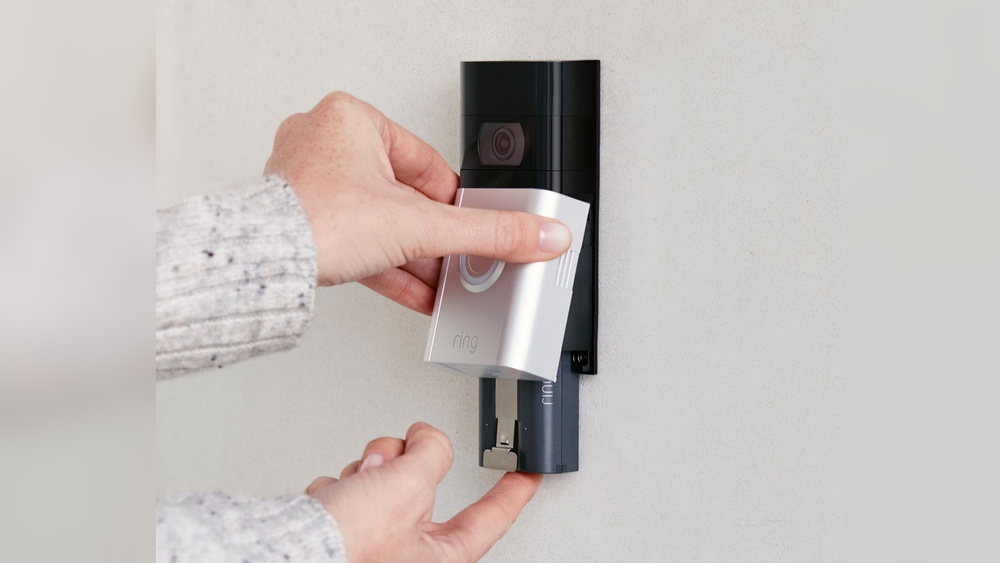
First, turn off the video doorbell to avoid damage. Open the battery compartment, usually found on the back or bottom. Remove the old batteries carefully. Check the battery type needed for your device. Insert new batteries, matching the positive and negative ends. Close the compartment tightly. Turn the doorbell back on and test if it works.
Safety Precautions
Always use the recommended battery type. Avoid mixing old and new batteries. Handle batteries with dry hands only. Keep batteries away from heat or fire. Do not force batteries into the compartment. Store spare batteries in a cool, dry place. Keep batteries out of reach of children and pets.
Disposal Of Old Batteries
Do not throw old batteries in the trash. Used batteries contain harmful chemicals. Take them to a local battery recycling center. Many stores and community centers accept used batteries. Proper disposal protects the environment and health. Store old batteries safely before recycling. Check local rules for battery disposal in your area.
Alternative Power Options
Video doorbells need power to work properly. Batteries are common, but not the only choice. Alternative power options can keep your doorbell running longer and save you time. These options fit different homes and needs. Let’s explore some popular alternatives to batteries.
Wired Power Solutions
Wired power connects your video doorbell directly to your home’s electricity. This means no need to change batteries. The doorbell stays charged all the time. Installation may require some electrical work. It offers reliable power without interruptions. Many smart doorbells support wiring for continuous use.
Solar-powered Doorbells
Solar-powered doorbells use sunlight to charge their batteries. A small solar panel attaches near the doorbell. It collects energy during the day to keep the device running. This option is eco-friendly and cost-effective. Ideal for places with good sunlight. It reduces the hassle of replacing batteries often.
Battery Extenders And Packs
Battery extenders increase the time between charges. These are additional battery packs that connect to the doorbell. They provide extra power for longer use. Extenders are easy to install and remove. Great for homes where wiring is hard or sunlight is limited. They help maintain doorbell function without frequent battery swaps.
Credit: en-uk.ring.com
Frequently Asked Questions
What Battery Type Is Best For Video Doorbells?
Most video doorbells use rechargeable lithium-ion batteries. These batteries offer long life and quick recharge. They provide consistent power, ensuring smooth video and motion detection.
Can I Use Aa Batteries For Video Doorbells?
Some basic models support AA alkaline batteries. However, these drain faster and need frequent replacement. Rechargeable lithium-ion batteries are more efficient and cost-effective over time.
How Often Should I Replace Video Doorbell Batteries?
Battery life varies by usage but generally lasts 3 to 6 months. Frequent video recording or motion alerts reduce battery life. Recharge your battery as soon as performance drops.
Are Wired Or Battery-powered Video Doorbells Better?
Wired doorbells provide constant power but require professional installation. Battery-powered doorbells offer flexibility and easy setup. Choose based on your installation preference and power availability.
Conclusion
Choosing the right battery keeps your video doorbell working well. Most use rechargeable lithium-ion or replaceable alkaline types. Check your device’s manual to know the exact size and power. Using the correct battery helps the doorbell last longer and stay reliable.
Remember to replace batteries on time to avoid interruptions. Good batteries mean clear video and quick alerts. Your doorbell will stay ready to protect your home every day. Simple choices make a big difference in performance.