
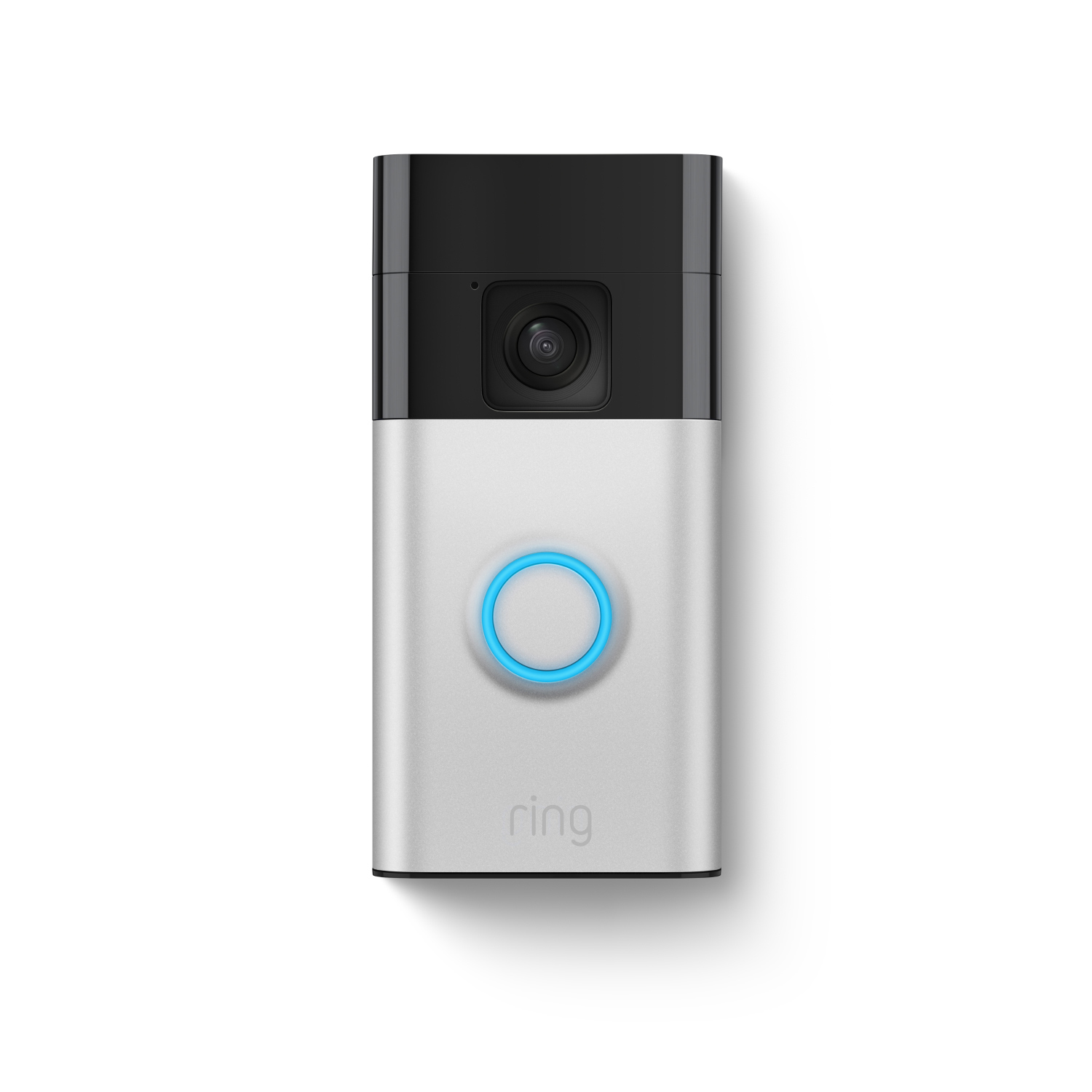
Is your Ring Video Doorbell 2 not working as smoothly as you want? You rely on it to keep your home safe, but slow response times or blurry video can be frustrating.
What if you could fix these issues quickly and make your doorbell smarter and faster? You’ll discover simple, effective ways to boost the performance of your Ring Video Doorbell 2. Keep reading to unlock easy tips that will help you get the most out of your device every single day.

Credit: www.crutchfield.com
Optimize Wi-fi Connection
Optimizing the Wi-Fi connection is key to improving the performance of your Ring Video Doorbell 2. A strong and stable Wi-Fi signal ensures smooth video streaming and quick notifications. Small changes in your network setup can make a big difference in how well your doorbell works.
Position Router For Best Signal
Place your router in a central spot in your home. Avoid walls and metal objects that block signals. Keep the router high, like on a shelf, to spread the signal better. The closer your Ring doorbell is to the router, the stronger the connection.
Use 2.4 Ghz Network
The Ring Video Doorbell 2 works best on a 2.4 GHz Wi-Fi network. This frequency reaches farther than 5 GHz. Connect your doorbell to the 2.4 GHz band for a more reliable connection, especially if it is far from the router.
Reduce Interference
Interference can slow down your Wi-Fi signal. Keep other electronics like microwaves and cordless phones away from the router and doorbell. Remove or move objects that may block the signal path. This helps keep the video feed clear and fast.
Upgrade Router Firmware
Router firmware updates improve performance and fix bugs. Check your router’s settings to see if updates are available. Install the latest firmware to keep your network running smoothly. A well-updated router helps your Ring doorbell work better.
Adjust Video Settings
Adjusting the video settings on your Ring Video Doorbell 2 can improve its performance. Proper settings help save bandwidth and storage space. They also enhance video clarity and motion detection accuracy. Small changes make a big difference in daily use.
Lower Video Quality
Reducing the video quality can help if your internet is slow. Choose a lower resolution like 720p instead of 1080p. This reduces data use and buffering issues. The video will still be clear enough to see visitors.
Enable Hdr Mode
Turn on HDR mode for better picture quality in bright light. HDR balances light and dark areas in the video. It helps you see faces and details clearly, even in strong sunlight or shadows.
Manage Motion Zones
Set specific areas to watch for motion. This avoids alerts from passing cars or animals. Customize zones to focus on your front door or walkway. It improves accuracy and reduces unnecessary notifications.
Enhance Power Supply
Enhancing the power supply of your Ring Video Doorbell 2 improves its performance and reliability. A steady power source ensures the device stays active and responsive. It reduces delays and keeps your alerts timely. This section explains how to boost your doorbell’s power with simple steps.
Check Battery Health
Start by checking the battery health regularly. A weak battery causes slow responses and missed alerts. Use the Ring app to see the battery status. Replace the battery if it shows low health or charges poorly. Healthy batteries keep your doorbell working smoothly.
Use Wired Power Option
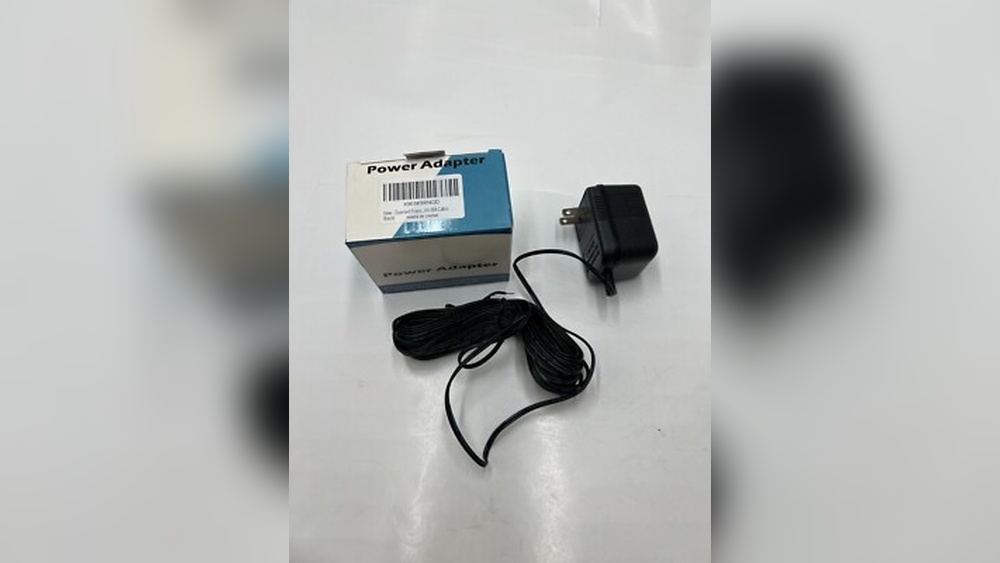
Consider using the wired power option for constant power supply. Connect your Ring doorbell to existing doorbell wires. This provides steady electricity and cuts down on battery use. Wired power reduces downtime and keeps the device always ready.
Replace Batteries Regularly
Replace the batteries regularly to avoid power issues. Over time, batteries lose their ability to hold charge. Swap old batteries with new ones at least twice a year. Fresh batteries help maintain quick response and clear video quality.

Credit: www.amazon.com
Maintain Device Hardware
Maintaining the hardware of your Ring Video Doorbell 2 helps keep it working well. Regular care prevents common problems and extends the device’s life. Small steps can make a big difference in performance.
Clean Camera Lens
Wipe the camera lens gently using a soft, dry cloth. Avoid harsh chemicals or abrasive materials. A clear lens captures sharper video and better images. Dust and smudges can blur the view and reduce detection accuracy.
Check For Physical Damage
Inspect the doorbell for cracks, scratches, or loose parts. Damage might affect the camera or speaker function. Replace broken parts quickly to keep the device reliable. A well-kept doorbell records clear video and works without interruptions.
Secure Mounting Position
Make sure the doorbell is firmly attached to the wall or frame. Loose mounting causes shaky video and poor motion detection. Use the right screws and anchors for your surface. A steady position improves video quality and sensor performance.
Update Firmware And App
Keeping your Ring Video Doorbell 2 updated improves its performance. Updates fix bugs and add new features. Both firmware and app updates are important. They work together to keep your device running smoothly.
Enable Auto-updates
Turn on auto-updates in your Ring app settings. This lets your doorbell update automatically. You avoid missing important fixes. The device stays current without your effort.
Manually Check For Updates
Sometimes auto-updates may delay. Check for updates manually in the app. Open the device settings and tap “Check for Update.” This ensures you have the latest firmware. Manual checks help catch updates faster.
Use Latest App Version
Always use the newest Ring app version on your phone. App updates improve stability and add features. Visit your app store and update regularly. The newest app works best with your doorbell.
Manage Notifications
Managing notifications on your Ring Video Doorbell 2 helps improve its performance. It stops unnecessary alerts and keeps you informed only when needed. This saves battery life and reduces distractions. Simple changes in notification settings make your device smarter and more useful.
Customize Alert Settings
Open the Ring app and go to alert settings. Choose which alerts you want to receive. Turn off alerts for events you don’t need. Set alerts for important activities like visitors or package deliveries. This keeps notifications relevant and timely.
Set Motion Sensitivity
Adjust the motion sensitivity to control when the doorbell alerts you. Lower sensitivity reduces false alarms from small movements. Increase sensitivity to catch all activity near your door. Find a balance that fits your home’s surroundings and traffic.
Use Do Not Disturb Mode
Activate Do Not Disturb mode during quiet times. It pauses notifications without turning off the device. Use it during meetings, sleep, or family time. This helps avoid interruptions while keeping your home secure.
Use Compatible Accessories
Using compatible accessories can boost the performance of your Ring Video Doorbell 2. These accessories help improve connectivity, power supply, and installation stability. They make your doorbell more reliable and easier to use. Choosing the right add-ons is important for the best results.
Add Chime Pro Extender
The Chime Pro Extender strengthens your Wi-Fi signal. It helps your doorbell connect better to the internet. This reduces delays in notifications and video streaming. The extender also acts as a chime, alerting you inside the house. It’s easy to install and improves overall performance.
Install Solar Panel
Use a solar panel to keep your doorbell charged. This accessory uses sunlight to power the device. It reduces the need to recharge the battery often. The solar panel is weather-resistant and fits well with the doorbell. It ensures your device stays active longer without manual charging.
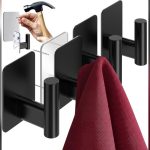
Use Quality Mounts
Quality mounts keep your Ring Doorbell stable and secure. A solid mount prevents the device from shaking or falling. It also allows you to adjust the viewing angle easily. Choose mounts made from strong materials for durability. Proper mounting improves video quality and motion detection.
Credit: ring.com
Frequently Asked Questions
How Can I Boost Ring Video Doorbell 2 Wi-fi Signal?
Improve your Wi-Fi by placing the router closer to the doorbell. Use Wi-Fi extenders or mesh systems for better coverage. Ensure no thick walls or metal objects block the signal. A strong Wi-Fi connection enhances video quality and reduces lag.
What Battery Tips Improve Ring Doorbell 2 Performance?
Charge the battery fully before installation. Replace it if it drains quickly. Lower the video quality settings to save battery life. Regularly check battery health in the Ring app to maintain optimal performance.
How To Reduce Ring Doorbell 2 Motion Detection False Alerts?
Adjust motion sensitivity settings in the Ring app. Set specific motion zones to focus on key areas. Avoid placing the doorbell near busy streets or trees that trigger false alerts. Proper settings improve alert accuracy and save battery.
Can Firmware Updates Improve Ring Video Doorbell 2?
Yes, firmware updates fix bugs and enhance device performance. Ensure your Ring app is updated to receive these updates. Keeping firmware current optimizes security and introduces new features seamlessly.
Conclusion
Improving your Ring Video Doorbell 2’s performance takes simple steps. Check your Wi-Fi signal for a strong connection. Keep the device clean and free of dirt. Regularly update the app and device firmware. Adjust the motion settings to fit your needs.
Test the doorbell often to catch any problems early. Small changes can make a big difference in daily use. Enjoy clearer video and faster alerts with these tips. Your home security will feel more reliable and smooth. Stay safe and confident with a well-maintained doorbell.