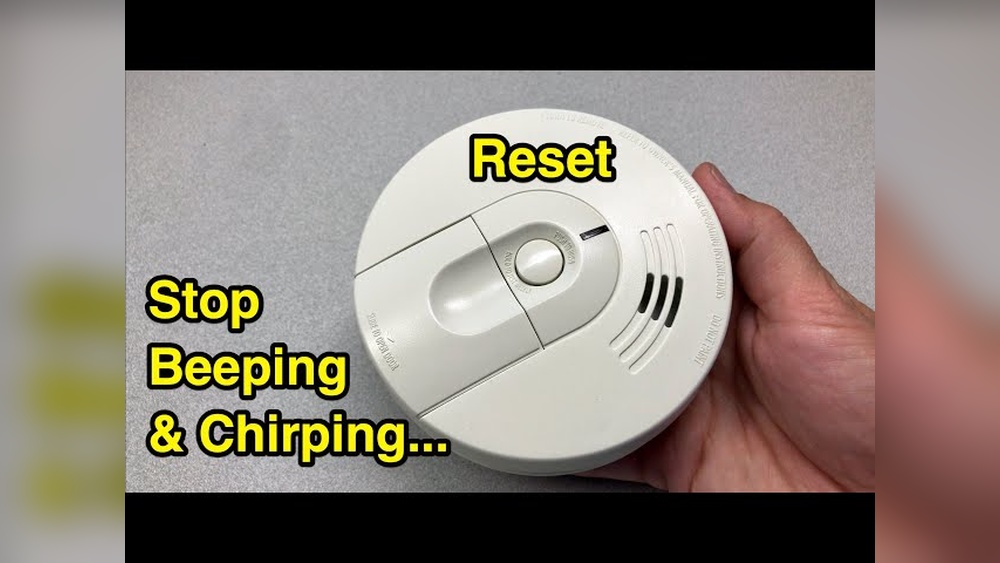

Your smoke detector is one of the most important devices in your home, keeping you safe by alerting you to danger. But what do you do when it starts beeping for no reason or won’t stop after an alarm?
Knowing how to reset your smoke detector quickly and correctly can save you time, reduce stress, and keep your home secure. In this guide, you’ll discover simple steps to reset your smoke detector, helping you get it back to normal in no time.
Keep reading to make sure your safety device is working just as it should.
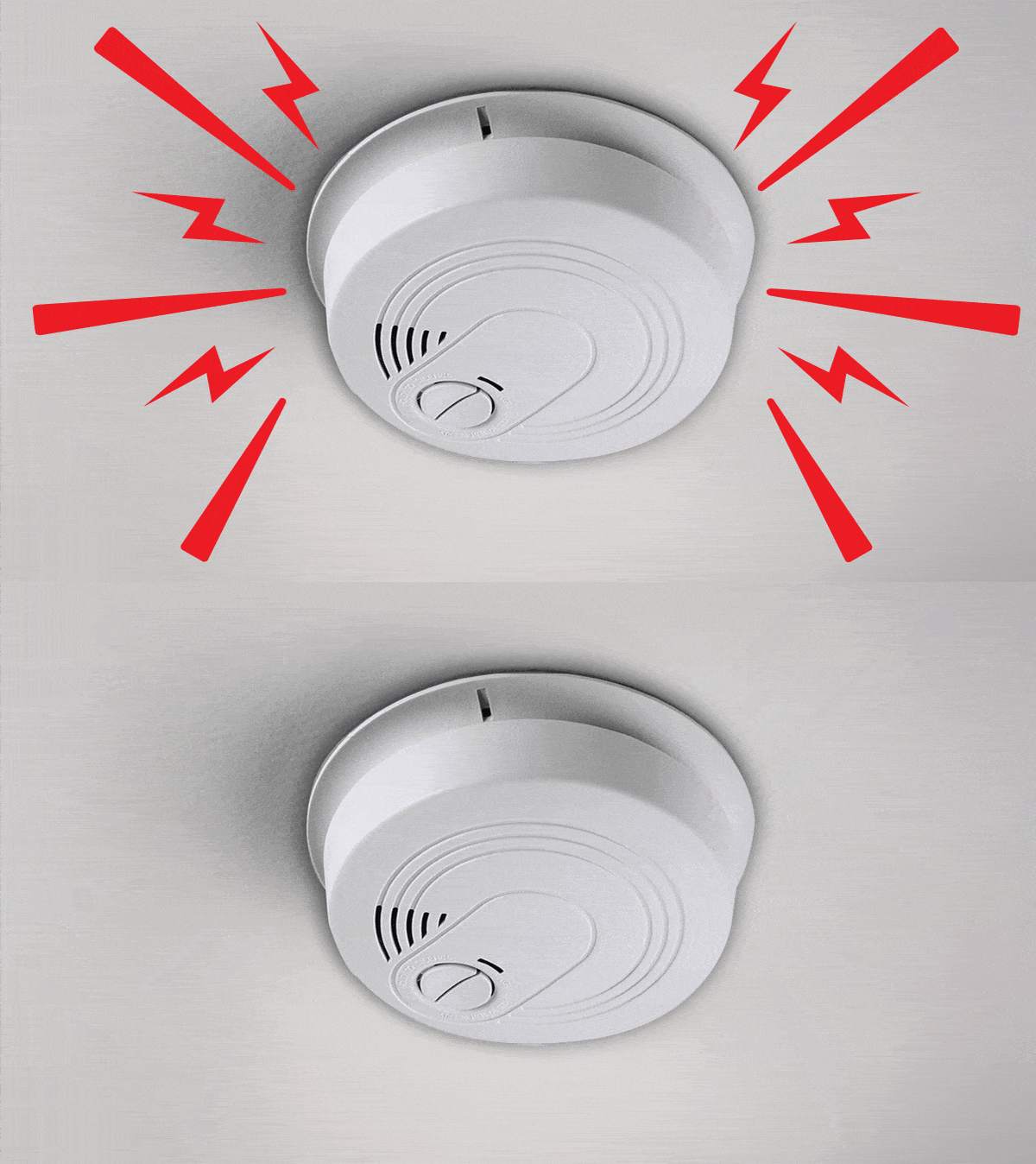
Credit: www.consumerreports.org
Signs Your Smoke Detector Needs Resetting
Smoke detectors protect your home and family from fire dangers. They work quietly until they sense smoke. Sometimes, they need a reset to function correctly. Knowing the signs that your smoke detector needs resetting can save you from false alarms or missed alerts.
Resetting your smoke detector keeps it in good working order. It helps clear errors and stops annoying beeps. Watch for these signs to keep your detector ready to alert you.
Common Alerts And Beeping Patterns
Smoke detectors use sounds to warn you. A single loud beep means smoke detection. Repeated short beeps often signal low battery. Continuous beeping might mean the detector needs resetting. Strange or random beeps can show a fault. These patterns tell you when to check or reset the device.
After False Alarms
Cooking smoke or steam can trigger false alarms. After the air clears, the alarm may keep ringing. This means the detector did not reset itself. You need to reset it to stop the noise. Ignoring this can drain the battery or cause more false alarms.
Post Battery Replacement
Changing the battery is important for detector health. Sometimes, the device beeps after a new battery goes in. This beep signals the need for a reset. Resetting tells the detector the battery is fresh. It also clears any old error codes stored inside.
Tools Needed For Resetting
Resetting a smoke detector often requires a few simple tools. Having the right tools ready makes the process easier and faster. This section lists the tools needed and explains safety steps to follow.
Basic Tools Checklist
- Screwdriver (usually Phillips or flathead)
- Step ladder or sturdy chair
- New batteries (if replacement is needed)
- Soft cloth or brush for cleaning
- Gloves (optional for protection)
Safety Precautions
Turn off the power to the smoke detector before starting work. Use a ladder carefully to avoid falls. Wear gloves if dust or dirt is present. Avoid touching electrical parts directly. Check the detector manual for specific instructions. Keep children and pets away during the reset process.
Step-by-step Reset Process
Resetting a smoke detector is important for safety and proper function. The reset process is simple. Follow these clear steps to reset your smoke detector quickly. Each step ensures the device works well after a false alarm or battery change.
Power Off The Detector
Start by turning off the power. Locate the circuit breaker for the smoke detector. Switch it off to cut electricity. This step prevents shocks and stops the alarm from sounding during reset.
Remove And Replace Batteries
Open the smoke detector’s cover carefully. Take out the old batteries. Use fresh batteries of the correct type. Replace them securely to avoid loose connections. Close the cover firmly after battery replacement.
Press The Reset Button
Find the reset button on the detector. Press and hold it for 15 to 20 seconds. This clears any error or false alarm signals. Release the button and wait for the detector to stabilize.
Test The Detector
Turn the power back on at the breaker. Press the test button on the smoke detector. Listen for a loud beep or alarm sound. This confirms the detector works properly after reset.

Credit: plcfire.com
Troubleshooting Reset Issues
Resetting a smoke detector usually solves most issues. Sometimes, the device keeps beeping or does not reset. This section helps you fix common problems when resetting your smoke detector. Follow these steps to troubleshoot reset issues effectively.
Persistent Beeping
Smoke detectors beep for many reasons. A low battery is the most common cause. Replace the battery with a fresh one and reset the unit. Dust or dirt can also cause beeping. Clean the detector gently with a soft brush or vacuum. Make sure the detector is dry before resetting. If the beeping continues, check for electrical problems or wiring issues.
Detector Not Responding
Sometimes, the reset button does not work. First, check if the unit has power. Test the battery or power source. Try removing the battery for a minute, then reinstall it. Press and hold the reset button for 15 seconds. If the detector still does not respond, inspect for physical damage or corrosion. Reset failure might mean the internal circuit is faulty.
When To Replace The Unit
Smoke detectors last about 8-10 years. Old units may fail to reset or beep constantly. If cleaning and battery changes do not help, replacement is necessary. New detectors improve safety and reduce false alarms. Check the manufacture date on the back of your device. Replace it if it is beyond the recommended lifespan. Always install a new unit following the manufacturer’s instructions.
Maintaining Your Smoke Detector
Maintaining your smoke detector is key for home safety. A well-kept detector alerts you early to smoke or fire. Neglect can cause false alarms or no alarm at all. Simple care steps keep your device working well and protect your family.
Regular Testing
Test your smoke detector once a month. Press the test button until you hear a loud beep. This confirms the alarm and battery are working. Do not skip this step. Regular testing ensures your device is ready at all times.
Cleaning Tips
Dust and dirt can block the smoke sensor. Clean the detector every six months. Use a soft brush or vacuum cleaner on low power. Avoid water or cleaning sprays. Keeping the detector clean helps it sense smoke quickly.
Battery Replacement Schedule
Change batteries at least once a year. Some detectors beep when batteries run low. Replace batteries even if no beep occurs. Use fresh, good-quality batteries for best results. A steady power supply keeps your detector reliable.

Credit: www.youtube.com
Frequently Asked Questions
How Do I Reset A Smoke Detector After An Alarm?
To reset a smoke detector, first silence the alarm by pressing the reset button. Then, remove the battery and wait for 15 seconds. Reinsert the battery and press the reset button again. This clears any error and restores normal function.
Why Won’t My Smoke Detector Reset Properly?
A smoke detector may not reset due to low battery, dust buildup, or sensor damage. Clean the detector and replace the battery. If it still won’t reset, the unit might be faulty and require replacement.
How Often Should I Reset My Smoke Detector?
You should reset your smoke detector only after it sounds an alarm or after battery replacement. Regular testing monthly ensures proper function, but resetting isn’t needed unless triggered or maintained.
Can I Reset A Smoke Detector Without Removing The Battery?
Some models allow resetting by pressing the reset button without removing the battery. However, removing the battery for 15 seconds ensures a full reset and clears any false alarms effectively.
Conclusion
Resetting a smoke detector is simple and important for safety. Follow the steps carefully to avoid false alarms. Test the detector after resetting to ensure it works well. Regular checks help keep your home safe. Never ignore a persistent alarm sound.
Stay safe by maintaining your smoke detectors often. Taking small actions can protect your family. Safety starts with a working smoke detector. Keep your home secure with these easy steps.