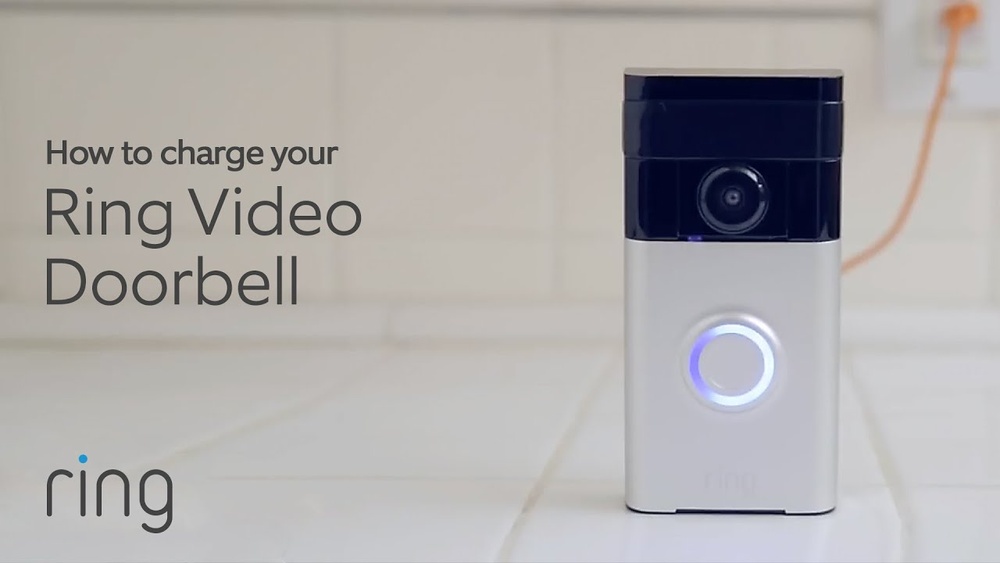

Is your Ring Video Doorbell running low on power? Knowing how to charge your device correctly can save you from missed visitors and security worries.
In this guide, you’ll discover simple steps to keep your doorbell powered up and ready to protect your home. Whether you’re new to Ring or just need a quick refresher, this article will help you charge your doorbell quickly and easily.
Keep reading to make sure your Ring Video Doorbell never lets you down.
Choosing The Right Charger
Choosing the right charger for your Ring Video Doorbell is important. The right charger keeps your device powered and working well. Using the wrong charger can slow down charging or damage the battery. Understand your options to keep your doorbell ready at all times.
Compatible Chargers For Ring Doorbell
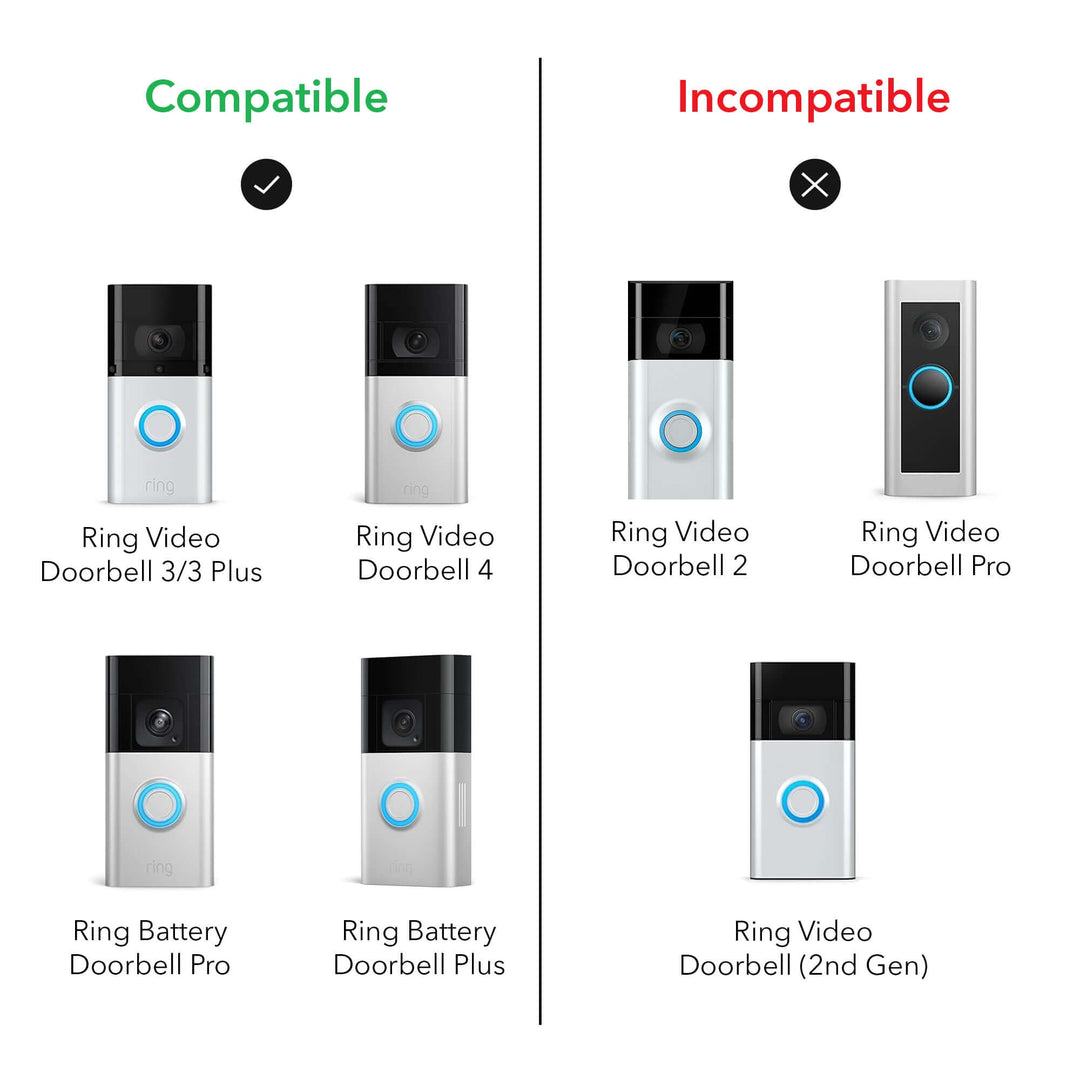
Ring doorbells use specific chargers. Most models work with USB chargers that output 5V and 1A or 2A. Official Ring chargers match these specs perfectly. Third-party chargers can work if they meet these requirements. Avoid chargers with higher voltage or unknown brands. They can harm your device or charge it too slowly.
Some Ring models support wired charging from your existing doorbell wiring. This method keeps your battery charged without removing it. Check your model to see if wired charging is an option. Using the right charger ensures your doorbell stays online and ready to alert you.
Using Usb Vs. Wired Charging
USB charging is simple and portable. You remove the battery and connect it to a USB charger. This method suits users who want to charge the battery indoors. It takes about 5 hours to fully charge a Ring battery using USB. Use a quality USB charger for the best results.
Wired charging uses your home’s doorbell wiring. It supplies continuous power to your Ring doorbell. This option suits users who want less hassle. Your battery stays charged without removal. However, not all homes support this method. Wiring must match the voltage and type needed by the Ring device.
Choose USB for flexibility and wired charging for convenience. Both methods keep your Ring doorbell powered, but one may fit your lifestyle better.
Credit: wasserstein-home.com
Preparing Your Ring Doorbell
Preparing your Ring Video Doorbell for charging is an important first step. It ensures a smooth and safe process. You need to handle the device carefully and follow simple instructions. This section guides you through the initial steps.
Removing The Doorbell From The Mount
Begin by unlocking the Ring Doorbell from its mount. Use the special screwdriver that came with your device. Insert it into the small screw at the bottom of the doorbell. Turn the screw counterclockwise to loosen it. Gently pull the doorbell away from the mount. Place it on a soft surface to avoid scratches.
Locating The Charging Port
Next, find the charging port on your Ring Doorbell. It is usually on the back of the device. Look for a small rubber flap or cover. Lift the flap carefully to reveal the port. This is where you will connect the charging cable. Make sure the port is clean and dry before charging.
Charging Methods
Charging your Ring Video Doorbell is simple and flexible. You can choose from different methods based on your setup and preference. Each method keeps your doorbell powered and ready to use.
Charging With Usb Cable
Use the USB cable that comes with your Ring doorbell. Remove the doorbell from its mount carefully. Connect the USB cable to the charging port on the back. Plug the other end into a power adapter or USB port. Charging usually takes a few hours. A full charge keeps the doorbell active for weeks.
Charging With Solar Panel
Attach a Ring solar panel to your doorbell setup. The panel captures sunlight and converts it to power. This method reduces the need for manual charging. Mount the solar panel where it gets direct sunlight. Connect it to your Ring doorbell with the provided cable. It provides a steady charge during the day.
Charging Via Wired Connection
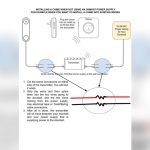
Some Ring doorbells support wired power. Connect the doorbell to your existing doorbell wires. This method provides continuous power without battery worries. Turn off the power before wiring for safety. Follow the instructions to connect wires correctly. Wired charging is reliable and hassle-free once set up.

Credit: ring.com
Monitoring Battery Status
Monitoring the battery status of your Ring Video Doorbell helps keep it working properly. It tells you when to recharge the battery. Checking the battery often avoids sudden power loss. You can use simple methods to see the battery level anytime.
Using The Ring App
Open the Ring app on your smartphone. Go to the device dashboard. Here, you find the battery status shown as a percentage. The app updates the battery level in real time. It also sends alerts when the battery is low. This makes it easy to plan charging times. You can check battery health anytime, even remotely.
Checking Led Indicators
The Ring Doorbell has LED lights for battery status. A green light means the battery is full. Yellow shows the battery is half charged. Red indicates a low battery that needs charging soon. These lights appear when you press the button or remove the device. Watching these indicators helps you react fast. You avoid missing visitors due to a dead battery.
Tips For Faster Charging
Charging your Ring Video Doorbell quickly saves time and keeps your home secure. Follow simple tips to speed up charging. Small changes can make a big difference.
Avoiding Usage During Charging
Stop using the doorbell while it charges. Recording videos or answering alerts slows charging. Turn off notifications and live view. Let the battery charge without interruptions. This helps the battery fill faster.
Optimal Charging Environments
Charge your doorbell in a cool, dry place. Avoid direct sunlight and heat sources. High temperatures can slow down charging. Also, keep the charger away from moisture. A stable environment helps the battery charge faster and last longer.
Troubleshooting Charging Issues
Charging problems can stop your Ring Video Doorbell from working well. Knowing how to fix these issues helps keep your doorbell ready. Troubleshooting charging issues is simple with the right steps. This guide shows common problems and when to replace the battery.
Common Problems And Fixes
Sometimes the doorbell does not charge because of dirty contacts. Clean the charging port and contacts with a soft cloth. Check the charging cable for damage. Replace it if you see any cuts or frays.
Another problem is a loose connection. Make sure the charger plugs in tightly. Also, try a different power outlet to rule out outlet issues.
The battery may get too hot or cold. Extreme temperatures can stop charging. Keep the doorbell in a shaded, moderate place if possible.
When To Replace The Battery
Battery life weakens after many charges. If the doorbell loses power quickly, it may need a new battery. Test the battery with a voltmeter for better accuracy.
Replace the battery if charging takes too long or does not happen. Using an old battery can damage the doorbell. Buy a battery that fits your Ring model exactly.

Credit: www.atenabcn.com
Frequently Asked Questions
How Do I Charge My Ring Video Doorbell Battery?
To charge your Ring Video Doorbell battery, remove it from the device. Connect the battery to a USB charger using the included cable. Charging usually takes 5 to 10 hours. Ensure the battery is fully charged before reinstalling it in the doorbell.
Can I Charge Ring Doorbell Without Removing The Battery?
Yes, some Ring Video Doorbell models allow charging while installed. Use the provided micro-USB charging port if available. Plug in the charger and wait until the LED shows a full charge. Check your model’s instructions to confirm if this option applies.
How Long Does Ring Doorbell Battery Last After Charging?
A fully charged Ring Doorbell battery typically lasts between 6 to 12 months. Battery life depends on usage, settings, and weather conditions. Frequent motion alerts or live views consume more power. Regular charging ensures continuous performance and keeps your device ready.
What Type Of Charger Is Needed For Ring Doorbell?
Use a standard 5V USB charger with at least 1 amp output for charging. The Ring Video Doorbell comes with a compatible USB charging cable. Avoid fast chargers that exceed recommended voltage to protect battery health.
Conclusion
Charging your Ring Video Doorbell is simple and quick. Keep your device powered for better security. Use the right charger and follow safety steps. Regular charging helps your doorbell work without interruption. Remember to check the battery level often. A fully charged doorbell means you never miss a visitor.
Stay connected and keep your home safe with ease.