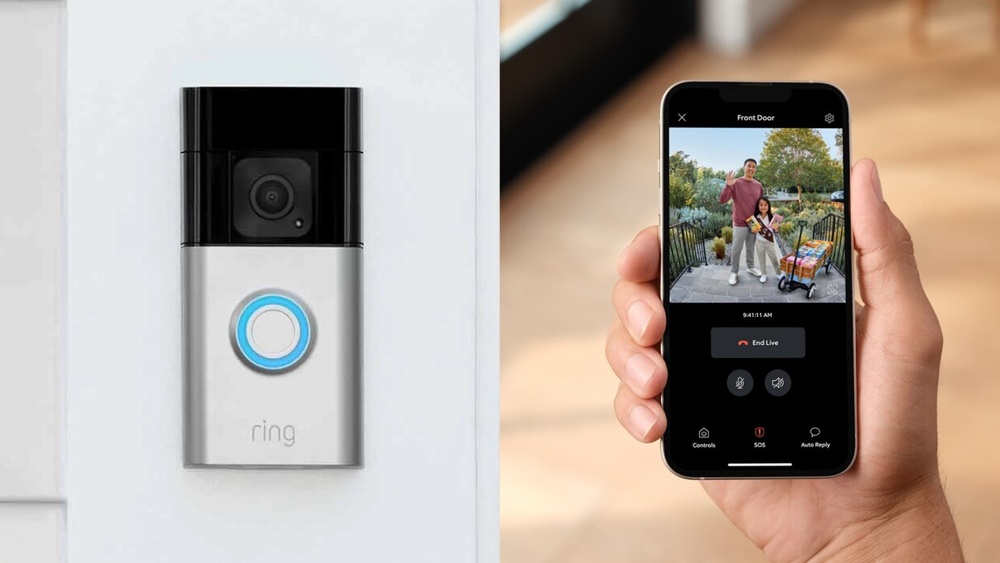

Have you ever wondered who’s at your door when you can’t get to it right away? The Ring Video Doorbell lets you see, hear, and speak to visitors from anywhere using your phone.
Imagine the peace of mind you’ll have knowing you can check on your home anytime, whether you’re at work or on vacation. You’ll discover exactly what the Ring Video Doorbell is, how it works, and why it might be the smart upgrade your home needs.
Keep reading to find out how this simple device can make your life safer and more convenient.
Ring Video Doorbell Basics
The Ring Video Doorbell is a smart device that helps you see who is at your door. It works like a regular doorbell but adds video and audio features. This device improves home security and convenience. You can watch live video, talk to visitors, and get alerts on your phone.
Understanding the basics of the Ring Video Doorbell helps you decide if it suits your needs. Let’s explore its key features, how it works, and the different models available.
Key Features
The Ring Video Doorbell has a built-in camera that records video. It offers two-way audio, so you can talk and listen to visitors. Motion sensors detect activity near your door and send alerts to your phone. The device works with Wi-Fi to stream video live. Night vision lets you see clearly in the dark. It also stores recorded videos in the cloud for later viewing.
How It Works
When someone presses the doorbell, it sends a signal to your phone. The camera starts recording and streams live video. You can answer the call through the Ring app. The motion sensors detect movement and send alerts even if no one rings the bell. The device connects to your home Wi-Fi network. Power comes from a rechargeable battery or wiring from your existing doorbell.
Models And Variations
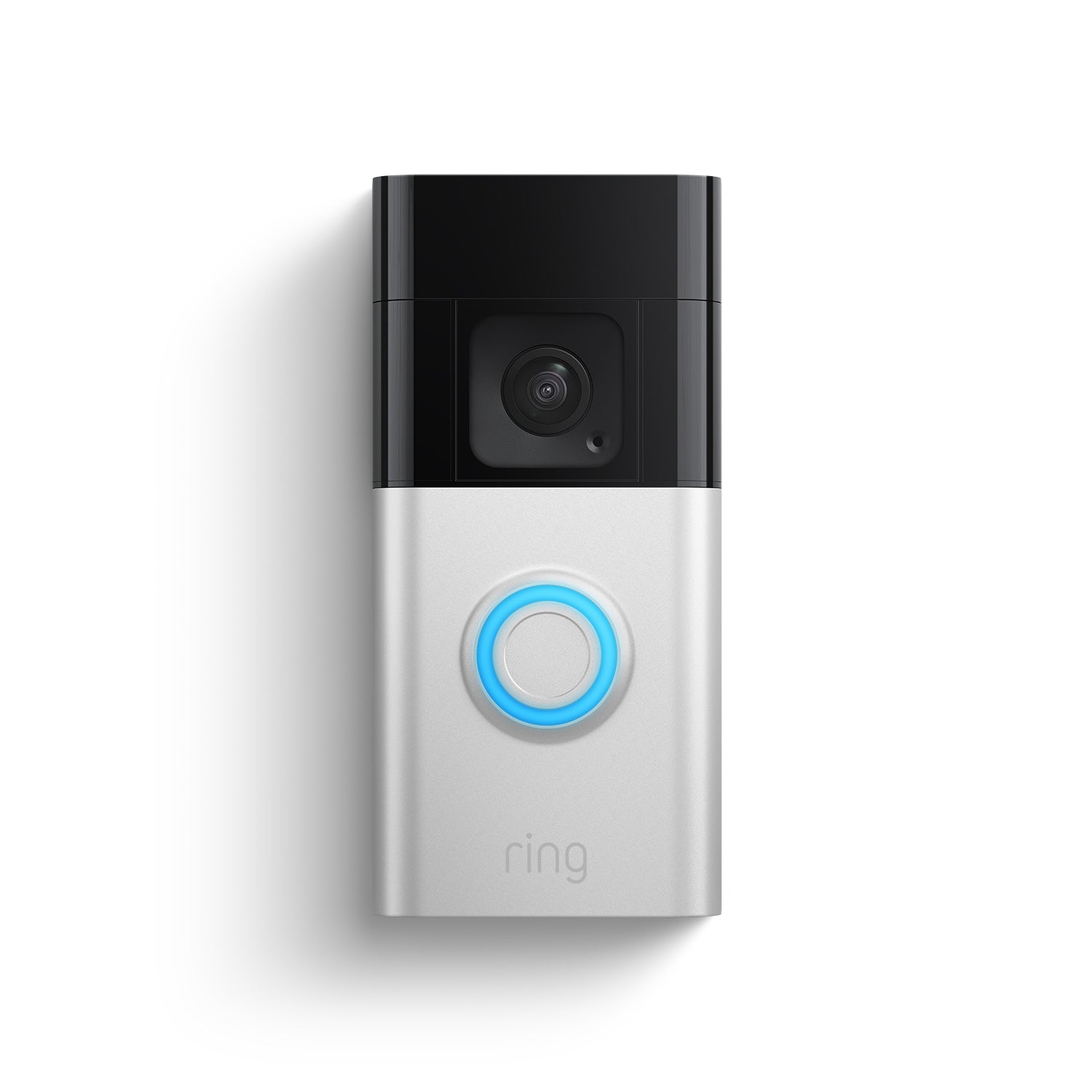
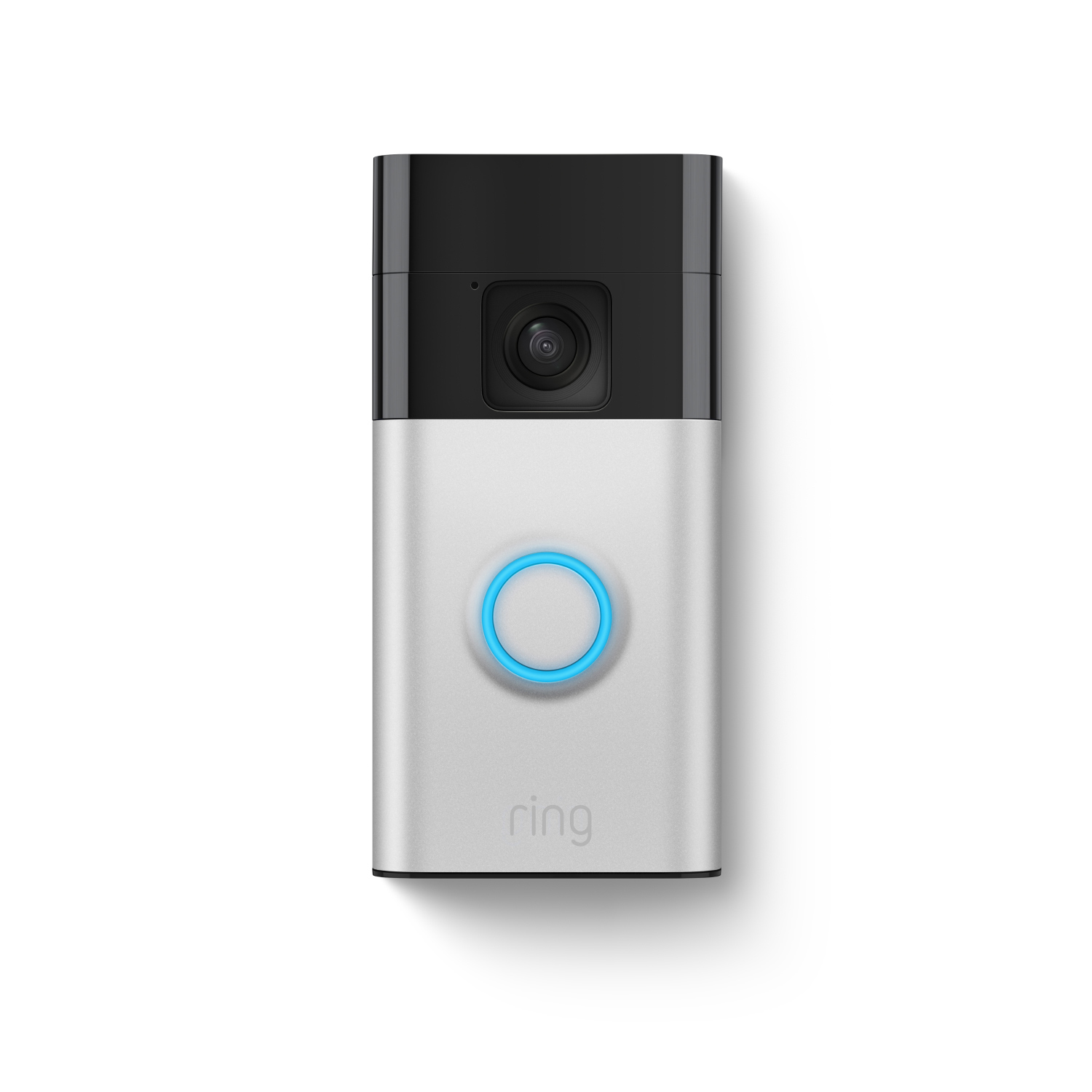
Ring offers several models to fit different needs. The basic model provides essential video and audio functions. The Pro model has higher video quality and faster alerts. The Elite model connects through Ethernet for a stable connection. Some models have rechargeable batteries, while others use existing doorbell wiring. Choose a model based on your home setup and budget.
Credit: ring.com
Installation Process
Installing the Ring Video Doorbell is simple and fast. You do not need special skills to complete the setup. Follow clear steps to get your doorbell working in no time. This guide covers tools needed, step-by-step setup, and common problems you may face.
Tools Needed
Gather a few basic tools before starting. You need a drill with bits for mounting holes. A screwdriver will help secure the doorbell in place. A level tool ensures the doorbell is straight. Have a ladder ready if your doorbell goes on a high wall. A smartphone with the Ring app is essential for setup.
Step-by-step Setup
Start by charging the doorbell battery fully. Next, download the Ring app on your phone. Create an account or log in. Follow the app instructions to connect the doorbell to Wi-Fi. Use the drill to make holes for mounting. Place the doorbell on the wall and screw it in. Check the camera angle and adjust for a clear view. Test the doorbell by pressing the button and watching the live video on your phone.
Common Installation Issues
Low Wi-Fi signal can cause connection problems. Move your router closer if the signal is weak. Make sure the doorbell battery is charged. Incorrect mounting can block the camera view. Use the level tool to avoid this. Sometimes the app may not recognize the doorbell. Restart your phone and try again. Tighten screws if the doorbell feels loose on the wall.
Smart Home Integration
The Ring Video Doorbell fits well with smart home technology. It links easily to many devices, making home security simple. This doorbell does more than just show who is at the door. It works with other smart tools to keep your home safe and connected.
Compatibility With Devices
The Ring Video Doorbell works with many smart home devices. It connects to Wi-Fi and syncs with smartphones and tablets. You can use it with smart locks and lights. This helps you control your home from one place. The doorbell sends alerts and video to your devices quickly.
Using Voice Assistants
Ring supports voice assistants like Alexa and Google Assistant. You can ask your assistant to show the front door camera. It lets you see visitors without touching your phone. Voice commands make it easy to check your door. This hands-free option adds comfort and safety.
Connecting With Security Systems
The Ring Video Doorbell links with home security systems. It works with alarms and cameras for full protection. When the doorbell detects motion, it can trigger alarms or lights. This helps you react fast to visitors or threats. The integration keeps your home alert and guarded.

Credit: www.aboutamazon.com
Security And Privacy
Security and privacy are key parts of the Ring Video Doorbell experience. The device helps protect your home by alerting you to visitors and capturing video. At the same time, it uses strong measures to keep your data safe and private. Understanding these features can help you feel more confident using the doorbell.
Data Encryption
Ring uses encryption to protect your video and audio data. Encryption changes your information into a secret code. This code stops hackers from reading your data. All video streams and stored videos are encrypted. This means your footage stays safe during transmission and storage.
User Privacy Controls
Users can control many privacy settings in the Ring app. You decide who can see your videos and alerts. You can turn off video recording if you want. The app lets you choose when the doorbell is active. These controls help you keep your home data private.
Best Practices For Safety
Use strong, unique passwords for your Ring account. Enable two-factor authentication for extra security. Only share access with people you trust. Regularly update the Ring app and device software. Avoid connecting to public Wi-Fi when checking your video feed. These steps help keep your home and data safe.
App Features And Usage
The Ring Video Doorbell app brings your doorbell to your phone. It makes home monitoring easy and smart. The app connects you to your doorbell’s camera and features. Control your security from anywhere using the app.
Check live video, receive alerts, and talk to visitors. The app is simple and user-friendly. It helps you stay aware and respond quickly.
Live Video Streaming
Open the app to see a live video feed from your doorbell. Watch visitors or deliveries in real time. The video is clear and smooth. You can check your front door anytime. No need to be at home to see who is there.
Motion Alerts
The app sends notifications when it detects motion. You know when someone approaches your door. Alerts come instantly to your phone. The motion detection helps prevent surprises. You can adjust settings to avoid false alerts.
Two-way Communication
Talk directly to visitors through the app. Use your phone’s microphone and speaker. Greet guests or ask delivery workers questions. It adds safety without opening the door. You control the conversation from anywhere.
Credit: ring.com
Subscription Plans
Ring Video Doorbell offers subscription plans to enhance its features. These plans affect video storage, alerts, and other tools. Choosing the right plan depends on your needs and budget.
You can use the doorbell without a subscription, but paid plans add value. Let’s explore the differences in features and costs.
Free Vs Paid Features
The free plan lets you see live video and get alerts. You can answer the door from your phone. But it does not save video clips.
Paid plans save videos for later viewing. They also offer advanced motion detection and sharing options. This helps keep your home safer.
Video Storage Options
Without a subscription, you cannot save video footage. Videos disappear after you watch them.
Paid plans store videos in the cloud for days or weeks. You can replay or download clips anytime. This is useful for evidence or review.
Cost Comparison
Ring offers monthly and yearly payment options. Prices vary by plan and number of devices.
The basic plan costs a few dollars per month. It covers one device with full video history. Larger plans cover multiple devices at a higher cost.
Choosing a plan depends on your needs for video storage and extra features.
Troubleshooting Tips
Troubleshooting your Ring Video Doorbell can solve many common issues quickly. Problems like poor video, no notifications, or device offline often relate to simple fixes. Understanding key areas helps get your doorbell working smoothly again.
Connectivity Problems
Check your Wi-Fi signal near the doorbell. Weak signals cause delays or no video feed. Move your router closer or use a Wi-Fi extender. Restart your router and doorbell to refresh connections. Ensure your network is not overloaded with many devices. Use the Ring app to test the Wi-Fi speed at your doorbell.
Battery And Power Issues
A low or dead battery stops your Ring doorbell from working. Charge the battery fully using the provided charger. Remove the battery and reinsert it to reset the device. For wired models, check the wiring and power supply. Replace old batteries for longer use. Monitor battery levels regularly in the app.
Software Updates
Keeping your Ring doorbell updated improves security and performance. The device updates automatically when connected to Wi-Fi. Manually check for updates in the Ring app settings. Restart the doorbell after updating to apply changes. Avoid interrupting updates to prevent errors. Regular updates fix bugs and add new features.
User Experiences
User experiences with the Ring Video Doorbell vary widely. Many users share their honest thoughts about the device. These insights help potential buyers understand what to expect. Below are common pros and cons, complaints, and success stories from real users.
Pros And Cons
Users praise the Ring Video Doorbell for easy installation. It works well with most home Wi-Fi systems. The video quality is clear during the day. Night vision also helps users see visitors in the dark.
Some users find the motion detection very useful. It alerts them quickly if someone approaches their door. The two-way audio allows conversations without opening the door.
On the downside, a few users mention occasional delays in alerts. Battery life can be shorter than expected in busy homes. Some find the app interface confusing at first.
Subscription fees for cloud video storage bother certain users. Others wish the device had better weather resistance. These factors affect overall satisfaction for some buyers.
Common Complaints
Many complaints focus on the device’s connectivity issues. Users report losing connection during bad weather or poor Wi-Fi. This disrupts real-time alerts and video streaming.
False motion alerts are another frequent complaint. Moving shadows, pets, or passing cars trigger notifications unnecessarily. This can annoy users and drain battery life.
Some users struggle with the subscription cost for full features. They want free access to recorded videos without monthly fees. Customer service response time also comes up as a concern.
Success Stories
Despite some problems, many users share positive stories. The Ring Video Doorbell helped catch package thieves on camera. Some homeowners stopped unwanted visitors by speaking through the doorbell.
Several families feel safer knowing they can see who is at their door. Remote access allows users to answer visitors while away. The device also alerted users to emergency situations quickly.
These real-life examples show how the Ring Video Doorbell adds value. It improves home security and peace of mind for many users.
Future Of Ring Doorbells
The future of Ring Doorbells looks promising and full of new possibilities. This device will keep evolving to meet growing security needs and smart home trends. Ring is set to add features that improve user experience and enhance home safety. The next steps focus on better technology and easier integration with other smart devices.
Upcoming Features
Ring plans to add more intelligent alerts that reduce false alarms. Expect improved video quality for clearer images in all lighting conditions. New features might include better two-way communication and faster response times. Privacy controls will become more robust, giving users greater control over their data.
Industry Trends
Smart home security is shifting towards more connected and automated systems. Devices like Ring will work better with other smart products in the house. Voice control and AI-based monitoring are becoming standard parts of security setups. More homes will use cloud storage and mobile apps for easy access anywhere.
Smart Home Security Evolution
Ring Doorbells are part of a larger smart home security evolution. They help make homes safer by combining cameras, sensors, and apps. The future will bring deeper integration with home automation systems. This will create seamless security that adapts to daily routines and threats.
Frequently Asked Questions
What Is A Ring Video Doorbell?
A Ring Video Doorbell is a smart home device that lets you see, hear, and speak to visitors remotely. It connects to your smartphone via Wi-Fi, enhancing home security with real-time video and motion alerts.
How Does Ring Video Doorbell Work?
The Ring Doorbell uses motion sensors and a camera to detect activity. It sends instant alerts to your phone, allowing you to view live video or answer calls from anywhere.
Can Ring Doorbell Improve Home Security?
Yes, Ring Doorbells enhance security by providing video surveillance at your door. They deter burglars and help you monitor visitors, packages, and suspicious activities in real time.
Is Ring Video Doorbell Easy To Install?
Yes, Ring Doorbells are designed for easy DIY installation. They come with clear instructions and can be mounted on most doorframes with basic tools.
Conclusion
Ring Video Doorbell offers clear video and easy access to your front door. It helps you see visitors anytime, even when you are away. You can hear and talk to guests with your phone. The device adds an extra layer of security for your home.
Installation is simple, and the app is user-friendly. This tool keeps your home safer and connects you with visitors instantly. A useful choice for anyone wanting more control over home safety.