
Are you thinking about upgrading your home security with a video doorbell? Before you make the purchase, it’s important to know exactly what you need to get it working smoothly.
From power sources to internet connections, a few key things can make all the difference in how well your video doorbell performs. Keep reading to discover the simple must-haves that will ensure your new device keeps you safe and connected without any hassle.
This way, you won’t just buy a gadget—you’ll invest in peace of mind.

Credit: www.amazon.com
Choosing The Right Video Doorbell
Picking a video doorbell means balancing many factors. You want clear video, easy installation, and good compatibility with your home. The right choice fits your needs and budget. Think about how you will use it daily. Consider your home setup and internet strength. This helps avoid surprises after installation.
Some doorbells need wiring, others work wirelessly. Video clarity and view angle vary by model. Smart features can add convenience but require the right system. Knowing these details guides you to the best pick for your home.
Wired Vs Wireless Models
Wired video doorbells connect to your home’s power. They offer constant power and often better video quality. Installation takes more time and may need an electrician. Wireless models use batteries and are easier to install. Battery life varies, so you might recharge or replace often. Wireless doorbells are flexible for renters or those who move.
Video Quality And Field Of View
Clear video helps identify visitors quickly. Look for doorbells with at least 1080p resolution. A wide field of view covers more area. Most doorbells offer between 120 and 180 degrees. Narrow views might miss someone at the door edge. Some models include night vision for low light conditions. Crisp images keep your home safer.
Smart Home Compatibility
Check if the doorbell works with your smart home system. Popular options include Alexa, Google Assistant, and Apple HomeKit. Compatibility allows voice control and automation. Some doorbells connect only to their own apps. Consider your other devices and choose a doorbell that fits well. This keeps your smart home simple and easy to use.
Power Supply Options
Choosing the right power supply is key for a video doorbell. It affects how the device works and how often it needs attention. There are several power options available. Each has its own benefits and setup needs. Understanding these options helps pick the best fit for your home and lifestyle.
Battery-powered Benefits
Battery-powered video doorbells need no wires. They are easy to install anywhere. You can place them where wiring is hard to reach. Batteries last for months before needing a change. This option offers flexibility and simple setup. It suits renters and those who avoid drilling walls.
Hardwired Connections
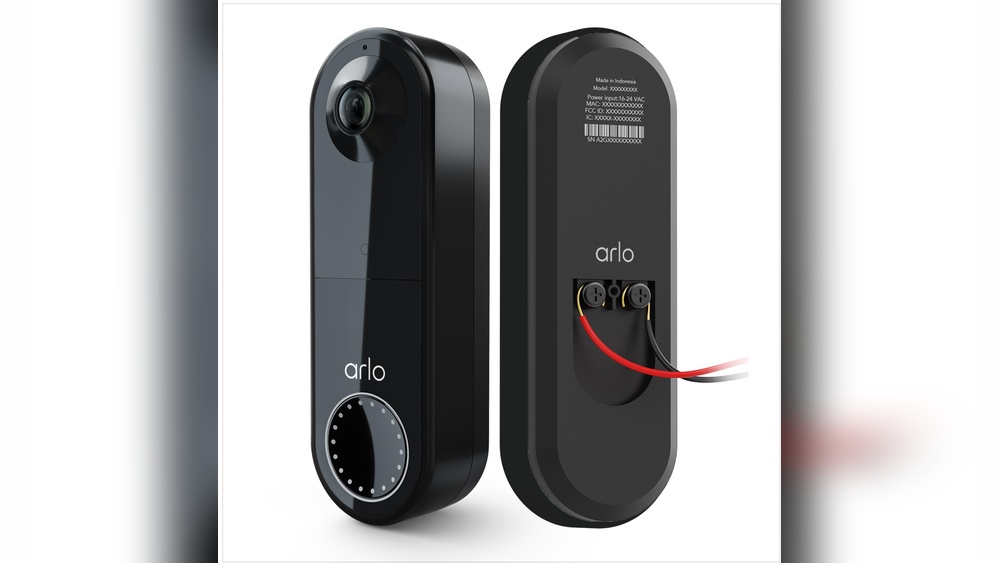
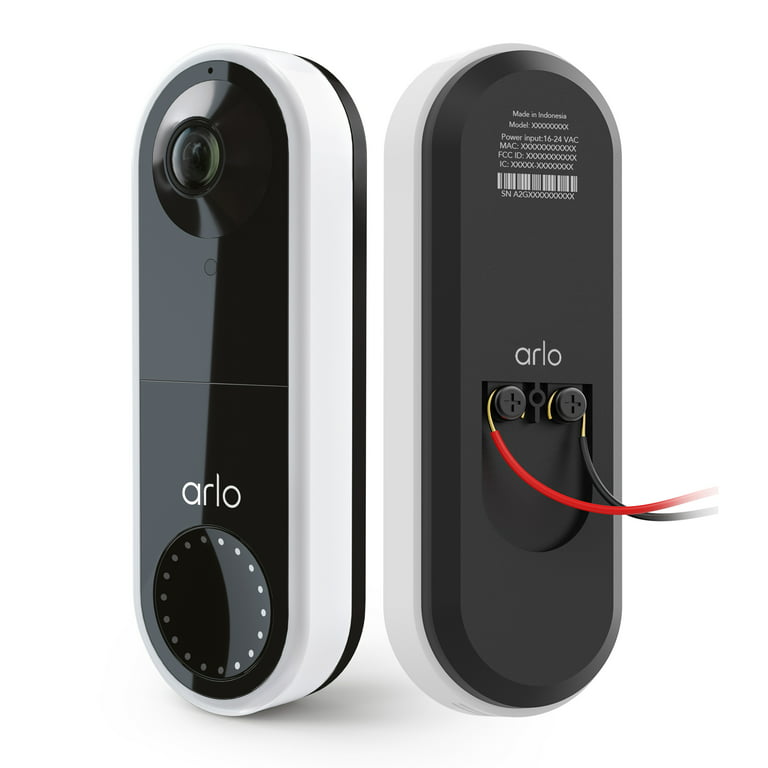
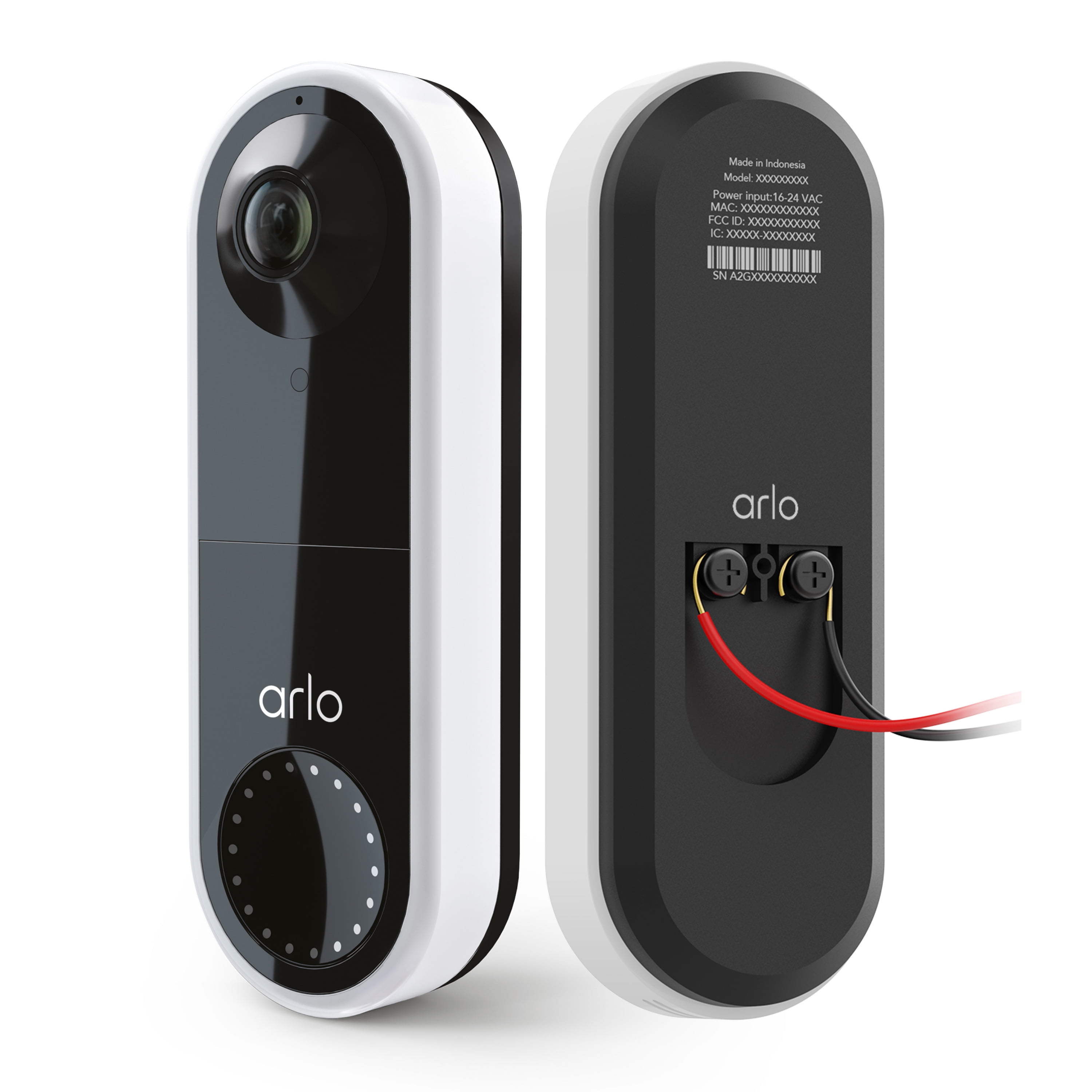
Hardwired doorbells connect directly to your home’s power. This ensures constant power without battery changes. They work well for busy households. These models need professional or careful installation. The wires run through walls or door frames. Hardwired options offer reliable, uninterrupted operation.
Using Existing Doorbell Wiring
Some video doorbells use your old doorbell wires. This saves time and effort in installation. It also means no new wires are needed. Your old doorbell system powers the new device. This method blends old wiring with new technology. It is a practical choice for many homes.
Network Requirements
Network requirements are key for a video doorbell to work well. A stable internet connection helps the doorbell send video and alerts without delay. The right setup ensures clear video and smooth communication. Poor network conditions can cause lag or missed notifications.
Wi-fi Signal Strength
Strong Wi-Fi signals are vital for video doorbells. The device should be near the router or have a strong signal. Walls and distance can weaken signals. A weak signal causes slow video and buffering. Test signal strength before installing your doorbell.
Router Compatibility
Check if your router works with the video doorbell. Most doorbells need a 2.4 GHz Wi-Fi band. Some support 5 GHz, but 2.4 GHz covers longer distances. Older routers may not support needed features. Update router firmware to improve compatibility and security.
Data Usage Considerations
Video doorbells use data for live video and alerts. High-quality video uses more data. Streaming video constantly can raise data costs. Set video quality and recording options to control data use. Know your internet plan limits to avoid extra fees.
Credit: www.walmart.com
Installation Essentials
Installing a video doorbell is simple with the right preparation. Knowing what you need helps the process go smoothly. This section covers the basic essentials for installation. It focuses on tools, where to mount your doorbell, and how to protect it from weather.
Tools Needed
You will need a drill to make holes in the wall. A screwdriver is important for securing screws. A level helps keep the doorbell straight. Wire strippers are useful if you connect to existing doorbell wires. A tape measure helps place the doorbell at the right height. Have all these tools ready before you start.
Mounting Locations
Choose a spot near your front door. It should have a clear view of visitors. Avoid places blocked by plants or decorations. Mount the doorbell about 4 to 5 feet high. This height works well for face recognition. Make sure the location has strong Wi-Fi for good video quality.
Weatherproofing Tips
Video doorbells face rain, sun, and wind. Protect your doorbell by sealing gaps around it. Use weather-resistant mounting brackets and screws. Avoid places where water can collect. Check the manufacturer’s instructions for extra weatherproofing advice. Proper care keeps your doorbell working well for years.
Setting Up Software And App
Setting up the software and app is key to using your video doorbell effectively. The app connects your phone to the doorbell, letting you see visitors and get alerts. This process is simple and does not take long. Follow these steps to get started quickly.
Downloading The App
Start by finding the app for your video doorbell on your phone’s app store. Most brands have free apps for iOS and Android. Search by the doorbell’s brand name. Download and install the app to your device. This app will control your doorbell and show live video.
Creating User Accounts
Open the app and create a new user account. Use an email and strong password. This keeps your video and data secure. Some apps ask for phone verification to protect your account. Set up your profile and follow any on-screen instructions. This step links your phone to your doorbell.
Configuring Notifications
Next, set your notification preferences in the app. Choose when you want alerts, like motion detection or doorbell rings. Customize sound, vibration, and alert types. This helps you stay informed without constant interruptions. Make sure notifications are enabled on your phone as well.
Security And Privacy Measures
Security and privacy are vital for video doorbells. These devices capture video and audio from outside your home. Protecting this data is essential to keep your family safe. Strong security stops hackers and unwanted access. Privacy measures ensure your personal moments stay private. This section explains key steps to secure your video doorbell.
Encrypting Video Streams
Encryption protects the video as it travels online. It turns video data into a secret code. Only the user with the right key can see the video. Encryption stops hackers from spying on your feed. Look for doorbells that use strong encryption methods like AES-128 or AES-256.
Managing User Access
Control who can see your video and control the doorbell. Set up user accounts with different permission levels. Share access only with trusted family or friends. Use strong, unique passwords for each account. Enable two-factor authentication for extra security.
Regular Firmware Updates
Firmware updates fix security problems and improve performance. Manufacturers release updates to patch new threats. Always install updates as soon as they are available. Turn on automatic updates if your doorbell supports them. This keeps your device safe from new attacks.
Troubleshooting Common Issues
Troubleshooting common issues helps keep your video doorbell working well. It saves time and avoids frustration. Simple fixes often solve the problem quickly. Understanding these issues makes your device more reliable.
Connectivity Problems
Video doorbells need a strong Wi-Fi signal. Weak signals cause disconnections or no live video. Move your router closer or use a Wi-Fi extender. Restart your router and doorbell to refresh connections. Check your network password and settings carefully. Ensure the doorbell supports your Wi-Fi frequency (2.4 GHz or 5 GHz).
Video Lag Or Quality Issues
Slow or choppy video often means poor internet speed. Test your internet speed and upgrade if needed. Lower the video quality in the app to reduce lag. Keep the doorbell lens clean for clear video. Avoid placing the doorbell in direct sunlight or harsh shadows. Update the doorbell firmware to fix bugs.
Power Supply Challenges
Video doorbells need steady power to work well. Battery-powered models need regular charging. Check battery level in the app and recharge on time. Wired models require correct voltage and secure wiring. Loose wires cause power loss and device resets. Use the manufacturer’s recommended power source only.
Credit: www.walmart.com
Frequently Asked Questions
What Basic Equipment Is Required For A Video Doorbell?
A video doorbell needs a camera, microphone, speaker, and Wi-Fi connection. It also requires power through batteries or wiring to function properly.
Do I Need Professional Installation For A Video Doorbell?
Professional installation is not mandatory. Many video doorbells come with easy DIY setup instructions for homeowners.
How Important Is Wi-fi For Video Doorbell Performance?
Wi-Fi is crucial as it enables live streaming, notifications, and remote access. A strong and stable connection ensures smooth operation.
What Power Sources Support A Video Doorbell?
Video doorbells can be powered by rechargeable batteries or existing doorbell wiring connected to your home’s electrical system.
Conclusion
A good video doorbell needs a strong Wi-Fi connection. It should have clear video and sound quality. Power supply matters, either battery or wired. Easy installation helps save time and effort. Security features keep your home safe. Choose one that fits your budget and needs.
Simple controls make it easy to use every day. A reliable video doorbell brings peace of mind. Small details can make a big difference. Think about what matters most to you.