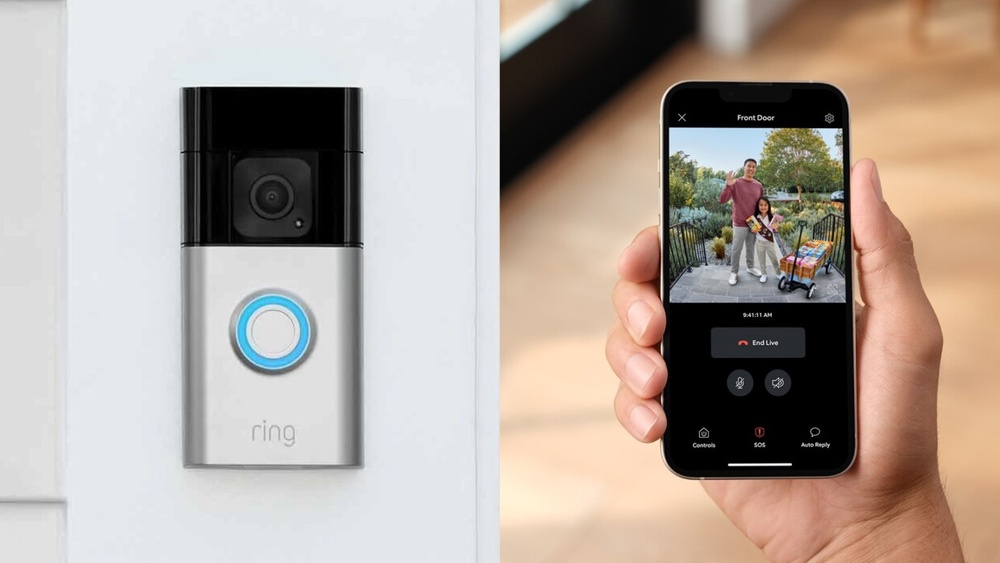

Have you ever wondered who’s at your door without having to get up? A video doorbell can give you that power.
It lets you see and talk to visitors right from your phone, no matter where you are. Imagine feeling safer and more in control of your home with just one simple device. You’ll discover exactly what a video doorbell is, how it works, and why it might be the perfect upgrade for your front door.
Keep reading to find out how this small gadget can make a big difference in your daily life.
What A Video Doorbell Does
A video doorbell is more than just a bell. It lets you see and talk to visitors at your door. This device works with your smartphone or tablet. You can watch a live video feed anytime. It helps you know who is outside without opening the door.
Video doorbells add a layer of safety and convenience. They alert you when someone approaches your home. Even if you are not home, you stay connected and in control. Understanding what a video doorbell does helps you see its value.
Basic Functions
A video doorbell has a camera, microphone, and speaker. It records video when someone rings or moves near it. You get an alert on your phone right away. You can speak to the visitor through two-way audio. Many models store video clips for later review.
How It Enhances Security
Video doorbells act as a watchful eye at your door. They deter unwanted visitors by making them visible. You can verify strangers before opening the door. The recorded videos can help identify thieves or vandals. Motion detection alerts you about unusual activity nearby.
Benefits Over Traditional Doorbells
Unlike regular doorbells, video doorbells provide live video and audio. You do not need to be home to answer the door. They offer peace of mind by showing who is outside. Video doorbells also help monitor packages and deliveries. This technology provides a stronger sense of home safety.

Credit: www.vox.com
Key Features To Look For
Choosing the right video doorbell can be tricky. Knowing the key features helps you pick a device that fits your needs. These features make your home safer and your life easier. Focus on video quality, audio, motion detection, night vision, and storage options.
Video Quality And Field Of View
Clear video is important for identifying visitors. Look for at least 1080p resolution. A wide field of view covers more area around your door. This helps you see packages, people, and pets better.
Two-way Audio
Two-way audio lets you talk to visitors without opening the door. It helps to greet guests or warn unwanted visitors. Clear sound quality is important for easy communication.
Motion Detection
Motion detection alerts you when someone approaches your door. Adjustable sensitivity reduces false alarms from pets or cars. Some models send instant notifications to your phone.
Night Vision
Night vision shows clear images in low light or dark conditions. Infrared LEDs usually provide this feature. It keeps your home monitored 24/7, even at night.
Cloud Storage And Local Storage Options
Storage options save your video recordings. Cloud storage offers easy access from anywhere. Local storage uses memory cards, keeping videos private. Choose based on your preference for security and convenience.
Installation And Setup
Installing and setting up a video doorbell is a key step to improve home security. It involves choosing the right model, following clear steps, and ensuring it works with your existing system. A smooth installation lets you start using your doorbell quickly and easily.
Wired Vs. Wireless Models
Wired video doorbells connect to your home’s electrical system. They often offer continuous power without battery changes. Installing them needs basic electrical skills and sometimes professional help.
Wireless models run on batteries and connect via Wi-Fi. They are easier to install and can fit anywhere. Battery life varies by use, so occasional charging is needed.
Step-by-step Installation
First, turn off power if installing a wired doorbell. Next, remove the old doorbell if there is one. Attach the mounting bracket to the wall using screws.
Connect wires for wired models or insert batteries for wireless ones. Mount the video doorbell on the bracket securely. Finally, follow the app instructions to connect it to Wi-Fi and set up notifications.
Compatibility With Existing Systems
Check if the video doorbell works with your current doorbell chime or smart home devices. Some models support only specific systems or apps. Confirm voltage requirements for wired models to avoid damage.
Compatibility ensures smooth operation and full use of features like chimes and alerts. Review product details before buying to match your home setup.
Popular Video Doorbell Brands
Popular video doorbell brands offer a variety of features and designs. They help protect homes and make visitors easier to manage. Each brand has unique strengths and pricing options. Understanding these can help you choose the right doorbell for your needs.
Top Models And Their Strengths
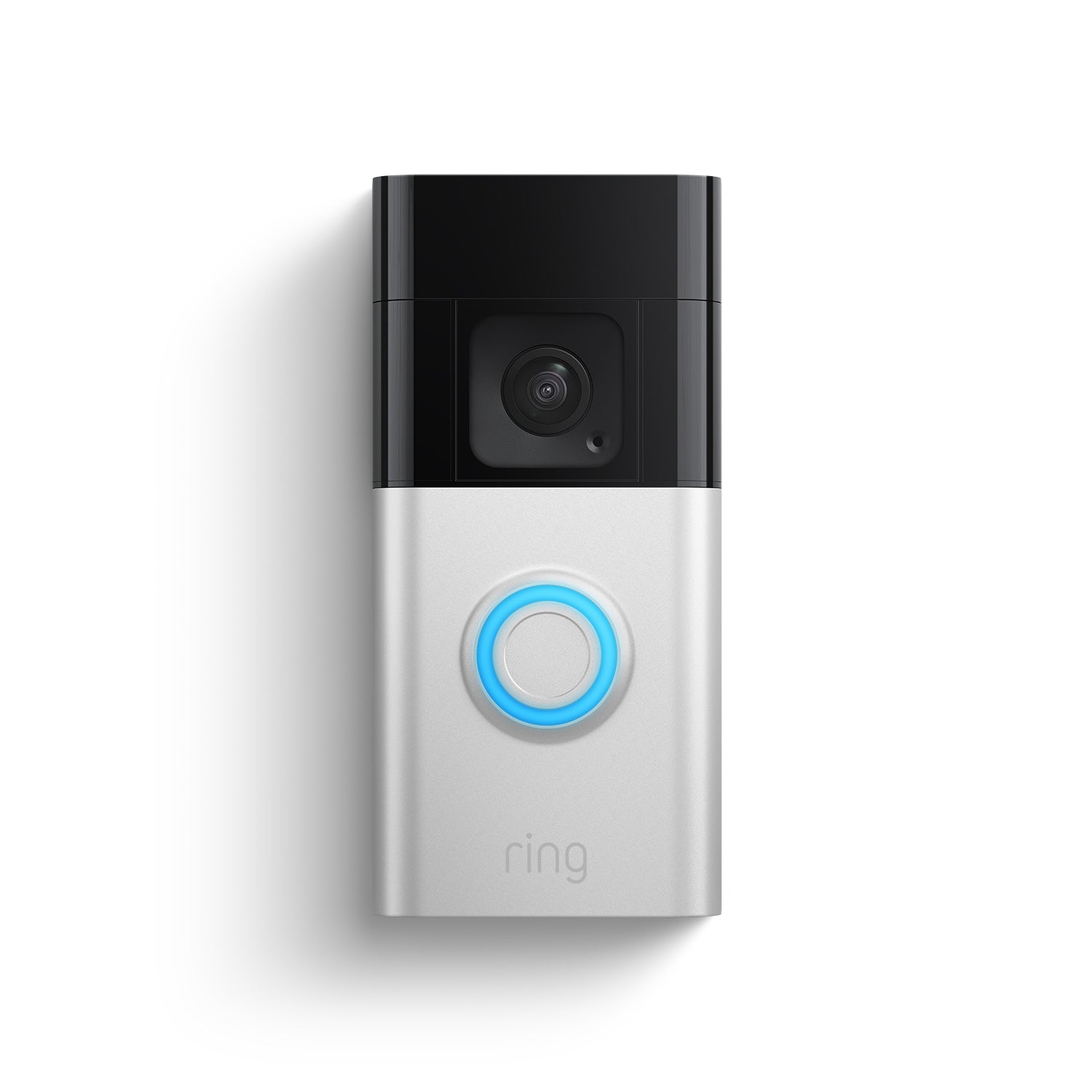
Ring is well-known for its wide range of models and easy installation. Its devices often include two-way talk and motion alerts. Nest offers smart home integration and high video quality. Arlo models stand out for their wireless designs and clear night vision. Eufy doorbells provide local storage and no monthly fees.
Price Range Comparison
Video doorbells vary in price from budget to premium. Basic models start around $50 and cover essential features. Mid-range options cost between $100 and $200 and add better video quality and smart features. Premium doorbells can cost $250 or more, offering advanced sensors and cloud storage. Choosing depends on your budget and required features.
Customer Reviews And Ratings
Customers praise Ring for reliability and easy setup. Some note occasional connectivity issues. Nest receives high marks for video clarity and smart home use. Arlo users like battery life but mention higher prices. Eufy is favored for no fees and good privacy. Ratings usually range from 4 to 4.5 stars out of 5.
Integrating With Smart Home Systems
Integrating a video doorbell with your smart home system improves convenience and security. It connects your doorbell to other devices in your home. This integration lets you control and monitor your doorbell from one place.
Smart home integration helps you respond quickly to visitors. It also keeps your home safer by linking with alarms and cameras. The setup is easy and makes daily routines smoother.
Connecting With Voice Assistants
Video doorbells work well with voice assistants like Alexa and Google. You can ask your assistant to show who is at the door. This hands-free feature saves time and effort.
Voice commands can also mute or turn on the doorbell sound. It makes managing your doorbell simple and quick. This adds a modern touch to your home.
Automation And Alerts
Automation links your video doorbell to smart lights and locks. Lights can turn on automatically when someone rings the doorbell. Locks can also unlock remotely for trusted guests.
Instant alerts notify your phone about visitors or motion. You get real-time updates even when you are away. These alerts help you stay aware and react fast.
Security System Integration
Video doorbells can connect to your home security system. This connection enhances overall home protection. It allows cameras and alarms to work together.
You can see live video and hear sounds through your security app. The system records any activity at your door. This helps you keep a close eye on your home.
Credit: ring.com
Privacy And Security Concerns
Video doorbells offer convenience and security. Yet, they raise concerns about privacy and safety. It is important to understand these concerns clearly. Knowing how video doorbells protect your data helps you use them safely.
Data Protection Measures
Video doorbells collect video and audio data. This data must be stored securely. Many devices use encryption to protect information. Encryption scrambles data so outsiders cannot read it. Companies also follow privacy laws to keep data safe. Regular software updates help fix security issues.
Preventing Unauthorized Access
Hackers may try to access your video doorbell. Strong passwords reduce this risk. Some devices offer two-factor authentication for extra safety. This requires a second step to confirm identity. Firewalls and secure Wi-Fi networks also help block intruders. Always change default settings to protect your device.
User Control And Permissions
Users control who can see the video and audio. Permissions allow sharing access with family or neighbors. Many apps let you review and delete stored footage. You can turn off the camera or microphone anytime. This control helps keep your privacy intact.
Maintenance Tips
Keeping your video doorbell in good shape helps it work well for years. Simple care steps can prevent many problems. Regular maintenance keeps your home safe and your device reliable.
Regular Updates
Software updates fix bugs and add new features. Check your video doorbell app often for updates. Install them quickly to keep your device secure and fast.
Battery Care And Replacement
Battery health is key for wireless doorbells. Charge the battery fully before first use. Replace the battery if it drains fast or stops holding power. Avoid letting the battery go completely dead.
Troubleshooting Common Issues
If the video doorbell stops working, start with a restart. Check the Wi-Fi connection for stability. Clean the camera lens to keep the video clear. Reset the device if problems continue.

Credit: fraseprotection.com
Future Trends In Video Doorbells
Video doorbells are evolving fast. New technology will make them smarter and easier to use. These changes aim to improve home security and convenience. Here are some future trends in video doorbells that you should know about.
Ai And Facial Recognition
Artificial intelligence helps video doorbells recognize faces. It can tell the difference between family, friends, and strangers. This technology reduces false alerts. It also allows customized responses for different visitors. AI learns over time to improve accuracy and security.
Improved Connectivity
Better internet connections will make video doorbells faster and more reliable. 5G and Wi-Fi 6 will reduce delays in video and audio. This means you can see and talk to visitors instantly. Improved connectivity also supports more devices working together smoothly.
Enhanced User Experience
Video doorbells will offer simpler controls and clearer images. Mobile apps will become easier to use. Voice commands and smart home integration will increase. Users will get real-time notifications that are easy to understand. These improvements make video doorbells more user-friendly.
Frequently Asked Questions
What Is A Video Doorbell Used For?
A video doorbell lets you see and speak to visitors remotely. It enhances home security by alerting you to activity at your door. Many models record video and offer two-way audio for convenience and safety.
How Does A Video Doorbell Work?
A video doorbell connects to your Wi-Fi and streams video to your smartphone. It activates when someone presses the button or detects motion. This allows you to monitor your doorstep anytime, anywhere.
Are Video Doorbells Easy To Install?
Yes, most video doorbells are easy to install with basic tools. They usually replace your existing doorbell and connect wirelessly to your home network. Some models also offer professional installation options.
Can Video Doorbells Improve Home Security?
Absolutely. Video doorbells deter potential intruders by recording activity. They provide real-time alerts and video evidence if needed. This added layer of security helps protect your home and family.
Conclusion
A video doorbell helps you see and talk to visitors easily. It keeps your home safer by showing who is outside. You can check your door from anywhere using your phone. This device adds convenience and peace of mind to daily life.
Choosing the right video doorbell fits your needs and budget. Simple to use and install, it brings more security to your front door. A small step for better home safety and comfort.