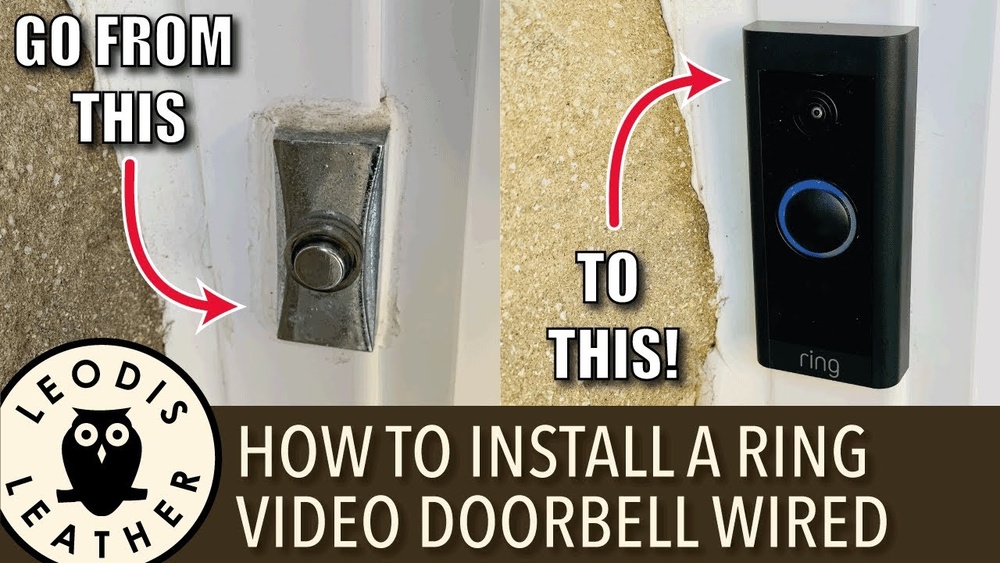

Setting up your Ring Video Doorbell Wired might seem tricky, but it doesn’t have to be. Imagine knowing exactly who’s at your door without leaving your couch.
You’re just a few simple steps away from making your home safer and smarter. In this guide, you’ll get clear, easy instructions that save you time and frustration. By the end, your doorbell will be ready to protect your home—and you’ll wonder why you didn’t do it sooner.
Keep reading to find out how to get started quickly and confidently.
Credit: ring.com
Gather Required Tools
Before installing your Ring Video Doorbell Wired, gather all the tools needed. Having everything ready saves time and avoids interruptions. This step ensures a smooth setup process and better results.
Check Included Items
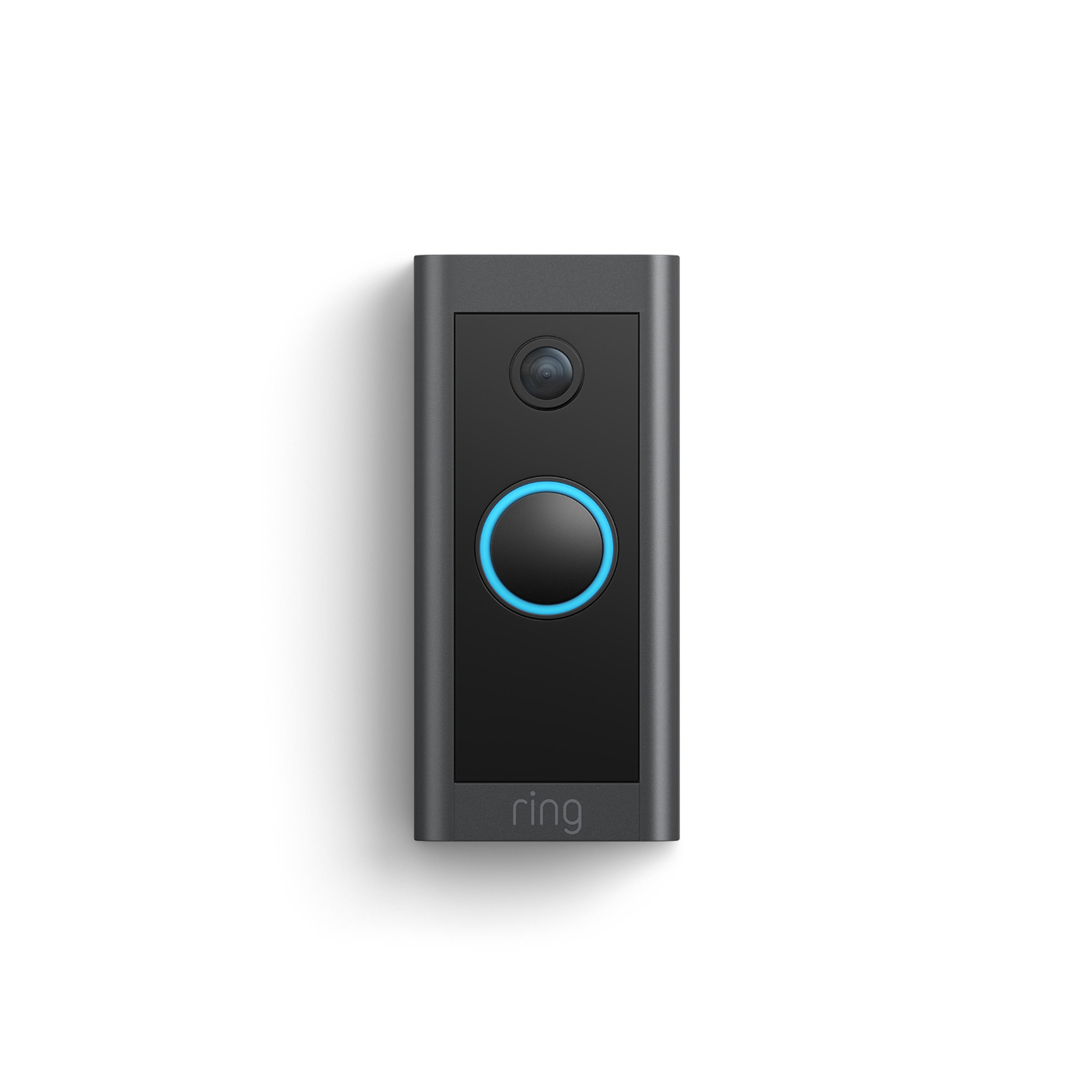
The Ring Video Doorbell Wired box contains several parts. You will find the doorbell device, mounting bracket, screws, and anchors. A screwdriver bit and an installation guide are also included. Check each item carefully before starting.
Confirm the doorbell has the correct power cable attached. The package may also include a level tool to mount the doorbell straight. Keep all these items close for easy access during setup.
Additional Tools Needed
Besides the included parts, some extra tools help complete the job. A drill with a small drill bit is useful for making holes in hard surfaces. A pencil can mark the spots to drill.
A power screwdriver or a manual screwdriver speeds up screw installation. A voltage tester ensures your wires are safe to handle. Having a ladder may be necessary for mounting the doorbell high on the wall.
Credit: www.youtube.com
Prepare Your Doorbell Location
Preparing the location for your Ring Video Doorbell Wired is a key step. It ensures the doorbell works well and keeps your home safe. This part guides you through choosing the best spot and turning off the power before installation.
Choose The Ideal Spot
Pick a place near your front door. The doorbell should face the area visitors use most. It must have a clear view of the porch or walkway. Avoid spots with direct sunlight or strong shadows. These can affect video quality. Also, check the Wi-Fi signal strength. A strong signal helps the doorbell connect easily. Place it where the wires can reach without stretching or damage.
Turn Off Power Supply
Safety first. Switch off the power at the circuit breaker. This stops electric shock or damage during setup. Use a voltage tester to confirm the power is off. Never skip this step. Handling live wires is dangerous. Wait a few minutes before starting the installation. This lets the electricity fully clear from the wires.
Remove Existing Doorbell
Removing your old doorbell is the first step to install the Ring Video Doorbell Wired. This process needs care to avoid damage and ensure safety. You will handle electrical wires, so safety is important.
Follow simple steps to remove the existing doorbell. Doing it right helps make the new setup smooth and secure.
Unscrew Old Doorbell
Start by turning off power at the circuit breaker. This stops electricity flow to the doorbell. Use a screwdriver to remove screws holding the old doorbell in place. Keep the screws safe for later use. Gently pull the doorbell away from the wall. Be careful not to force it.
Disconnect Wires Safely
Look for the wires connected to the doorbell. Loosen the screws or clips holding the wires. Carefully detach the wires from the old doorbell. Avoid touching wire ends together or to metal parts. Wrap wire ends with electrical tape for safety. This step helps prevent shocks or shorts.
Install Mounting Bracket
Installing the mounting bracket is the first step to setting up your Ring Video Doorbell Wired. This bracket holds the doorbell securely in place. Proper installation ensures your device works well and stays safe from damage. Follow these steps carefully for the best results.
Align Bracket Correctly
Hold the mounting bracket against the wall near your door. Check the angle so the doorbell faces outward. Use a level tool to make sure it is straight. Mark the spots where the screws will go. Take your time to align it perfectly.
Secure With Screws
Drill holes on the marked spots for the screws. Place wall anchors if needed for extra support. Insert the screws through the bracket holes. Tighten the screws firmly using a screwdriver. Do not overtighten to avoid damage. The bracket should feel stable and secure.
Connect Wiring
Connecting the wiring is a key step in setting up your Ring Video Doorbell Wired. It ensures your device receives power and functions properly. Handle the wires carefully to avoid damage or loose connections. Follow the steps below to connect the wires securely and check the connection.
Attach Wires To Terminals
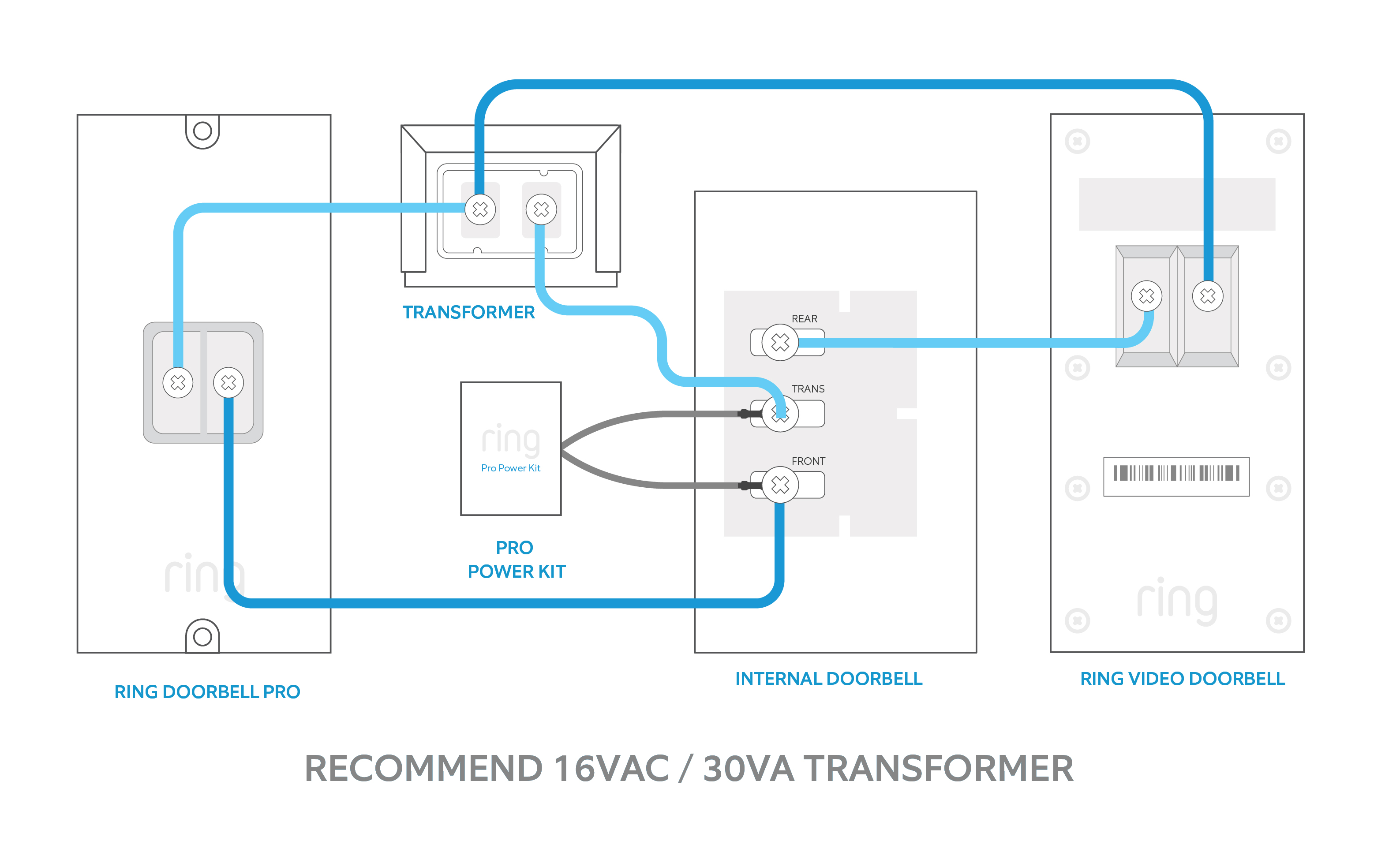
Locate the two wires coming from your wall. These wires provide power to the doorbell. Loosen the screws on the doorbell’s terminals. Attach one wire to each terminal. Tighten the screws to hold the wires firmly. Make sure no bare wire is exposed. This prevents shorts and keeps the connection safe.
Check For Proper Connection
Once the wires are attached, check the connection. Tug each wire gently to ensure it is tight. Loose wires can cause the doorbell to lose power. Inspect the terminals for any signs of corrosion or damage. If everything looks good, proceed to mount the doorbell. A proper connection helps your Ring doorbell work smoothly without interruptions.
Attach Doorbell To Bracket
Attaching the Ring Video Doorbell Wired to its bracket is a simple step. It connects the doorbell to your home and prepares it for use. This process secures the device and ensures it stays in place. Follow the steps carefully for a solid setup.
Snap Doorbell In Place
Hold the Ring doorbell close to the bracket on your wall. Align the doorbell’s edges with the bracket slots. Press the doorbell firmly until you hear a click. This sound means the doorbell is snapped into place. Check that the doorbell fits snugly with no gaps.
Lock Doorbell Securely
Use the provided security screw to lock the doorbell. Insert the screw into the hole at the bottom of the doorbell. Tighten the screw with the screwdriver until it feels tight. This step stops the doorbell from falling or being removed easily. Make sure the doorbell does not move after locking.
Restore Power And Test
After installing your Ring Video Doorbell Wired, the next step is to restore power and check its operation. This step ensures your doorbell works correctly and stays connected to your home system. Follow the simple steps below to safely turn the power back on and verify everything functions as expected.
Turn Power Back On
Locate your home’s circuit breaker panel. Find the switch that you turned off for installation. Flip the switch back to the “on” position. This restores electricity to your doorbell. Be careful and avoid touching other switches. Wait a few moments for power to flow to the device.
Verify Doorbell Functionality
Press the doorbell button to test the chime sound. Look at the Ring app on your phone or tablet. Check for a live video feed from the doorbell camera. Confirm the motion alerts work by moving near the doorbell. The device should respond quickly and clearly. If you spot any problems, review the wiring and settings.
Set Up Ring App
Setting up the Ring Video Doorbell Wired starts with the Ring app. This app controls your doorbell and lets you see visitors from your phone. Follow the steps below to set up the app correctly. This will ensure your doorbell works well and keeps your home safe.
Download And Install App
Go to the App Store or Google Play on your phone. Search for the “Ring” app. Tap the download button and wait for it to install. Open the app after installation. Create a new account or sign in if you already have one. This will connect your phone to the Ring system.
Connect Doorbell To Wifi
Turn on your Ring doorbell. Open the Ring app and select “Set up a Device.” Choose “Video Doorbells” and follow the instructions. The app will ask you to connect to your WiFi network. Enter your WiFi password carefully. Wait for the doorbell to connect to the internet. This step allows your doorbell to send alerts and videos to your phone.
Customize Settings
Customizing your Ring Video Doorbell Wired helps make it work best for you. Adjusting settings lets you control alerts and motion detection. This ensures you get the right notifications and avoid false alarms. Fine-tuning these options improves your security and convenience.
Adjust Motion Sensitivity
Set the motion sensitivity to control how your doorbell detects movement. Higher sensitivity picks up smaller motions, like pets walking by. Lower sensitivity reduces alerts from less important movements. Test different levels to find the best balance for your home. Adjusting sensitivity prevents too many or too few notifications.
Set Notification Preferences
Choose how and when you receive alerts from your doorbell. Turn on notifications for motion, doorbell rings, or both. You can select notifications for specific times or only when you are away. Customize sounds and alerts on your phone to avoid missing important events. Setting preferences helps you stay informed without being overwhelmed.
Credit: vicentetorns.com
Frequently Asked Questions
How Do I Install Ring Video Doorbell Wired?
To install, first turn off power to your doorbell. Remove old doorbell and connect Ring wires. Mount the Ring doorbell using provided screws. Restore power and follow the app setup instructions to complete installation.
What Tools Are Needed For Ring Doorbell Wired Setup?
You need a drill, screwdriver, level, and wire stripper. These tools help mount the doorbell and connect wiring safely. Having these ready speeds up the installation process and ensures a secure setup.
How Do I Connect Ring Doorbell To Wi-fi?
Open the Ring app and select “Set up a Device. ” Follow prompts to connect your Ring Doorbell to your home Wi-Fi network. Ensure your Wi-Fi signal is strong near the doorbell location for best performance.
Can I Use Existing Doorbell Wiring With Ring Wired?
Yes, Ring Video Doorbell Wired is designed to work with existing doorbell wiring. Ensure your doorbell transformer meets Ring’s voltage requirements for proper operation and continuous power supply.
Conclusion
Setting up your Ring Video Doorbell Wired is simple and quick. Follow each step carefully to ensure proper installation. Test the device to confirm it works well with your Wi-Fi. Keep your home safer with clear video and instant alerts.
Enjoy peace of mind knowing who visits your door anytime. Stay connected with visitors, no matter where you are. This setup helps protect your home easily and affordably.