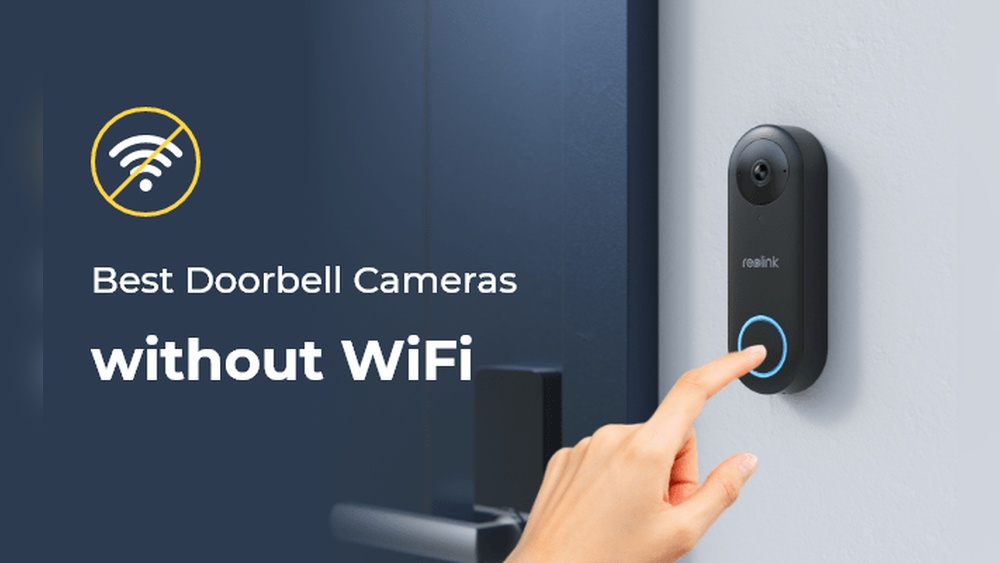

Have you ever wondered how a Wi-Fi video doorbell actually works? Imagine being able to see and talk to anyone at your door, no matter where you are.
This smart device does more than just ring—it keeps you connected and secure in real-time. You’ll discover how these clever gadgets use your home’s Wi-Fi to stream video, send alerts, and give you control right from your phone. Keep reading to unlock the secrets behind your next-level doorbell and find out how it can make your life safer and more convenient.
Wi-fi Video Doorbell Basics
Wi-Fi video doorbells bring new convenience to home security. They let you see and talk to visitors from anywhere. These devices combine cameras, speakers, and internet connection. Understanding the basics helps you use them better and choose the right model for your home.
Core Components
A Wi-Fi video doorbell has several key parts. The camera records video and sends it to your phone. The microphone and speaker allow two-way talk. The motion sensor detects movement near your door. The button lets visitors ring your doorbell as usual.
How It Connects To Wi-fi
The doorbell connects to your home Wi-Fi network. It uses this connection to send video and alerts. You can watch the live feed using an app on your smartphone. The app also stores recorded videos for later viewing. A strong Wi-Fi signal is important for smooth operation.
Power Sources
Wi-Fi doorbells get power in two main ways. Some use batteries that you must recharge or replace. Others connect to your home’s existing doorbell wiring for constant power. Battery-powered models offer easier installation. Wired models provide uninterrupted operation without charging.

Credit: www.ameelectrical.co.uk
Video And Audio Features
Video and audio features make Wi-Fi video doorbells highly useful for home security. They let you see and talk to visitors without opening the door. These features work together to give clear visuals and sound, even from far away.
Camera Specifications
The camera in a Wi-Fi video doorbell captures live video of your doorstep. Most cameras offer HD quality, usually 1080p, for sharp images. A wide-angle lens covers a broad view, catching more details. The frame rate is smooth enough to avoid choppy video. Some models also include motion detection to start recording automatically.
Two-way Audio Functionality
Two-way audio lets you speak and listen through the doorbell. A built-in microphone picks up visitor voices clearly. The speaker sends your voice outside so visitors can hear you. This feature helps with deliveries or talking to guests safely. It works through a smartphone app, so you can chat from anywhere.
Night Vision Capabilities
Night vision allows the camera to see in low light or darkness. Infrared LEDs illuminate the area without visible light. This means you get clear black-and-white images at night. Night vision keeps your home secure 24/7. It helps identify visitors even after sunset or in dark corners.
Motion Detection And Alerts
Motion detection and alerts are key features of a Wi-Fi video doorbell. They help you know when someone is at your door. The doorbell uses sensors to spot movement near your entrance. Once it detects motion, it sends an alert to your phone. This lets you see who is outside instantly. This feature adds security and convenience to your home.
Sensor Types
Wi-Fi video doorbells use different sensors to detect motion. The most common types are infrared and microwave sensors. Infrared sensors detect heat changes from people or animals. Microwave sensors send out waves and detect movement by measuring changes. Some doorbells use a combination of both for better accuracy. Good sensors reduce false alerts from passing cars or animals.
Customizing Alert Settings
You can adjust alert settings to fit your needs. Most doorbells allow you to set motion zones. These zones focus the sensor on specific areas, like your porch. You can also set alert sensitivity to control how much movement triggers an alert. Some models let you schedule alerts, turning notifications on or off at certain times. Custom settings help avoid too many unnecessary alerts.
Integration With Mobile Devices
Wi-Fi video doorbells connect directly to your smartphone or tablet. You get instant notifications when motion is detected. The doorbell app lets you view live video and talk to visitors. You can also review recorded footage anytime. This integration keeps you informed even when away from home. It makes managing your doorbell easy and convenient.
Credit: totalplumbingfl.com
Installation Process
The installation process of a Wi-Fi video doorbell is simple and quick. It lets you see and talk to visitors through your phone or tablet. You can choose to set it up with wires or wirelessly. Each method has its own steps and tools.
Knowing the right place to install the doorbell makes a big difference. It helps the camera capture the best view and keeps the device safe. Sometimes, problems happen during setup. Knowing how to fix these issues saves time and frustration.
Wiring Vs. Wireless Setup
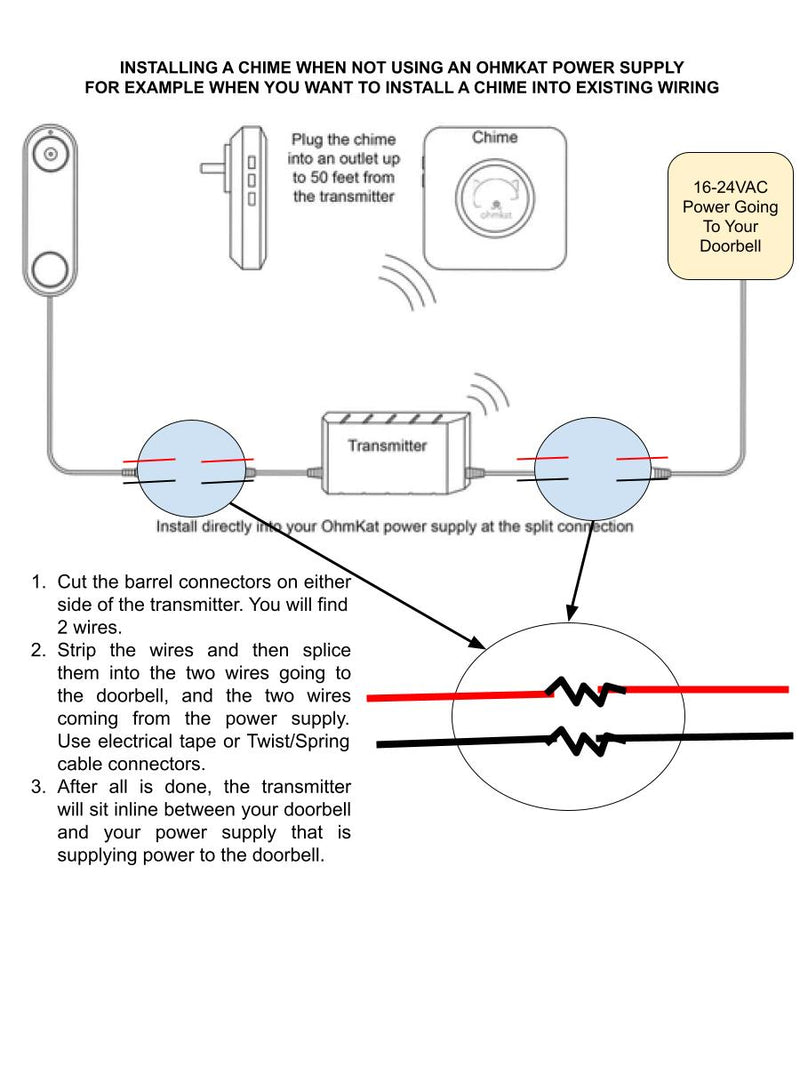
Wired doorbells connect to your home’s power supply. You need to turn off the electricity before starting. Use the screws and brackets that come with the doorbell. Connect the wires to the correct terminals on the device. Secure the doorbell to the wall. Turn the power back on and test the device.
Wireless doorbells run on batteries. You do not need to touch any wires. Attach the mounting plate to the wall with screws or adhesive. Snap the doorbell into place. Turn it on and follow the app instructions to connect to Wi-Fi.
Placement Tips
Install the doorbell near your front door, at eye level. Avoid placing it where strong sunlight or glare can hit the camera. Check the Wi-Fi signal strength at the spot. A weak signal can cause poor video quality. Keep the doorbell away from metal objects or thick walls that block signals.
Make sure the doorbell button is easy to reach. It should be visible to visitors and not hidden behind plants or decorations. Test the camera view before finalizing the position.
Troubleshooting Common Issues
Check the Wi-Fi connection if the video is slow or not loading. Restart your router and doorbell if needed. Make sure the batteries are charged for wireless models. Clean the camera lens if the picture looks blurry.
If the doorbell button does not ring, check the chime settings in the app. Ensure the device firmware is up to date. Contact customer support if problems continue after basic fixes.
Smart Security Integration
Smart security integration makes Wi-Fi video doorbells more useful. These doorbells connect with other devices in your home. This connection helps create a safer and more convenient environment. They do not work alone. They become part of a bigger smart home system. This system allows you to control and monitor your home easily.
Compatibility With Smart Home Systems
Most Wi-Fi video doorbells work with popular smart home platforms. These platforms include systems like Google Home and Apple HomeKit. This compatibility lets you add the doorbell to your existing devices. It also means you can use one app to control many devices. You get a seamless security experience without extra hassle.
Voice Assistant Support
Many video doorbells support voice commands through assistants. You can use Alexa, Google Assistant, or Siri. This feature lets you check the doorbell camera without touching your phone. Just ask your assistant to show the front door. Voice support makes it easy to stay connected while busy.
Automation And Routines
Automation is a key benefit of smart security integration. You can set routines that include your video doorbell. For example, lights can turn on when the doorbell detects motion. Or, you can receive alerts only during specific hours. These routines make your home smarter and more responsive to events.
Privacy And Security Concerns
Wi-Fi video doorbells offer great convenience but raise important privacy and security issues. These devices connect to your home network and capture video footage. Protecting this data is essential to keep intruders out and your privacy intact.
Understanding how these devices secure your information helps build trust. Let’s explore key security features that keep your video doorbell safe.
Data Encryption
Data encryption scrambles video and audio streams. This makes it unreadable to hackers. Strong encryption standards like AES-256 are common in quality doorbells. Encryption protects your data during transmission and storage. Without it, your video feed could be intercepted easily.
Access Control
Access control limits who can view or manage your doorbell. It uses passwords and user permissions. Multi-factor authentication adds an extra layer of protection. Only authorized users can see live video or recorded clips. This stops strangers from spying or tampering with your device.
Firmware Updates
Firmware updates fix security holes and improve device performance. Regular updates keep your doorbell safe from new threats. Many manufacturers send automatic updates. Ignoring updates leaves your device open to attacks. Always install updates promptly to stay protected.
Choosing The Right Video Doorbell
Choosing the right Wi-Fi video doorbell matters. It protects your home and helps you see visitors. Many options exist with different features and prices. Finding the best fit keeps your home safe and fits your needs.
Key Features To Consider
Look for clear video quality, like HD or higher. Two-way audio lets you talk to visitors. Motion detection alerts you when someone approaches. Night vision helps you see in the dark. Easy installation and app control improve usability.
Budget Vs. Performance
Cheaper models offer basic video and alerts. Higher-priced doorbells provide better video and smart features. Decide what features are necessary for your home. Balance cost with the safety and convenience you want.
Popular Brands And Models
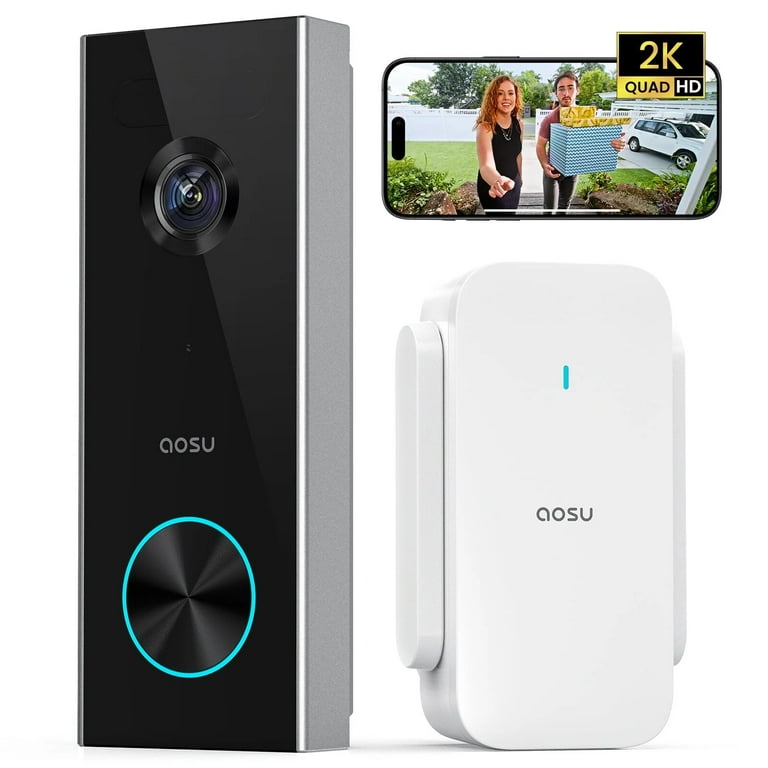
Brands like Ring, Nest, and Arlo lead the market. They offer reliable performance and regular updates. Models vary in price and features. Research each brand’s options to find what fits your home best.
Credit: www.walmart.com
Frequently Asked Questions
How Does A Wi-fi Video Doorbell Connect To My Phone?
A Wi-Fi video doorbell connects through your home Wi-Fi network. It uses an app to stream live video and send alerts. This allows you to see and communicate with visitors remotely from your smartphone anytime, anywhere.
What Powers A Wi-fi Video Doorbell?
Wi-Fi video doorbells are usually battery-powered or wired to existing doorbell wiring. Battery-powered models offer easy installation, while wired ones provide continuous power. Both types ensure the doorbell stays active to capture video and notify you.
Can Wi-fi Video Doorbells Record Video Continuously?
Most Wi-Fi video doorbells record video only when motion is detected or the doorbell is pressed. Continuous recording requires a subscription or additional storage. This helps save bandwidth and storage space while ensuring important events are captured.
Is My Wi-fi Video Doorbell Secure From Hackers?
Wi-Fi video doorbells use encryption to protect video data and user privacy. Regular firmware updates and strong passwords enhance security. Always use secure Wi-Fi networks and enable two-factor authentication if available to prevent unauthorized access.
Conclusion
A Wi-Fi video doorbell connects your home to your phone. It lets you see and talk to visitors anytime. The device uses your internet to send live video. It also records clips for your safety. Setting it up takes just a few steps.
This technology adds extra security and peace of mind. You stay informed even when you are away. It helps keep your home safer and smarter. Simple, useful, and easy to use. A smart choice for modern homes.