
Imagine never fumbling for your keys again or worrying if you locked the door behind you. A smart door lock can make this your reality.
But how do you use one effectively to boost your home’s security and convenience? This guide is designed just for you. By the end, you’ll know exactly how to set up, control, and get the most out of your smart door lock.
Ready to make your home smarter and safer? Keep reading—you’re about to unlock a whole new level of ease and peace of mind.
Choosing The Right Smart Door Lock
Choosing the right smart door lock is important for your home’s safety and convenience. Different locks offer various features and work with different home systems. Picking the best one helps you feel secure and makes daily life easier.
Types Of Smart Locks
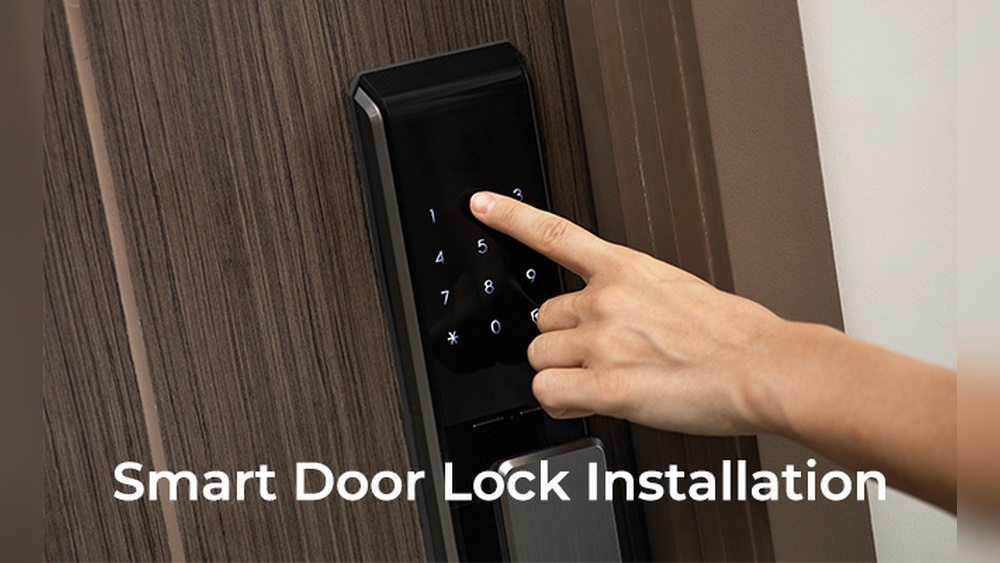
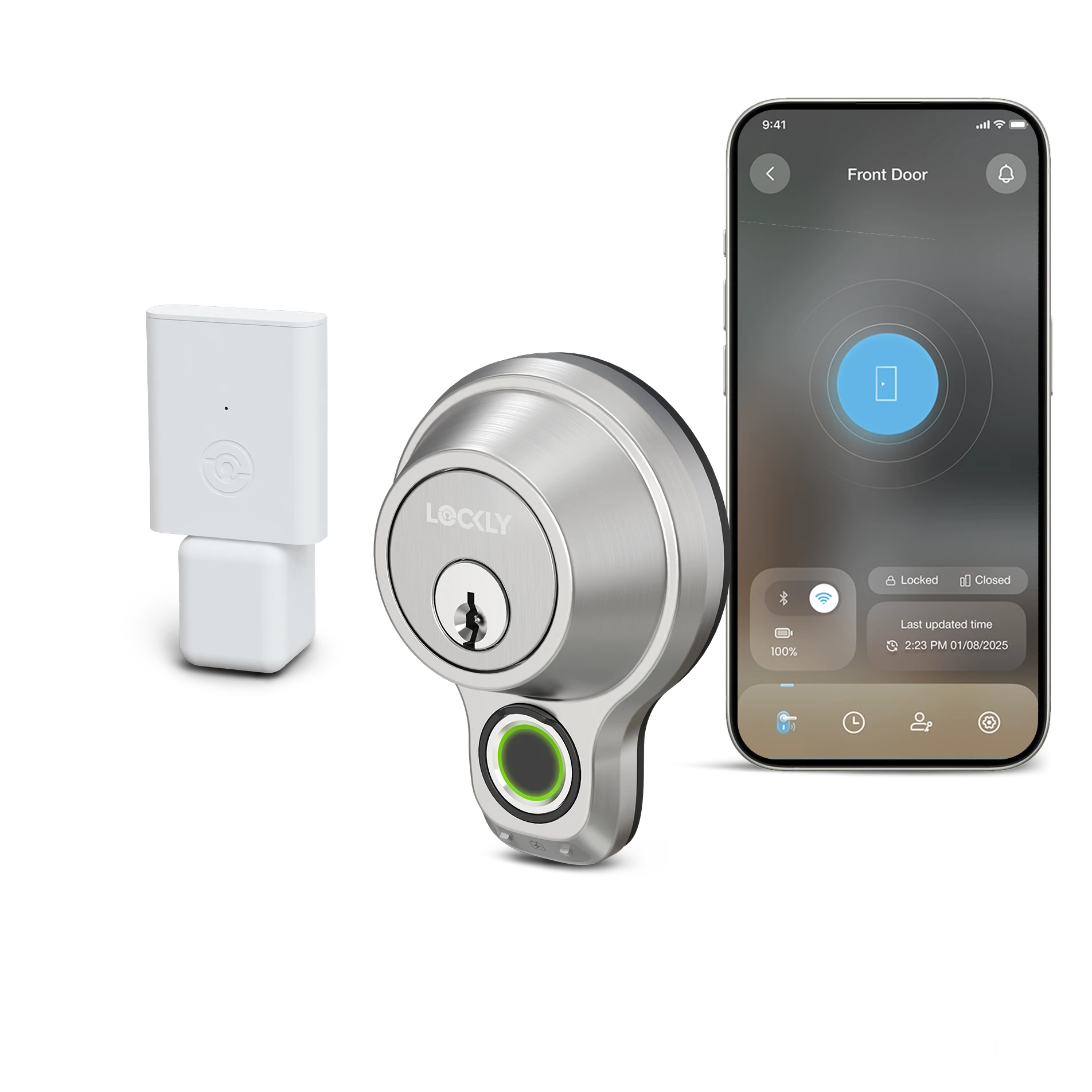
Smart locks come in different styles. Some replace your entire lock, while others attach to the inside. Keypad locks let you enter a code to open the door. Fingerprint locks use your fingerprint for access. Bluetooth locks connect to your phone for easy entry. Each type has its own benefits and suits different needs.
Key Features To Consider
Look for features like remote access, so you can lock or unlock from anywhere. Auto-locking keeps your door secure without extra effort. Temporary access codes allow guests to enter without a physical key. Battery life is crucial; longer battery life means less frequent changes. Choose a lock with strong security to protect your home.
Compatibility With Home Systems
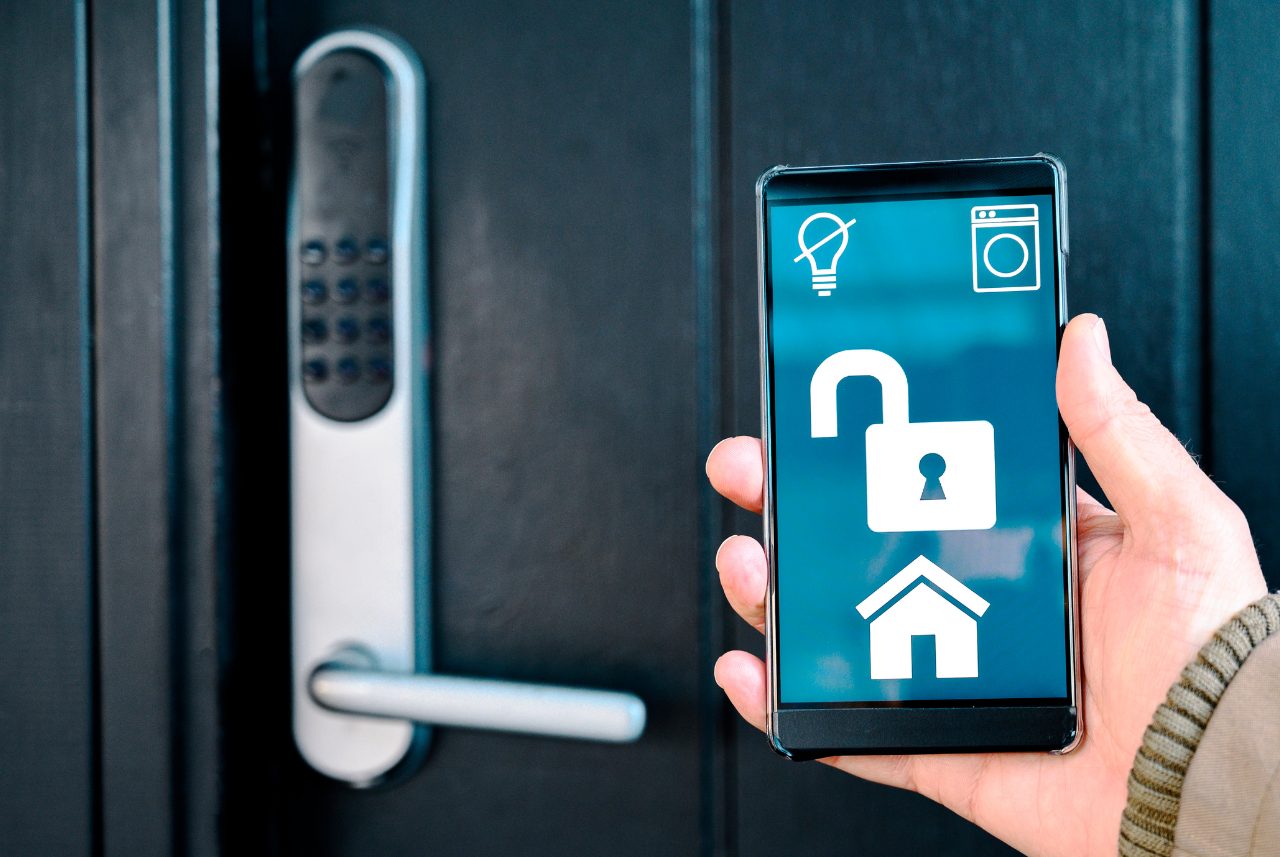
Check if the smart lock works with your home system. Some locks connect with voice assistants like Alexa or Google Assistant. Others integrate with smart home hubs or security systems. Compatibility ensures smooth control and better automation. Make sure the lock fits your existing devices and apps.
Credit: www.vesternet.com
Installation Basics
Installing a smart door lock can improve your home’s security and convenience. The process is simple with clear steps. Understanding the basics helps you avoid common problems. This guide covers the tools needed, setup steps, and mistakes to avoid.
Tools Needed
Gather a screwdriver, tape measure, and drill. You might also need batteries and a pencil. Some locks include all tools in the package. Check the instruction manual to confirm what you need.
Step-by-step Setup
Start by removing your old lock carefully. Measure the door and lock holes for fit. Attach the new lock parts as the instructions show. Connect any wires or batteries needed for power. Test the lock before finishing to ensure it works well.
Common Installation Mistakes
Incorrect measurements cause fitting issues. Skipping the battery test can lead to lock failure. Tightening screws too much may damage the lock. Ignoring the manual leads to setup errors. Take time to follow each step carefully.
Configuring Your Smart Lock
Configuring your smart lock is the first step to making it work smoothly. Proper setup ensures security and ease of use. This section guides you through simple steps to configure your smart lock.
Connecting To Wi-fi Or Bluetooth
Most smart locks connect using Wi-Fi or Bluetooth. Start by turning on your smart lock. Open the lock’s app on your phone. Follow the app instructions to find your lock. Choose Wi-Fi or Bluetooth as your connection type. For Wi-Fi, enter your network name and password. For Bluetooth, make sure your phone is close to the lock. Wait for the connection to complete. A successful connection allows remote control and notifications.
Setting Up User Access
Smart locks let you add multiple users. Open the app and go to the user settings. Add new users by entering their name or email. Assign access levels like full access or temporary access. Set specific times for temporary users, such as guests or cleaners. Save each user’s settings. This helps control who can enter your home and when.
Customizing Lock Settings
Customize your smart lock for better convenience. Adjust settings like auto-lock time or notifications. Enable alerts for lock status changes or failed attempts. Set up voice control if your lock supports it. Test all settings to ensure they work well. Custom settings improve security and fit your daily routine.

Credit: www.amazon.com
Enhancing Security
Smart door locks offer more than just convenience. They improve your home security in many ways. Understanding how to enhance security helps you protect your property better. Using the features smart locks offer can keep unwanted visitors out.
Using Two-factor Authentication
Two-factor authentication adds an extra layer of protection. It asks for two types of verification before unlocking. This could be a code sent to your phone plus a fingerprint scan. It makes it harder for intruders to gain access. Enabling this feature increases your lock’s security significantly.
Monitoring Lock Activity
Monitoring lock activity helps you track who enters and leaves. Most smart locks send alerts whenever someone uses them. You can check the history on your phone anytime. This feature lets you spot unusual access quickly. It is useful for keeping your home safe.
Integrating With Security Systems
Smart locks can connect with broader security systems. This integration allows you to control alarms and cameras from one app. If the lock detects a problem, it can trigger alerts or alarms. Combining devices creates a stronger security network. It helps you respond faster to threats.
Troubleshooting Tips
Smart door locks offer convenience and security. Sometimes, small problems may happen. Troubleshooting helps fix these issues quickly. Understanding common problems saves time and stress. This section shares simple tips to keep your smart lock working well.
Resolving Connectivity Issues
Smart locks connect to your phone or home network. Connection problems stop remote control. Check Wi-Fi or Bluetooth is turned on. Move closer to the lock for better signal. Restart your phone and lock app. Update the app and lock firmware. Remove and re-add the lock in the app if needed.
Battery Maintenance
Low battery causes lock failures. Use recommended battery types only. Replace batteries before they run out. Check battery level in the app regularly. Keep spare batteries nearby for quick change. Clean battery contacts to ensure good connection. Avoid mixing old and new batteries.
Resetting Your Smart Lock
Resetting fixes many errors but erases settings. Find the reset button or pinhole on your lock. Hold the button for the time given in the manual. Wait for the lock to restart completely. Reconnect the lock to your app and network. Reset only if other steps do not work.
Credit: lockly.com
Best Practices For Daily Use
Using a smart door lock every day can be simple and safe. Following good habits helps keep your home secure. It also makes using the lock easy for everyone in your household.
Managing Access For Guests
Give guests their own access codes or keys. Set limits on when they can enter your home. Remove guest codes after their visit ends. This stops unwanted access later. Use your smart lock’s app to check who enters and when.
Regular Updates And Maintenance
Keep your smart lock’s software up to date. Updates fix problems and improve security. Check batteries often to avoid lockouts. Clean the lock gently to prevent dirt buildup. Test the lock regularly to ensure it works well.
Emergency Access Options
Have a backup plan for emergencies. Keep a physical key in a safe place. Share emergency codes with trusted people only. Know how to unlock the door manually if the system fails. This helps you stay safe in any situation.
Frequently Asked Questions
What Is A Smart Door Lock And How Does It Work?
A smart door lock is an electronic lock controlled via smartphone or keypad. It uses Bluetooth or Wi-Fi to grant or deny access remotely, enhancing security and convenience.
How Do I Install A Smart Door Lock Properly?
Installation involves removing the existing lock, aligning the smart lock components, and securing them with screws. Follow the manufacturer’s guide for wiring and app setup.
Can Smart Door Locks Be Hacked Or Compromised?
While smart locks use encryption, they can be vulnerable if not updated. Regular firmware updates and strong passwords reduce hacking risks effectively.
What Are The Main Benefits Of Using Smart Door Locks?
Smart locks offer keyless entry, remote access, and activity logs. They increase home security and convenience by allowing easy control of who enters.
Conclusion
Using a smart door lock adds convenience and security to your home. You control who enters with just a few taps. Setup is simple and does not take long. Regularly update your lock’s app for the best performance. Always keep a backup key nearby for safety.
Smart locks bring peace of mind every day. Take your time to learn all features. Enjoy the ease of keyless access and better home safety.