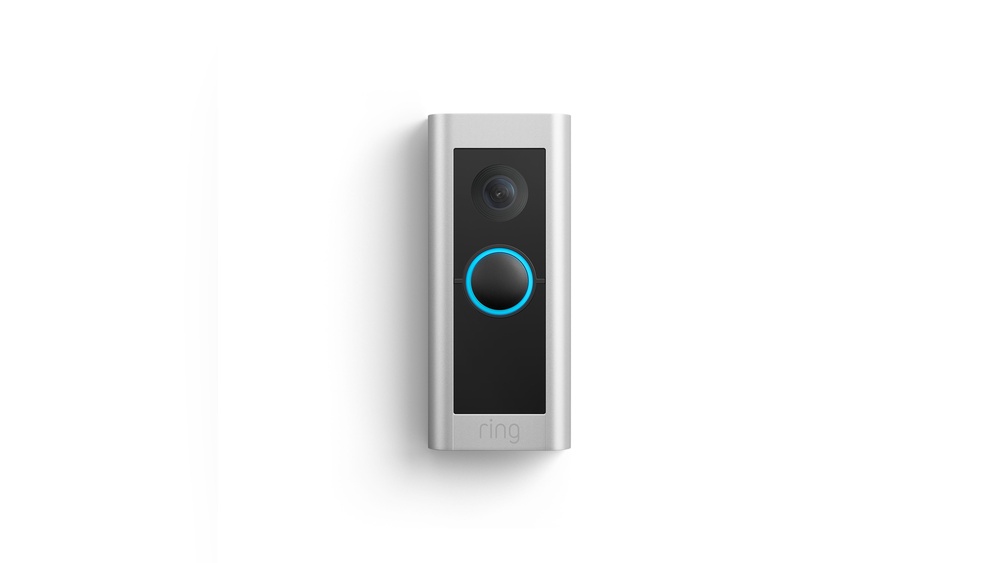

Have you ever wondered who’s at your door without having to get up? The Ring Video Doorbell Pro lets you do exactly that—and so much more.
It’s not just a doorbell; it’s your home’s new security guard and personal assistant. Imagine seeing, hearing, and even talking to visitors right from your phone, no matter where you are. If you want to feel safer and more connected to your home, keep reading.
This guide will show you how the Ring Video Doorbell Pro can change the way you protect and manage your front door.
Ring Video Doorbell Pro Features
The Ring Video Doorbell Pro offers many features that improve home security. It combines modern technology with practical design. This device lets you see and speak to visitors from anywhere. It helps you stay aware of every visitor or delivery.
Design And Build Quality
The Ring Video Doorbell Pro has a slim and sleek design. It fits neatly beside any door. The device is made from strong materials. It can withstand rain, dust, and heat. Its small size makes it easy to install. The design blends well with most home styles.
Video And Audio Capabilities
This doorbell records video in high definition. The 1080p camera captures clear and sharp images. It has night vision to see in the dark. Two-way audio lets you talk to visitors. You can hear and speak through your phone. This feature adds convenience and safety.
Motion Detection And Alerts
The device detects motion near your door. You receive instant alerts on your smartphone. It can sense people, not just movement. You can customize motion zones to reduce false alarms. This helps you focus on real threats. Alerts keep you informed no matter where you are.
Connectivity Options
The Ring Video Doorbell Pro connects to Wi-Fi easily. It works with most home networks. The device requires a constant power supply. It uses your existing doorbell wiring for power. You can control the doorbell using a smartphone app. The app lets you view live video and manage settings anytime.
Installation Process
Installing the Ring Video Doorbell Pro is straightforward. It requires some basic tools and a few steps. Most people can do it themselves without help. This guide explains the process clearly.
Tools And Requirements
You need a screwdriver, a drill, and a level. Make sure your doorbell wiring works with 16-24 volts AC. A stable Wi-Fi connection is essential for the device to work well. Have the Ring app ready on your phone before starting.
Step-by-step Setup
First, turn off power to your existing doorbell. Remove the old doorbell and disconnect wires. Attach the Ring mounting bracket using screws. Connect the doorbell wires to the bracket terminals. Snap the Ring Video Doorbell Pro onto the bracket. Turn the power back on and open the Ring app. Follow the app instructions to complete setup. Test the doorbell to ensure it rings and connects to Wi-Fi.
Common Installation Issues
Power problems can stop the doorbell from working. Check the voltage if the device won’t turn on. Poor Wi-Fi signals cause slow or lost connections. Move your router closer or use a signal booster. Incorrect wiring leads to no chime or power. Double-check wire connections and mounting bracket placement.
Integration With Smart Home Systems
The Ring Video Doorbell Pro works well with many smart home systems. This integration makes your home safer and more convenient. You can control the doorbell through voice commands or connect it with other devices. It fits smoothly into your existing smart home setup.
Connecting your Ring Doorbell Pro to other smart devices helps create a smarter home. This connection allows you to see who is at the door, even if you are far away. You can also set up alerts and routines that fit your daily life. The Ring Doorbell Pro is not just a doorbell; it is part of a bigger smart home system.
Compatibility With Alexa And Google Assistant
The Ring Video Doorbell Pro works with Alexa and Google Assistant. You can ask Alexa or Google to show your doorbell’s camera on smart displays. This feature lets you see visitors without walking to the door. You can also hear and talk to guests using voice commands. This hands-free control adds ease and safety.
Using With Other Security Devices
The doorbell connects easily with other security devices. Link it with smart locks, cameras, or alarms for full home protection. When someone rings the doorbell, your security cameras start recording. Your smart lock can unlock the door for trusted visitors remotely. This teamwork between devices boosts your home’s defense.
Automation And Routines
You can create routines that include the Ring Doorbell Pro. For example, set lights to turn on when the doorbell rings at night. Or have your smart speaker announce visitors inside your home. These routines make your daily tasks simpler. Automations help your home respond faster and smarter to events.

Credit: en-uk.ring.com
Subscription Plans And Features
The Ring Video Doorbell Pro offers different subscription plans for its users. These plans affect the features you get and how you use the doorbell. Some features are free, while others need a paid subscription. Understanding these plans helps you decide what fits your needs.
Free Vs Paid Options
The free plan lets you get alerts and see live video. You can talk to visitors through your phone. But, you cannot save videos without a subscription. Paid plans add video recording and extra features. This helps keep track of visitors and events over time.
Video Storage And History
Paid plans store your videos in the cloud. You can watch, download, or share videos anytime. The free plan does not save videos. This means you see live footage only while the doorbell is active. Paid plans keep videos for up to 60 days.
Additional Benefits
Subscribers get access to more tools. These include motion zones, which let you focus on specific areas. You also get professional monitoring options for safety. Plus, you can link multiple Ring devices for better control. These extras improve your home security experience.
Security And Privacy Considerations
Security and privacy matter most with smart home devices like the Ring Video Doorbell Pro. This device watches your front door and sends alerts to your phone. Keeping your video and data safe is very important. Let’s explore the key security and privacy points you should know.
Data Encryption
Data encryption protects your video and information. Ring uses strong encryption to keep data safe. This means hackers cannot easily see or steal your videos. Encryption works when data moves between your doorbell and your phone or cloud storage. It helps keep your home security private and secure.
User Privacy Settings
The Ring Video Doorbell Pro offers many privacy settings. You can control who sees your videos and alerts. The app lets you choose what data to share and with whom. You can also turn off video or audio if you want more privacy. These settings help you protect your personal space.
Handling False Alerts
False alerts can be annoying and lower your trust in the device. The Ring doorbell uses motion zones to reduce false alerts. You can set these zones to focus on important areas only. This way, pets or passing cars do not trigger alerts. Adjusting these settings improves your alert accuracy and peace of mind.
Pros And Cons
Choosing the right video doorbell means knowing the pros and cons. The Ring Video Doorbell Pro offers many features but also some limitations. Understanding both helps homeowners decide if it fits their needs.
Advantages For Homeowners
The Ring Video Doorbell Pro provides clear 1080p video day and night. It connects to Wi-Fi for real-time alerts on your phone. You can speak with visitors through two-way audio. Its slim design fits well on many door frames. Installation is flexible with existing doorbell wires. It works with Alexa for voice commands. Motion detection zones reduce false alerts. The app stores video clips for later review. Frequent software updates improve security and features.
Limitations And Drawbacks
The Ring Video Doorbell Pro requires a strong Wi-Fi signal. Installation needs some electrical knowledge or professional help. Continuous video recording needs a subscription plan. Privacy concerns exist due to cloud storage. The device costs more than basic models. Some users report occasional app connectivity issues. Power outages disable the doorbell temporarily. It may not fit every door frame perfectly.
Comparing Ring Video Doorbell Pro To Other Models
Comparing the Ring Video Doorbell Pro to other models helps you find the best fit. Each model offers different features and prices. Knowing these differences guides your choice.
Differences In Features
The Ring Video Doorbell Pro has advanced video quality and motion sensors. It supports dual-band Wi-Fi for better connection. Other models may have lower video resolution or fewer smart features. Some offer battery power instead of hardwiring. The Pro model includes customizable motion zones. Basic models often lack this option. Pro also supports Alexa announcements and quick replies.
Price Comparison
The Ring Video Doorbell Pro costs more than basic models. Its advanced features justify the higher price. Cheaper models suit users with simple needs. Mid-range options balance price and features. Budget models usually have fewer smart functions. The Pro is a long-term investment for home security.
Which Model Suits Your Needs
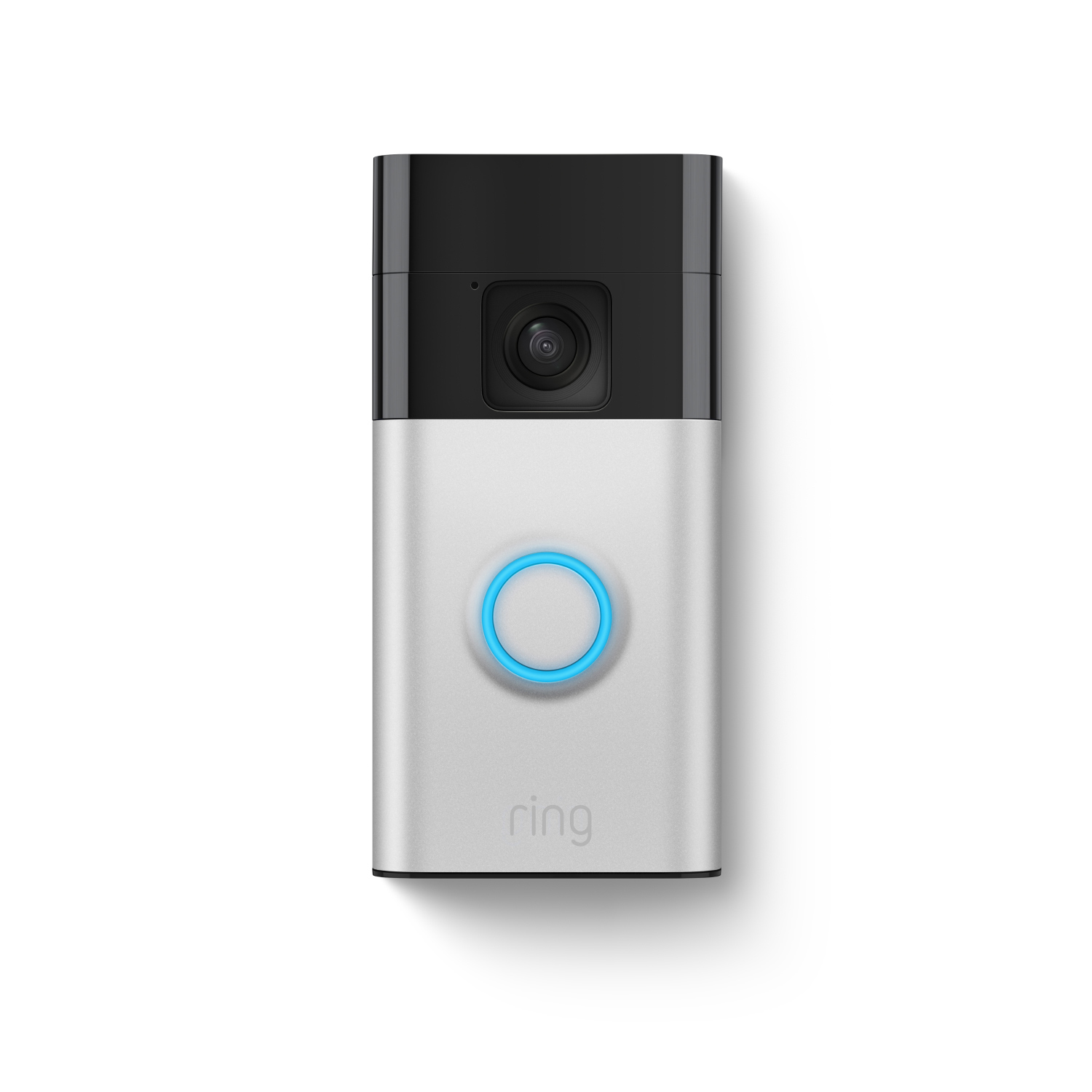
Choose the Pro model for strong security and smart features. Basic models work well for casual use. Battery-powered models offer easy installation. Hardwired models like the Pro need professional setup. Consider your budget and technical comfort. Assess your security needs before buying. The right choice fits your lifestyle and home.
Credit: ring.com
Tips For Maximizing Security
Maximizing the security of your Ring Video Doorbell Pro helps protect your home better. Small actions can make a big difference in keeping your property safe. Follow these tips to get the most from your device.
Optimal Placement
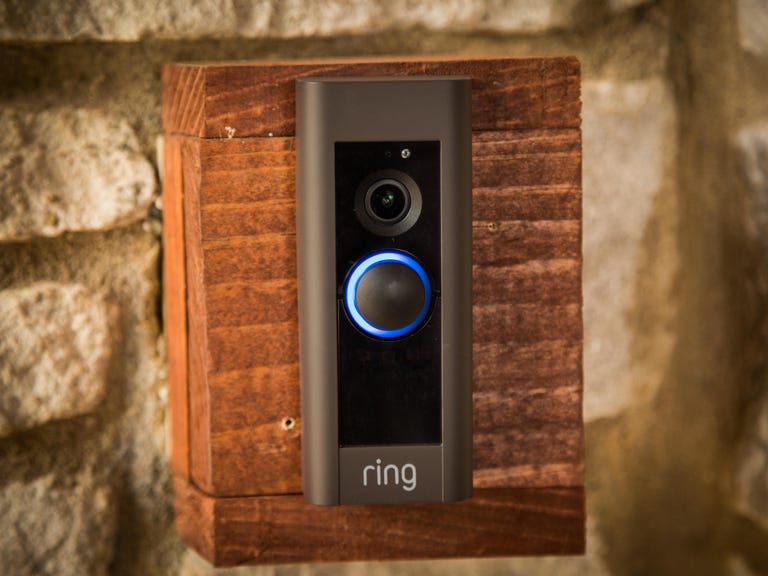
Place the doorbell at eye level for clear video of visitors. Avoid areas with direct sunlight to reduce glare. Choose a spot with good Wi-Fi signal for smooth video streaming. Position it near your main entrance to catch all activity.
Regular Maintenance
Check the device regularly for dirt and dust. Clean the camera lens gently with a soft cloth. Update the firmware to keep your doorbell secure and running well. Test the device once a month to ensure it records properly.
Using Alerts Effectively
Set alerts to notify you only for important events. Customize motion zones to avoid false alarms from passing cars or trees. Silence alerts during times you do not want notifications. Review alerts quickly to respond to real situations fast.
Credit: www.cnet.com
Frequently Asked Questions
What Is A Ring Video Doorbell Pro?
Ring Video Doorbell Pro is a smart doorbell with HD video and two-way audio. It lets you see, hear, and speak to visitors from your smartphone, enhancing home security and convenience.
How Does Ring Video Doorbell Pro Work?
It connects to your Wi-Fi and streams live video to your phone. Motion sensors trigger alerts, allowing instant communication through the Ring app.
What Are The Key Features Of Ring Video Doorbell Pro?
Key features include 1080p HD video, customizable motion zones, two-way audio, night vision, and easy integration with smart home devices.
Is Ring Video Doorbell Pro Easy To Install?
Yes, it fits most standard doorbell wiring. The installation is straightforward with the included tools and step-by-step app guidance.
Conclusion
The Ring Video Doorbell Pro helps you see visitors clearly. It sends alerts right to your phone. You can speak to guests from anywhere. Installation fits most door frames easily. It works with smart home devices too. This doorbell adds safety and convenience to your home.
A smart choice for anyone wanting extra security. Simple, effective, and always ready to help. Consider it for your front door today.