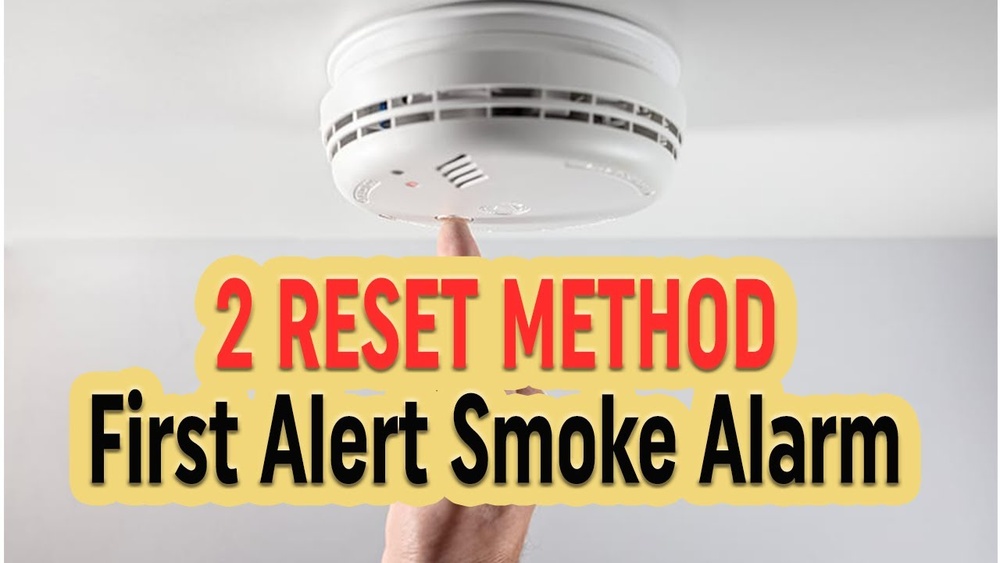

Your First Alert smoke detector is a crucial part of keeping your home safe. But what do you do when it starts beeping or won’t stop after an alert?
Knowing how to reset your smoke detector quickly can save you from frustration and ensure it’s ready to protect you again. In this guide, you’ll learn simple, step-by-step instructions to reset your First Alert smoke detector easily. Keep reading to get your device back to working order and bring peace of mind to your home.
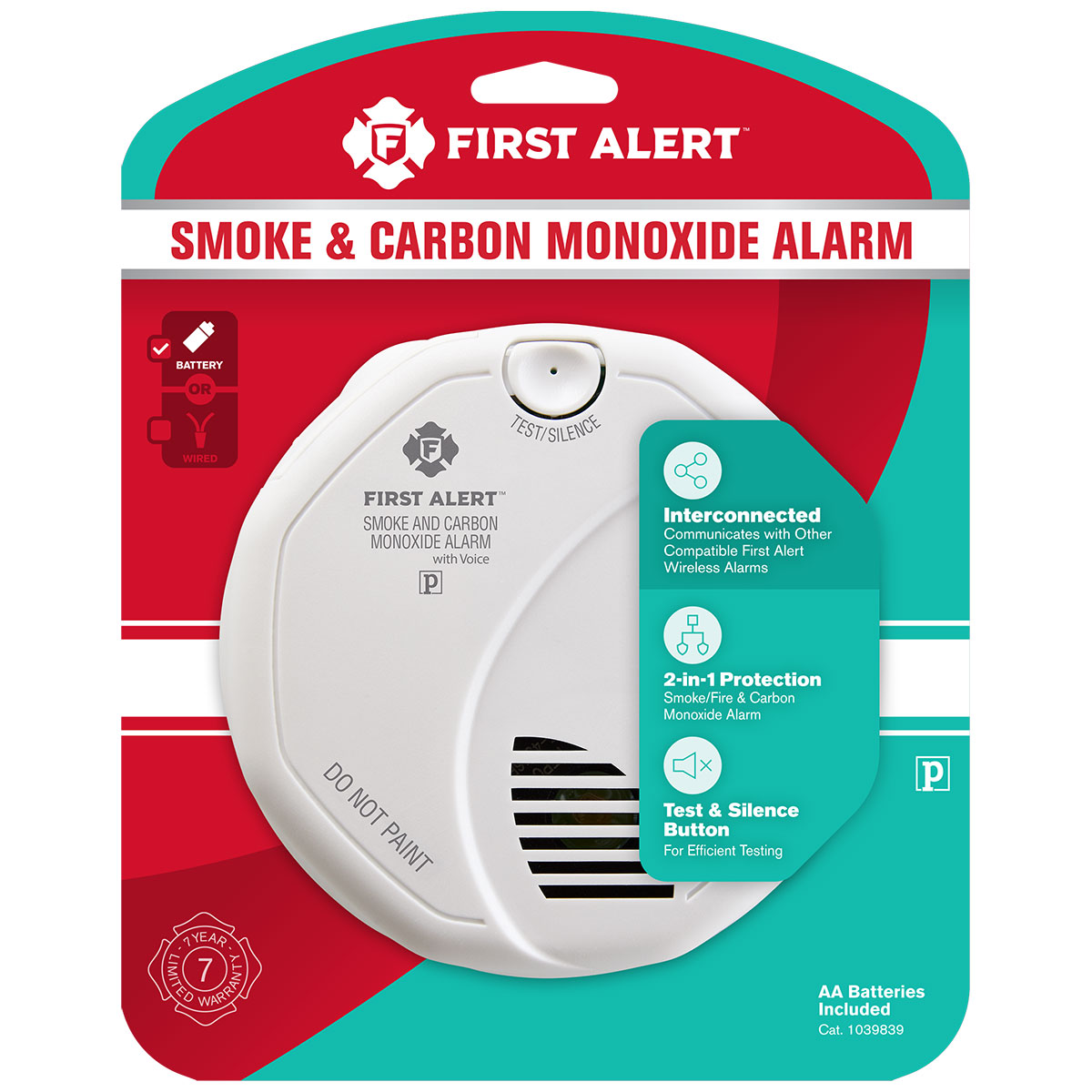
Credit: www.firstalertstore.com
Signs Your Smoke Detector Needs Resetting
Smoke detectors keep your home safe by warning you of fire or smoke. Sometimes, these devices need resetting to work properly again. Recognizing the signs that your First Alert smoke detector needs resetting is important. This helps avoid false alarms and ensures it alerts you during real danger.
Common Alerts And Beeps
Your smoke detector may beep or sound alarms at times. Short, frequent beeps often mean the device needs resetting. A continuous alarm might stop only after reset. These sounds tell you the detector is not working right. Ignoring them can cause more problems later.
False Alarms And Their Causes
False alarms happen when the detector senses smoke or heat wrongly. Cooking smoke, steam, or dust can trigger it. Sometimes, the detector’s sensors get dirty or worn out. Resetting the device clears these false alerts. It helps the detector return to normal function.
Low Battery Indicators
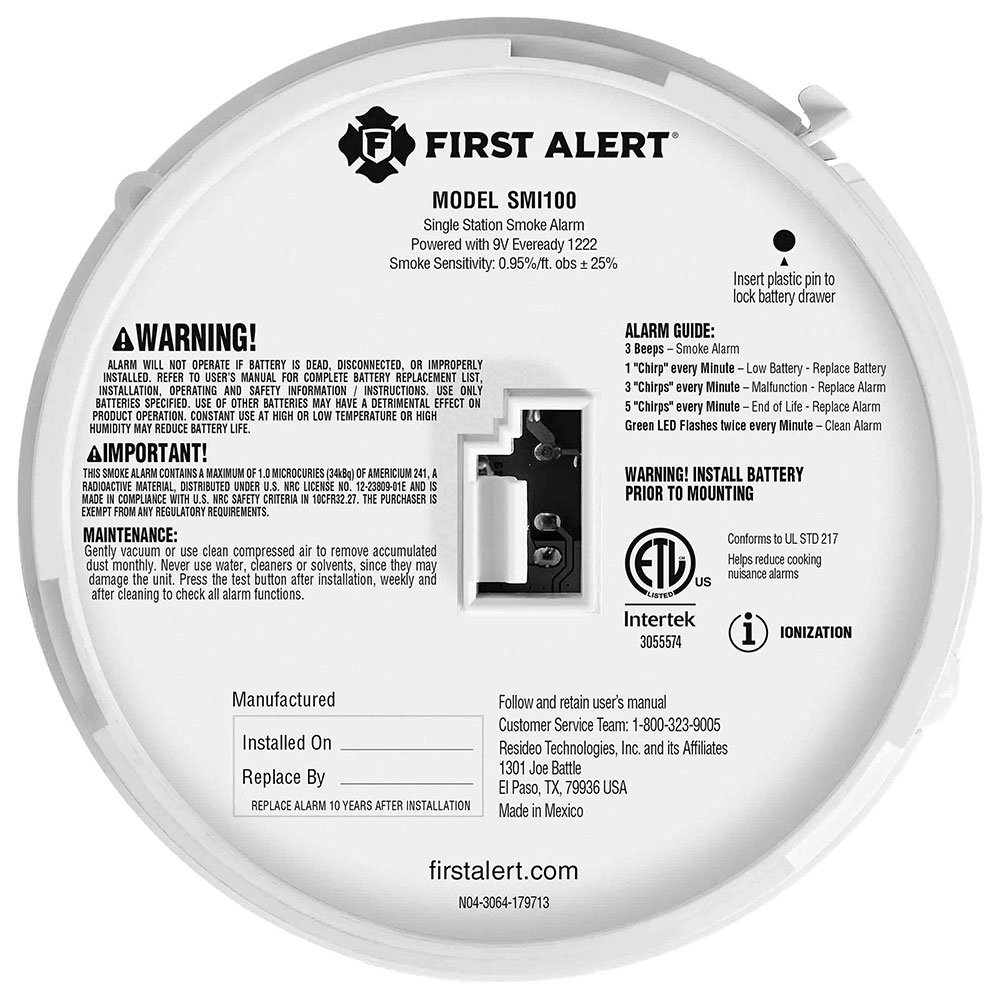
A low battery often causes beeping every minute or so. The detector alerts you to change the battery soon. Resetting after battery replacement stops the warning sound. Ignoring low battery signals can make the detector stop working.
Credit: www.firstalertstore.com
Tools Required For Resetting
Resetting a First Alert smoke detector requires a few simple tools. Having these tools ready makes the process quick and safe. Using the correct tools also helps avoid damage to the device.
Below is a list of basic tools and important safety steps. These guide you through resetting your smoke detector smoothly.
Basic Tools And Supplies
- Small flathead screwdriver
- New 9-volt battery (if replacement is needed)
- Step stool or ladder for reaching the detector
- Soft cloth to clean the detector
Keep these tools nearby before starting the reset. The screwdriver helps open the detector’s battery compartment. The new battery ensures the detector works properly after reset. A stool helps you reach high places safely.
Safety Precautions
- Turn off power to the smoke detector at the circuit breaker if hardwired
- Avoid using metal tools near electrical parts
- Wear gloves to protect your hands
- Do not force any parts when opening the detector
Always cut the power first to avoid electrical shock. Use plastic tools or handle metal tools carefully. Gloves protect you from dust and sharp edges. Gentle handling prevents damage to sensitive parts.
Step-by-step Reset Process
Resetting your First Alert smoke detector is simple and quick. This step-by-step process helps clear false alarms and ensures your device works properly. Follow each step carefully for a smooth reset.
Power Off The Detector
Start by turning off the power to the smoke detector. This stops any alarms and prevents electric shock. Locate the circuit breaker and switch it off.
Remove The Detector From The Mount
Next, take the smoke detector down from the ceiling or wall. Twist it gently or slide it out of the mounting bracket. Be careful not to damage the wires.
Replace The Batteries
Open the battery compartment on the back of the detector. Remove old batteries and insert new ones. Make sure the batteries face the correct direction.
Press The Reset Button
Find the reset button on the smoke detector. Press and hold it for 15 to 20 seconds. This clears the alarm memory and resets the device.
Reattach And Power On
Put the smoke detector back on its mount securely. Turn the power back on at the circuit breaker. Test the device by pressing the test button to ensure it works.
Troubleshooting Reset Issues
Troubleshooting reset issues with your First Alert smoke detector can save time and prevent frustration. Sometimes the device does not reset as expected. This section helps you handle common problems quickly.
Persistent Beeping After Reset
Beeping after a reset can mean several things. The battery might be low or dead. Check if the battery needs replacement. Dust or dirt inside the detector can also cause beeping. Use a soft brush or vacuum to clean the unit gently. Another cause is a wiring problem if the detector is hardwired. Inspect wires for damage or loose connections. Persistent beeping often points to a need for maintenance or battery change.
Detector Not Responding
Sometimes the smoke detector does not respond to reset attempts. First, ensure you press the reset button correctly. Hold it down for at least 15 seconds. If there is no response, try removing and reinserting the battery. For hardwired models, switch off the power for 30 seconds, then turn it back on. No response might also indicate internal damage. Test the detector by pressing the test button to verify its function.
When To Replace The Detector
Smoke detectors do not last forever. Replace your First Alert detector every 10 years. If the device fails to reset and keeps beeping, replacement is wise. Physical damage or worn-out components mean the detector cannot work properly. Buying a new detector ensures your home stays safe. Always follow the manufacturer’s guidelines for replacement timing.
Maintenance Tips To Prevent False Alarms
False alarms from First Alert smoke detectors can be frustrating. They cause unnecessary panic and can waste your time. Proper maintenance helps reduce these false alarms. Simple steps keep your smoke detector working well and reliable. Follow these tips to keep your home safe without false alerts.
Regular Cleaning
Dust and dirt can block the sensor of your smoke detector. Clean the device every month using a soft brush or vacuum. Avoid using water or cleaning sprays. Cleaning removes particles that may cause false alarms. Keep the detector free from cobwebs and debris.
Proper Placement
Place smoke detectors away from kitchens and bathrooms. Steam and cooking smoke can trigger false alarms. Avoid putting detectors near windows or vents. Air drafts can affect sensor accuracy. Follow the manufacturer’s guide for the best locations.
Battery Replacement Schedule
Weak batteries can cause false alarms or stop the detector from working. Change the batteries at least once a year. Use the recommended battery type for your model. Test the detector monthly to ensure it works properly. Replace batteries immediately if the low battery warning sounds.

Credit: www.youtube.com
Frequently Asked Questions
How Do I Reset My First Alert Smoke Detector?
To reset your First Alert smoke detector, press and hold the test/reset button for 15-20 seconds. This clears any errors and stops alarms. If it doesn’t reset, replace the battery or power source, then try again.
Why Won’t My First Alert Smoke Detector Reset?
If your First Alert smoke detector won’t reset, the battery might be dead or improperly installed. Check for dust or debris blocking sensors. Also, ensure the unit is properly connected to power if hardwired.
Can I Reset A First Alert Smoke Detector After An Alarm?
Yes, after an alarm, press the test/reset button to silence and reset the detector. Make sure the cause of the alarm is resolved before resetting to avoid repeated alerts.
How Often Should I Reset My First Alert Smoke Detector?
You should reset your First Alert smoke detector only after testing or alarms. Regularly test monthly and replace batteries yearly. Resetting often is unnecessary and might mask real issues.
Conclusion
Resetting your First Alert smoke detector keeps your home safe. Follow the steps carefully to avoid mistakes. Check the battery and clean the unit if needed. Press the reset button until the alarm stops. Regularly test your smoke detector for proper working.
Stay alert and maintain your device often. This simple task helps protect your family and property. Keep safety a top priority every day.