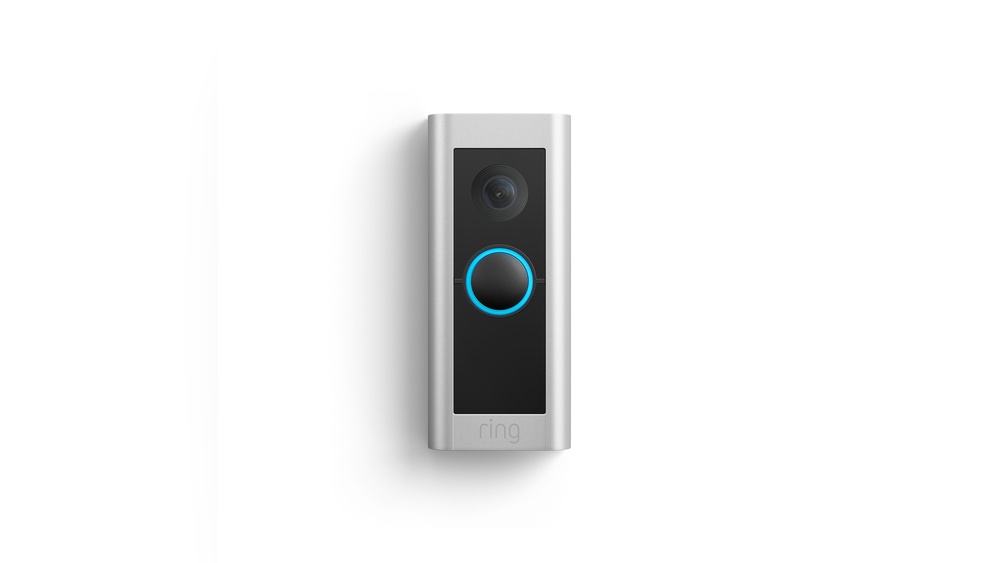

Is your Ring Video Doorbell 2 sending too many motion alerts? It can get frustrating when every little movement triggers a notification, making it hard to know what really matters.
You don’t have to live with constant false alarms. In this guide, you’ll discover simple, effective ways to decrease motion sensitivity on your Ring Doorbell 2. By the end, you’ll have more control over your alerts and peace of mind knowing your doorbell only notifies you when it truly counts.
Keep reading to learn how to make your Ring smarter and less annoying.
Adjust Motion Settings
Adjusting motion settings can reduce false alerts on your Ring Video Doorbell 2. This helps the device focus on important movements only. Fine-tuning these settings gives better control over notifications. It also saves battery life by avoiding unnecessary alerts.
Modify Motion Sensitivity Levels
Changing the motion sensitivity helps your doorbell detect only relevant activity. Lower sensitivity means fewer alerts from small movements like leaves or shadows. Higher sensitivity catches more motion but may cause false alarms. Find a balance that fits your home environment.
Set Motion Zones
Motion zones let you choose specific areas for detection. This stops alerts from irrelevant spots like busy streets or sidewalks. Draw zones around your porch or driveway for focused monitoring. It reduces alerts and improves accuracy.
Customize Motion Frequency
Adjust how often your doorbell sends motion alerts. Setting a cooldown period prevents constant notifications from repeated movement. This keeps your phone from ringing too much. Choose a time gap that suits your daily routine.
Optimize Device Placement
Optimizing the placement of your Ring Video Doorbell 2 can greatly reduce motion sensitivity problems. Proper positioning helps the device detect important movements while ignoring unneeded triggers. This makes alerts more accurate and reduces false alarms.
Choose Ideal Height And Angle
Place the doorbell at about 48 inches from the ground. This height captures people’s faces and upper bodies clearly. Tilt the device slightly downward to focus on the walkway. Avoid pointing it directly at the ground or sky.
Avoid Direct Sunlight And Reflective Surfaces
Do not install the doorbell where sunlight hits it directly. Bright light can cause false motion alerts. Also, avoid shiny surfaces like windows or metal near the device. Reflections can confuse the sensor and trigger unnecessary alerts.
Minimize Background Motion
Keep the doorbell away from busy roads or trees that move often. Moving branches, cars, or animals can cause frequent alerts. Choose a spot with a clear view of your porch or front door only. This reduces unwanted motion detection from the background.
Update Firmware And App
Updating the firmware and app of your Ring Video Doorbell 2 helps reduce motion sensitivity issues. These updates often fix bugs and improve device performance. Keeping both the firmware and app current ensures your doorbell works smoothly.
Check For Latest Firmware
Firmware controls your doorbell’s core functions. Ring releases updates to fix problems and improve motion detection. Check your device settings regularly for firmware updates. Installing the latest version can lower false motion alerts. Your doorbell often updates automatically when connected to Wi-Fi. If not, manually update through the Ring app.
Keep The App Updated
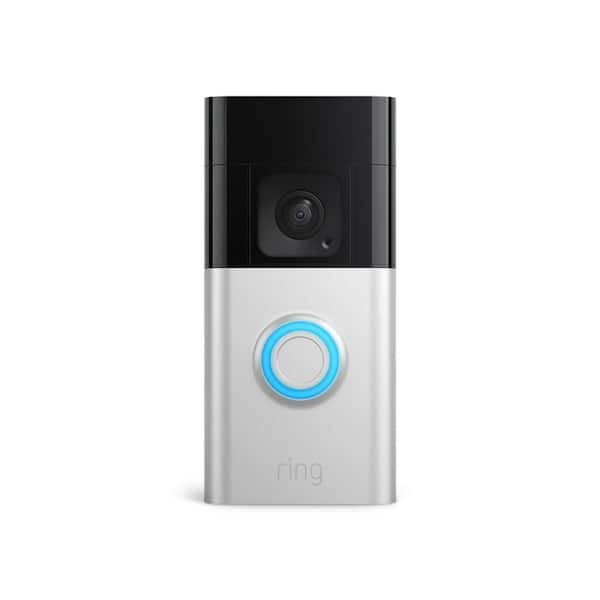
The Ring app manages your doorbell’s features. Developers release new app versions to enhance usability and fix bugs. Update the app from your phone’s app store often. An updated app gives you better control over motion settings. It also ensures compatibility with the latest firmware. Using the latest app reduces glitches and false alarms.
Credit: www.homedepot.com
Use Motion Scheduling
Using motion scheduling on your Ring Video Doorbell 2 helps reduce unwanted alerts. This feature allows you to control when the motion sensor is active. You can choose specific times to receive alerts. This way, you avoid notifications during times when motion is less important. Motion scheduling makes your device smarter and more useful.
Set Active Hours
Set active hours to choose when the motion sensor works. Pick times when you want to get alerts. For example, set active hours during the day when people visit more often. Turn off the sensor at night if you don’t want alerts. This helps reduce false alarms and saves battery life. It also keeps your notifications relevant.
Disable Motion Alerts During Low Priority Times
Disable motion alerts during times when you don’t need them. These could be hours when family members move around inside. Or times when pets pass by often. Turning off alerts during these low priority periods stops unnecessary notifications. It helps you focus only on important events. Use the Ring app to set these quiet times easily.
Manage Notifications
Managing notifications is key to reducing motion sensitivity on your Ring Video Doorbell 2. It helps you avoid constant alerts from small movements. Adjusting notification settings saves your time and keeps alerts useful.
Filter Notifications
Filtering notifications lets you control what triggers alerts. You can set the doorbell to notify only for certain motion types. This stops alerts from cars, animals, or distant movement. It makes notifications more relevant and less annoying. Use the Ring app to customize these filters easily.
Enable People Only Mode
People Only Mode focuses alerts on human activity. It ignores motion caused by pets or objects. This lowers false alarms significantly. Your phone only rings when a person is near your door. Turn this mode on through the Ring app’s motion settings. It helps keep notifications clear and precise.

Credit: www.youtube.com
Reset And Reconfigure
Resetting and reconfiguring your Ring Video Doorbell 2 can help reduce motion sensitivity issues. It clears old settings that may cause false alerts. Starting fresh often improves the device’s accuracy. Follow these steps carefully for better results.
Factory Reset Options
To perform a factory reset, press and hold the orange button. Hold it for about 15 seconds until the light flashes. This resets all settings to default. The device will restart automatically. After the reset, you must set up your doorbell again in the Ring app.
Reinstall And Recalibrate
Remove the doorbell from its mount. Check the mounting surface for stability. Reattach the doorbell firmly to avoid shaking. Open the Ring app and start the setup process. Follow the prompts to connect to your Wi-Fi network. Use the app to adjust motion zones carefully. Test the motion detection to ensure proper sensitivity. Recalibrating helps the doorbell focus on real movement only.

Credit: www.pcrichard.com
Frequently Asked Questions
How Do I Adjust Motion Sensitivity On Ring Video Doorbell 2?
Open the Ring app, select your device, tap Motion Settings, and adjust the motion sensitivity slider to your preference.
Why Is My Ring Doorbell 2 Overly Sensitive To Motion?
High sensitivity settings or nearby movement sources can cause frequent alerts. Adjust sensitivity and motion zones to reduce false alarms.
Can Motion Zones Help Decrease Unwanted Alerts?
Yes, setting customized motion zones focuses detection on specific areas, reducing alerts from irrelevant movements like passing cars or pets.
How Often Should I Update My Ring Doorbell 2 Firmware?
Regularly check for updates in the Ring app. Updated firmware improves performance and can help fix motion detection issues.
Conclusion
Adjusting your Ring Video Doorbell 2’s motion settings can reduce false alerts. Try changing motion zones and sensitivity levels to fit your needs. Test different settings to find what works best for your home. Regular updates keep your device running smoothly.
Small changes make a big difference in motion detection. Stay patient and tweak settings step by step. Enjoy fewer unnecessary notifications and better security. Simple actions lead to a more useful Ring experience.