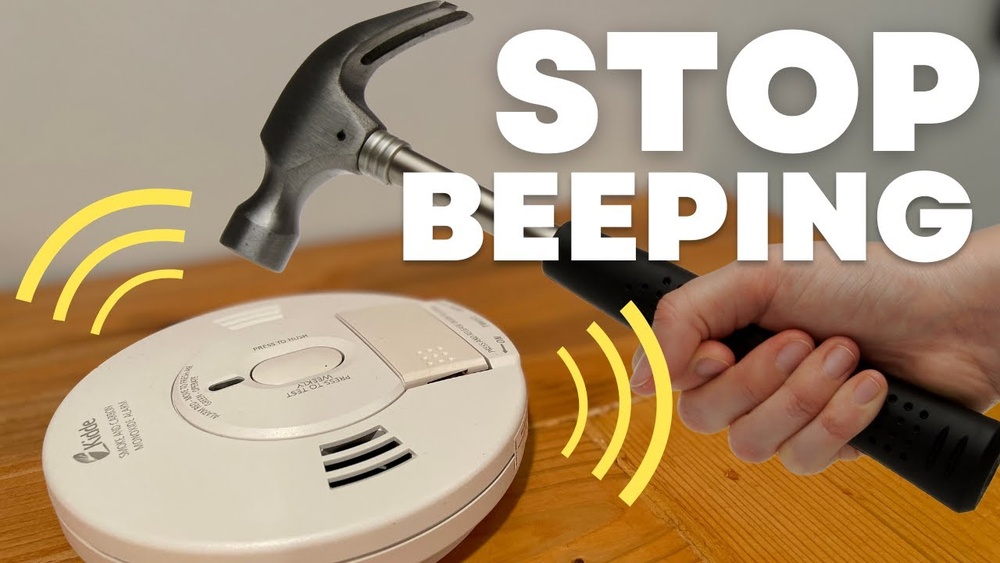

Is your Kidde smoke detector beeping nonstop and driving you crazy? That annoying sound can disrupt your peace and make it hard to focus.
You want to stop the beeping quickly but also keep your home safe. You’ll discover simple, effective steps to silence your Kidde smoke detector and prevent future false alarms. Keep reading to regain control and peace of mind in your home.
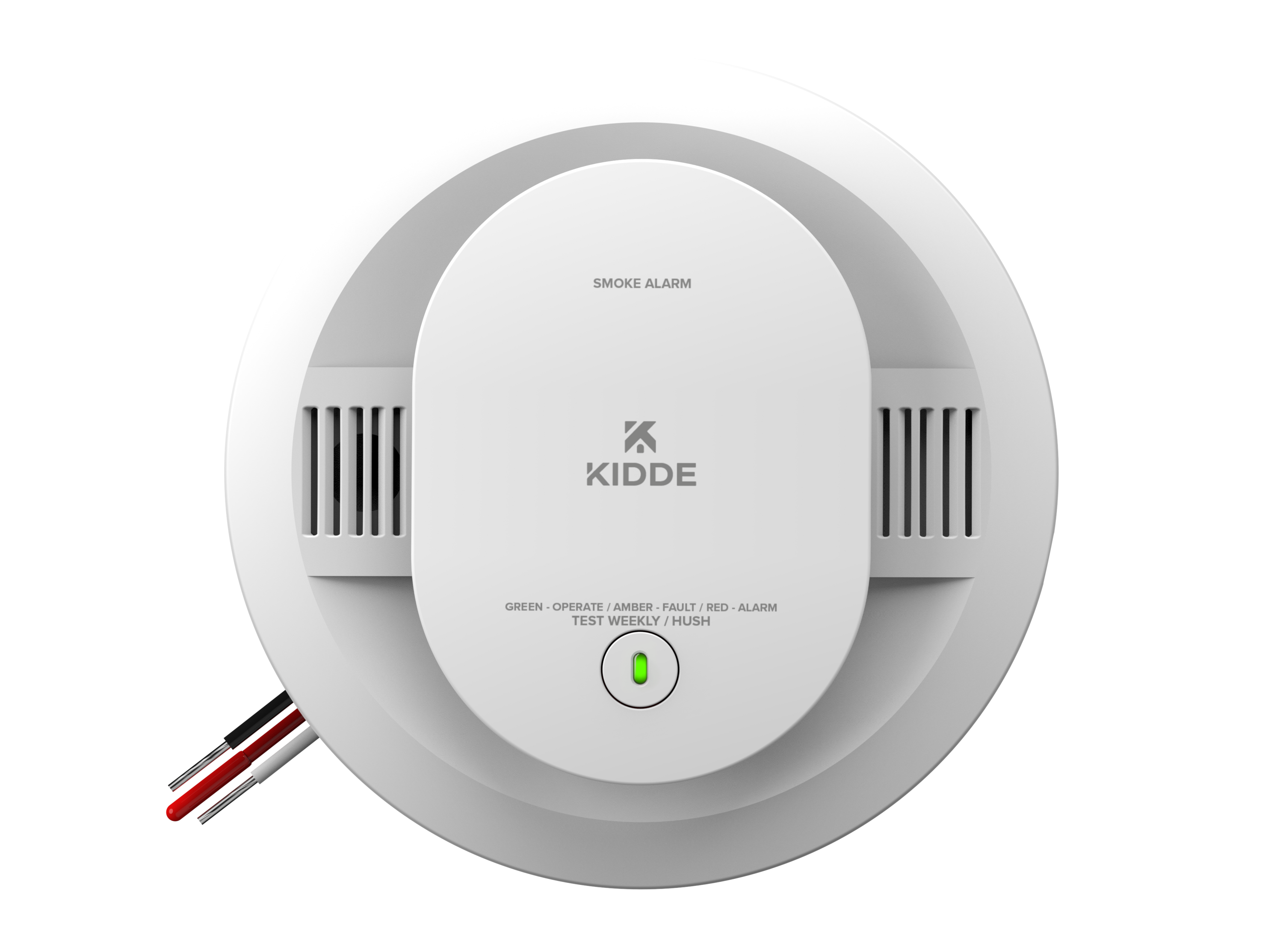
Credit: www.kidde.com
Common Causes Of Beeping
A Kidde smoke detector beeping is a sign that needs attention. The sound warns you about issues that could affect safety. Understanding the common causes helps you fix the problem quickly. This section explains the main reasons for beeping and what they mean.
Low Battery Alerts
Low battery is the most frequent cause of beeping. The detector beeps once every minute or so. This sound tells you to replace the battery soon. Using old or weak batteries can cause false alarms too. Keep fresh batteries on hand to avoid interruptions.
End Of Life Signal
Smoke detectors have a lifespan, usually 8 to 10 years. After this period, they beep to signal they need replacement. The beeping is different from a low battery alert. It may beep every 30 to 60 seconds. Replace the entire unit to keep your home safe.
Dust And Debris Issues
Dust, dirt, and insects inside the detector can cause beeping. These block the sensor and trigger false alarms. Regular cleaning helps prevent this problem. Use a soft brush or vacuum gently to remove dust. Avoid using water or cleaning sprays inside the detector.
Electrical Problems
Hardwired smoke detectors depend on home electricity. Loose wires or power surges can cause beeping sounds. Check your home’s circuit breaker if the beeping starts suddenly. If wiring looks damaged, call a professional electrician. Proper electrical connections keep the detector reliable.
Credit: www.kidde.com
Immediate Steps To Silence Beeping
Beeping from a Kidde smoke detector can be annoying and stressful. The sound warns you of possible dangers, but sometimes it beeps without fire or smoke. Immediate action can stop the noise quickly. Follow these simple steps to silence the beeping and ensure your safety device works well.
Remove And Replace The Battery
First, open the smoke detector’s cover carefully. Find the battery inside. Remove the old battery and check for corrosion or dirt. Clean the battery contacts if needed. Insert a new battery that matches the model’s requirement. Close the cover securely. This step often stops the beeping caused by low battery power.
Press The Test/silence Button
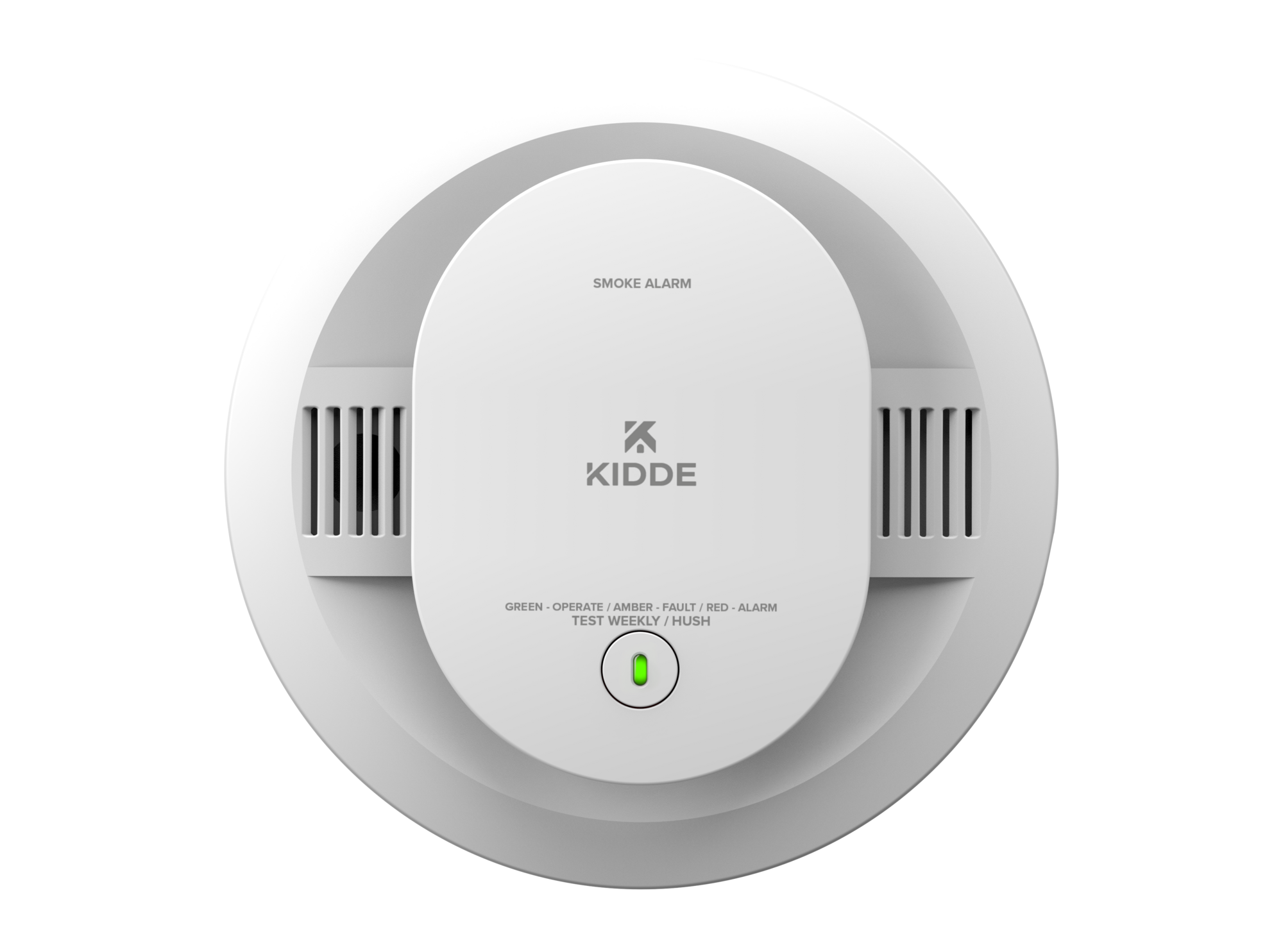
Locate the test or silence button on your Kidde smoke detector. Press and hold the button for about 15 to 20 seconds. This action can pause the alarm and silence the beep temporarily. Use this step if the alarm beeps without a clear cause. The silence mode usually lasts for several minutes.
Resetting The Smoke Detector
Resetting your smoke detector can clear errors causing the beep. Remove the battery and unplug the detector from the ceiling or wall mount. Press and hold the test button for 15 seconds to drain power. Reinstall the battery and mount the detector back. This process resets the device and stops false alarms.
Cleaning And Maintenance Tips
Keeping your Kidde smoke detector clean is key to stopping unwanted beeping. Dust and dirt can block sensors and cause false alarms. Regular maintenance helps your device work properly and keeps your home safe.
Simple cleaning steps can prevent most beeping issues. Taking time for routine checks saves you from annoying sounds and ensures the detector responds only to real smoke.
Proper Dust Removal Techniques
Turn off the power or remove the battery before cleaning. Use a soft brush or a vacuum with a brush attachment. Gently remove dust from vents and sensors. Avoid using water or cleaning sprays. Clean your detector every three months to keep it clear.
Checking Sensor Functionality
Test your smoke detector monthly using the test button. Listen for a loud beep that shows the sensor works. Replace batteries if the beep is weak or absent. If the detector beeps randomly, sensor dirt or damage might be the cause. Consider replacing the unit if testing fails repeatedly.
When To Replace The Smoke Detector
Knowing when to replace your Kidde smoke detector is key to home safety. Smoke detectors lose their ability to sense smoke over time. A detector past its lifespan might beep often or fail to alert you during a fire. Understanding the signs of aging helps you act before any risk arises.
Recognizing The End Of Life Indicator
Kidde smoke detectors have a built-in signal for replacement time. This signal is called the end of life indicator. It usually sounds a loud beep or chirp every 30-60 seconds. The beeping can last for several days. This alert warns you that the detector no longer works well.
Look for a small light flashing or a message in the user manual. The detector often shows a red light blinking in a pattern. This blinking means the sensor is old and should be replaced. Do not ignore these signs. Replace the unit as soon as possible for safety.
Choosing A New Smoke Detector
Select a smoke detector that fits your home’s needs. Kidde offers models with different features like voice alerts and carbon monoxide detection. Check the device’s lifespan, usually 10 years from manufacture. Pick a detector with a clear end of life signal. Battery type matters too. Some have long-life batteries or rechargeable options.
Buy detectors that meet safety standards. Look for labels from recognized testing labs. Install new detectors in every bedroom and on each floor. Replace old wiring or mounting hardware if needed. Proper placement and maintenance keep your home protected.
Preventing Future Beeping Issues
Stopping a Kidde smoke detector from beeping is important. Preventing future beeping issues keeps your home safe and your mind at ease. Small habits help avoid annoying sounds and ensure the detector works well. Follow these simple steps to keep your smoke detector quiet and reliable.
Regular Battery Checks
Check the batteries often. A weak battery causes most beeping sounds. Replace batteries at least once a year. Use fresh, high-quality batteries for best results. Mark your calendar to remind yourself about battery checks. This simple step stops many false alarms.
Scheduled Cleaning
Dust and dirt can trigger false alarms. Clean your smoke detector every few months. Use a soft brush or vacuum cleaner with a brush attachment. Avoid harsh chemicals or water. Cleaning keeps sensors clear and prevents unwanted beeping. It also extends the life of your detector.
Avoiding False Alarms
Place the smoke detector away from kitchens or bathrooms. Steam and cooking smoke can cause false alerts. Keep the detector at least 10 feet from cooking appliances. Avoid placing it near windows or vents. Good placement reduces false alarms and unnecessary beeping.
Credit: www.reddit.com
Frequently Asked Questions
Why Is My Kidde Smoke Detector Beeping Intermittently?
Your Kidde smoke detector beeps intermittently to signal low battery or a need for cleaning. Replace the battery or clean the sensor to stop the beeping.
How Do I Reset A Kidde Smoke Detector After Beeping?
To reset a Kidde smoke detector, press and hold the test/silence button for 15-20 seconds. This clears alerts and stops beeping if the issue is resolved.
Can A Dirty Sensor Cause Kidde Smoke Detector Beeping?
Yes, dust or debris on the sensor can trigger false alarms and beeping. Clean the detector regularly using a vacuum or soft brush for best performance.
How Often Should I Replace Kidde Smoke Detector Batteries?
Replace Kidde smoke detector batteries at least once a year or when the low battery beep sounds. Use recommended battery types for optimal safety.
Conclusion
A beeping Kidde smoke detector can be annoying and distracting. Checking the battery often solves the problem quickly. Clean the detector to remove dust and debris. Reset the unit if the sound keeps going. Replace old detectors to keep your home safe.
Regular care helps prevent false alarms and beeping. Stay calm and follow these easy steps. Your safety matters most. Keep your smoke detector working right for peace of mind.