Has your smoke detector started beeping nonstop, leaving you frustrated and unsure what to do next? You’re not alone.
Knowing how to reset your smoke detector quickly can save you from sleepless nights and unnecessary anxiety. In this guide, you’ll discover simple, step-by-step instructions to get your smoke detector back to normal in no time. Keep reading, and you’ll learn easy tricks that anyone can follow—no special tools or skills needed.
Your peace of mind is just a reset away.

Credit: www.youtube.com
Types Of Smoke Detectors
Smoke detectors come in several types. Each type has its own features and reset methods. Knowing these helps you handle alarms correctly and keep your home safe.
Battery-powered Models
Battery-powered smoke detectors are common in many homes. They run on replaceable batteries. When the alarm sounds, you usually press a button to reset it. Sometimes, changing the battery also resets the detector. These models are easy to install and move.
Hardwired Systems
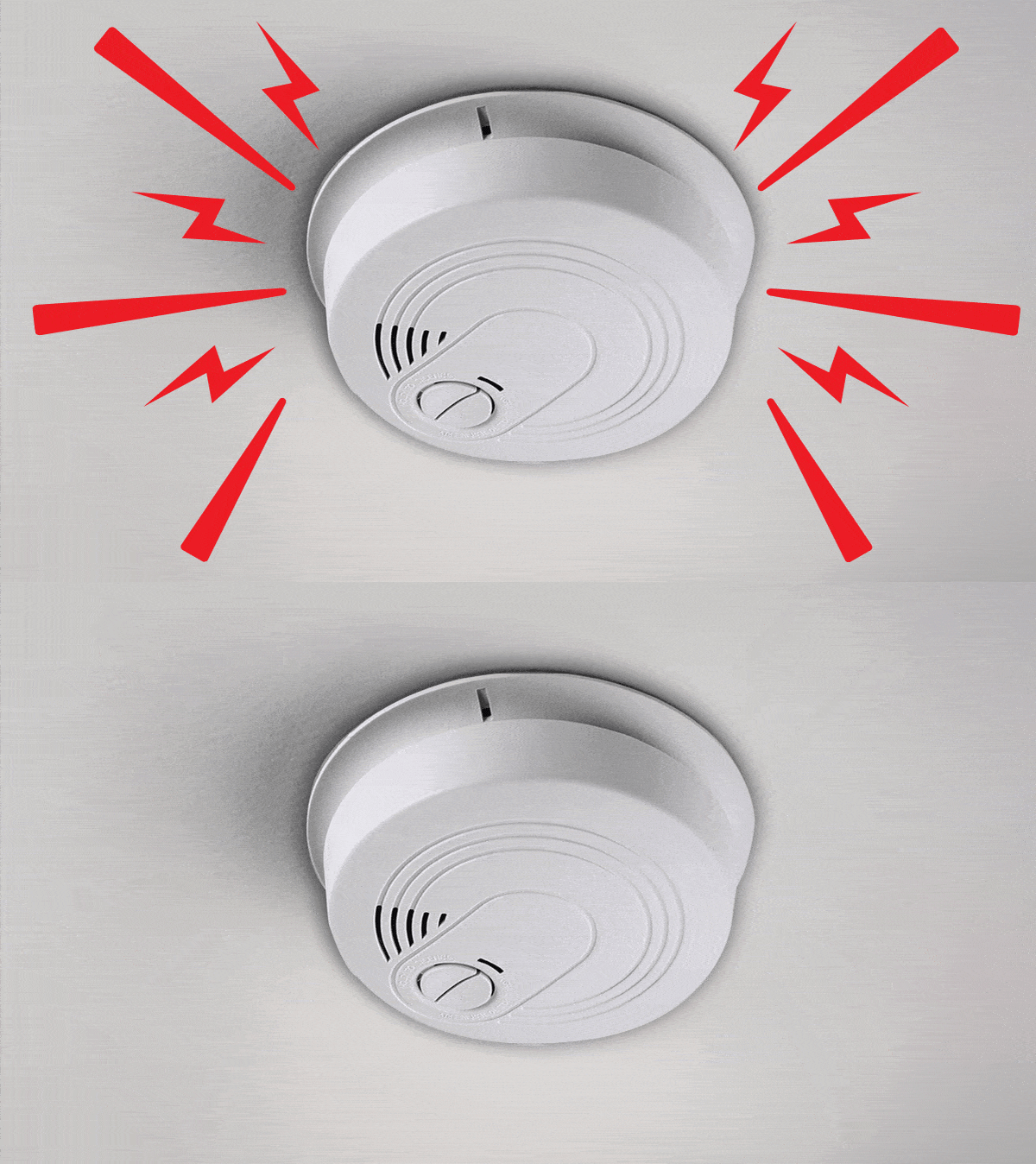
Hardwired smoke detectors connect directly to your home’s electrical system. They often have a battery backup. Resetting these alarms may involve turning off the power briefly. Some models reset automatically after the issue clears. Professional help might be needed for complex problems.
Combination Alarms
Combination alarms detect smoke and carbon monoxide. They offer dual protection in one device. Resetting can vary depending on the model. Usually, a reset button or power cycle works. Always check the manual for specific instructions.
Credit: www.consumerreports.org
When To Reset Your Smoke Detector
Knowing when to reset your smoke detector is important for safety and proper function. Resetting helps clear the device after certain events. It ensures your smoke detector works well and stays reliable.
After False Alarms
False alarms can happen from steam, cooking smoke, or dust. Resetting stops the alarm sound and clears the sensor. It prepares the device to detect real danger again.
Following Battery Replacement
Changing the battery may trigger a test or alert. Resetting confirms the new battery works correctly. It stops any warning signals and resets the detector’s status.
Post-maintenance Reset
Cleaning or servicing the smoke detector can cause it to beep or flash. Resetting after maintenance resets the system. It ensures the detector is ready to protect your home.
Tools Needed For Reset
Resetting a smoke detector requires a few simple tools. Having the right items ready makes the process quick and safe. This section lists the basic tools you need and safety steps to follow. Preparing well helps avoid mistakes.
Basic Tools
You need a small flathead screwdriver to open the detector cover. A step ladder or sturdy chair helps reach ceiling-mounted detectors. A new 9-volt battery is useful if the old one needs replacement. A clean cloth can wipe dust off the detector. These tools cover most reset tasks.
Safety Precautions
Turn off power at the circuit breaker before working on hardwired detectors. Avoid using a wet cloth or water near the device. Use the ladder carefully and avoid standing on unstable surfaces. Wear gloves to protect your hands from dust or sharp edges. Following safety steps reduces risk of injury.
Step-by-step Reset Process
Resetting a smoke detector is simple and quick. Follow these clear steps to reset your device safely. This process helps clear false alarms and keeps the detector working well.
Turn Off Power Or Remove Battery
Start by turning off the power to the smoke detector. This can be done at the circuit breaker. If your detector uses a battery, remove it carefully. This step stops the detector from sounding during the reset.
Press And Hold The Reset Button
Find the reset button on your smoke detector. Press and hold this button for about 15 seconds. The alarm will stop beeping or flashing. Holding the button clears any error or false alarm signals.
Restore Power Or Reinstall Battery
After releasing the reset button, restore power to the detector. Turn the circuit breaker back on or put the battery in place. Make sure the battery fits securely to avoid future issues.
Test The Detector
Press the test button on your smoke detector. The alarm should sound loud and clear. This confirms the device is working properly after the reset. Testing helps ensure your safety at all times.
Troubleshooting Common Issues
Troubleshooting smoke detector issues helps keep your home safe. Small problems can cause loud noises or false alarms. Fixing these issues quickly avoids stress and ensures your detector works properly. Here are some common problems and easy solutions.
Persistent Beeping
Persistent beeping often means a low battery. Replace the battery with a fresh one. Dirt or dust inside the detector can also cause beeping. Use a vacuum or a soft brush to clean the device gently. Sometimes, humidity affects the sensor. Try moving the detector to a drier spot if possible.
Detector Won’t Reset
When the detector won’t reset, first check the battery. Remove the battery, wait 15 seconds, then reinsert it. Press and hold the test button for 15 seconds to reset. If it still won’t reset, disconnect the power source if hardwired. Replace the smoke detector if the problem continues.
False Alarm Prevention
False alarms can be annoying and cause panic. Keep the detector away from kitchens or bathrooms. Steam and smoke from cooking often trigger false alarms. Clean the detector regularly to remove dust. Avoid spraying air fresheners or paint near the device. Proper placement and care reduce false alarms effectively.

Credit: www.wirechiefelectric.com
Maintenance Tips For Smoke Detectors
Maintaining smoke detectors is key to keeping your home safe. Proper care ensures they work when needed. Simple steps can improve their reliability and lifespan.
Regular Cleaning
Dust and dirt can block sensors. Clean your smoke detector every month. Use a soft brush or vacuum cleaner. Avoid wet cloths or harsh chemicals. Keep vents and openings clear for better detection.
Battery Replacement Schedule
Check batteries every six months. Replace batteries at least once a year. Use fresh, high-quality batteries for best results. Some models have a low-battery warning beep. Don’t ignore this sound; change batteries immediately.
Replacement Timeline
Smoke detectors don’t last forever. Replace them every 10 years. Write the installation date on the device. Old detectors may not detect smoke well. Regular replacement keeps your home protected.
Frequently Asked Questions
How Do I Reset A Smoke Detector After It Alarms?
To reset a smoke detector, first silence the alarm by pressing the reset button. Then, remove the battery, wait 15 seconds, and reinsert it. Finally, press the reset button again to clear the alarm and restore normal function.
Why Won’t My Smoke Detector Reset Properly?
A smoke detector may not reset if the battery is low or faulty. Clean any dust inside the unit and check for sensor damage. Replace the battery or the entire detector if issues persist.
Can I Reset A Smoke Detector Without Removing The Battery?
Some models allow reset by pressing the reset button for 15-20 seconds without removing the battery. However, removing the battery is often necessary for a complete reset. Check your model’s manual for specific instructions.
How Often Should I Reset My Smoke Detector?
Resetting is only needed after false alarms or maintenance. Regularly test your smoke detector monthly and replace batteries annually. Resetting too often isn’t required and won’t improve detector performance.
Conclusion
Resetting a smoke detector is simple and important for safety. Always start by turning off the power or removing the battery. Press the reset button or follow the steps in your manual. Regular checks keep your home safe and alarms working right.
Don’t ignore warning signals or constant beeps. Stay calm and fix the detector quickly. This small task can protect your family from fire hazards. Keep your smoke detectors ready to alert you when needed. Safety first, always.