
Your smoke detector is one of the most important safety devices in your home. But what do you do when it starts beeping without reason?
Knowing how to reset smoke detectors can save you from annoying false alarms and ensure your device works properly when you really need it. In this guide, you’ll discover simple steps to get your smoke detector back to normal quickly.
Keep reading to protect your home and keep your peace of mind.
Signs You Need To Reset
Knowing when to reset your smoke detector is important for safety. Smoke detectors can act up for different reasons. Sometimes they beep without any smoke. Other times, they need a reset after battery changes or power issues. Recognizing these signs helps keep your home safe and your device working well.
False Alarms
Smoke detectors sometimes beep for no real fire. Dust, steam, or cooking smoke can cause false alarms. If your alarm goes off without smoke, it may need a reset. Resetting stops the false alarms and clears the sensor. This helps the detector work properly again.
Battery Replacement
When you change the battery, the smoke detector may beep. The device often needs a reset after a new battery is installed. This reset tells the detector to start fresh. Without it, the alarm might keep chirping or not work right.
After Power Outage
Power outages can confuse smoke detectors. They may beep or stop working after electricity returns. A reset can fix this problem. It resets the system and gets the alarm ready to protect your home again.

Credit: www.wirechiefelectric.com
Tools Required
Resetting a smoke detector requires a few simple tools. These tools help you perform the task safely and correctly. Preparing the right tools saves time and avoids damage to the device.
Below are the essential tools and safety steps to follow before you start resetting your smoke detector.
Basic Tools
A small flathead or Phillips screwdriver is often needed. It helps remove the smoke detector cover or detach it from the ceiling.
A step ladder or sturdy chair allows you to reach the detector safely. Make sure it is stable before climbing.
Some smoke detectors use batteries. A fresh set of batteries is useful if replacement is necessary.
A soft cloth or brush helps clean dust from the detector. Dust can cause false alarms or prevent proper resetting.
Safety Precautions
Turn off the main power to avoid electric shocks. This is important if your detector is hardwired.
Use gloves to protect your hands from dirt or sharp edges. Smoke detectors can have delicate parts.
Work in a well-lit area to see all components clearly. Proper lighting reduces mistakes.
Keep children and pets away during the reset process. This avoids accidents and distractions.
Step-by-step Reset Process
Resetting a smoke detector is simple and helps keep your home safe. Follow these clear steps to reset your device quickly. Each step ensures the detector works well after an alert or a false alarm.
Locate The Reset Button
Find the reset button on the smoke detector. It is usually small and round. Look near the center or side of the device. Some models have a cover you need to open first.
Power Down The Detector
Turn off the power to the smoke detector. This may mean switching off the circuit breaker. For battery-powered devices, remove the batteries. Powering down stops false alarms during reset.
Press And Hold Reset
Press the reset button firmly. Hold it down for 10 to 20 seconds. You may hear a beep or see a light flash. This signals the detector is resetting.
Replace Batteries If Needed
Check the batteries for power. Replace old or weak batteries with fresh ones. Use the correct type specified in the user manual. Proper batteries keep the detector working well.
Test The Detector
Turn the power back on or insert the batteries. Press the test button to check the alarm sound. A loud beep means the detector is working. Test regularly to ensure safety.
Troubleshooting Tips
Troubleshooting smoke detectors can save time and prevent false alarms. Knowing how to reset your smoke detector is key. This section offers clear tips to solve common issues.
Persistent Beeping
Persistent beeping often means a low battery. Replace the battery with a fresh one. Clean the detector gently to remove dust. Dust can cause false alarms. Check the battery contacts for corrosion. If corrosion is present, clean with a dry cloth. After battery replacement, press the reset button. The beeping should stop.
Detector Not Responding
If the detector does not respond, first check the power source. For hardwired units, ensure the circuit breaker is on. For battery-powered units, try new batteries. Press and hold the reset button for 15 seconds. If still no response, remove the detector. Inspect for dirt or damage. Clean the unit and reinstall it. Test the alarm by pressing the test button.
When To Replace The Unit
Smoke detectors have a lifespan of about 10 years. If your unit is older, replacement is best. Frequent false alarms or failure to reset are signs. Cracks or damage also mean it’s time for a new one. Regular replacement ensures your safety. Mark the installation date on the unit for reference.
Maintenance For Longevity
Maintaining smoke detectors is vital for their long life and reliable function. Simple care helps avoid false alarms and ensures safety. Follow easy steps to keep them working well.
Regular Cleaning
Dust and dirt can block smoke sensors. Clean your smoke detectors every month. Use a soft brush or vacuum cleaner on low setting. Avoid water or cleaning sprays. This keeps sensors clear and sensitive.
Battery Replacement Schedule
Change smoke detector batteries at least once a year. Some models beep when batteries run low. Replace batteries immediately after hearing the beep. Use fresh batteries for best performance.
Professional Inspection
Have a professional check your smoke detectors every few years. They can test the system thoroughly. They spot hidden problems you might miss. This service ensures your smoke detectors work properly.

Credit: www.youtube.com
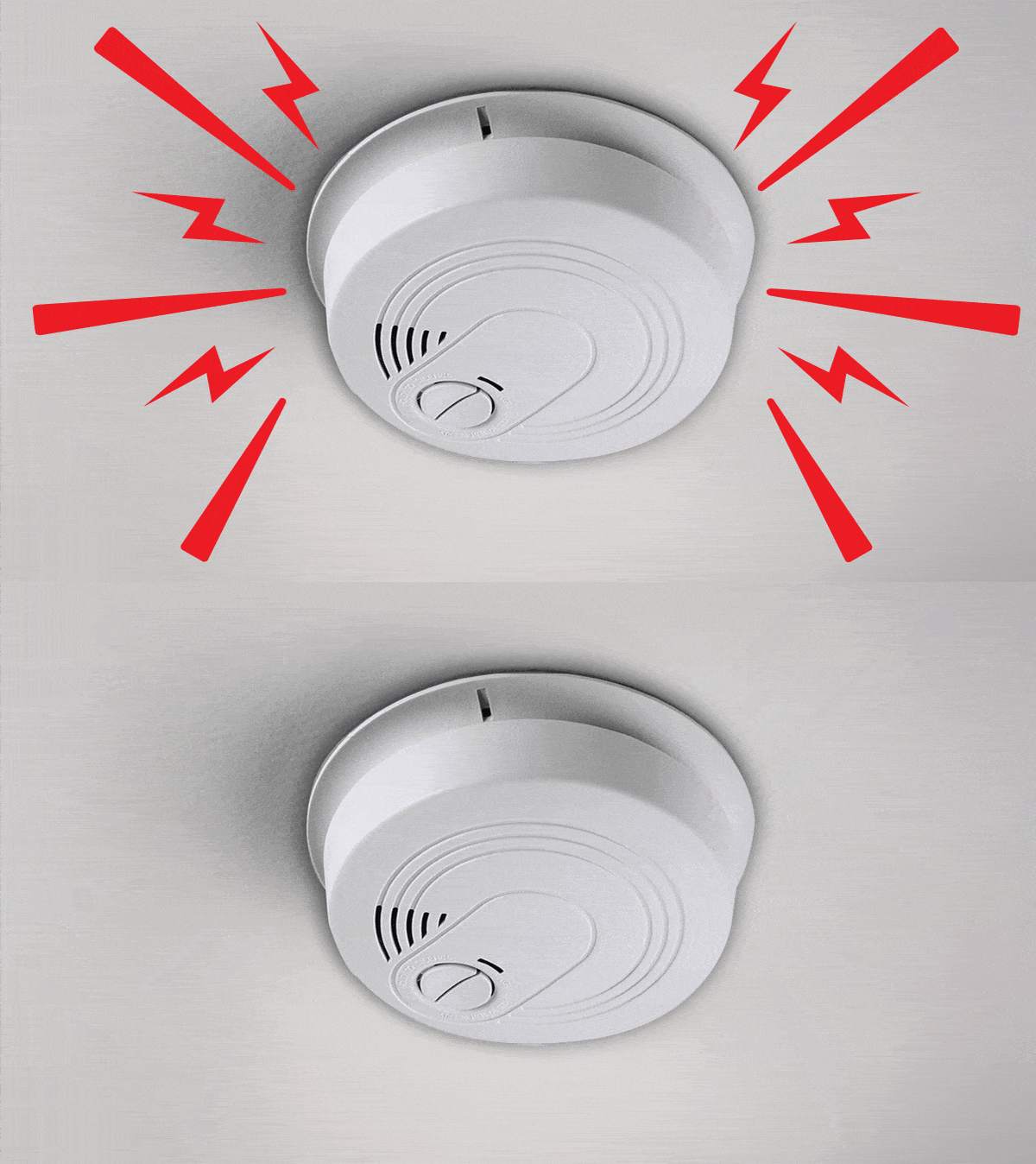
Credit: www.consumerreports.org
Frequently Asked Questions
How Do You Reset A Smoke Detector After It Goes Off?
To reset a smoke detector, first silence the alarm by pressing the reset button. Then, remove the battery and wait 15 seconds. Reinsert the battery and press the reset button again. This clears the alarm and restores normal function.
Why Is My Smoke Detector Beeping And How To Stop It?
A beeping smoke detector usually means a low battery or a fault. Replace the battery first. If it continues, clean the detector and reset it using the reset button.
How Often Should You Reset Smoke Detectors?
Smoke detectors should be reset only when they sound false alarms or after battery replacement. Regular maintenance and cleaning every 6 months help prevent false alarms and keep detectors working.
Can Resetting A Smoke Detector Fix False Alarms?
Yes, resetting can stop false alarms caused by dust, humidity, or battery issues. Clean the unit, replace batteries if needed, and press the reset button to restore proper operation.
Conclusion
Resetting smoke detectors is simple and important for safety. Always start by cutting power or removing the battery. Press the reset button gently and wait a few seconds. Regular checks keep your home safe from fire risks. Never ignore a persistent alarm; it means something needs fixing.
Stay calm, follow the steps, and your smoke detector will work well again. Safety first—keep your detectors in good shape.


