
Have you ever been startled by your Kidde smoke detector going off, only to wonder which one triggered the alarm? When safety is on the line, knowing exactly where the alert is coming from can make all the difference.
In this post, you’ll discover simple, effective ways to identify which Kidde smoke detector set off the alarm. By the end, you’ll feel confident and in control, ready to respond quickly and keep your home safe. Keep reading to learn how to pinpoint the source of that urgent beep.
Identifying The Triggered Detector
Identifying which Kidde smoke detector triggered is important for quick action. Knowing the exact unit helps you respond correctly and keep your home safe. This section explains simple ways to find the source of the alarm fast.
Listening For The Alarm Patterns
Kidde smoke detectors often use different beep patterns. Some beep continuously, while others sound in bursts. Pay attention to the pattern of the alarm. It can help you tell which detector is active. Quiet detectors might beep slower or faster. This difference helps locate the triggered unit.
Checking The Indicator Lights
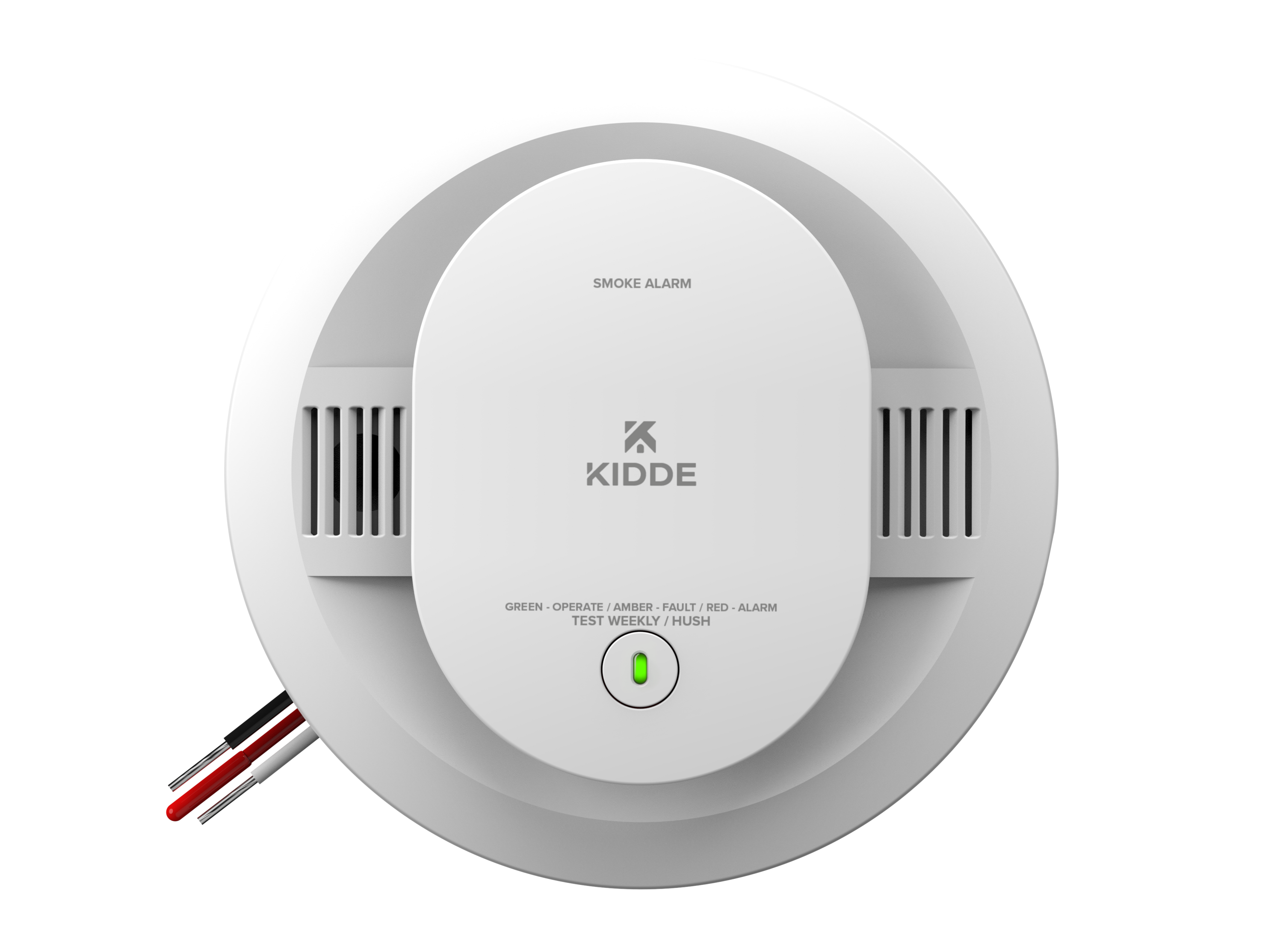
Most Kidde detectors have small LED lights. These lights blink or stay solid when the alarm sounds. Look closely at each smoke detector’s light. The one with a steady or fast blinking light is usually the triggered unit. This visual clue is easy to spot even in the dark.
Locating The Beeping Unit
Move through your home slowly to find the beeping sound. The closest detector to the alarm’s origin is the triggered one. Sometimes sounds echo, so listen carefully in each room. Check each detector by standing near it. The loudest beep means you found the triggered device.
Using The Kidde App
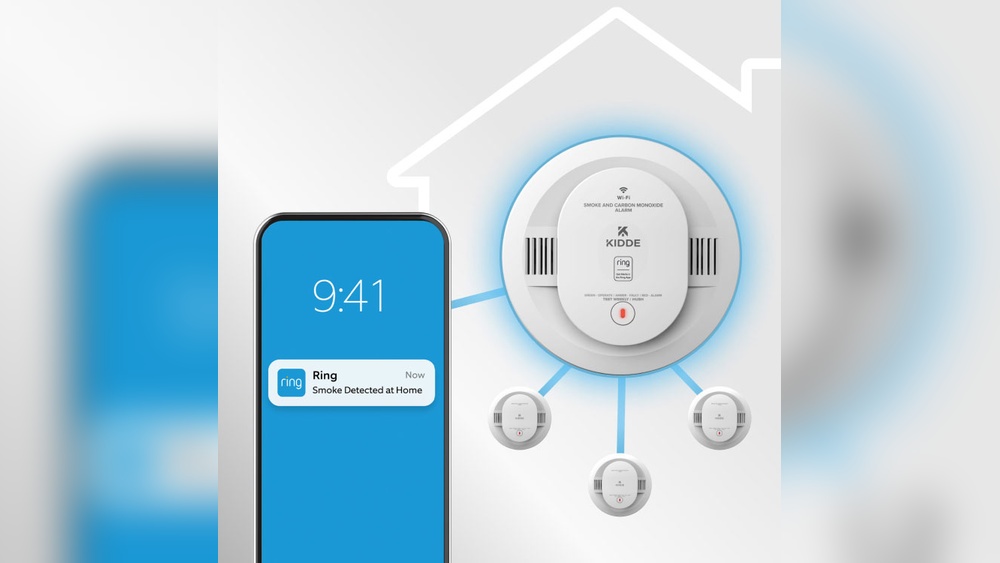
The Kidde app makes it easy to know which smoke detector triggered. It connects your detectors to your phone. This helps you stay safe and get quick alerts. Using the app saves time and reduces confusion during an alarm.
Connecting Detectors To Your Smartphone
Start by downloading the Kidde app from the app store. Open the app and create an account. Follow the instructions to add each smoke detector. Use Bluetooth or Wi-Fi for a smooth connection. The app shows all connected detectors in one place. Name each detector by its room or location. This helps identify which one triggers an alarm.
Receiving Alerts And Notifications
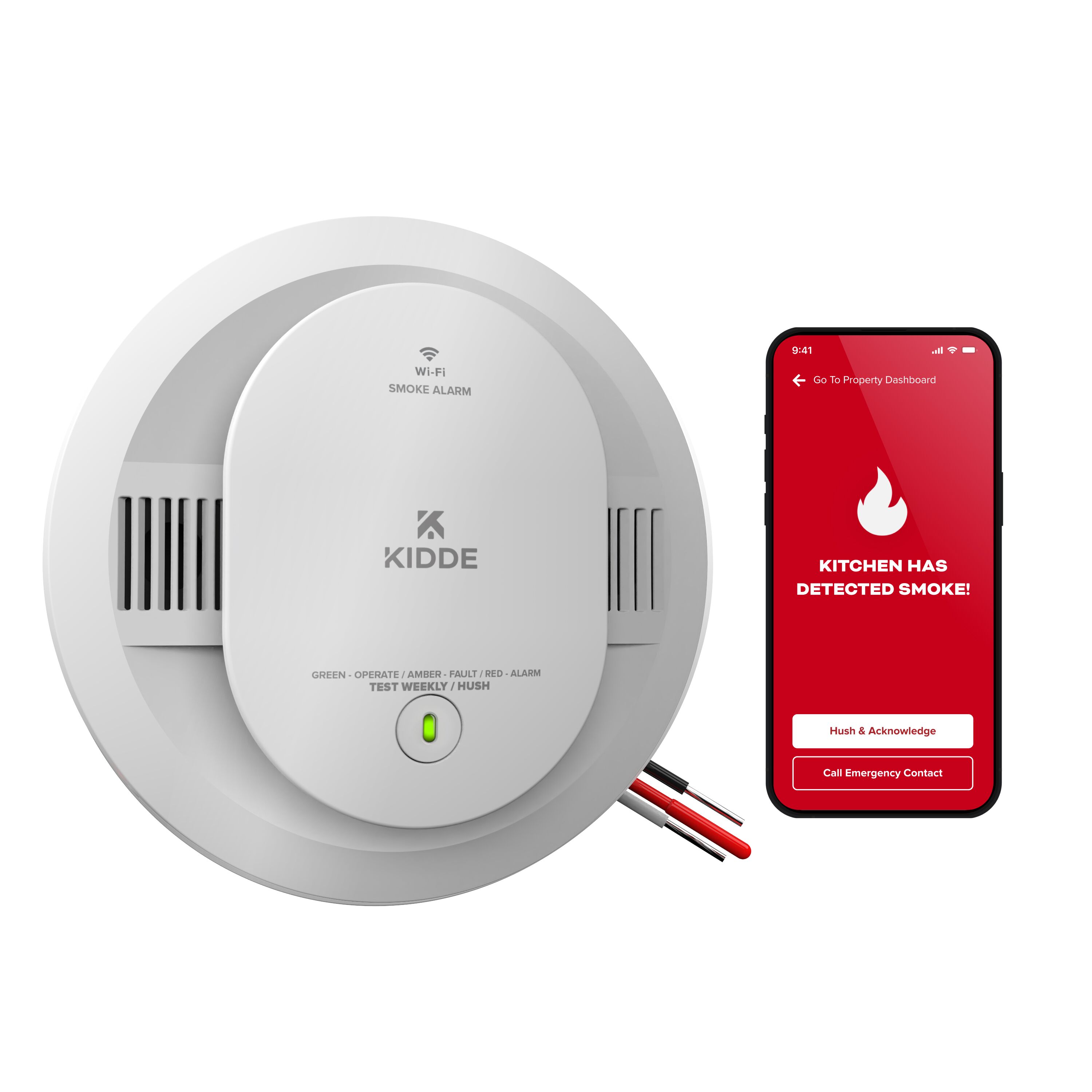
The app sends alerts directly to your phone. It notifies you as soon as a detector senses smoke. You get real-time warnings even if you are not home. Alerts include the exact location of the alarm. This lets you act quickly and keep everyone safe. You can also check the app for status updates anytime.
Interpreting App Signals
The app uses clear signals to show which detector triggered. A red icon or alert indicates smoke detection. Other colors or symbols show low battery or maintenance needs. Tap on alerts for detailed information. The app explains what action to take next. This helps you respond correctly and avoid false alarms.
Manual Inspection Tips
Manual inspection helps find which Kidde smoke detector made the alarm. This method is simple and effective. It uses your eyes and hands to check each device. Follow these tips to identify the triggered detector quickly.
Visual Signs Of Activation
Look closely at each smoke detector for clear signs of activation. Some Kidde models show a red or flashing light when triggered. Check for any smoke residue or discoloration around the sensor. A detector with visible marks often indicates the source of the alarm. Also, listen for any beeping sounds coming from a specific unit.
Testing Each Detector
Press the test button on each smoke detector one by one. A working detector will emit a loud beep during the test. If a detector does not respond, it might be the one that triggered the alarm or needs maintenance. Testing confirms which device is active and helps rule out others. Repeat this process until you find the exact detector.
Battery And Power Checks
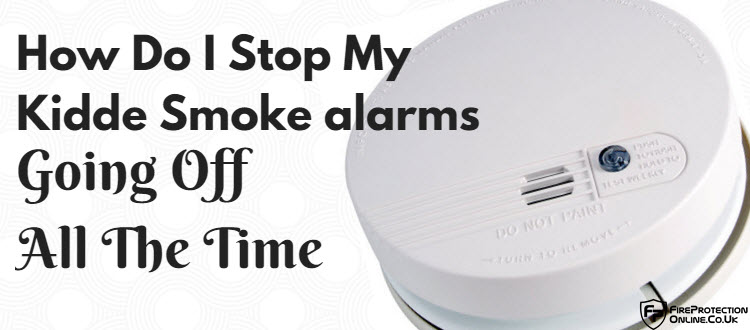
Check the battery status of each Kidde smoke detector. A low or dead battery can cause false alarms or no response during testing. Open the battery compartment and inspect the batteries for corrosion or leaks. Replace batteries if needed and see if the alarm stops. Ensure the detector is properly connected to power if it is a hardwired model.
Credit: www.fireprotectiononline.co.uk
Preventing False Alarms
False alarms from Kidde smoke detectors cause stress and confusion. They can make you ignore real dangers. Preventing false alarms keeps your home safer and your family calmer. Simple steps help reduce unwanted alerts. Let’s explore how to stop false alarms effectively.
Regular Maintenance Practices
Clean your smoke detectors every month. Dust and dirt can trigger false alarms. Use a soft brush or vacuum gently. Replace batteries at least once a year. Test detectors regularly to ensure they work well. Old or damaged detectors need replacement. Proper care keeps your alarms reliable.
Proper Detector Placement
Install smoke detectors away from kitchens and bathrooms. Steam and cooking smoke cause false alarms. Place detectors on ceilings or high walls. Avoid spots near windows or vents. Keep detectors at least 10 feet from cooking appliances. Good placement reduces accidental triggers.
Using Compatible Accessories
Use only Kidde-approved accessories with your smoke detectors. Non-compatible parts may cause errors. Follow the manufacturer’s instructions for installation. Avoid mixing brands or models in the same system. Compatible accessories ensure smooth detector performance and fewer false alarms.
When To Replace Your Detector
Knowing when to replace your Kidde smoke detector is vital for your safety. Smoke detectors lose effectiveness over time. Old detectors might not alert you during a fire. Regular replacement ensures your home stays protected. Pay attention to the age and condition of your device.
Detector Lifespan Guidelines
Kidde smoke detectors usually last about 10 years. Check the manufacturing date on the back of the device. Replace the detector once it passes this age. Using a detector beyond its lifespan can be risky. Regular updates keep your safety system reliable.
Signs Of Malfunction
Frequent false alarms may signal a problem. A detector that never sounds during test checks needs attention. Physical damage like cracks or missing parts is a clear sign. Dust or dirt buildup can also cause errors. Replace the detector if it shows any of these issues.
Upgrading To New Models
Newer models offer better technology and features. Some models detect different types of fires faster. Upgrading can improve your home safety. Modern detectors may link with smart home systems. Consider replacing old devices with updated versions for better protection.
Credit: www.kidde.com
Credit: www.kidde.com
Frequently Asked Questions
How Can I Identify The Triggering Kidde Smoke Detector?
Check the flashing LED on each Kidde smoke detector. The one that triggered will blink rapidly. This visual cue helps you locate the specific alarm causing the alert.
Why Is My Kidde Smoke Detector Beeping Intermittently?
Intermittent beeping usually signals low battery or maintenance needed. Replace the battery or clean the detector to stop false alarms and ensure proper function.
Can I Silence A Specific Kidde Smoke Detector Alarm?
Yes, press the hush button on the triggered Kidde smoke detector. This temporarily silences the alarm, allowing you to address the cause without disabling other alarms.
Does Kidde Smoke Detector Display Location Of Trigger?
Most Kidde models do not show exact room location. Use LED signals and physical inspection to determine which unit triggered the alarm.
Conclusion
Knowing which Kidde smoke detector triggered helps keep your home safe. Check the flashing lights or sound pattern on each unit. This quick step saves time and avoids confusion during an alert. Regularly test your detectors to ensure they work properly.
Stay calm and act fast when alarms sound. Clear identification makes it easier to respond correctly. Safety starts with simple checks you can do today. Keep your family protected by knowing your smoke detectors well.