
Imagine turning your living room into a stunning home theater without sacrificing precious space. You want the thrill of cinema-quality sound and picture, but you don’t have a giant room to spare.
What if you could enjoy every blockbuster, concert, or game night in comfort, with a setup that fits perfectly into your home? This guide will show you how to create a space-saving home theater that brings big entertainment to your smaller space.
Ready to transform your viewing experience? Let’s dive into smart ideas and practical tips that make the most of your room—without clutter or compromise.
Choosing Compact Displays
Choosing compact displays is key for a space-saving home theater. Small rooms need smart solutions to avoid crowding. The right display delivers great picture quality without eating up space. This section helps you pick the best display for your room.
Tv Vs Projector For Small Rooms
TVs fit well in small spaces and offer bright images. They require less setup and need no dark room. Projectors can give a larger screen but need space for the device and a blank wall. Projectors work best with controlled lighting and enough distance.
Optimal Screen Sizes
Screen size should match your room and viewing distance. For small rooms, 40 to 55 inches is ideal for TVs. Larger screens can overwhelm the space and strain your eyes. Projectors can go bigger but consider room size and seating layout carefully.
Mounting Options To Save Space
Wall mounting frees up floor space and keeps the display safe. Ceiling mounts work well for projectors, keeping them out of the way. Use swivel mounts for TVs to adjust the angle easily. Floating shelves and cabinets also help organize devices neatly.
Credit: octaneseating.com
Selecting Space-saving Speakers
Selecting space-saving speakers is key to creating a neat home theater. Small rooms need smart speaker choices to save space without losing sound quality.
Choosing the right speakers makes your setup look clean. It also keeps your room comfortable and organized. This guide covers in-wall versus traditional speakers, compact Dolby Atmos setups, and subwoofer placement tips.
In-wall Vs Traditional Speakers
In-wall speakers fit inside your walls. They save floor and shelf space. This keeps your room tidy and open. Traditional speakers stand on shelves or floors. They often deliver stronger bass and clearer sound. However, they take up more space. In-wall speakers work well for small rooms. They blend into the wall and stay out of sight. Traditional speakers suit larger rooms or open layouts.
Compact Dolby Atmos Setup
Dolby Atmos adds height and depth to sound. Compact setups use small speakers placed high on walls or ceilings. These speakers create a surround sound effect without large towers. Using wireless or slim speakers keeps clutter low. A compact Atmos system fits small spaces well. It improves sound immersion without crowding your room.
Subwoofer Placement Tips
Subwoofers handle low bass sounds. Proper placement boosts sound quality and saves space. Place the subwoofer near a wall or corner for better bass. Avoid blocking it with furniture to keep sound clear. Small or slim subwoofers work best in tight rooms. Experiment with spots in your room to find the best sound. Good placement can reduce the need for large speakers.
Optimizing Seating Solutions
Optimizing seating solutions is crucial for a space-saving home theater. Smart seating choices boost comfort without crowding your room. They help you enjoy movies and shows fully while keeping your space neat.
Slim Profile Theater Chairs
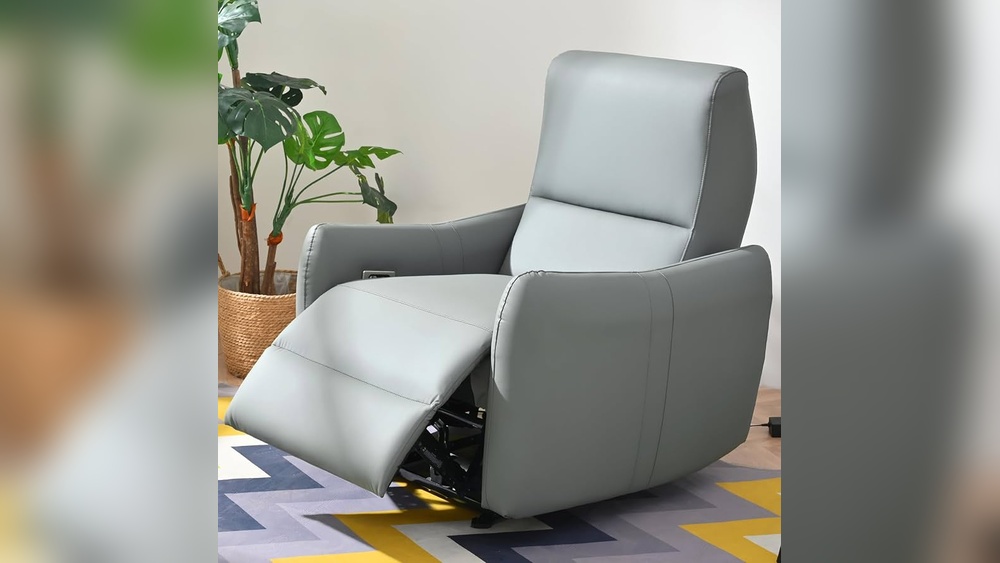
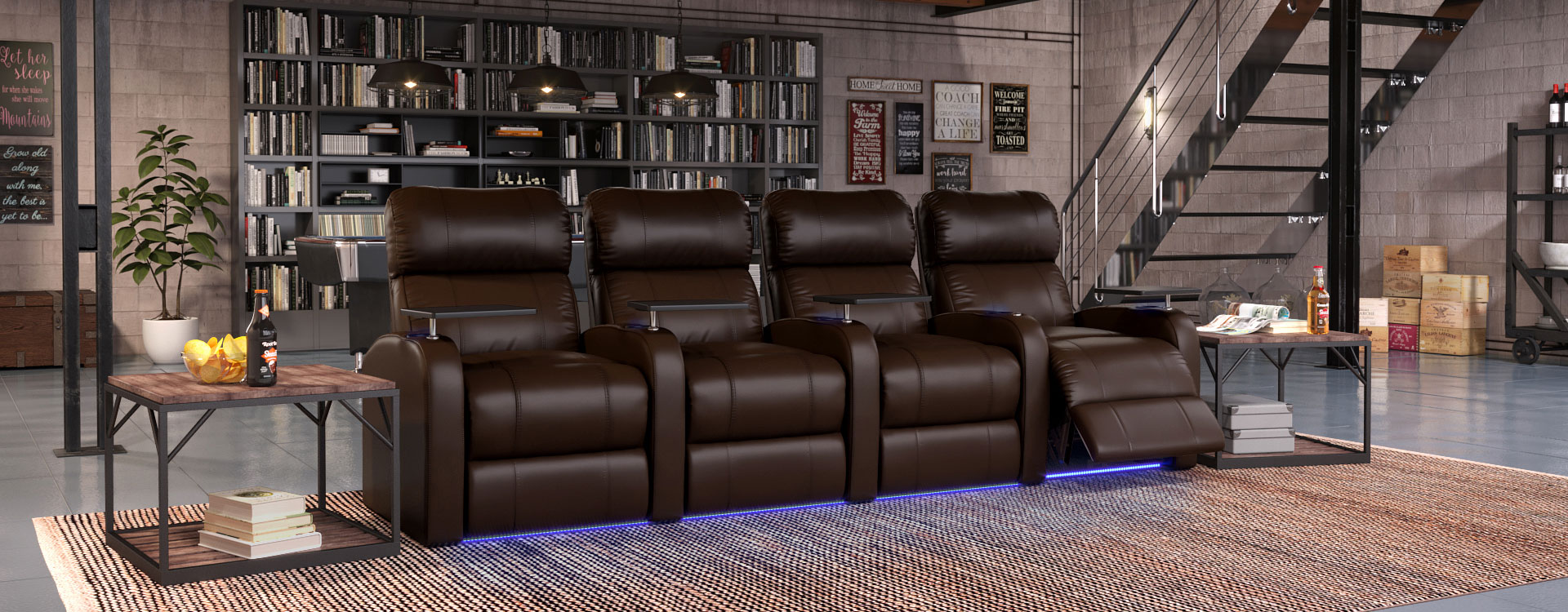
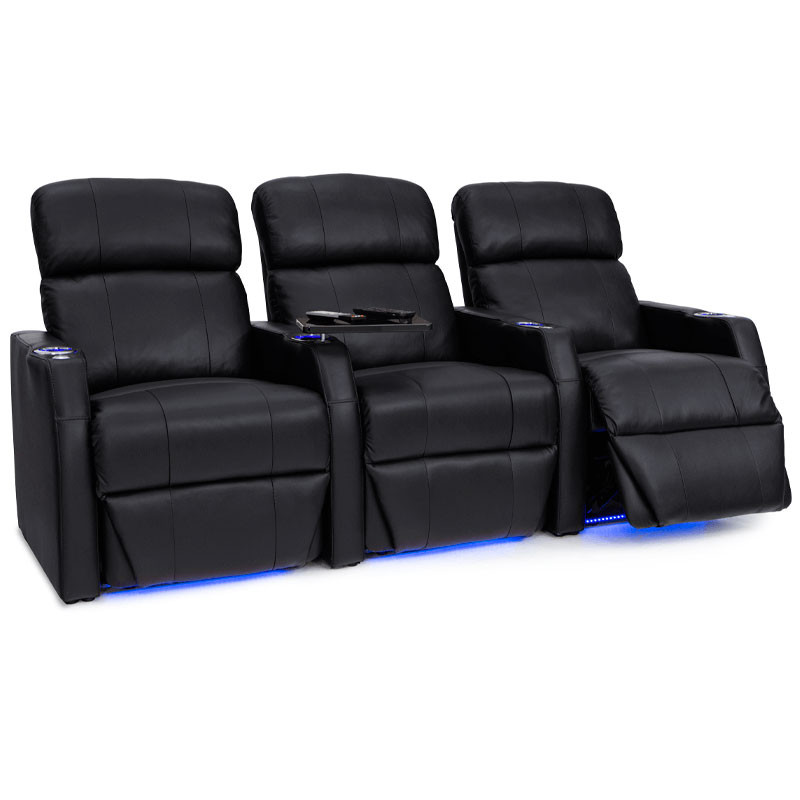
Slim profile theater chairs fit well in tight spaces. Their narrow design saves floor area. These chairs offer good support and style without bulk. You get comfort and room efficiency combined.
Modular And Adjustable Seating
Modular seating adapts to your room size and needs. You can rearrange pieces to fit different layouts. Adjustable seats allow you to change position for comfort. This flexibility works great in small home theaters.
Ergonomic Comfort In Small Spaces
Ergonomic seats protect your back and neck during long viewing. They use designs that support natural posture. Even in small rooms, ergonomic chairs prevent discomfort. Comfort is key to enjoying your home theater fully.

Credit: www.amazon.com
Room Layout And Acoustics
Designing a space-saving home theater requires smart planning of the room layout and careful attention to acoustics. These factors affect sound quality and viewing comfort. Proper arrangement of speakers and acoustic treatments helps create a rich, immersive experience in limited space. The room’s shape, furniture, and surface materials play key roles in controlling sound reflections and echoes.
Speaker Placement Strategies
Position speakers to balance sound across the room. Place front left and right speakers at ear level near the TV. Center speakers should sit directly above or below the screen. Surround speakers work best slightly behind or to the sides of the seating area. Avoid placing speakers too close to walls to reduce unwanted echoes. Use stands or mounts that save floor space but keep speakers stable. Experiment with angles to direct sound toward listeners for clear dialogue and effects.
Managing Sound In Multipurpose Rooms
Rooms used for other activities need flexible sound control. Use rugs and soft furnishings to absorb noise. Curtains and cushions reduce sound reflections and improve clarity. Consider portable acoustic panels that can be stored away. Place speakers so they do not interfere with other room uses. Keep wiring neat to avoid hazards. This approach keeps the space tidy and sound quality high without sacrificing function.
Acoustic Treatments For Small Areas
Small rooms often cause sound to bounce and distort. Acoustic panels on walls absorb excess sound waves. Bass traps in corners reduce booming low frequencies. Use thick curtains over windows to block outside noise. Carpeted floors help soften sound reflections. Avoid hard, reflective surfaces like glass or bare walls near the speakers. These simple treatments improve sound clarity and create a cozy listening environment.
Wiring And Equipment Setup
Setting up wiring and equipment for a space-saving home theater requires smart planning. Good setup ensures a clean look and easy access. It also improves sound and picture quality. Proper wiring avoids clutter and keeps devices safe.
Efficient Cable Management
Use cable ties to bundle wires tightly. Label each cable for quick identification. Run cables along walls or under carpets safely. Consider wireless options to reduce cables. A cable organizer box hides power strips and excess cables. Keep cables away from heat and sharp edges.
Av Receiver Selection
Choose an AV receiver with enough ports for all devices. Look for compact models that fit small spaces. Check for wireless connectivity like Bluetooth or Wi-Fi. The receiver should support your speaker setup and video formats. Select one with simple controls and clear displays.
Connecting Components Neatly
Place components close to the AV receiver to limit cable length. Use short, high-quality cables for better signal. Connect speakers with color-coded wires to avoid mistakes. Arrange devices so airflow is not blocked. Keep remote controls and power cords organized and accessible.
Furniture And Storage Ideas
Smart furniture and clever storage keep your home theater neat and cozy. Space-saving ideas help fit all gear without clutter. Choose pieces that hold media and hide cables for a clean look.
Optimize your room with the right furniture and storage to enjoy movies comfortably. This section covers key options to organize your space well.
Media Consoles Vs Speaker Stands
Media consoles hold TVs, players, and speakers in one spot. They save floor space and hide wires neatly. Consoles come in many sizes to fit rooms small or large.
Speaker stands lift speakers to ear level for better sound. They take less room but need space around them. Stands are easy to move and adjust.
Decide based on your room size and sound needs. Consoles combine storage and display; stands focus on sound quality.
Hidden Storage Solutions
Hidden storage keeps your gear out of sight but close by. Use cabinets with doors or drawers to store remotes and DVDs.
Wall-mounted shelves behind TVs save floor space and hold small devices. Built-in storage under seats or benches offers extra room.
Choose hidden options to keep a clean, clutter-free look in your theater space.
Multi-functional Furniture Choices
Multi-functional furniture saves space by serving more than one purpose. Ottomans with storage can hold blankets or media gear.
Fold-out sofas turn into guest beds and offer seating. Coffee tables with shelves store magazines and remotes.
Select furniture that fits your lifestyle and space. This keeps your home theater tidy and practical.
Designing For Different Rooms
Designing a space saving home theater requires adapting to the unique features of each room. Every room has its own size, shape, and lighting conditions. These factors affect speaker placement, screen size, and seating arrangements.
Choosing the right setup helps create an immersive experience without crowding the space. It also ensures comfort and easy movement. Below are ideas for different room types to fit a compact home theater system.
Home Theater In Bedrooms
Bedrooms often have limited space and cozy layouts. Use a wall-mounted TV to save floor area. Compact soundbars or wireless speakers fit well here. Choose lightweight furniture that can be moved easily. Soft lighting enhances the movie mood without glare. Keep cables hidden to maintain a tidy look.
Small Living Room Setups
Small living rooms demand careful planning to avoid clutter. Select a TV size that matches the viewing distance. Use slim, multi-functional furniture like storage ottomans. Place speakers on shelves or mounts to free up floor space. A compact subwoofer adds bass without bulk. Arrange seating for clear sightlines and good sound coverage.
Dedicated Compact Theater Spaces
Small rooms dedicated to home theaters allow focused design. Use dark wall colors to reduce reflections. Install acoustic panels for better sound quality. A projector and retractable screen save space and create a true theater feel. Choose seating that fits the room size and allows easy access. Control lighting with blackout curtains or dimmers.
Credit: 4seating.com
Frequently Asked Questions
What Is The Golden Rule For Home Theater?
The golden rule for home theater is optimal speaker placement and seating alignment for the best sound and viewing experience.
What Is The Minimum Space Required For A Home Theater?
The minimum space for a home theater is about 100 to 150 square feet. This allows proper speaker placement and comfortable seating. Ensure at least 10 feet between the screen and seats for optimal viewing. Compact rooms can still work with space-saving furniture and smart layouts.
How To Setup A Home Theater In A Small Room?
Place a compact TV at eye level and choose space-saving speakers. Use two small subwoofers for better bass. Position seating for optimal viewing distance. Manage cables neatly and use wall mounts to save floor space. Select furniture that fits the room’s size and avoids clutter.
Is Home Theater Seating Worth The Investment?
Home theater seating enhances comfort, supports long viewing, and adds features like USB ports and LED lighting. It improves your overall experience, making the investment worthwhile for serious movie watchers.
Conclusion
Creating a space-saving home theater can fit any room size easily. Choosing compact speakers and smart furniture keeps your area neat. Using wall mounts and hidden wiring saves valuable floor space. Good sound and picture quality do not need a large room.
Small home theaters still offer great movie and game experiences. Planning and careful setup make your space cozy and functional. Enjoy cinema magic without crowding your home. Simple ideas create a perfect entertainment spot anywhere.


