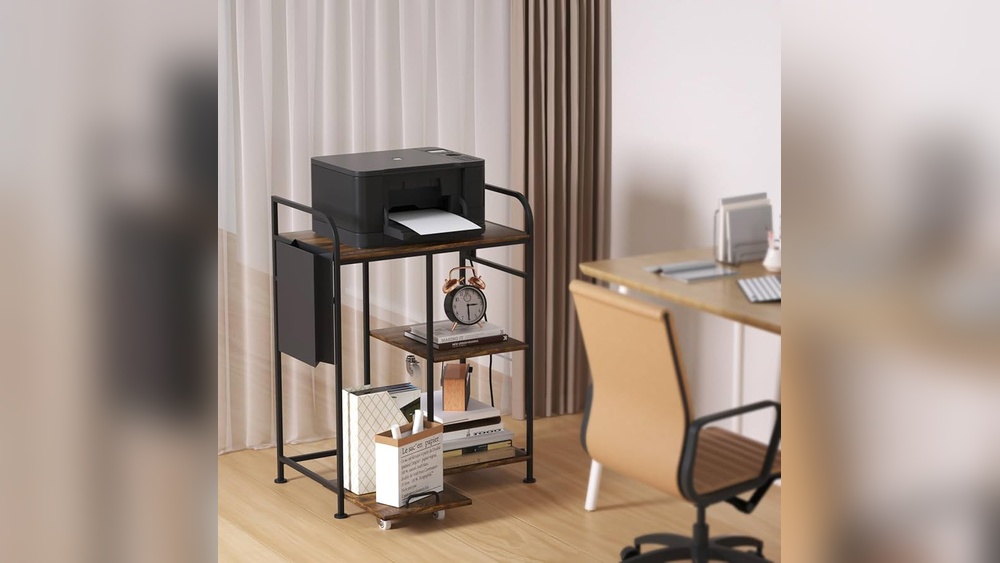

Are you tired of bulky printers taking up precious space in your home? Finding the perfect space-saving home printer can transform your workspace, making it more organized and efficient.
Imagine having a sleek, compact device that fits seamlessly into your room without compromising on quality or functionality. You’ll discover how to choose the best printer that saves space and meets all your printing needs. Keep reading to unlock smart tips and top product picks designed just for you.
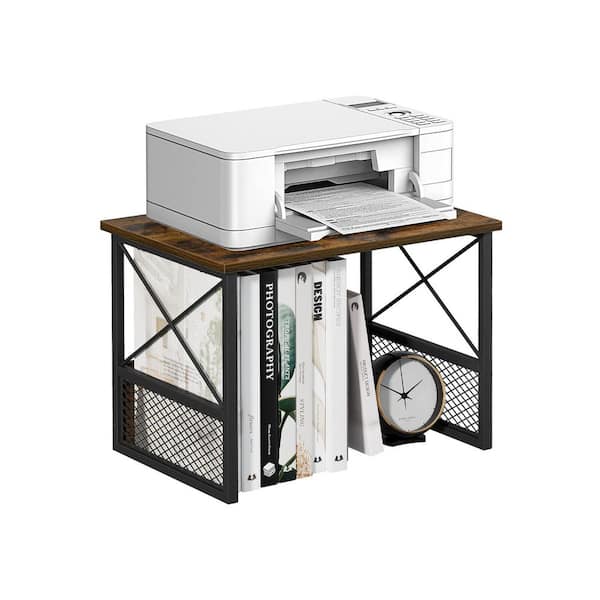
Credit: www.homedepot.com
Benefits Of Compact Printers
Compact printers offer many advantages for home use. They fit well in small spaces and meet daily printing needs. These printers provide convenience without taking up much room. Understanding their benefits helps choose the right printer for limited spaces.
Space Efficiency
Compact printers have a small footprint. They fit easily on desks, shelves, or counters. This saves valuable space in homes or apartments. You can keep your area tidy without clutter. Small size does not mean less function.
Portability
These printers are light and easy to carry. You can move them between rooms or take them on trips. Portability allows printing anywhere in the home. No need for a fixed spot or heavy lifting.
Energy Savings
Compact printers use less power than larger models. They consume energy only when needed. This reduces electricity bills and helps the environment. Energy-efficient printers work quietly and effectively.
Types Of Space Saving Printers
Space saving printers come in different types to fit various needs and spaces. Choosing the right type can help keep your home office neat and efficient. Each type offers unique features that suit different printing habits.
Understanding these types helps you pick a model that saves space without losing functionality.
All-in-one Models
All-in-one printers combine printing, scanning, copying, and sometimes faxing in one device. These models save space by replacing several machines with one compact unit. Ideal for small spaces, they offer convenience and reduce clutter. Many all-in-one printers are designed to fit on a small desk or shelf.
Mobile Printers
Mobile printers are small, lightweight, and portable. They run on batteries or USB power, perfect for those on the go. These printers fit easily into bags or backpacks. Mobile printers work well for quick, occasional printing without needing a dedicated spot at home.
Inkjet Vs Laser
Inkjet printers use liquid ink and excel at printing photos and color images. They are usually smaller and cheaper but need frequent ink refills. Laser printers use toner and produce sharp text quickly. They are great for high-volume printing but can be bulkier. Both types offer compact models designed to save space in your home.
Key Features To Look For
Choosing a space saving home printer means focusing on key features that fit small areas and daily needs. Compact design is essential, but the printer must also deliver strong performance. The right features ensure convenience, quality, and efficiency in limited spaces.
Wireless Connectivity
Wireless connectivity allows printing without cables cluttering your space. Wi-Fi or Bluetooth support lets multiple devices connect easily. This feature suits homes with smartphones, tablets, and laptops. Wireless printing adds flexibility and reduces the need for extra cords.
Print Quality
High print quality matters for clear text and sharp images. Look for printers with good resolution, typically 600 dpi or higher. Color accuracy is important for photos and graphics. Quality printing helps produce professional-looking documents at home.
Speed And Capacity
Fast printing saves time, especially during busy days. Check the pages per minute (PPM) rate to match your workload. Paper capacity affects how often you refill trays. A balance between speed and capacity keeps printing smooth and hassle-free.
Top Brands And Models
Choosing the right space-saving home printer means focusing on trusted brands. These brands offer models that fit small spaces without losing quality. Compact design, ease of use, and reliability are key features. The following brands lead the market with excellent options for your home.
Canon Options
Canon printers are known for sharp print quality and compact size. The Canon PIXMA series offers models that fit tight spaces. PIXMA TS3520 is a popular choice with wireless printing and a small footprint. Another model, the Canon PIXMA TR4520, balances size and multifunction features. Both work well in small home offices or apartments.
Brother Selections
Brother printers combine durability and compact design. The Brother HL-L2350DW is a compact monochrome laser printer. It prints fast and fits easily on a small desk. Another model, the Brother MFC-J995DW, provides all-in-one functions with ink-saving technology. These printers suit users who want reliable performance in less space.
Hp Choices
HP offers sleek and efficient printers for small areas. The HP DeskJet 3755 is one of the smallest all-in-one printers available. It prints, scans, and copies without taking much room. The HP ENVY 6055 is another compact option with strong wireless capabilities. Both models deliver good quality for everyday home printing needs.
Buying Tips
Choosing a space saving home printer requires careful thought. This helps you find a model that fits your needs and space perfectly. Focus on key points that influence your buying decision. The right choice saves money and avoids future problems.
Budget Considerations
Set a clear budget before shopping. Small printers often cost less, but check ink or toner prices too. Some cheap models have costly supplies. Think about long-term expenses, not just the initial price. Balance features and cost to get the best value.
User Reviews
Read reviews from other buyers. They share real experiences with the printer’s size and performance. Look for comments on ease of setup and daily use. Pay attention to feedback on noise and print quality. User reviews reveal details not in product descriptions.
Warranty And Support
Check the warranty period and what it covers. A good warranty protects against defects and problems. See if the company offers easy customer support. Fast service helps fix issues without much hassle. Reliable support adds confidence to your purchase.
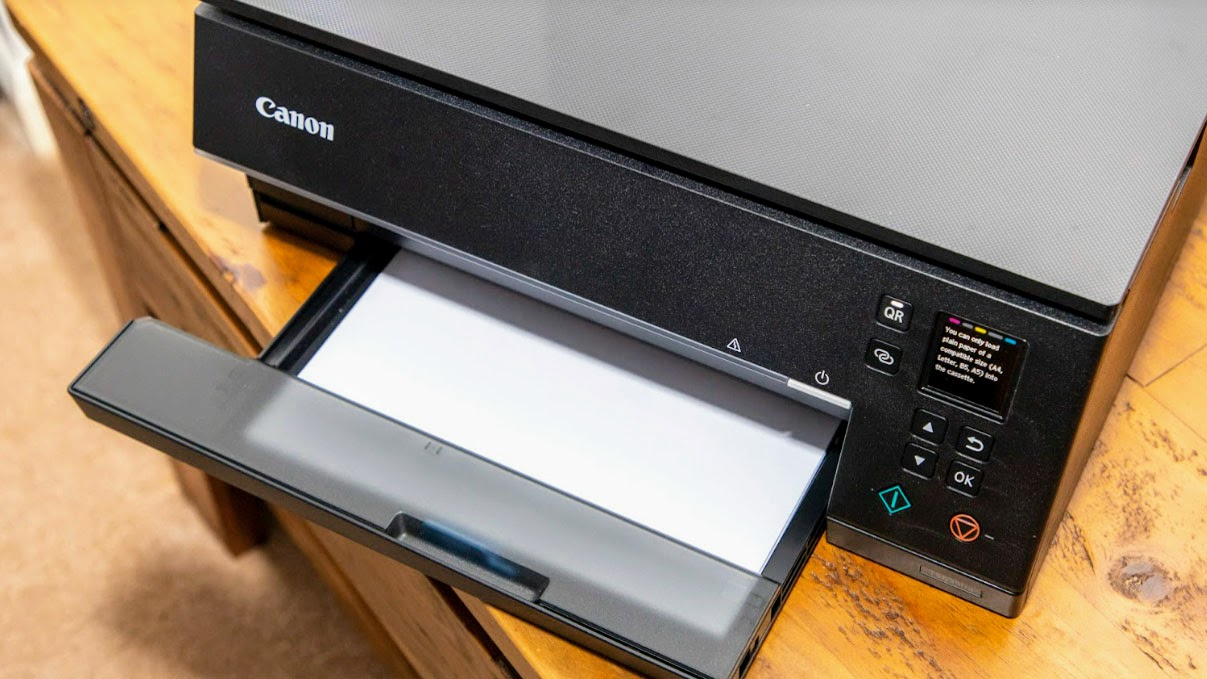
Credit: www.toptenreviews.com
Setup And Maintenance
Setting up and maintaining a space saving home printer is simple. Proper setup ensures smooth operation. Regular maintenance keeps the printer working well for years. This section guides you through installation, troubleshooting, and cleaning.
Installation Guide
Start by unboxing the printer carefully. Remove all packing materials and protective tape. Place the printer on a flat, stable surface. Connect the power cable to an outlet. Turn on the printer using the power button.
Install the ink or toner cartridges as instructed. Load paper into the tray without overfilling. Connect the printer to your computer or Wi-Fi network. Use the printer’s setup software or manual to finish installation. Print a test page to check everything.
Troubleshooting Common Issues
Paper jams are common. Remove jammed paper gently to avoid damage. Check for any small scraps left inside. If the printer won’t print, check connections and ink levels. Restart the printer and computer to reset.
Slow printing may mean the printer is busy or low on memory. Clear the print queue to fix this. Error messages usually appear on the printer screen. Follow the instructions or consult the user manual for solutions.
Cleaning And Care
Keep the printer clean to avoid problems. Use a soft, dry cloth to wipe the exterior. Clean the scanner glass and paper feed rollers regularly. Avoid using harsh chemicals or water on the printer.
Replace ink cartridges before they run out completely. Use printer cleaning software to clean print heads if prints are faded. Regular care improves print quality and extends printer life.
Maximizing Printer Efficiency
Maximizing the efficiency of your space saving home printer helps reduce costs and saves time. Efficient use also extends the printer’s lifespan and improves performance. Small steps can lead to big results in everyday printing tasks.
Optimizing Print Settings
Set print quality to draft for everyday documents. Use grayscale mode to save color ink. Adjust paper size and layout for each print job. These settings reduce ink use and speed up printing. Avoid printing unnecessary pages or images.
Using Energy Saving Modes
Enable sleep mode to lower power use during idle times. Turn off the printer when not in use for long periods. Use automatic power-on features to start printing quickly. Energy saving modes help cut electricity bills and protect the environment.
Regular Software Updates
Keep printer drivers and firmware up to date. Updates fix bugs and add new features. They improve printer speed and compatibility with devices. Regular updates ensure smooth printing and fewer errors. Check the manufacturer’s website or app for updates.
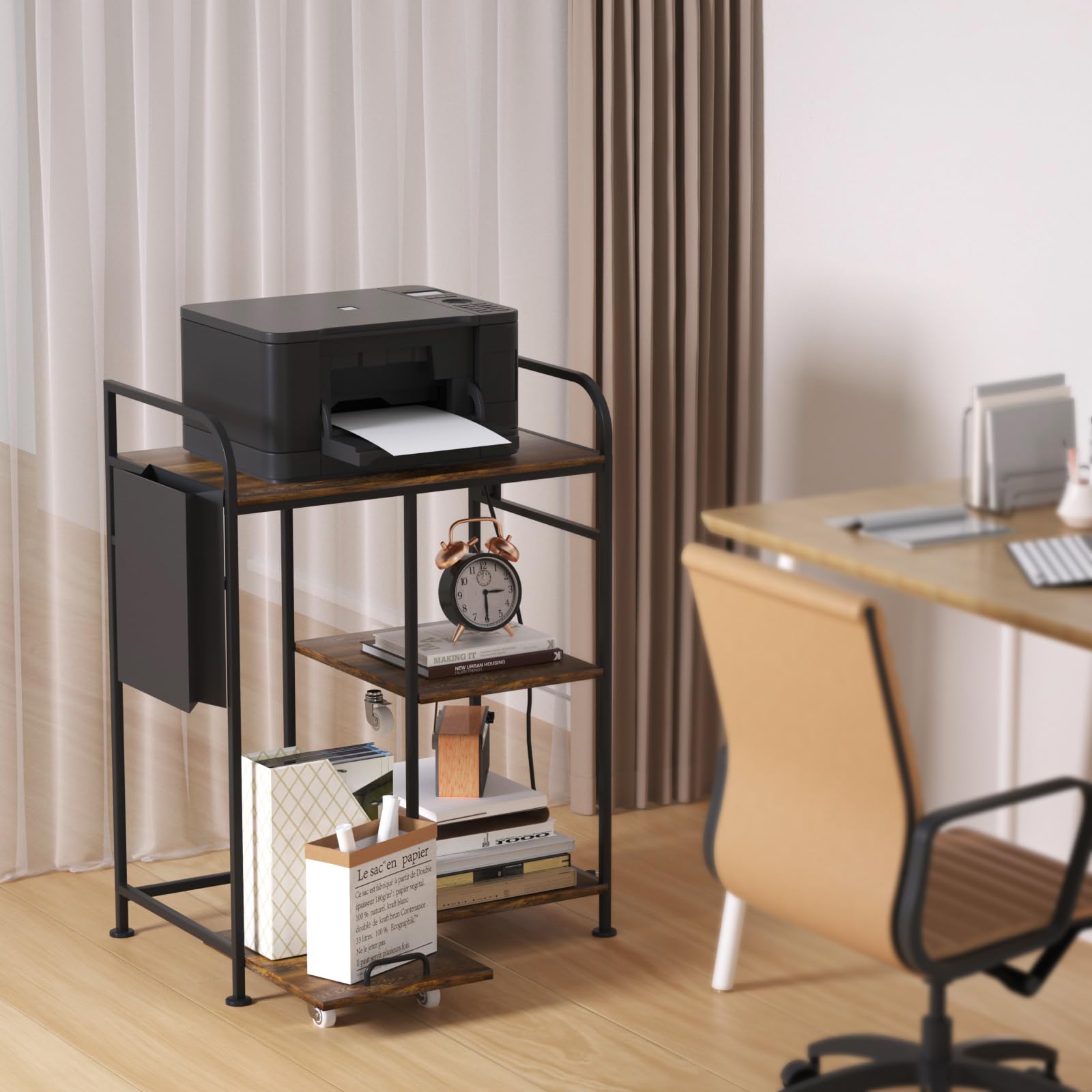
Credit: www.amazon.com
Where To Buy In Austin, Texas
Finding the right space saving home printer in Austin, Texas is easy. Many stores and websites offer a wide range of options. You can choose between local shops or online stores. Both have their benefits and variety of models. This guide helps you find where to buy your next printer in Austin.
Local Retailers
Austin has several stores with space saving printers. Best Buy offers a good selection with models from Canon and Brother. Target also carries compact printers at affordable prices. Office Depot stocks many brands and provides in-store help. Altex Electronics is another local option with budget-friendly choices. Visiting these stores lets you see the printer before buying.
Online Options
Many online retailers deliver printers straight to your home in Austin. Amazon has a vast collection of space saving printers with customer reviews. Best Buy’s website offers free delivery and easy returns. Walmart’s online store features deals and fast shipping. Buying online gives more choices and often better prices. You can compare models and read details before ordering.
Deals And Discounts
Look for sales at local and online stores in Austin. Best Buy often has discounts up to 46% on popular printers. Canon printers may come with deals reaching 65% off. Office Depot and Staples also offer regular promotions and free delivery. Check websites and sign up for newsletters to catch the latest offers. Discounts help you get a quality printer without overspending.
Frequently Asked Questions
What Is The Most Compact Home Printer?
The Canon PIXMA TR150 ranks as the most compact home printer. It offers portability and high-quality prints in a small design.
Which Is The Most Economical Printer For Home Use?
The Canon PIXMA series offers economical home printers with low ink costs and reliable performance. Models like Canon PIXMA MG3620 balance price and quality well. Choose printers with refillable ink tanks for long-term savings.
What Is The Cheapest Way To Print At Home?
The cheapest way to print at home is using an inkjet printer with refillable cartridges. Buy bulk paper and print in draft mode to save ink and costs.
What Is The Downside Of An Ink Tank Printer?
Ink tank printers have higher upfront costs and require regular maintenance to prevent ink drying or clogging.
Conclusion
Choosing a space-saving home printer makes your room look neat and organized. Small printers fit easily on desks or shelves without clutter. They still print clear documents and photos fast. Compact printers often use less power, saving energy too. Finding the right model depends on your printing needs and budget.
A good space-saving printer helps keep your home office simple and efficient. Consider size, features, and price before making a choice. Smart decisions bring comfort and convenience to your daily tasks. Save space and enjoy printing without hassle.


