
Are your important documents scattered across different devices or hidden in countless folders? Managing your digital files doesn’t have to be overwhelming or risky.
With the right home electronic document storage solutions, you can keep your files safe, organized, and easy to access whenever you need them. Imagine finding any document in seconds, protecting sensitive information from loss, and freeing up space on your devices—all without stress.
You’ll discover simple, effective ways to store your documents electronically using tools and strategies that fit your lifestyle. Ready to take control of your digital clutter and secure your valuable information? Let’s dive in.
Cloud Storage Options
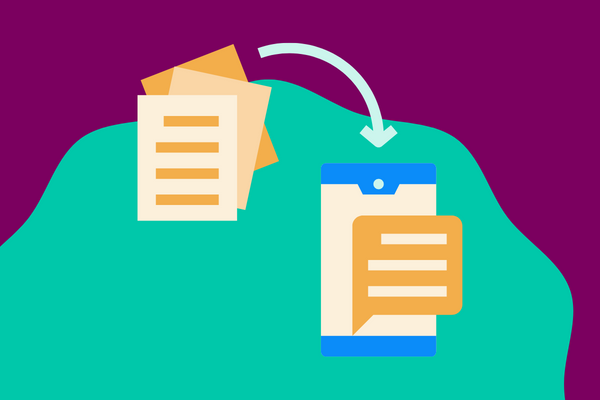
Cloud storage options offer a flexible way to keep your important documents safe and easy to find. These services let you save files online, so you can open them from any device connected to the internet. Many people use cloud storage to avoid losing documents if their computer breaks or gets stolen.
Choosing the right cloud storage can help you stay organized. It also acts as a backup, protecting your files from accidental loss. The services usually come with apps that make uploading and accessing documents simple and quick.
Top Providers
Google Drive is popular for its integration with other Google services. Microsoft OneDrive works well with Windows and Office apps. Dropbox offers easy sharing and syncing across devices. Each provider has free plans with limited space and paid plans for more storage.
Accessibility Benefits
Cloud storage lets you reach your files anywhere and anytime. You only need an internet connection and a device. This makes it easy to work from home or on the go. Many services also let you share documents with family or coworkers quickly.
Security Features
Strong passwords help keep your cloud accounts safe. Most providers use encryption to protect files during transfer and storage. Two-factor authentication adds an extra layer of security. Some services allow you to control who can view or edit your documents.
Credit: www.smartvault.com
Organizing Digital Files
Organizing digital files is essential for easy access and efficient document management. A well-planned system saves time and reduces stress. It helps you find important files quickly and keeps your digital space clutter-free.
Simple methods like clear folder structures, consistent naming, and version control improve organization. These strategies work together to keep files in order and avoid confusion.
Folder Structure Ideas
Create main folders based on broad categories like finance, health, or work. Inside, add subfolders for specific topics or dates. For example, under finance, have folders for bills, taxes, and receipts.
Keep folder names short but descriptive. Avoid too many layers to prevent getting lost. Use numbers or dates at the start to keep folders in order.
Naming Conventions
Use clear, consistent file names that describe the content. Include dates in the format YYYY-MM-DD for easy sorting. For example, “2024-06-01_Tax_Return.pdf”.
Avoid spaces and special characters. Use underscores or dashes to separate words. This makes files easier to find and compatible across devices.
Version Control Techniques
Label files with version numbers like v1, v2, or draft to track changes. For example, “ProjectPlan_v1.docx” and “ProjectPlan_v2.docx”.
Keep final versions in a separate folder or clearly mark them as “final”. Delete or archive old versions to avoid confusion.
Backup Strategies
Backup strategies are essential for protecting your electronic documents at home. They help avoid data loss from accidents, theft, or hardware failure. A solid backup plan ensures your files stay safe and accessible.
Using multiple backup methods gives extra security. Regular backups prevent stress and wasted time recovering lost files.
Multi-layered Backup Plans
Create backups in several places to reduce risk. Use cloud storage services like Google Drive or Dropbox for online copies. Combine these with local backups on your computer or external drives. This way, if one backup fails, others remain safe.
Set a schedule for backups. Daily or weekly backups work well. Automate the process when possible to avoid forgetting.
Physical Backup Solutions
External hard drives and USB flash drives serve as physical backups. They keep files offline and protected from internet threats. Store these devices in a secure place away from your computer.
Keep multiple copies on different devices. Change storage devices every few years to prevent failure from old hardware.
Disaster Recovery Tips
Plan for emergencies like fire or flood. Keep one backup copy offsite, such as at a trusted friend’s house. This protects against local disasters.
Encrypt sensitive files before storing them. Use strong passwords and secure storage locations. Test your backups regularly to ensure files can be restored quickly.
Enhancing Document Security
Enhancing document security is essential for protecting your important files at home. Electronic storage solutions offer many ways to keep documents safe. Using simple, effective methods reduces risks of unauthorized access and data loss.
Focus on strong password habits, encryption, and secure storage places. Each step adds a layer of defense for your digital files. These practices keep your documents private and intact.
Strong Password Practices
Create passwords that are hard to guess. Use a mix of letters, numbers, and symbols. Avoid common words or easy patterns like “1234” or “password.”
Change passwords regularly to block potential intruders. Use different passwords for each account to limit damage if one is hacked. Consider using a password manager to keep them safe and organized.
Encryption Methods
Encryption transforms your files into unreadable code without the key. This protects sensitive documents from unauthorized access. Many storage services offer built-in encryption, both during transfer and at rest.
Use strong encryption tools when saving or sharing files. Even if someone gains access, encrypted data remains protected and useless without the proper key.
Safe Storage Locations
Choose storage locations that add security. Cloud services often have strong protections but pick trusted providers. Enable two-factor authentication for extra safety.
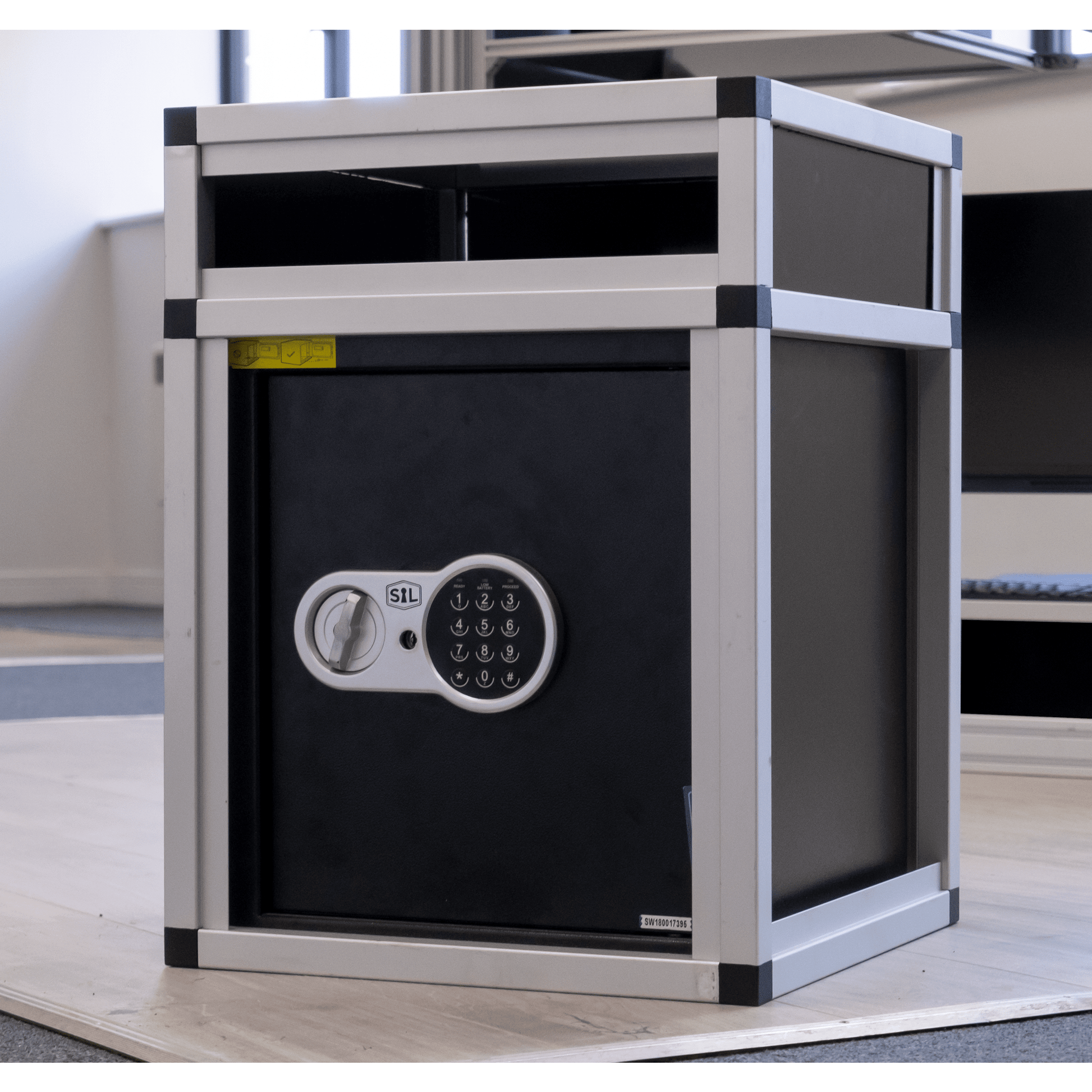
Keep backups on external drives stored offline in secure places. Avoid keeping all copies in one location to reduce risks from theft or damage. Physical safes or locked drawers work well for hardware storage.
Tools For File Management
Managing electronic documents at home requires the right tools to keep files organized and secure. Good file management tools simplify storing, finding, and protecting important files. They help maintain order and save time. Here are essential tools that improve your home document storage system.
Password Managers
Password managers store and create strong passwords for your accounts. They help keep your documents safe by securing access to cloud storage and apps. These tools generate unique passwords and remember them, so you don’t have to. Using a password manager reduces the risk of hacking and data theft. It is a simple way to protect sensitive information from unauthorized access.
Document Scanners
Document scanners convert paper documents into digital files quickly. They allow you to save physical papers as PDFs or images. This makes filing and searching easier. Many scanners come with features like automatic cropping and text recognition. Scanned documents can be stored in folders or uploaded directly to the cloud. Using a scanner reduces clutter and preserves important papers in digital form.
Cloud Management Software
Cloud management software helps organize and access your files stored online. It provides tools to create folders, rename files, and share documents securely. This software often includes backup options to prevent data loss. It also supports syncing files across devices, giving you access anywhere. Cloud management tools make it simple to keep digital documents tidy and safe.
Credit: loftrobeshop.com
Common Challenges
Storing electronic documents at home brings several challenges. These problems can cause frustration and risk important data. Understanding common issues helps in choosing the right storage solution. It also prepares you to manage documents more safely and efficiently.
Avoiding Data Loss
Data loss happens due to hardware failure, accidental deletion, or malware. Many people do not back up files regularly. Without backups, lost files cannot be recovered. Using both cloud storage and external drives reduces this risk. Regularly saving copies ensures your documents stay safe.
Handling Multiple File Versions
Different versions of the same file cause confusion. It is hard to know which is the latest or correct one. Naming files clearly with dates or version numbers helps. Keeping a system to separate drafts from final files also works well. This keeps your documents organized and easy to find.
Maintaining Privacy
Privacy is a top concern for digital documents at home. Sensitive information must be protected from hackers and unauthorized access. Strong passwords and two-factor authentication add extra security. Encrypting important files provides another layer of protection. Always be careful about sharing access to your storage accounts.
Credit: www.signtime.com
Frequently Asked Questions
What Is The Best Way To Store Documents Electronically?
Store documents electronically using secure cloud services like Google Drive or Dropbox for easy access and backup. Organize files with clear folder structures and descriptive names. Use version control to track changes. Regularly back up to an external hard drive and protect sensitive data with strong passwords and encryption.
What Is The Best Way To Store Paper Documents At Home?
Store paper documents in labeled, waterproof folders or boxes. Keep them in a cool, dry, and secure place away from sunlight. Organize by category for easy access. Use fireproof safes for important papers to enhance protection. Regularly review and declutter to maintain order.
How Do I Create A Digital Filing System At Home?
Create folders by category, use clear file names, choose reliable cloud storage, back up regularly, and secure files with strong passwords.
What Is The Most Popular Dms?
The most popular DMs (direct messages) are on platforms like Instagram, Twitter, and Facebook Messenger due to their wide user base and features.
Conclusion
Choosing the right electronic storage keeps your documents safe and easy to find. Use cloud services for quick access and backup. Organize files with clear folders and simple names. Always back up important files on an external drive. Protect sensitive data with strong passwords and encryption.
Regular maintenance helps avoid data loss or confusion. A good system saves time and reduces stress. Start small, stay consistent, and adjust as needed. Your digital documents will stay secure and organized.


