
Are you tired of juggling files, photos, and important documents scattered across multiple devices while working from home? Your computer’s storage might feel cluttered, slowing you down and stealing your focus.
Imagine having a simple, smart solution that keeps everything organized, secure, and easy to access right from your home office. Whether you’re managing work projects, family memories, or creative files, the right storage setup can transform your productivity and peace of mind.
You’ll discover practical home storage solutions tailored for your computer that make working at home smoother and more efficient. Keep reading to unlock the secrets to a clutter-free digital workspace you’ll love.
Credit: www.reliant.co.uk
Space Challenges In Home Offices
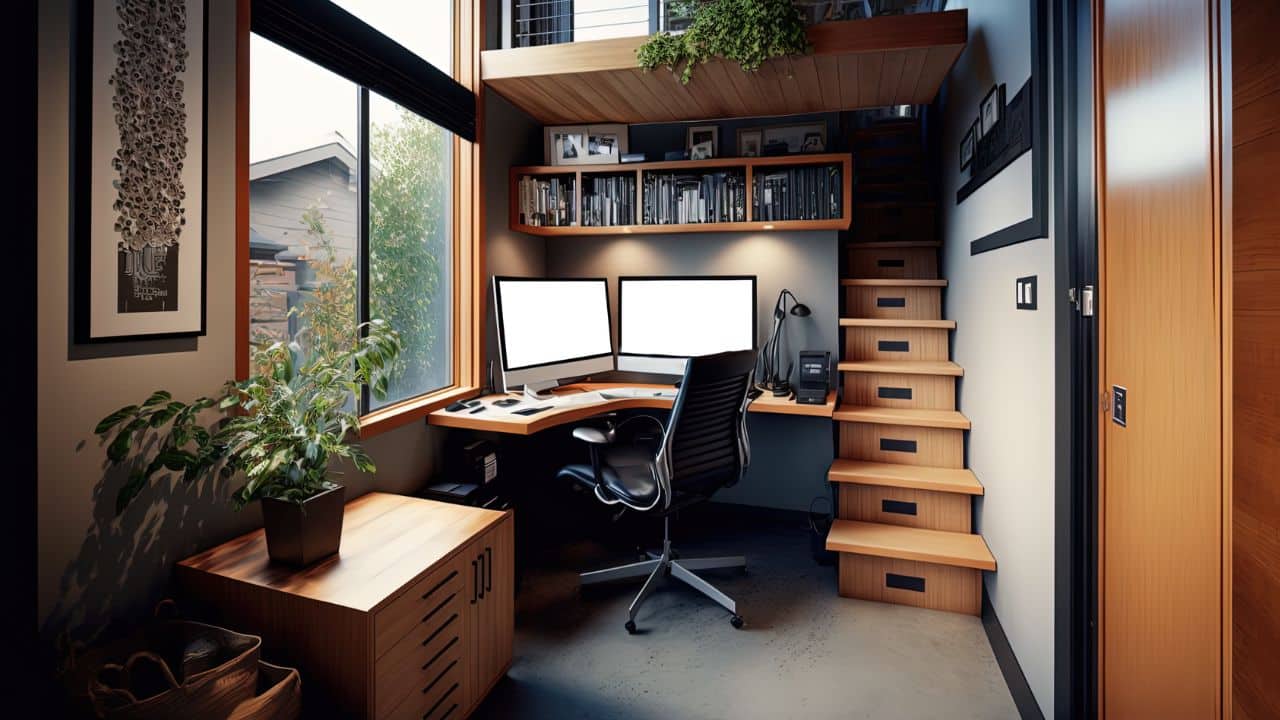
Working from home offers flexibility but also brings space challenges. Many people find it hard to fit their computer and work essentials into small areas. Limited space can make organizing difficult and create clutter. A neat setup helps keep focus and reduce stress. Identifying common storage problems is the first step to improve home office space.
Common Storage Issues
Home offices often lack enough shelves or drawers. Cables and accessories pile up without proper holders. Paperwork and files take up desk space. Many use kitchen tables or bedrooms, which limits space for work gear. Small desks struggle to hold monitors, keyboards, and other tools. Without good storage, clutter builds quickly and messes with the work area.
Impact On Productivity
Cluttered workspaces make it harder to find needed items fast. Searching wastes time and breaks concentration. Crowded desks leave less room for writing or using devices comfortably. Mess can cause stress and reduce motivation. A tidy office improves focus and workflow. Organized storage solutions help keep the work area clean and efficient.
Credit: www.lorddecor.com
Compact Computer Storage Ideas
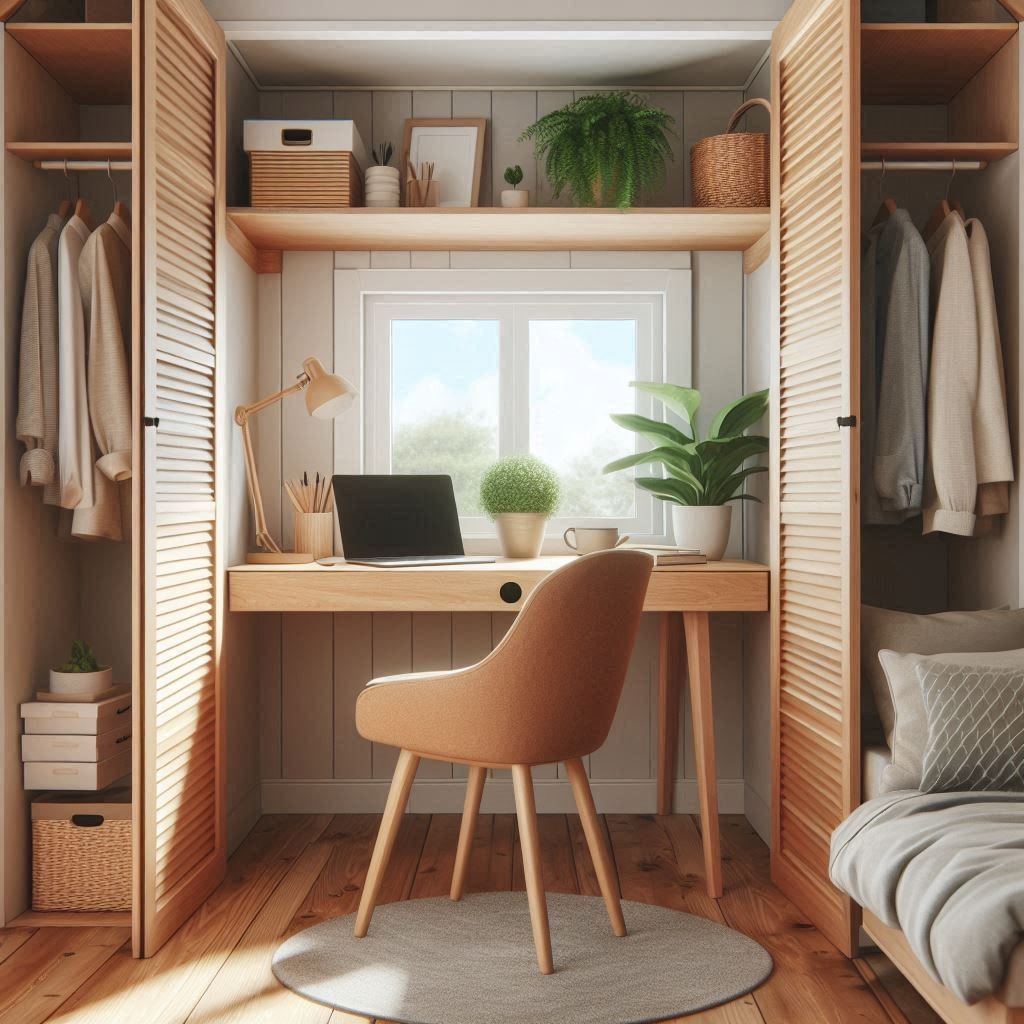
Compact computer storage ideas help keep your workspace neat and organized. Small spaces need smart solutions to store computers safely. These ideas make your home office look tidy and save room. You can find options that fit under your desk, on your wall, or inside your furniture. Each option helps protect your computer and keeps cables out of sight. A clean setup boosts your focus and comfort while working.
Under-desk Mounts
Under-desk mounts hold your computer off the floor and out of the way. They attach to the bottom of your desk using screws or clamps. This setup frees up floor space and protects your PC from dust and spills. Many mounts allow easy access to ports and buttons. They also help with cable management by keeping wires close to your desk. Choose mounts that fit your computer size and weight for safety.
Wall-mounted Solutions
Wall-mounted computer storage saves desk space and adds a modern look. These solutions use brackets or shelves to hold your computer on the wall. Mounting your PC keeps it off the floor and away from pets or children. Wall mounts improve airflow around the device, helping it stay cool. You can also hide cables inside cable covers for a clean finish. This option is perfect for small rooms or minimal desks.
Multi-functional Furniture
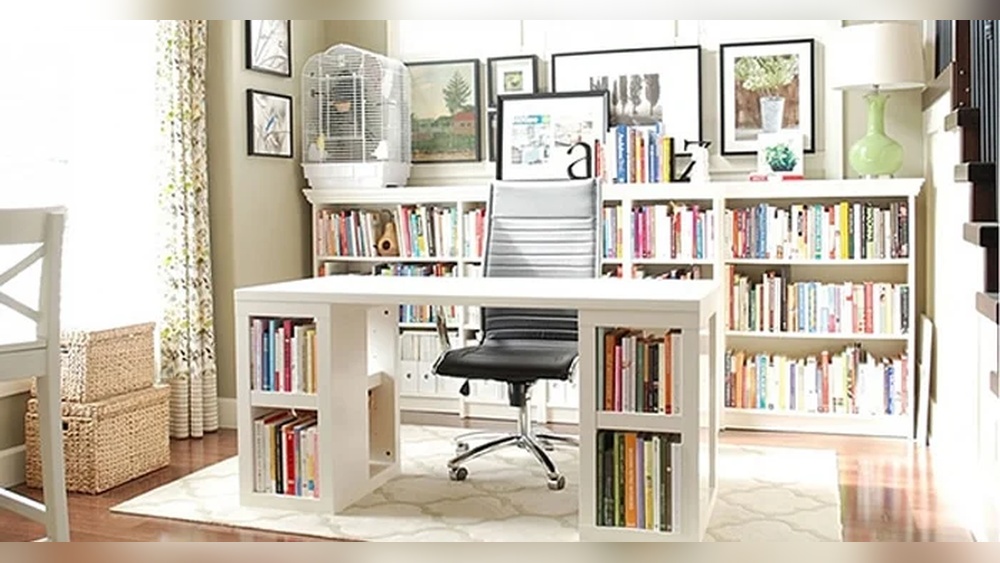
Multi-functional furniture combines storage with workspace to maximize your room. Desks with built-in shelves or compartments hide your computer and accessories. Some desks have sliding trays or cabinets designed for PC towers. This furniture hides clutter and keeps everything within reach. It also adds style and function to your home office. Look for pieces that match your decor and meet your storage needs.
Using Network Attached Storage (nas)
Network Attached Storage (NAS) is a smart way to organize and save your files at home. It connects to your home network and lets multiple devices share the same storage space. This setup helps keep your important documents, photos, and videos safe and easy to access. NAS offers a simple method to back up data without relying on cloud services.
Benefits For Home Use
NAS provides a central place for all your files. It allows easy sharing between computers, tablets, and phones. You can stream media files directly from the NAS to your TV or other devices. It also protects your data by creating automatic backups. NAS saves money by avoiding monthly cloud storage fees. Your data stays private since it remains in your home. It helps keep your workspace neat by reducing external drives and cables.
Choosing The Right Nas
Select a NAS based on your storage needs and budget. Consider the number of hard drive bays for future expansion. Look for user-friendly software and good customer support. Check for compatibility with your devices and operating systems. Pick a NAS with good speed to handle large files smoothly. Energy-efficient models lower electricity bills over time. Read reviews to find reliable brands with solid warranties.
Setting Up Your Nas
Setting up a NAS is simple and quick. Connect the NAS to your router using an Ethernet cable. Install the hard drives if your NAS comes empty. Follow the step-by-step instructions from the manufacturer. Create user accounts to control who can access the files. Set up automatic backups to protect important data. Enable remote access to reach your files outside your home. Regularly update the NAS software for security and performance.

Credit: www.guardianstorage.com
Diy Storage Hacks
Creating a tidy and efficient workspace at home starts with smart storage ideas. DIY storage hacks help save space and keep computer gear organized. Simple projects can improve your home office without spending much money. These hacks use easy materials and clever setups that anyone can do. Enjoy a clean, neat desk that boosts productivity and reduces clutter.
Repurposing Household Items
Look around your home for items that serve new storage roles. Old jars or mugs hold pens and small tools. Shoe organizers keep cables and chargers sorted. Use a magazine rack to store notebooks or tablets vertically. Repurposing saves money and reduces waste while keeping essentials close.
Cable Management Tricks
Messy cables create distractions and hazards. Use binder clips on the desk edge to hold cords. Velcro straps group cables together for a cleaner look. Label cables with tags to identify devices quickly. A simple cable box hides power strips and cords neatly out of sight.
Custom Shelving Options
Build shelves to fit your workspace and storage needs. Floating shelves above the desk free up surface space. Use wall-mounted racks for monitors or speakers. Stackable crates create flexible storage for books and gadgets. Custom shelves make your space functional and tailored to your style.
Optimizing Desk Layout
Smart storage technology transforms how we manage computer data at home. It makes saving, organizing, and accessing files easier and faster. This technology adapts to your needs, whether you work on a desktop or laptop.
Smart storage helps keep your workspace tidy and improves productivity. It uses tools and systems that combine hardware and software. These solutions offer convenience and security for your important files.
Cloud Vs Local Storage
Cloud storage saves your files on the internet. You can access them from any device with an internet connection. It provides automatic backups and easy sharing options. But it depends on a stable internet connection.
Local storage keeps files on your computer or an external device. It offers faster access without internet delays. Local storage is private and secure from online threats. However, it needs manual backups and can fill up quickly.
Smart Organizers
Smart organizers help sort files automatically using tags or categories. They reduce time spent searching for documents. These tools can sync across devices for seamless access. Some use AI to suggest file locations or clean up duplicates.
Physical smart organizers include modular drawers and cable management systems. They keep your desk clutter-free and improve focus. Combining digital and physical organizers creates a balanced workspace.
Integrating Tech With Storage
Integrating technology with storage means connecting devices and apps. This allows automatic file syncing and backup. Smart home assistants can control storage functions by voice commands.
Network Attached Storage (NAS) devices connect to your home network. They provide shared storage for all family members or coworkers. Integration improves collaboration and protects data with advanced security features.
Smart Storage Technology
Keeping your workspace tidy is essential for productivity. A clutter-free desk helps you focus and reduces stress. It also makes your home office look more professional. Simple habits can keep your computer and desk area organized every day.
Daily Decluttering Tips
Start each day by clearing your desk surface. Put away loose papers and unused items. Use small containers to hold pens and cables. Turn off your computer at the end of the workday. This signals a fresh start and helps reset your space.
Regular Storage Reviews
Once a week, check your storage areas for clutter. Sort through files, folders, and digital storage. Delete or archive files you no longer need. Rearrange items so your most-used tools are easy to reach. This keeps your workspace efficient and tidy.
Long-term Organization Strategies
Invest in good storage solutions like shelves and drawers. Label boxes and folders clearly for quick access. Create a filing system for both paper and digital documents. Schedule monthly cleanups to maintain order. Consistency prevents clutter build-up over time.
Frequently Asked Questions
How Much Does A Nas Server Cost?
A NAS server typically costs between $150 and $1,000, depending on storage capacity and features. Higher-end models cost more.
Is A Nas Worth It For Home Use?
A NAS offers secure, centralized storage for home use. It simplifies backups, media streaming, and device sharing without ongoing fees. It suits families needing cost-effective, accessible data management.
What Is Storing Our Work In The Computer Called?
Storing our work in the computer is called data storage. It saves files digitally for easy access and retrieval.
What Is The Main Disadvantage Of Nas?
The main disadvantage of NAS is its vulnerability to data loss from physical damage or theft since it stores data onsite.
Conclusion
A good home storage solution keeps your computer organized and efficient. It helps you save space and protect important files. Choose options that fit your needs and budget. Regular backups avoid data loss and stress. Simple setups make work easier and faster every day.
Keep your workspace tidy, and enjoy a better work-from-home experience.