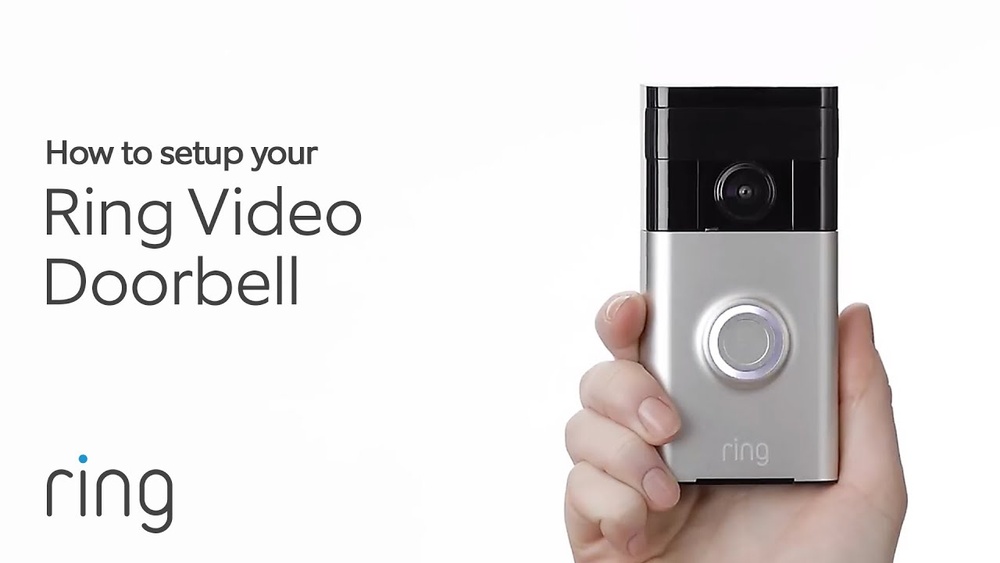

Getting your Ring Video Doorbell up and running is easier than you might think. If you’re wondering, “How do I sign up my Ring Video Doorbell?” you’re in the right place.
This step is crucial to unlock all the features that keep your home safe and connected. In this guide, you’ll discover simple, clear steps to get your device set up quickly. By the end, you’ll feel confident using your Ring Doorbell like a pro.
Ready to make your home smarter and safer? Let’s dive in!
:strip_icc()/BHG-how-to-install-video-doorbell-6833360-part-02-step-05-418dcd0ead7b415181d36f311ff079be.jpg)
Credit: kdfoundation.org
Preparing Your Ring Doorbell
Preparing your Ring Video Doorbell is the first step before signing up. Proper preparation saves time and avoids frustration. It ensures your device works smoothly. Follow these simple steps to get ready.
Check Device Compatibility
Check if your phone or tablet supports the Ring app. The app works on most iOS and Android devices. Visit the Ring website for a full list of compatible devices. Also, make sure your Wi-Fi network is strong and stable. A weak connection can cause setup problems.
Charge The Battery
Charge your Ring Doorbell battery fully before starting. A full battery prevents interruptions during setup. Use the provided USB charging cable. The light on the device shows charging status. Wait until the light turns solid green for a full charge.
Gather Necessary Tools
Collect all tools needed for installation. Common tools include a screwdriver and drill. Some models may need extra screws or anchors. Keep the Ring Doorbell and mounting bracket ready. Having tools nearby makes installation faster and easier.
Creating A Ring Account
Creating a Ring account is the first step to start using your Ring Video Doorbell. It lets you control your device and see who is at your door from your phone. The process is simple and fast.
Download The Ring App
Begin by downloading the Ring app. It is available on both iOS and Android devices. Search for “Ring” in your app store. Tap the download button and wait for the app to install. Open the app once it is ready.
Sign Up Using Email
After opening the app, tap “Create Account.” Enter your email address. Choose a strong password with letters and numbers. Confirm the password to avoid mistakes. Fill in your name and phone number. These details help keep your account secure.
Set Up Two-factor Authentication
Protect your Ring account with two-factor authentication (2FA). It adds an extra security step. After signing up, the app will ask you to enable 2FA. You will get a code via text or email. Enter this code to verify your identity. This makes your account safer from unauthorized access.
Connecting Your Doorbell To Wi-fi
Connecting your Ring Video Doorbell to Wi-Fi is a key step to start using it. The doorbell needs a strong internet connection to stream video and send alerts to your phone. Follow these simple steps for a smooth setup.
Enable Bluetooth And Location
First, turn on Bluetooth on your smartphone. The Ring app uses Bluetooth to find your doorbell quickly. Also, enable location services. This helps the app connect to the doorbell and find your Wi-Fi network.
Select Your Wi-fi Network
Next, open the Ring app and choose your Wi-Fi network from the list. Use a 2.4 GHz network if your router supports both 2.4 GHz and 5 GHz bands. Enter your Wi-Fi password carefully to avoid mistakes.
Troubleshoot Connection Issues
Slow or lost connection? Move closer to your router during setup. Restart your router and doorbell if needed. Check the Wi-Fi password again. Make sure your internet is working well. Try connecting to a different network if problems continue.
:max_bytes(150000):strip_icc()/001_how-to-install-the-ring-doorbell-and-ring-doorbell-2-4769124-cf7713fed34b40cabf77f8c9cb5f2006.jpg)
Credit: vicentetorns.com
Installing The Ring Doorbell
Installing your Ring Video Doorbell is simple and quick. Proper installation ensures your device works well and keeps your home safe. Follow these steps to set up your doorbell correctly.
Each step is important. Take your time to get the best results and enjoy your new Ring Doorbell.
Choose Installation Location
Pick a spot near your front door. The doorbell should capture visitors clearly. Make sure the location has good Wi-Fi signal. Avoid places blocked by plants or walls. The camera needs a clear view of your doorstep.
Mount The Device Securely
Use the mounting bracket that comes with your doorbell. Hold it against the wall and mark the holes. Drill the holes carefully. Insert the screws and attach the bracket firmly. Snap the Ring Doorbell onto the bracket until it clicks.
Test The Installation
Press the doorbell button to check the chime. Open the Ring app to view the camera feed. Make sure the video is clear and the motion sensor works. Adjust the angle if needed. Confirm your device connects to Wi-Fi without issues.
Configuring Device Settings
Configuring your Ring Video Doorbell settings helps make the device work best for you. Adjusting these settings lets you control how the doorbell reacts and communicates. It also improves your home security and convenience.
Adjust Motion Detection
Start by setting the motion detection zones. This limits alerts to important areas. You can make the zones smaller or larger. Change the sensitivity to reduce false alarms. Lower sensitivity for less busy areas. Higher sensitivity for areas with little movement.
Set Notification Preferences
Choose how and when you get alerts. Decide if you want notifications on your phone, tablet, or computer. Set quiet hours to avoid alerts during sleep or work. You can also customize notifications for motion or doorbell rings. This helps you stay informed without getting overwhelmed.
Link With Other Smart Devices
Connect your Ring doorbell to other smart home gadgets. Link it with smart lights to turn them on during motion alerts. Pair with smart locks to unlock doors remotely. Integrate with voice assistants like Alexa for hands-free control. This creates a smarter and safer home system.
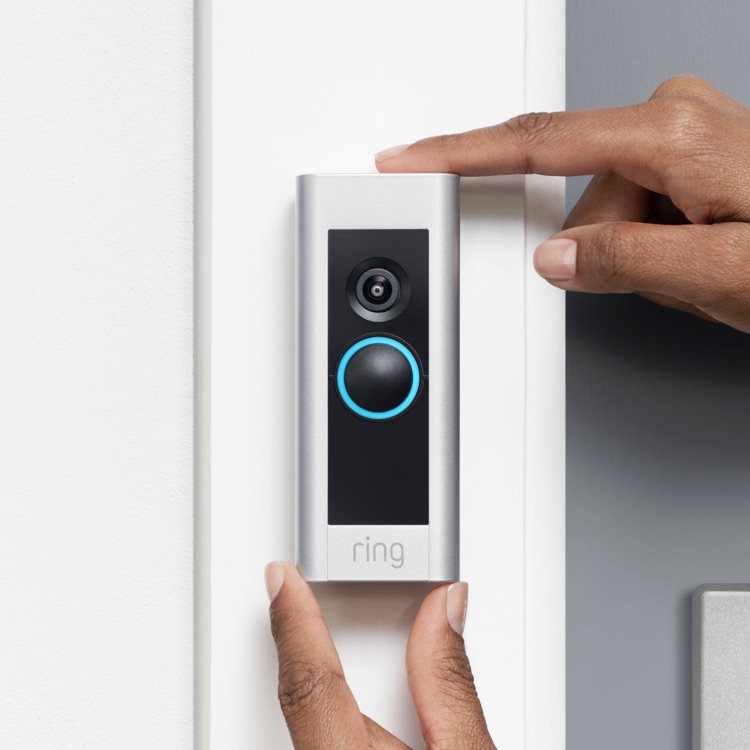
Credit: ring.com
Common Sign-up Problems
Signing up for your Ring Video Doorbell should be simple. Some users face issues during the process. These problems can stop you from completing the setup.
Understanding common sign-up problems helps you fix them fast. This section covers three main issues: account verification errors, Wi-Fi setup failures, and app crashes.
Fixing Account Verification Errors
Account verification errors happen when the system cannot confirm your identity. Check your email for the verification message. Sometimes, it goes to the spam folder.
Use the exact email address you registered with. Enter the verification code carefully. Avoid copying extra spaces.
If the code does not work, request a new one. Make sure your internet connection is stable during verification.
Resolving Wi-fi Setup Failures
Wi-Fi setup failures block the connection between your Ring doorbell and network. Confirm your Wi-Fi password is correct. Password mistakes are a common cause.
Place your phone and doorbell near the router. Weak signals cause setup problems. Restart your router and try again.
Check if your Wi-Fi network is 2.4 GHz, not 5 GHz. Ring devices often require a 2.4 GHz band for better range.
Handling App Crashes
App crashes disrupt the sign-up process. Close the app and reopen it. This simple step often solves the issue.
Clear the app cache in your phone settings. Ensure your app is up to date with the latest version.
Restart your phone if crashes continue. Reinstall the app as a last resort. These steps usually fix app stability problems.
Frequently Asked Questions
How Do I Create A Ring Account For My Doorbell?
To create a Ring account, download the Ring app and open it. Tap “Create Account,” enter your email, create a password, and follow the prompts to finish setup.
What Are The Steps To Connect Ring Doorbell To Wi-fi?
Open the Ring app, select “Set Up a Device,” choose your doorbell, and follow instructions to connect it to your home Wi-Fi network.
Can I Sign Up My Ring Doorbell Without The App?
No, signing up requires the Ring app. The app guides you through setup, device registration, and Wi-Fi connection for your Ring doorbell.
How Do I Verify My Ring Doorbell During Sign-up?
During setup, Ring sends a verification code via email or SMS. Enter this code in the app to verify and activate your doorbell.
Conclusion
Signing up your Ring Video Doorbell is simple and quick. Just follow the steps carefully. Make sure your phone connects to Wi-Fi and has the Ring app installed. Enter your details and link the doorbell to your account. This setup helps you see who is at your door anytime.
Stay safe and enjoy the peace of mind your Ring Doorbell brings. Now, you are ready to use all its features easily. Don’t forget to check for updates to keep it working well. Your home security just got easier.