
You want your home to feel safe, and locking your smart lock door correctly is key to that peace of mind. But if you’re unsure how to use your smart lock or worry about leaving it unlocked by mistake, you’re not alone.
Imagine being able to secure your door with just a few simple steps—no stress, no confusion. In this guide, you’ll discover exactly how to lock your smart lock door quickly and confidently, so you can protect what matters most without any hassle.
Keep reading to unlock the secrets of smart security made easy.
Choosing The Right Smart Lock
Choosing the right smart lock is key to securing your home. It affects safety, ease of use, and convenience. Knowing the options helps make a good choice. Focus on lock types, important features, and door fit. This guide breaks down these points clearly.
Types Of Smart Locks
Smart locks come in different styles. Deadbolt locks replace traditional deadbolts. They offer strong security and easy control.
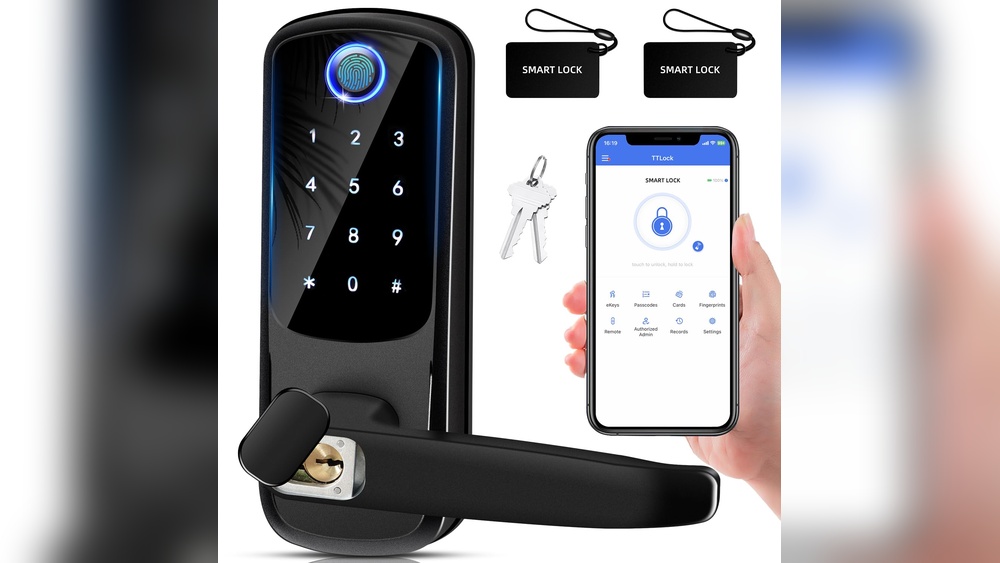
Keypad locks use a code instead of a key. You can share codes with family or guests. Some models allow temporary codes for visitors.
Fingerprint locks use biometrics. They open with your fingerprint. These locks offer quick access and high security.
Wi-Fi or Bluetooth locks connect to your phone. You can lock or unlock remotely. They often work with smart home systems.
Features To Consider
Look for features that make life easier. Auto-locking ensures the door locks after closing. It adds safety without effort.
Battery life is important. Choose locks with long-lasting batteries or easy charging.
Remote access lets you control the lock from anywhere. It helps when you need to let someone in remotely.
Some locks have alarms or tamper alerts. They notify you of forced entry attempts.
Check for easy installation. Most smart locks fit standard doors and need simple tools.
Compatibility With Doors
Measure your door’s thickness and backset before buying. Most smart locks fit doors 1.75 inches thick.
Check if your door is metal, wood, or glass. Some locks suit certain materials better.
Consider door type. Some locks fit only single doors, not double or sliding doors.
Look for locks that work with your existing keys. It helps keep backup access.
Credit: reolink.com
Installing Your Smart Lock
Installing your smart lock is the first step to securing your home with modern technology. The process is simple and takes little time. Most smart locks fit on standard doors and come with clear instructions. Follow these steps carefully for a successful setup. This guide helps you install your smart lock quickly and correctly.
Tools Needed
Gather a few basic tools before starting. You will need a screwdriver, usually a Phillips head. A drill may help, but it is not always necessary. Keep the smart lock kit nearby for easy access. Having everything ready makes the process smooth and fast.
Step-by-step Installation
Start by removing your old lock carefully. Keep the screws safe for later use. Align the new smart lock with the existing holes. Attach the lock body on the outside of the door first. Then, fix the interior part on the inside. Secure all screws tightly but do not overtighten. Insert the batteries and test the lock. Make sure the lock opens and closes smoothly. Follow the smart lock manual to connect it to your phone or home system.
Common Installation Mistakes
Do not force parts together if they do not fit. Check the alignment before tightening screws. Avoid using batteries that are low or damaged. Skipping the step to test the lock can cause problems later. Do not ignore the instructions for your specific lock model. Taking your time reduces errors and ensures the lock works well.
Setting Up Your Smart Lock
Setting up your smart lock is the first step to secure your home. It involves connecting the lock to your device, creating access codes, and choosing safety settings. This process ensures you control who enters your house and when. Follow these easy steps for a smooth setup.
Connecting To Wi-fi Or Bluetooth
Most smart locks connect through Wi-Fi or Bluetooth. Use your phone to find the lock in the app. Select the lock and follow the instructions to link it to your network. Wi-Fi lets you control the lock from anywhere. Bluetooth works best when you are near the door. Choose the connection that fits your needs.
Creating User Codes
User codes allow you to give access to family or friends. Open the app and go to the user settings. Add new codes and assign names to each user. Change or delete codes anytime for better security. This keeps track of who enters your home and when.
Enabling Auto-lock Features
Auto-lock keeps your door locked without extra effort. Set a timer in the app to lock the door after a few seconds or minutes. This feature stops the door from staying open by accident. Auto-lock adds convenience and peace of mind to your daily routine.
Locking Your Door Securely
Locking your smart lock door securely is important for home safety. Smart locks provide many ways to lock your door. Each method offers convenience and peace of mind. Choose the best option that fits your lifestyle and needs.
Manual Locking Methods
Most smart locks allow manual locking by turning a knob or pressing a button on the lock. This works well if you prefer physical control. Simply turn the thumbturn inside your door to lock it. It feels familiar, like a traditional lock but with smart features.
Manual locking is quick and does not need power or internet. It is a reliable way to secure your door anytime.
Using Mobile Apps
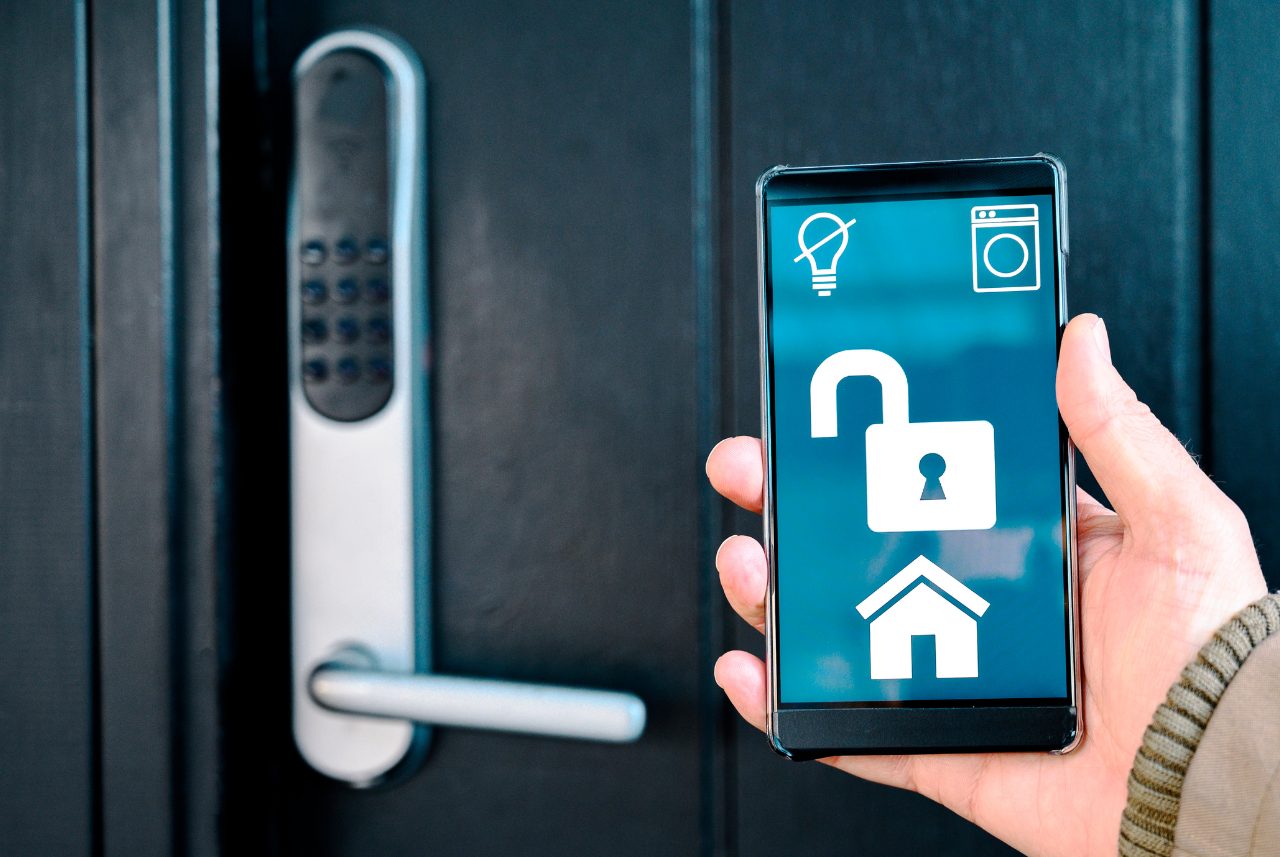
Mobile apps let you lock your smart door from anywhere. Open the app on your phone and tap the lock button. The door locks immediately through a secure connection.
Apps often show the door status. You can check if the door is locked or unlocked easily. Some apps also send alerts if the door is left open.
Voice Command Options
Many smart locks work with voice assistants. Use simple voice commands to lock your door hands-free. Say, “Lock the front door,” to your smart speaker or phone.
Voice commands add convenience, especially when your hands are full. Make sure to set up voice recognition for security. This prevents strangers from locking or unlocking your door by voice.
Maintaining Your Smart Lock
Maintaining your smart lock is key to keeping your home secure. Regular care helps the lock work smoothly and last longer. Simple steps can prevent many problems.
Battery Replacement Tips
Check the battery level often. Low batteries can cause the lock to fail. Use the type of battery recommended by the manufacturer. Replace batteries at least once a year or sooner if the lock signals low power. Keep spare batteries handy for quick changes.
Regular Software Updates
Smart locks need software updates to fix bugs and add features. Check for updates through the lock’s app regularly. Install updates as soon as they are available. Updates improve security and keep the lock working well.
Troubleshooting Common Issues
If the lock does not respond, first check the battery. Restart the lock using the reset button if available. Make sure the lock’s app is connected to your device. Consult the user manual for error codes and solutions. Contact support if problems continue.
Credit: www.vesternet.com
Enhancing Home Security
Smart locks bring new ways to keep your home safe. They offer more control than regular locks. You can lock or unlock your door from anywhere. This adds a strong layer of protection.
Using smart locks with other security tools makes your home even safer. Alerts and sharing codes carefully help avoid risks. Let’s explore how to boost your home security with smart locks.
Integrating With Security Systems
Smart locks often connect to home security systems. This link lets you control locks and alarms together. If the lock detects a break-in, the alarm can sound. Integration helps you watch your home in one app. It also allows quick action during emergencies.
Setting Up Alerts And Notifications
Set alerts for lock activity on your phone. You get notified when someone locks or unlocks the door. Alerts help you know who enters your home. You can spot unusual actions fast. This keeps your home safe and secure all the time.
Best Practices For Code Sharing
Share smart lock codes carefully to avoid problems. Only give codes to people you trust. Change codes often to keep security tight. Avoid sharing codes in public or over messages. Use temporary codes for guests or workers. This way, you control who enters and when.

Credit: cnyglock.com
Frequently Asked Questions
How Do I Lock A Smart Lock Door Manually?
Most smart locks have a thumb turn or keypad option. Simply turn the thumb turn or press the lock button on the keypad. This action secures the door without using the app or voice commands.
Can I Lock My Smart Lock Remotely?
Yes, if your smart lock supports Wi-Fi or has a hub. Use the manufacturer’s app to lock the door from anywhere. This feature adds convenience and enhances your home security.
What Happens If The Smart Lock Battery Dies?
Most smart locks allow manual key entry when batteries die. Replace batteries promptly to avoid lockout. Some models also send low battery alerts via the app.
How Secure Is Locking A Door With A Smart Lock?
Smart locks use encryption and secure protocols to protect access. Choose models with strong security ratings and two-factor authentication. Regularly update firmware to maintain security.
Conclusion
Locking a smart lock door is simple and quick. Follow the steps carefully for safety. Always check the lock after closing the door. Use the keypad, app, or key to lock it. Keep your code or device secure at all times.
Regularly update your smart lock’s software for better protection. Trust your smart lock to keep your home safe. Practice locking and unlocking to feel confident. A secure door means peace of mind every day.