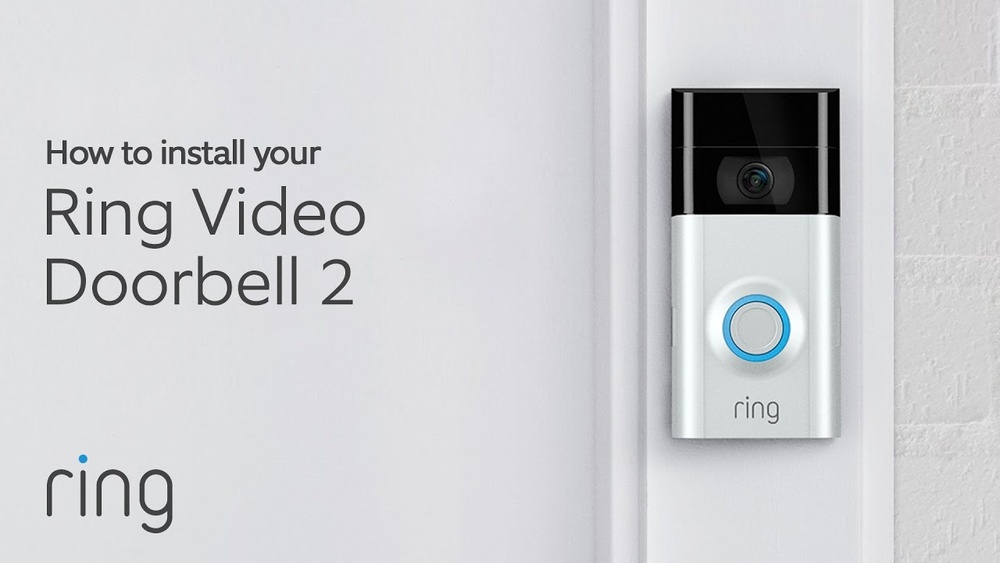

Are you ready to boost your home’s security with a Ring Video Doorbell 2? Installing it with a Chime might sound tricky, but it’s easier than you think.
In this guide, you’ll learn simple, step-by-step instructions to get your doorbell up and running quickly. Imagine hearing every visitor clearly and seeing who’s at your door from anywhere. Keep reading—you’re just moments away from making your home smarter and safer.
Credit: vicentetorns.com
Prepare For Installation
Preparing for your Ring Video Doorbell 2 installation makes the process smooth and quick. Taking time to get ready helps avoid delays and confusion. Follow these steps before starting the setup.
Check Package Contents
Open the Ring Video Doorbell 2 box carefully. Confirm all parts are inside. You should find the doorbell unit, mounting bracket, screws, and anchors. Also, check for the quick start guide and any additional accessories. Missing items can stop your installation.
Gather Required Tools
Collect tools needed for the installation. Most installations require a drill, screwdriver, and a level. A pencil helps mark drill points. Having tools ready saves time and keeps the work organized.
Charge The Doorbell Battery
Remove the doorbell battery before installation. Use the included USB cable to charge it fully. A full battery ensures the doorbell works without interruptions. Charging may take a few hours. Do this step early to avoid waiting later.
Credit: www.vicentetorns.com
Choose The Installation Location
Choosing the right location for your Ring Video Doorbell 2 is important. The spot affects how well the doorbell works and how clear the video will be. A good location helps you see visitors and hear sounds clearly. It also ensures the device connects well with your Chime and Wi-Fi.
Ideal Height And Position
Place the Ring doorbell at about 48 inches from the ground. This height captures faces clearly. It works well for most people and pets. Position it near your front door but not too close. The doorbell should see the entire porch or entry area.
Check Wi-fi Signal Strength
Strong Wi-Fi is key for smooth video and alerts. Test the Wi-Fi near your chosen spot. Use a phone or laptop to check the connection speed. If the signal is weak, move the router closer or add a Wi-Fi extender. Poor Wi-Fi causes delays and missed alerts.
Avoid Obstructions
Do not block the doorbell’s view with plants, decorations, or walls. Obstructions lower video quality and motion detection. Keep the area clear for a wide, clear view. Make sure sunlight or shadows do not hit the camera directly. This helps keep the video bright and clear.
Mount The Doorbell
Mounting the Ring Video Doorbell 2 correctly is key for good performance. This step ensures your doorbell stays secure and works well. Follow these simple instructions to mount it safely and firmly.
Mark Drill Points
Hold the mounting bracket against the wall near your door. Use a pencil to mark the spots for drilling. Make sure the bracket is level before marking. Correct placement helps the doorbell fit perfectly.
Drill Holes And Insert Anchors
Use a drill with the right size bit to make holes. Drill straight into the marked points. Push wall anchors into the holes for extra support. Anchors keep the bracket steady on different surfaces.
Attach The Mounting Bracket
Line up the bracket with the drilled holes and anchors. Use screws to fasten the bracket tightly to the wall. Ensure it is firm and does not wiggle. A strong bracket holds the doorbell safely.
Secure The Doorbell
Slide the Ring Video Doorbell 2 onto the mounting bracket. Press gently until it clicks into place. Use the included security screw to lock the doorbell. This prevents it from falling or being removed easily.
Credit: www.vicentetorns.com
Connect The Chime
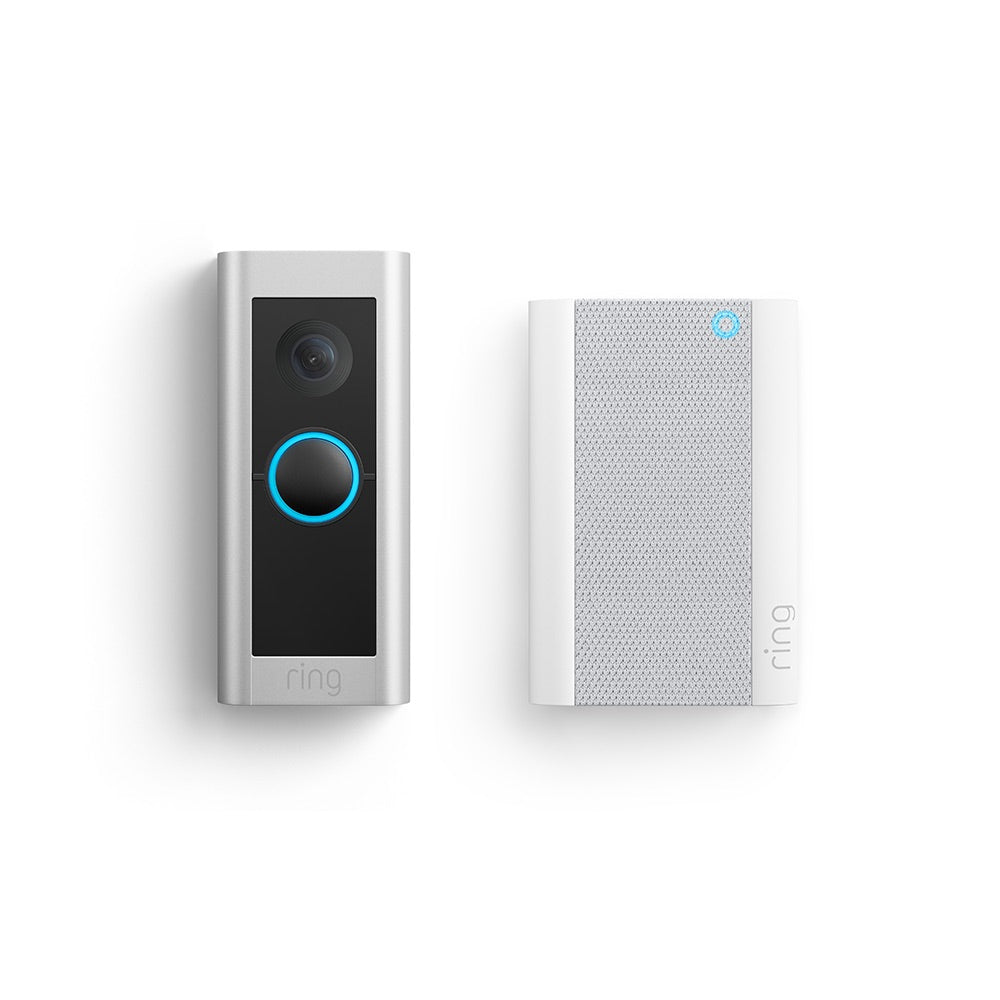
Connecting the chime is an important step in setting up your Ring Video Doorbell 2. The chime lets you hear the doorbell ring inside your home. Follow these steps carefully to connect the chime safely and correctly.
Turn Off Power
Start by turning off the power to your doorbell circuit. Use your home’s circuit breaker to cut power. This prevents electric shock while working with the wires. Double-check that the power is off by pressing the existing doorbell button. No sound means it is safe to continue.
Access Existing Doorbell Wires
Remove your old doorbell cover to find the wires. Usually, there are two wires connected to the chime or doorbell button. Take note of how these wires are connected. You might want to take a photo for reference. Keep the wires separated to avoid short circuits.
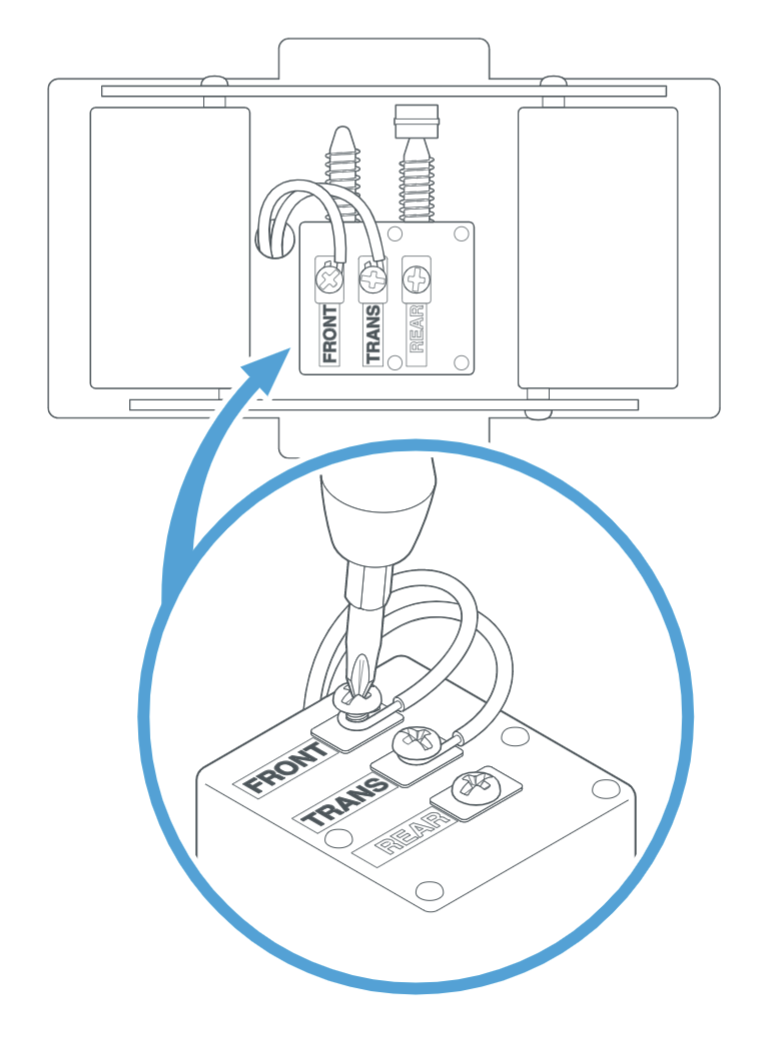
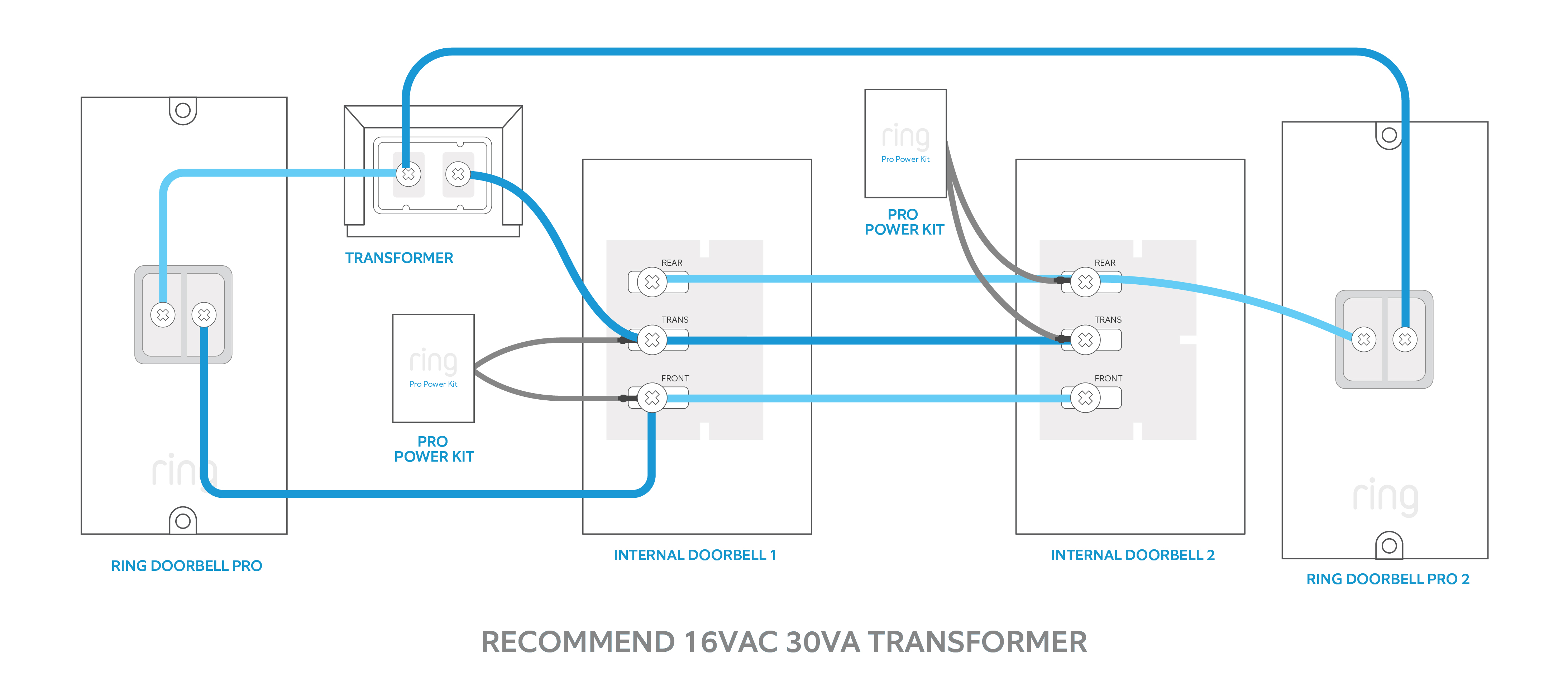
Connect Wires To Chime Kit
Attach the existing doorbell wires to the terminals on the Ring Chime Kit. Match the wires to the correct screws labeled in the instructions. Tighten the screws securely to hold the wires in place. Avoid loose connections to ensure the chime works properly.
Turn Power Back On
After wiring is complete, turn the power back on at the circuit breaker. Test your setup by pressing the doorbell button. The chime should ring inside your home. If it does not, check the wire connections again. Proper power and wiring ensure your Ring Video Doorbell 2 works perfectly.
Set Up The Ring Video Doorbell 2
Setting up the Ring Video Doorbell 2 is simple and quick. Follow a few clear steps to get your doorbell ready. This process ensures your device works smoothly with your home network and Ring Chime. Let’s start with the app download and account setup.
Download And Open Ring App
First, download the Ring app from your phone’s app store. It works on both Android and iOS devices. After downloading, open the app to begin the setup process. The app guides you through every step clearly.
Create Or Log Into Account
You need a Ring account to use the doorbell features. Create a new account if you don’t have one. If you already have an account, simply log in. This step connects your doorbell to your personal Ring profile.
Follow App Setup Instructions
The app shows easy instructions to add your Ring Video Doorbell 2. Follow the on-screen prompts carefully. You will be asked to scan a QR code on your device. This links the doorbell with your app.
Connect To Wi-fi Network
Next, connect your doorbell to your home Wi-Fi. Choose your Wi-Fi network from the list in the app. Enter your Wi-Fi password to complete the connection. A strong Wi-Fi signal ensures better video and notifications.
Test The Doorbell And Chime
Testing your Ring Video Doorbell 2 and Chime is an important step. It ensures everything works perfectly before you finish installation. This step helps you confirm the doorbell sends alerts and the chime rings loud and clear. Follow the simple tests below to check your setup.
Press The Doorbell Button
Press the button on your Ring Video Doorbell 2. This simulates a visitor at your door. Watch for any light or sound feedback from the doorbell. The button should feel smooth and click easily.
Check Video Feed
Open the Ring app on your phone or tablet. Look for the live video feed from your doorbell camera. The video should be clear and show the area in front of your door. Check the feed for any delay or connection issues.
Confirm Chime Rings Properly
Listen for the chime sound inside your home. It should ring immediately after pressing the doorbell button. The sound must be loud enough to hear from different rooms. If it does not ring, check the chime connections and settings.
Troubleshooting Tips
Troubleshooting your Ring Video Doorbell 2 with Chime can fix common problems fast. This section covers simple tips to solve issues. Follow these steps to get your doorbell working smoothly again.
Wi-fi Connectivity Issues
Check your Wi-Fi signal strength near the doorbell. Weak signals cause connection drops. Move your router closer or use a Wi-Fi extender. Restart your router to refresh the connection. Make sure your network password is correct. Update the Ring app for best performance.
Chime Not Ringing
Verify the chime is properly plugged into power. Check the volume settings on the chime device. Test the chime by pressing its test button. Confirm the doorbell is linked to the chime in the app. Restart both devices to reset the connection.
Doorbell Not Powering On
Ensure the doorbell is securely connected to the power source. Check the wiring for any loose or damaged parts. Use a voltage tester to confirm power supply. Charge the doorbell battery if using battery power. Replace faulty wires or call an electrician if needed.
Frequently Asked Questions
How Do I Connect Ring Video Doorbell 2 To The Chime?
To connect, first turn off power to your doorbell circuit. Remove the old doorbell and connect Ring’s wires to the chime terminals. Mount the Ring Doorbell, restore power, and test the chime via the Ring app to ensure proper connection.
Can I Use Any Chime With Ring Video Doorbell 2?
Ring Video Doorbell 2 works with most mechanical and digital chimes. However, ensure your chime voltage is between 8-24V AC. Check the compatibility list on Ring’s website to confirm your chime will function properly with the device.
What Tools Are Needed To Install Ring Doorbell 2 With Chime?
You’ll need a screwdriver, drill, level, and voltage tester. A power drill helps mount the device. A voltage tester ensures safe wiring. The Ring installation kit usually includes necessary screws and anchors for easy setup.
How To Troubleshoot Chime Not Ringing After Installation?
Check the wiring connections on both the Ring Doorbell and chime. Verify power is on and chime voltage is compatible. Restart your Ring app and device. If issues persist, reset the doorbell or consult Ring support for further help.
Conclusion
Installing the Ring Video Doorbell 2 with Chime is simple and quick. Follow each step carefully for the best results. This setup helps you see and hear visitors at your door easily. Enjoy the added security and convenience it brings to your home.
Keep your devices charged and updated to ensure smooth use. Now, your doorbell works smarter and keeps you connected. A safer home feels just a few steps away.