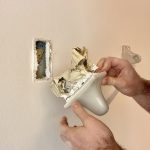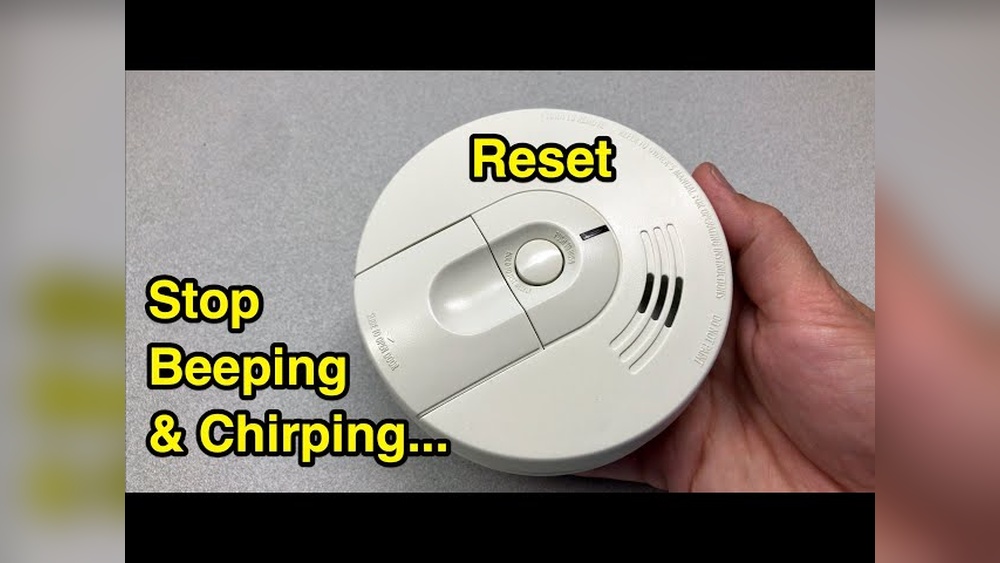

Is your smoke detector beeping nonstop, leaving you frustrated and unsure what to do next? You’re not alone.
Knowing how to reset your smoke detector quickly can save you from constant noise and ensure your home stays safe. You’ll discover simple, step-by-step instructions that anyone can follow. By the end, you’ll feel confident handling your smoke detector like a pro, avoiding false alarms and keeping your home protected.
Keep reading to learn exactly what you need to do right now.
Common Reasons For Smoke Detector Issues
Smoke detectors play a vital role in home safety. They alert you to fire dangers early. Sometimes, these devices may act up or make noises. Understanding common reasons helps fix issues fast. Here are the main causes behind smoke detector problems.
Low Battery Signals
Smoke detectors use batteries to work properly. Low battery power causes beeping sounds. The device warns you to change batteries soon. Ignoring this signal can stop the alarm from working. Regular battery checks keep your smoke detector ready.
Dust And Debris Build-up
Dust and dirt can clog the smoke detector sensor. This build-up causes false alarms or stops alarms. Cleaning the device gently removes dust and debris. Use a soft brush or vacuum to clean inside. Keep the detector free from blockages for accuracy.
Electrical Malfunctions
Hardwired smoke detectors depend on your home’s power. Electrical issues can cause the alarm to fail. Loose wiring or power surges may trigger false alerts. Check connections and reset the circuit breaker if needed. Professional help might be necessary for complex problems.
Tools Needed For Resetting
Resetting a smoke detector requires some simple tools. Having these tools ready makes the process quick and easy. You can avoid delays and frustration by preparing beforehand. Safety is important during this task. Let’s see what tools you need and how to stay safe.
Basic Supplies To Have Ready
First, you need a ladder or step stool to reach the smoke detector. A screwdriver might be needed to open the device’s cover. Keep fresh batteries nearby, in case you need to replace old ones. A soft cloth helps to clean dust from the detector. Having these items ready saves time and effort.
Safety Precautions
Turn off the power to the smoke detector before starting. This prevents shocks or accidents. Use a sturdy ladder and place it on a flat surface. Avoid standing on chairs or unstable objects. Handle the detector gently to avoid damage. Wear gloves if you have sensitive skin or allergies. These steps keep you safe while resetting your smoke detector.
Step-by-step Reset Process
Resetting a smoke detector is important to keep it working well. Follow each step carefully to reset your device safely. This guide breaks down the process into simple actions anyone can do.
Powering Down The Detector
Start by turning off the power to the smoke detector. Locate the circuit breaker for the detector in your home’s electrical panel. Switch it off to cut the power. This step helps avoid shocks and resets the unit safely.
Removing And Replacing Batteries
Open the smoke detector’s cover. Take out the old batteries carefully. Wait for a few seconds before putting new batteries in. Use fresh, high-quality batteries to ensure the detector works well. Close the cover tightly once done.
Using The Reset Button
Find the reset button on your smoke detector. Press and hold it for about 15 seconds. Release the button when the alarm stops beeping. This clears any error signals and resets the detector’s system.
Reconnecting Power
Go back to your circuit breaker. Switch the power back on for the smoke detector. Check the device to see if the indicator light is working. Test the alarm by pressing the test button. This confirms the reset was successful.

Credit: plcfire.com
Testing The Smoke Detector
Testing your smoke detector is a key step to keep your home safe. It helps confirm that the device works well. Regular tests ensure the alarm will sound during a fire. Testing is simple and quick. Do it monthly to catch any problems early.
Sound Test
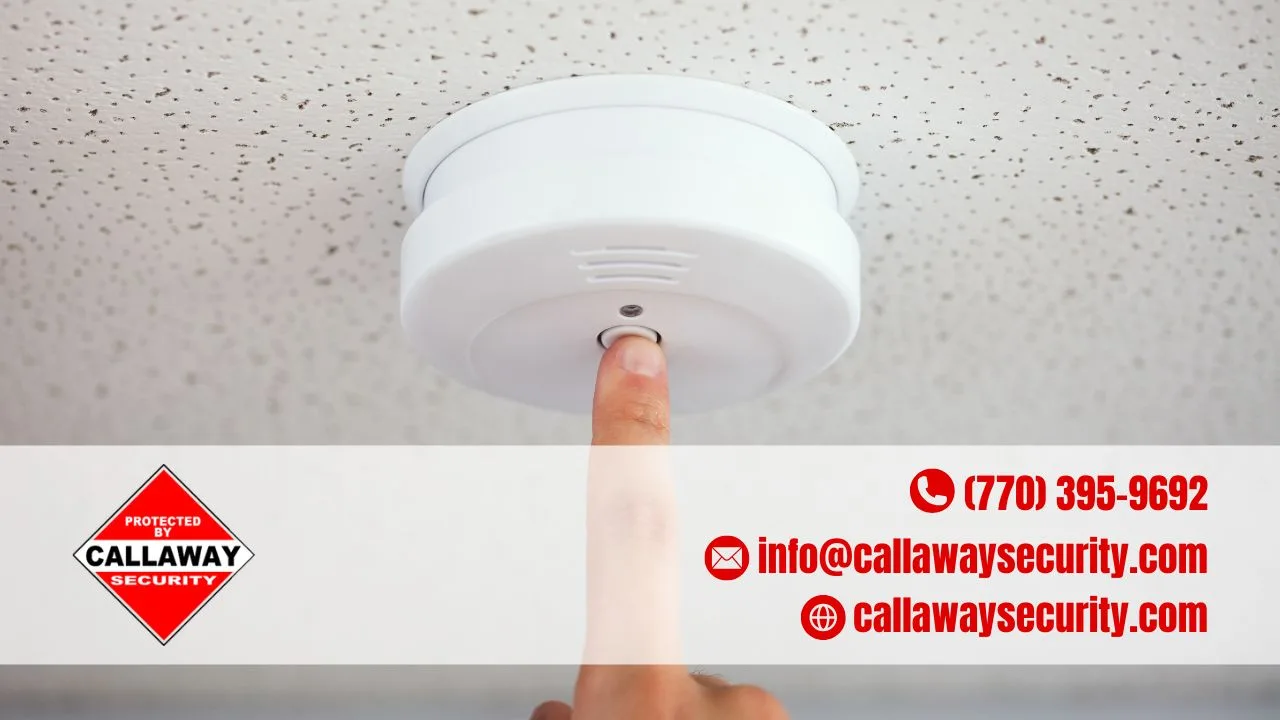
Press the test button on the smoke detector. Hold it until you hear a loud beep. This beep shows the alarm is working. If no sound comes, check the batteries or power source. Replace batteries if needed. Repeat the test after changing batteries.
Sensitivity Check
Sensitivity check measures how well the detector senses smoke. Use a smoke detector test spray for this. Spray near the device to simulate smoke. The alarm should go off quickly. If it doesn’t, clean the sensor or replace the detector. Proper sensitivity keeps your home safe.
When To Replace Your Smoke Detector
Knowing when to replace your smoke detector is vital for home safety. A working smoke detector can save lives by warning you early during a fire. Over time, detectors lose effectiveness and may fail to alert you. Regular checks and timely replacement keep your home safe.
Signs Of Wear And Tear
Look for physical damage like cracks or discoloration on the detector. Dust and debris can block sensors, causing false alarms or no alerts. Frequent false alarms might mean the detector is failing. If the detector does not respond to testing, it needs replacement. A damaged or malfunctioning detector cannot protect your family.
Recommended Replacement Timeframe
Smoke detectors usually last about 10 years. After this period, sensors degrade and become unreliable. Mark the purchase date on your detector to track its age. Replace detectors every decade to ensure proper function. New detectors have improved technology for better safety. Regular replacement is a simple step for peace of mind.

Credit: www.youtube.com
Tips To Maintain Your Smoke Detector
Maintaining your smoke detector is key to keeping your home safe. Small efforts can keep it working well for years. Regular care helps avoid false alarms and ensures it alerts you in time.
Regular Cleaning Schedule
Dust and dirt can block the sensor inside your smoke detector. Clean it at least twice a year. Use a soft brush or vacuum cleaner with a brush attachment. Gently remove dust from vents and surfaces. Avoid using water or cleaning sprays on the detector. Keep the area around the detector free of dust and cobwebs.
Battery Replacement Tips
Smoke detectors need fresh batteries to work correctly. Change the batteries once a year. Mark the date on the battery with a marker. Test the alarm monthly by pressing the test button. Replace batteries immediately if the detector beeps or chirps. Use good quality batteries for longer life and reliability.
Credit: callawaysecurity.com
Frequently Asked Questions
How Do I Reset A Smoke Detector After Battery Replacement?
To reset, remove the battery, press and hold the test button for 15 seconds, then reinsert the battery. This clears the detector’s memory and stops false alarms.
Why Won’t My Smoke Detector Reset After An Alarm?
If it won’t reset, check for battery issues or dust inside. Clean the unit and replace batteries before trying to reset again.
Can I Reset A Smoke Detector Without Removing It From The Ceiling?
Yes, press and hold the test/reset button for 15-20 seconds until the alarm stops. This resets most detectors without removal.
How Often Should I Reset My Smoke Detector?
Reset only after battery changes or false alarms. Regular testing monthly is important but resetting is rarely needed otherwise.
Conclusion
Resetting your smoke detector keeps your home safe. Regular checks help avoid false alarms. Always follow the steps carefully to reset it right. Replace batteries when needed to keep it working well. Clean the device to stop dust from causing trouble.
Stay alert and maintain your smoke detector often. This small task can protect your family and home. Easy to do, important to remember. Keep safety a priority every day.