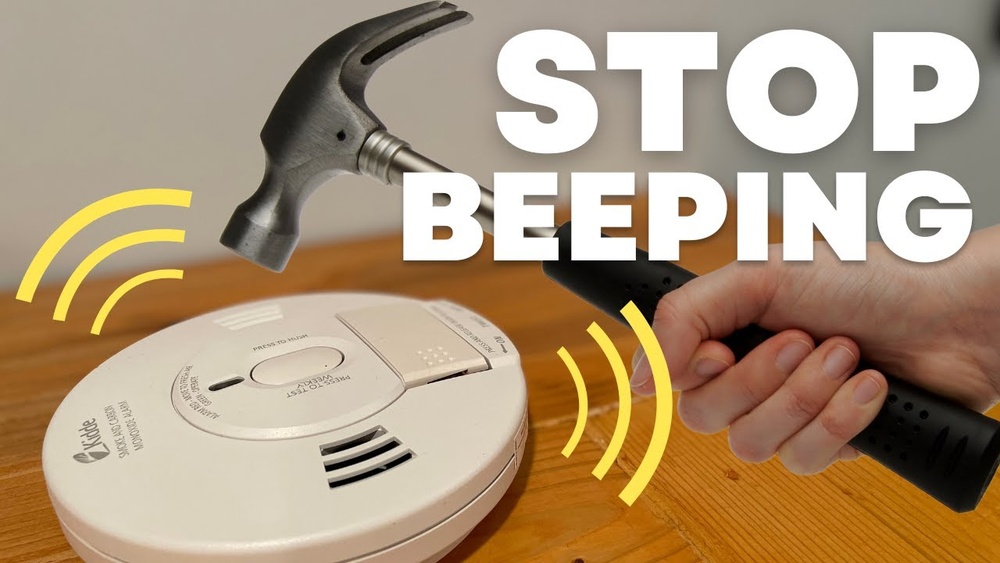

Have you ever been startled by a smoke detector that won’t stop beeping? It’s frustrating, especially when you’re not sure how to fix it.
Knowing how to reset your Kidde smoke detector can save you time, reduce stress, and keep your home safe. You’ll learn simple, clear steps to reset your device quickly and easily. Keep reading, and take control of your smoke detector today.

Credit: www.kidde.com
Types Of Kidde Smoke Detectors
Kidde smoke detectors come in different types. Each type suits different home needs. Understanding these types helps in proper use and reset steps.
Battery-powered Models
Battery-powered Kidde smoke detectors run solely on batteries. They are easy to install and move. These detectors beep when the battery is low. Resetting usually involves pressing a button after battery replacement.
Hardwired Models
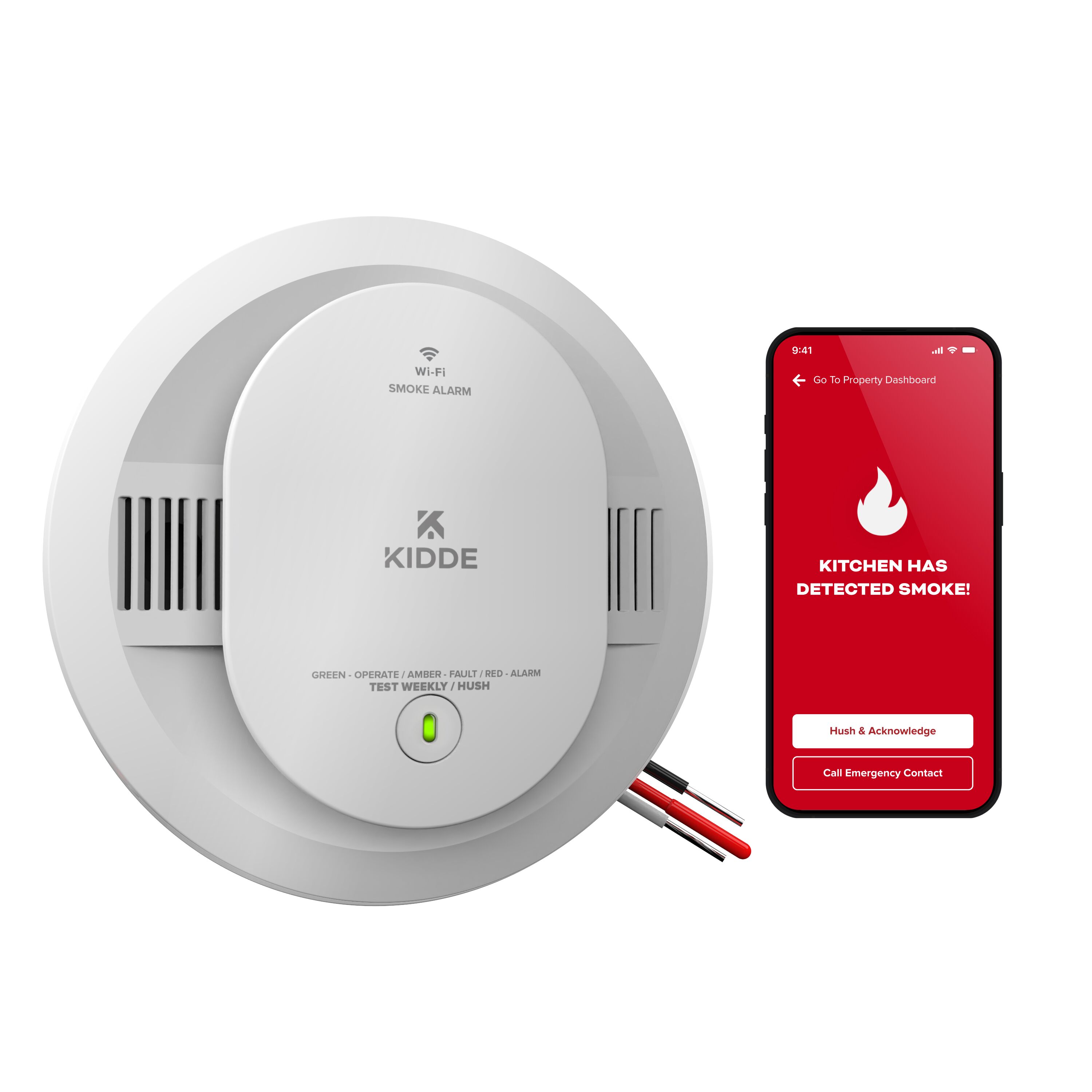
Hardwired Kidde detectors connect to your home’s electrical system. They have battery backups for power failures. These models often link with other alarms in the house. Resetting may require turning off the power first.
Combination Alarms
Combination alarms detect smoke and carbon monoxide. They offer dual protection in one device. Kidde’s combination alarms can be battery-powered or hardwired. Reset steps vary depending on the power source used.
Credit: www.kidde.com
When To Reset Your Smoke Detector
Knowing when to reset your Kidde smoke detector helps keep your home safe. Resetting clears any errors and gets the device ready to detect smoke again. This action ensures the alarm works properly after certain events.
Resetting is not needed all the time. Certain situations call for it to keep the detector in good shape. Understanding these moments helps you maintain your smoke alarm effectively.
After False Alarms
False alarms happen due to steam or dust. After the alarm stops sounding, reset the detector. This clears the alert and prepares the alarm for real emergencies. Resetting prevents confusion from repeated false alarms.
Post Battery Replacement
Changing the battery often triggers the alarm. Reset the smoke detector after installing new batteries. This step confirms the device recognizes the fresh power source. It also checks the battery is installed correctly.
Following Power Outages
Power outages can affect hardwired Kidde smoke alarms. After power returns, reset the alarm to restore normal function. This step ensures the detector is active and ready to protect your home. Resetting also clears any error signals caused by the outage.
Tools Needed For Resetting
Resetting a Kidde smoke detector needs a few simple tools. Having the right items makes the process faster and safer. You don’t need many tools, just the basics.
Before you start, prepare everything to avoid interruptions. This also helps keep the smoke detector in good shape after resetting.
Basic Tools
You will need a small flathead screwdriver to open the detector’s cover. This tool helps to access the battery compartment easily. A fresh 9-volt battery is necessary if the old one is dead. A clean cloth can remove dust from the detector’s surface. Dust can cause false alarms or stop the detector from working well.
Safety Precautions
Turn off the power to the smoke detector before starting. This avoids any electric shocks or damage. Handle the battery carefully and avoid touching the terminals. Use a ladder or stool that is stable if the detector is on the ceiling. Work in a well-lit area to see all parts clearly. Wash your hands after handling the battery to remove any residue.

Credit: www.youtube.com
Step-by-step Reset Process
Resetting a Kidde smoke detector is simple and quick. This step-by-step process helps clear false alarms and ensures the device works properly. Follow each step carefully for a successful reset.
Power Down The Unit
Start by turning off the power to the smoke detector. Locate the circuit breaker connected to the unit and switch it off. This step keeps you safe during the reset process.
Remove The Battery
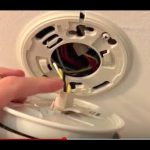
Open the smoke detector’s cover. Take out the battery from its compartment. Removing the battery stops the device from getting power.
Press And Hold The Test Button
Press the test button on the detector. Hold it for about 15 to 30 seconds. This action drains any remaining power in the unit.
Reinstall The Battery
Put the battery back into the detector. Make sure it fits securely in the compartment. A proper connection helps the device work correctly.
Restore Power
Turn the circuit breaker back on. Check if the smoke detector’s light turns on. Your Kidde smoke detector is now reset and ready.
Troubleshooting Common Issues
Troubleshooting common issues with your Kidde smoke detector helps keep your home safe. Small problems can stop the alarm from working well. Knowing how to fix these issues saves time and worry.
This section covers common problems like persistent chirping, unresponsive reset buttons, and detectors that won’t reset.
Persistent Chirping
Chirping sounds often mean low battery power. Replace the battery with a new one made for your model. Clean the detector gently to remove dust or bugs. Dirt can cause false alerts. If chirping continues, check the battery contacts for corrosion. Remove and clean them carefully.
Unresponsive Reset Button
The reset button may not work if power is off. Make sure the smoke detector is connected to power. For battery-powered models, install fresh batteries. Press and hold the reset button for 15 seconds. If it still does not respond, try removing the battery for a minute. Then, reinsert it and press the reset again.
Smoke Detector Won’t Reset
Sometimes the smoke detector stays in alarm mode. This happens after smoke clears or false alarms. Remove the detector from its mounting plate. Press and hold the reset button while reinstalling it. This may clear the issue. If not, test the unit with smoke detector test spray. Replace the entire detector if the problem persists.
Maintenance Tips To Avoid Frequent Resets
Keeping your Kidde smoke detector in good condition helps avoid frequent resets. Simple care steps keep the alarm working well. These tips save time and keep your home safer.
Regular Cleaning
Dust and dirt can block the smoke sensor. Clean your detector every month with a soft brush or vacuum. Avoid using water or cleaners. This keeps the sensor clear and working right.
Timely Battery Replacement
Old batteries cause false alarms and resets. Change batteries at least once a year. Use fresh, good-quality batteries each time. Check the battery light or sound for signs it needs changing.
Proper Installation
Place the smoke detector in the right spots. Avoid kitchens or bathrooms where steam or smoke is normal. Install it on the ceiling or high on a wall. This cuts down false alarms and resets.
Frequently Asked Questions
How Do You Reset A Kidde Smoke Detector Manually?
To reset a Kidde smoke detector, press and hold the test/reset button. Hold it for 15-20 seconds until the alarm stops. This clears false alarms and resets the device. Always ensure the detector has fresh batteries before resetting.
When Should I Reset My Kidde Smoke Detector?
Reset your Kidde smoke detector after false alarms or battery replacement. Resetting clears error signals and restores normal operation. Regular resets help maintain reliable smoke detection. Avoid frequent resets to ensure proper function.
Can A Kidde Smoke Detector Reset Itself Automatically?
Most Kidde smoke detectors do not reset automatically. Manual reset is usually required after alarms or battery changes. Check your model’s instructions to confirm reset procedures. Regular maintenance helps prevent unnecessary resets.
What If My Kidde Smoke Detector Won’t Reset?
If your Kidde smoke detector won’t reset, replace the batteries first. Ensure the detector is clean and free from dust. If problems persist, consult the user manual or contact Kidde customer support for assistance.
Conclusion
Resetting a Kidde smoke detector is quick and simple. Press the reset button, and wait for the beep. This clears false alarms and keeps your home safe. Regular checks help your detector work well. Replace batteries when needed to avoid problems.
Remember, a working smoke detector can save lives. Keep your device clean and test it monthly. Staying safe is easy with these small steps. Don’t ignore any alarms or issues. Your family’s safety depends on a working smoke detector.