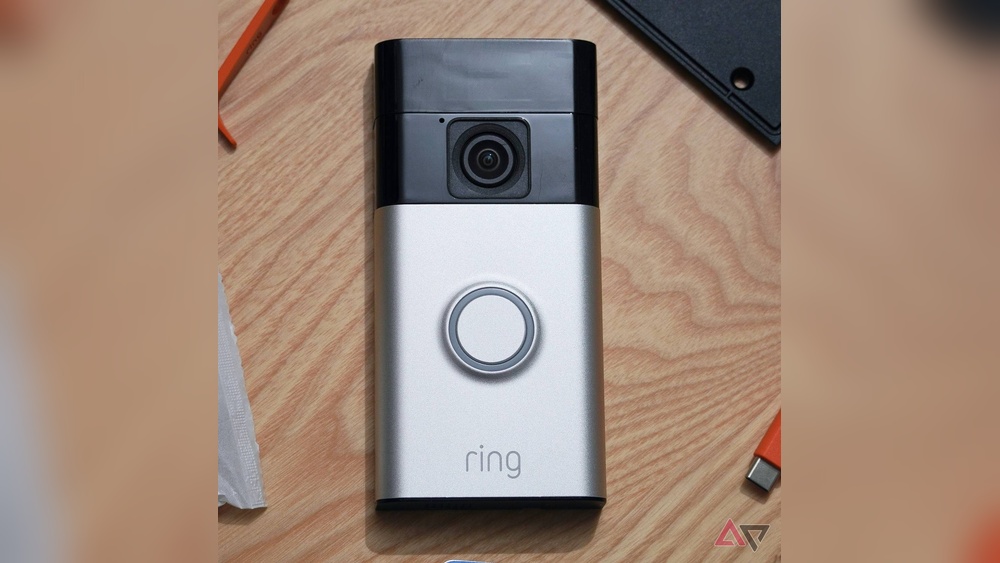

Wondering how long your Video Doorbell 2 battery will last without wiring? You’re not alone.
Knowing the battery life helps you plan when to recharge or replace it, so you never miss a visitor or important alert. Imagine your doorbell running smoothly without constant worry about power—sounds great, right? Keep reading to discover the real battery life you can expect and simple tips to make it last even longer.
This way, you stay connected and secure with ease.
Battery Life Factors
Battery life in a Video Doorbell 2 without wiring depends on many factors. These factors affect how long the battery lasts before needing a recharge. Understanding them helps users manage their device better.
Each factor plays a key role in battery consumption. Some can be adjusted to save power. Others depend on the environment or the device’s settings.
Usage Frequency
How often the doorbell is used impacts battery life. More frequent use drains the battery faster. Every time someone rings or triggers motion detection, the battery loses power. Devices with heavy daily use need more frequent charging.
Video Quality Settings
Higher video quality uses more battery power. Recording in HD or 1080p consumes more energy than lower resolutions. Adjusting video quality to a moderate level can extend battery life. Users can find a balance between video clarity and battery saving.
Wi-fi Connectivity
Strong Wi-Fi helps save battery. A weak signal makes the doorbell work harder to stay connected. This extra effort uses more power. Placing the doorbell near the router or using Wi-Fi extenders improves connection and battery duration.
Environmental Conditions
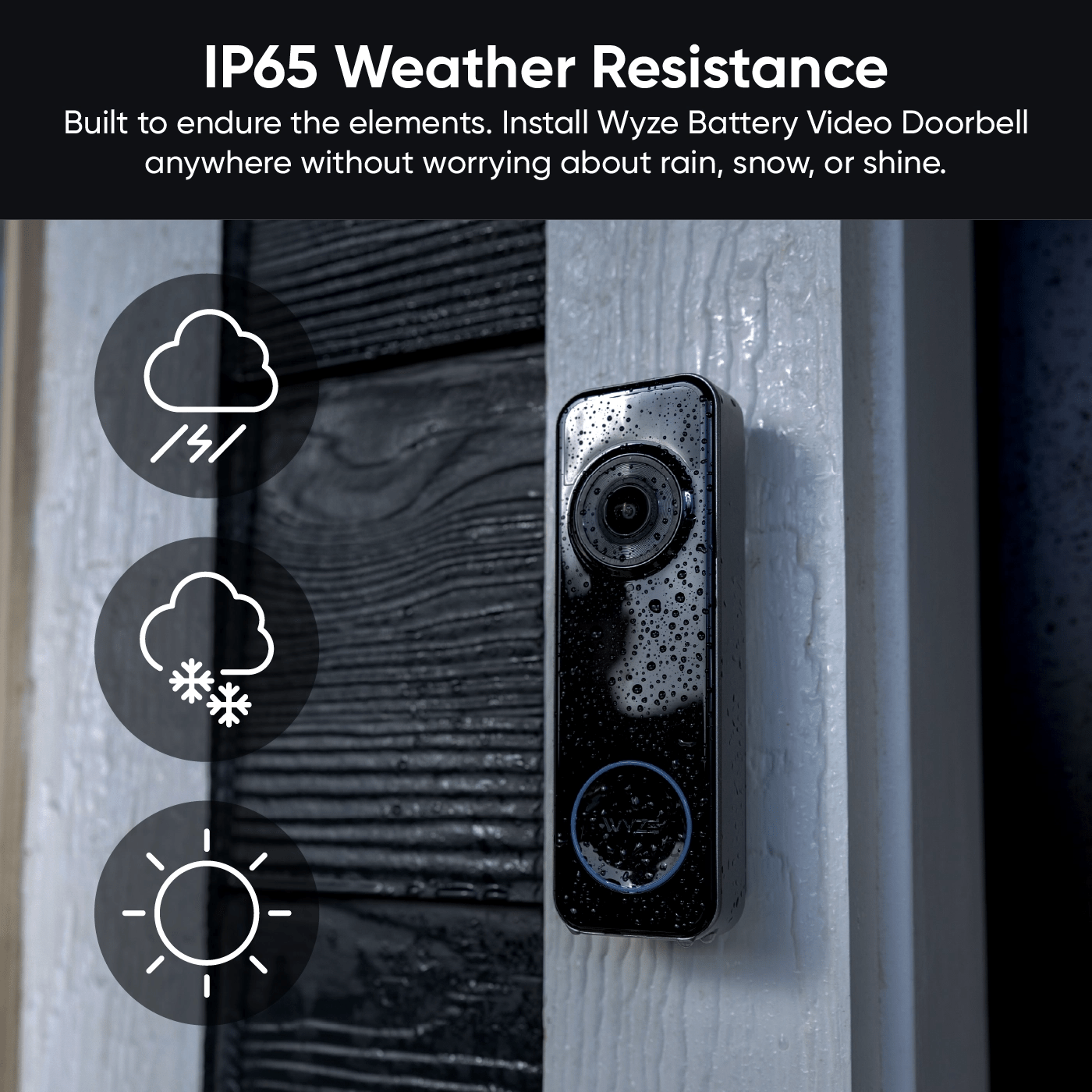
Temperature affects battery performance. Extreme cold or heat can reduce battery capacity. Cold weather slows chemical reactions inside the battery. Heat can cause faster battery drain. Keeping the device protected from harsh weather helps maintain battery life.
Typical Battery Duration
Understanding the typical battery duration of the Video Doorbell 2 without wiring helps in planning its use. Battery life depends on many factors. These include usage frequency, video quality settings, and environmental conditions. Knowing what to expect avoids surprises and keeps your doorbell running smoothly.
Battery life varies but generally lasts long enough for daily use without constant recharging. Let’s explore average battery life and how it compares to wired doorbell options.
Average Battery Life Estimates
The Video Doorbell 2 typically lasts between 4 to 6 months on one full charge. This estimate assumes moderate use, like answering calls and recording short videos daily. Frequent motion detection or extended video recordings can reduce battery life. Lowering video quality settings may help extend the battery duration. Cold weather can also impact battery performance, causing shorter life spans.
Comparison With Wired Options
Wired video doorbells do not rely on batteries, offering continuous power. They eliminate the need for charging or replacing batteries. This makes wired options ideal for heavy users or large households. Battery-powered doorbells provide more flexibility in placement without wiring constraints. Users must balance convenience with the need for occasional recharging. Wired models suit fixed locations, while battery models fit varied setups.
Battery Saving Tips
Saving battery life on your Video Doorbell 2 without wiring is important. It helps the device last longer between charges. Simple changes can reduce power use while keeping your doorbell effective. Follow these tips to extend battery life and avoid frequent charging.
Adjusting Motion Sensitivity
Set the motion sensitivity to detect only necessary movements. Lower sensitivity stops the doorbell from recording small, unimportant actions. This reduces battery use by limiting alerts and recordings. Focus on key areas like doorsteps or paths to catch real visitors.
Optimizing Video Recording Length
Keep video clips short to save battery power. Long recordings use more energy and storage space. Adjust settings to record only a few seconds per event. Short clips capture essential moments without draining the battery.
Scheduling Active Hours
Limit the doorbell’s active time to when you need it most. Set specific hours for motion detection and recording. Turn off features during low-traffic times, like late night or work hours. This reduces unnecessary battery drain and extends usage time.
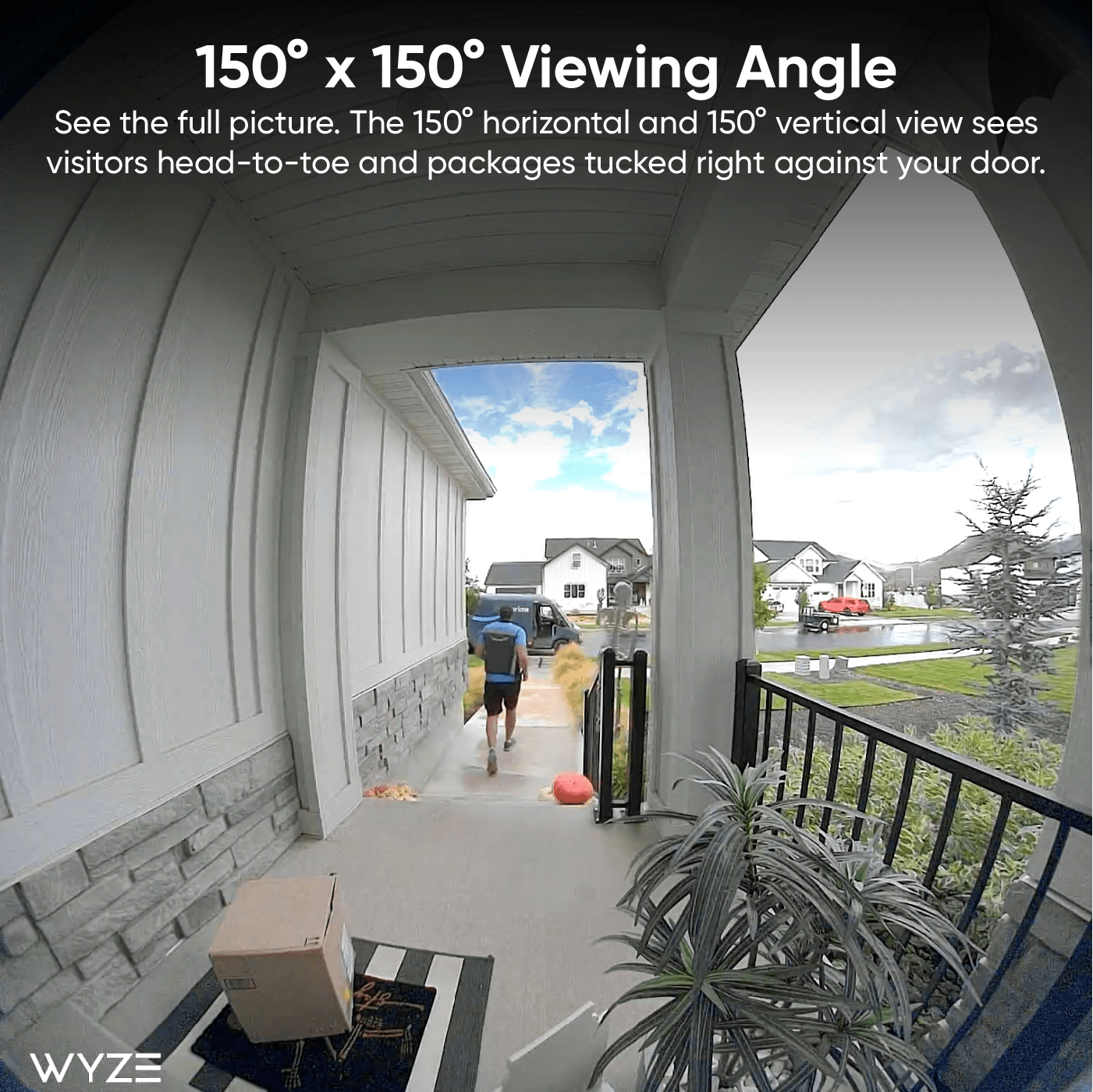
Credit: www.wyze.com
Charging Methods
Charging methods for Video Doorbell 2 without wiring are simple and flexible. They help keep the device powered without complex setups. Understanding these methods ensures your doorbell stays active longer. Here are some popular charging options to consider.
Solar Charging Options
Solar chargers use sunlight to power your doorbell. These small panels attach near the doorbell. They keep the battery full during sunny days. Solar charging reduces the need for frequent manual charging. It works best in areas with good sunlight exposure. This option is eco-friendly and low maintenance.
Using Power Banks
Power banks provide portable charging for your doorbell battery. Connect your doorbell to the power bank via USB. This method is useful when away from home or during travel. Power banks offer a quick energy boost without wiring. Choose a power bank with enough capacity for longer use. It allows charging anywhere, anytime.
Quick Recharge Techniques
Quick recharge methods help restore battery fast. Use a high-quality USB charger to speed up charging. Avoid low-power sources as they take longer. Remove the battery and charge it separately if possible. Charging in short bursts can extend battery life. These techniques reduce downtime and keep your doorbell ready.
Battery Replacement Guide
Knowing how to replace your Video Doorbell 2 battery is important. A fresh battery keeps your doorbell working without wires. This guide shows you how to check battery health, replace it step-by-step, and dispose of old batteries safely.
Identifying Battery Health
Watch for signs of low battery. The doorbell may beep or show a red light. The app can tell you the battery level. If the battery drops below 20%, it is time to replace it. Check battery health every few weeks for best results.
Step-by-step Replacement Process
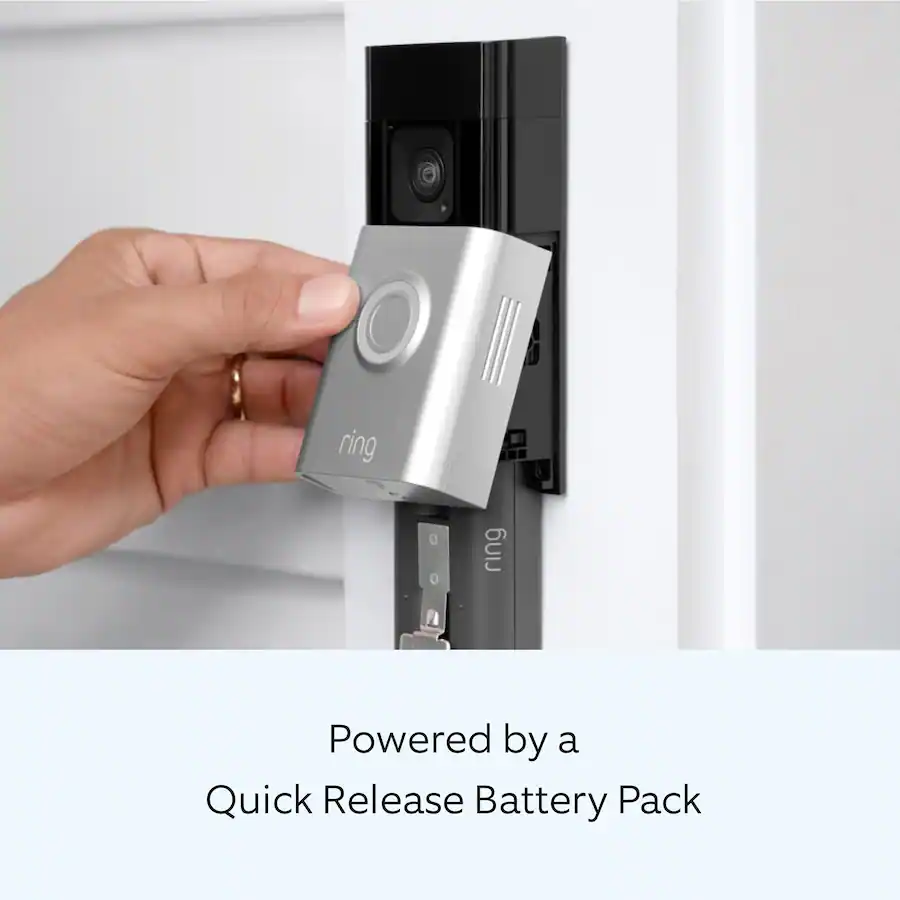
First, open the doorbell cover by pressing the release button. Remove the old battery carefully. Insert the new battery, making sure it fits snugly. Close the cover until it clicks. Test the doorbell to confirm the new battery works. This process takes less than 5 minutes.
Disposal And Recycling
Do not throw the old battery in the trash. Batteries contain harmful chemicals. Take them to a local recycling center or battery drop-off point. Proper disposal protects the environment. Check community guidelines for battery recycling options near you.
Credit: www.wyze.com
Troubleshooting Battery Issues
Battery problems can be frustrating with your Video Doorbell 2. Knowing how to fix these issues helps keep your doorbell working. This section guides you through common battery problems and easy fixes.
Common Battery Problems
Battery drains too fast. This happens if the doorbell records many videos. High motion settings use more power. Cold weather also lowers battery life. Check the battery health in the app. Poor Wi-Fi can cause repeated attempts to connect. This wastes battery.
Resetting The Device
Resetting the doorbell often clears battery glitches. Press and hold the reset button for 15 seconds. Wait for the device to reboot. This clears temporary errors and refreshes settings. After reset, check if battery life improves.
When To Contact Support
Contact support if battery drains very fast. Or if the doorbell won’t charge at all. Support can check for hardware issues. They may offer repair or replacement. Keep your purchase info ready for faster help.
Credit: www.esseg.eu
Frequently Asked Questions
How Long Does Video Doorbell 2 Battery Last On One Charge?
The Video Doorbell 2 battery typically lasts about 6 to 12 months on a single charge. Usage, motion alerts, and live view frequency affect battery life.
Can Video Doorbell 2 Work Without Wiring?
Yes, Video Doorbell 2 can operate wirelessly using its rechargeable battery. Wiring is optional for continuous power and charging.
What Factors Reduce Video Doorbell 2 Battery Life?
Frequent live video use, motion alerts, extreme temperatures, and Wi-Fi signal strength can shorten battery life. Adjust settings to extend usage.
How To Maximize Video Doorbell 2 Battery Life?
Lower motion sensitivity, limit live video usage, use power-saving modes, and keep firmware updated. These steps help the battery last longer.
Conclusion
The Video Doorbell 2 battery can last several months without wiring. Usage, settings, and weather affect battery life. Lower video quality and fewer alerts save power. Regular charging keeps your doorbell ready to use. Battery life varies by household needs and environment.
Choose the right settings to extend battery life. This helps avoid unexpected power loss. Keep your home secure with a charged doorbell. Simple care makes your device last longer. Battery-powered doorbells offer easy installation and good performance.