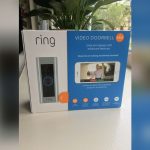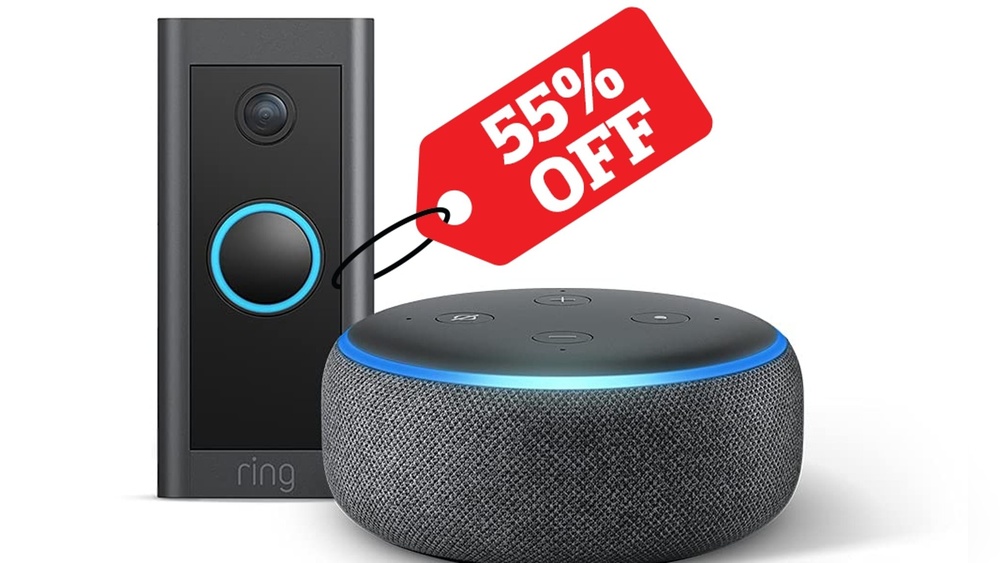

Are you looking for a video doorbell that works seamlessly with Alexa? Imagine answering your door with just your voice, checking who’s outside without leaving the couch, or even getting instant alerts on your Echo devices.
Choosing the right video doorbell can make your home smarter and safer—but not all models play nicely with Alexa. You’ll discover which video doorbells fit perfectly into your Alexa-powered home, making your life easier and giving you peace of mind.
Keep reading to find the perfect match for your smart home setup!
Alexa-compatible Video Doorbells
Video doorbells that work with Alexa bring smart home convenience to your doorstep. These devices let you see and speak to visitors using voice commands. Alexa compatibility means you can check your doorbell camera on Echo Show or Fire TV. It also enables hands-free control and quick alerts.
Many popular brands now offer Alexa-compatible video doorbells. They connect easily to your Wi-Fi and Alexa app. This integration improves home security and daily comfort.
Key Features To Look For
Choose a video doorbell with clear two-way audio. Good video quality with night vision is important. Look for motion detection that sends instant alerts. Easy installation and strong Wi-Fi connection matter. Compatibility with Alexa routines helps automate tasks. Cloud storage options keep your footage safe.
Benefits Of Alexa Integration
Alexa lets you view doorbell video on smart screens. You can answer visitors using voice commands. Alexa alerts notify you of visitors or motion. Integration allows control with simple voice requests. It adds convenience to your home security system. Alexa routines can trigger lights or alarms with doorbell activity.
Top Video Doorbell Brands
Choosing the right video doorbell can improve home security and convenience. Many brands offer models that work well with Alexa. These doorbells let you see visitors and control the device using voice commands. Below are some top brands known for their quality and Alexa compatibility.
Ring Video Doorbells
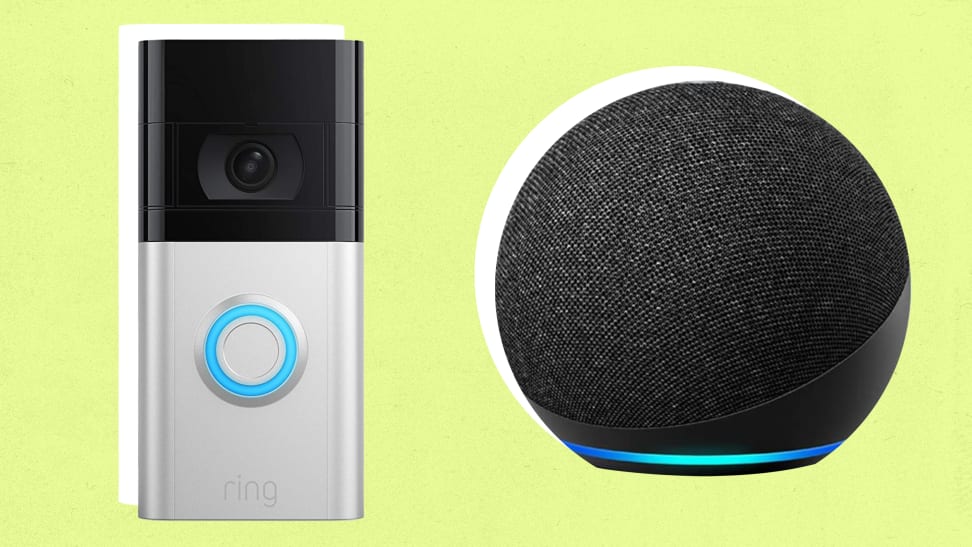
Ring is a popular brand for video doorbells. Its devices connect easily to Alexa. You can ask Alexa to show the front door camera on Echo Show devices. Ring doorbells offer motion detection and two-way talk features. They also send alerts to your phone when someone approaches.
Google Nest Hello
Google Nest Hello is a smart doorbell with clear video quality. It works with Alexa through special skills. You can receive announcements and see live video using Alexa devices. Nest Hello supports facial recognition for familiar faces. It also records video clips for later review.
Eufy Security Doorbells
Eufy offers affordable doorbells with no monthly fees. These devices pair well with Alexa for voice control. You can ask Alexa to show the doorbell’s camera feed. Eufy doorbells provide sharp video and reliable motion alerts. They store videos locally for more privacy.
Arlo Video Doorbells
Arlo doorbells are known for their high-resolution video. They work smoothly with Alexa-enabled devices. You can talk to visitors and see the doorbell’s view on Echo Show. Arlo models offer wide viewing angles and night vision. They also include smart alerts to detect package deliveries.
Setting Up Video Doorbells With Alexa
Setting up a video doorbell with Alexa is simple and quick. It helps you see who is at your door using just your voice or the Alexa app. This setup allows you to get alerts, watch live video, and talk through the doorbell from anywhere.
The process starts by connecting the doorbell to the Alexa app. Then, you enable voice commands to control it hands-free. Sometimes, issues may arise, but most problems have easy fixes.
Connecting To Alexa App
First, download the Alexa app on your smartphone. Open the app and sign in with your Amazon account. Tap the “Devices” icon at the bottom right.
Next, press the “+” button to add a new device. Choose “Doorbell” from the list. Follow the instructions to connect your video doorbell to your Wi-Fi network.
The app will detect the doorbell and ask for permissions. Grant access to enable video and audio features. The doorbell is now linked to Alexa and ready to use.
Enabling Voice Commands
Open the Alexa app and go to “Devices.” Select your video doorbell from the list. Check the settings to enable voice control.
Say simple commands like “Alexa, show the front door” to view the video feed. You can also ask Alexa to announce when someone rings the doorbell.
Enable notifications in the app to get alerts on your phone. You can talk to visitors using commands like “Alexa, answer the door.”
Troubleshooting Common Issues
If the doorbell does not connect, restart your Wi-Fi router and device. Make sure your phone and doorbell are on the same network.
Check if the doorbell firmware and Alexa app are updated. Outdated software can cause connection problems.
Sometimes, Alexa may not respond to commands. Try disabling and re-enabling the doorbell skill in the app. Reboot your phone if needed.
For video problems, check the camera lens and internet speed. A slow connection may cause delays or poor quality.

Credit: vicentetorns.com
Enhancing Smart Home Security
Smart home security grows stronger with video doorbells that work with Alexa. These devices let you see and speak to visitors from anywhere. They add a layer of safety to your home. Alexa support makes managing them easier and faster.
Using a video doorbell with Alexa means you can check your front door with voice commands. It helps you stay aware without needing to use your phone. This hands-free control fits well into daily routines.
Using Alexa Routines With Doorbells
Alexa routines automate your smart home tasks. You can create routines that start when your doorbell rings. For example, Alexa can turn on porch lights and send alerts to your phone. This helps you notice visitors quickly.
Routines can also play announcements on Alexa devices. It tells everyone inside about the visitor. This way, no one misses important doorbell alerts.
Integrating With Other Smart Devices
Video doorbells connect with other smart home gadgets. They can work with security cameras, lights, and alarms. When your doorbell detects motion, lights can turn on automatically. Cameras start recording to capture events.
This integration creates a complete security system. All devices work together to protect your home better. Alexa acts as the control center for these smart devices.
Choosing The Right Doorbell For Your Home
Choosing the right video doorbell for your home means more than just picking a popular model. It requires thinking about your budget, how it fits with your current devices, and what other users say about it. A good choice makes your home safer and easier to manage with Alexa.
Budget Considerations
Video doorbells come in many price ranges. Decide how much you want to spend before shopping. Basic models offer essential features at lower costs. Higher-end doorbells have more advanced functions like better video quality and smart alerts. Choose one that fits your needs and wallet.
Compatibility With Existing Systems
Check if the doorbell works well with Alexa and your home setup. Some doorbells connect only to certain Wi-Fi networks or smart home hubs. Make sure it syncs with your Alexa device without extra tools. This keeps your system simple and easy to use every day.
User Reviews And Ratings
Read reviews from people who already use the doorbell. They share honest opinions about ease of use, video quality, and reliability. Look for patterns in feedback to spot common issues or benefits. Ratings help you pick a trusted product that fits your needs.

Credit: www.amazon.com
Credit: www.reviewed.com
Frequently Asked Questions
What Video Doorbells Are Compatible With Alexa?
Many popular video doorbells like Ring, Arlo, and Eufy work seamlessly with Alexa. They allow voice commands and notifications through Alexa-enabled devices. Compatibility ensures easy access and control for a smart home experience.
How Do I Connect A Video Doorbell To Alexa?
To connect, enable the doorbell’s skill in the Alexa app. Then, link your doorbell account by signing in. After setup, you can use voice commands to view and control your doorbell through Alexa devices.
Can Alexa Show Video Doorbell Footage On Echo Show?
Yes, Echo Show and other Alexa-enabled smart displays can stream live footage. Simply say, “Alexa, show me the front door,” to view real-time video from compatible doorbells. This feature enhances home security and convenience.
Are There Any Video Doorbells With Built-in Alexa Support?
Some models, like the Amazon Blink Video Doorbell, have built-in Alexa features. They offer direct voice commands without additional devices. This integration simplifies control and boosts smart home functionality.
Conclusion
Choosing a video doorbell that works with Alexa makes home security simple. Many popular brands offer easy Alexa integration. You can check who’s at the door using your voice. This adds convenience and peace of mind every day. Make sure to pick a model that fits your needs and budget.
Using Alexa with your video doorbell keeps your home smarter and safer. Small steps can make a big difference in home security.