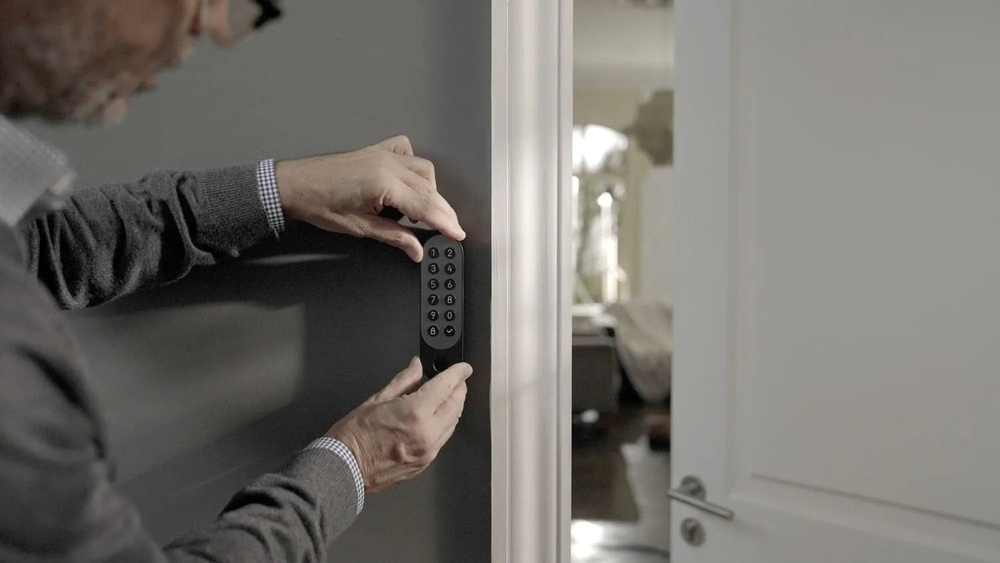

Is your smart code keypad door lock acting up or showing a low battery warning? Changing the battery might be the quick fix you need.
But if you’ve never done it before, the process can seem tricky and confusing. Don’t worry—this guide will walk you through every step clearly and simply. By the end, you’ll know exactly how to replace your lock’s battery without any hassle, keeping your home secure and your lock working smoothly.
Keep reading to make sure you never get locked out because of a dead battery again.

Credit: www.youtube.com
Tools Needed
Changing the battery in a smart code keypad door lock requires a few simple tools. Having the right tools makes the process faster and easier. Prepare these items before starting the battery replacement.
Phillips Head Screwdriver
This tool helps remove screws on the lock’s battery cover. Most smart locks use small Phillips screws. Choose a screwdriver that fits the screw heads well.
Flat Head Screwdriver
A flat head screwdriver helps pry open battery compartments. It can also assist in lifting the lock panel gently. Use it carefully to avoid damage.
New Batteries
Use fresh batteries of the correct size and type. Check your lock’s manual to confirm the battery specifications. Avoid mixing old and new batteries.
Soft Cloth
Keep a soft cloth handy to clean the lock surface. It prevents scratches during the battery change. Also, it helps hold small screws safely.
Optional: Small Container
A small container holds screws and tiny parts securely. It prevents losing any pieces during the process. Use it to stay organized.
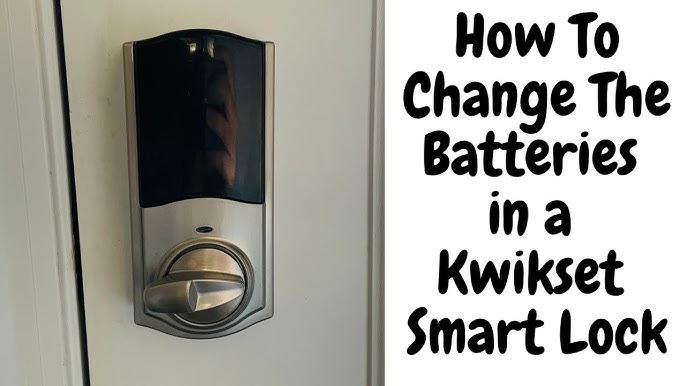
Credit: www.youtube.com
Locate Battery Compartment
Finding the battery compartment is the first step in changing the battery of your smart code keypad door lock. The battery powers the lock’s electronic features. Without power, the lock may stop working properly or become unresponsive.
The battery compartment is usually easy to find. It is designed for quick access so you can replace batteries without hassle. Knowing its location saves time and avoids confusion during battery changes.
Check The Interior Side Of The Lock
The battery compartment often sits on the inside part of the door. Open the door and look at the lock’s interior panel. Look for a small cover or panel that can slide or lift off.
Look For A Sliding Or Snap Cover
Most battery compartments have a cover that slides or snaps open. This cover protects the battery and keeps it secure. Gently push or pull the cover to open it without using tools.
Refer To The User Manual
If you cannot find the compartment, check the user manual. The manual shows the exact location and how to open the compartment. It often includes pictures for better guidance.
Identify Battery Type And Size
Inside the compartment, note the battery type and size. This helps in buying the correct replacement. Using the wrong battery can damage the lock or cause poor performance.
Remove Old Battery
Removing the old battery from a smart code keypad door lock is the first important step. This task helps keep your lock working smoothly. It also prevents damage from old or leaking batteries. Follow simple steps to remove the battery safely.
Locate The Battery Compartment
Start by finding the battery compartment. It is usually on the inside panel of the lock. Look for a small cover or panel. Sometimes, it slides open or has a small screw. Use a screwdriver if needed.
Open The Battery Cover Carefully
Gently open the battery cover. Avoid using too much force. This prevents breaking the cover or lock parts. If there is a screw, remove it first. Keep the screw safe for later use.
Remove The Old Battery Pack
Take out the old battery pack slowly. Some batteries may be stuck. Wiggle them gently to loosen. Check for any corrosion or dirt inside the compartment. Clean it with a dry cloth if needed.

Credit: www.betechiot.com
Select Compatible Battery
Choosing the right battery ensures your smart code keypad door lock works smoothly. Check the lock’s manual for the exact battery type needed. Using a compatible battery helps avoid damage and extends lock life.
Choosing the right battery is vital for your smart code keypad door lock. The wrong battery can cause the lock to stop working or behave unpredictably. Always pick a battery that matches the lock’s specifications.
Check the lock’s manual or label for the recommended battery type. Most smart locks use AA or AAA alkaline batteries. Some models require lithium batteries for longer life.
Battery Types For Smart Locks
Alkaline batteries are common and affordable. They work well for most smart locks. Lithium batteries last longer and perform better in cold weather. Rechargeable batteries are less common and may not work correctly with all locks.
Check Battery Voltage And Size
Battery voltage must match the lock’s needs. Too high or too low voltage can damage the lock. Size matters too. Using a battery that is too big or small can cause poor contact or damage inside the battery compartment.
Buy Quality Batteries
Choose batteries from trusted brands. Cheap batteries may leak or die quickly. Quality batteries ensure your lock works smoothly and lasts longer. Avoid used or damaged batteries for safety and performance.
Insert New Battery
Inserting a new battery into a smart code keypad door lock keeps it working smoothly. A fresh battery ensures the lock responds quickly and stays secure. This step is simple but important for good lock performance.
Remove The Old Battery
Start by opening the battery cover. Usually, it slides or lifts off easily. Take out the old battery carefully. Dispose of it safely according to local rules.
Check The Battery Type
Look at the old battery to see its type. Most smart locks use AA or AAA batteries. Use the same type to avoid damage. Check the lock’s manual if unsure.
Insert The New Battery Correctly
Place the new battery in the compartment. Match the plus (+) and minus (-) signs to the marks inside. Wrong placement can stop the lock from working.
Close The Battery Cover
Put the cover back on the lock. Make sure it fits tightly to protect the battery. A loose cover can cause battery problems later.
Press the keypad or use your code to test. The lock should respond immediately. If not, check the battery placement again. Replace batteries as needed for best results.
Test The Lock
Testing the lock after changing the battery is crucial. It ensures the keypad works well and the door locks properly. This step helps avoid future lockouts or malfunctions. Always test the lock before finishing the battery replacement process.
Check The Keypad Response
Press each button on the keypad. Make sure all keys light up and respond. If any key does not work, the battery might not be installed correctly.
Try Locking And Unlocking
Enter your code to unlock the door. Then lock the door using the keypad or handle. The lock should react immediately without delay or error.
Listen For Sounds
The lock makes a beep or click when working. Listen carefully to confirm the sounds are clear and normal. Strange noises may indicate a problem.
Test Backup Methods
Use any backup key or mechanical override. This ensures all ways to open the door work fine. Backup methods are important if the keypad fails later.
Observe Battery Indicator
Look for a battery status light or display. It should show a full or good battery level. A low battery warning means the battery might be weak or faulty.
Troubleshooting Tips
Changing the battery in a smart code keypad door lock can sometimes bring unexpected issues. Troubleshooting helps fix small problems fast. This section covers simple tips to solve common troubles during battery replacement. Follow these steps for smooth operation and longer lock life.
Check Battery Orientation
Always insert batteries the right way. Positive and negative ends must match the lock’s markings. Wrong placement stops the lock from working. Double-check before closing the battery cover.
Use Fresh Batteries
Old or weak batteries cause poor performance. Use new, high-quality batteries for best results. Avoid mixing old and new batteries in the lock.
Clean Battery Contacts
Dirt or corrosion on contacts can block power flow. Wipe contacts gently with a dry cloth. Clean contacts help the lock receive full battery power.
Reset The Lock
Sometimes the lock needs a reset after battery change. Follow the manufacturer’s guide to reset the device. A reset clears errors and restores normal function.
Test The Keypad
Press each button after replacing the battery. Check if all keys respond correctly. Unresponsive buttons may mean battery or wiring issues.
Battery Maintenance
Changing the battery in a smart code keypad door lock is simple and quick. First, open the battery cover, remove the old battery, and insert a new one. Regular battery checks help keep your lock working smoothly.
Understanding Battery Life
Smart code keypad door locks need good battery health to work well. Batteries lose power over time. Knowing how long your battery lasts helps avoid lockouts. Most batteries last six months to one year depending on use. Check the lock’s manual for specific battery life details.
Signs Of Low Battery
Watch for warning signals from your lock. The keypad may blink or beep. The lock might respond slowly or not at all. Some models display low battery messages. Do not ignore these signs. Changing batteries early prevents lock failures.
Choosing The Right Batteries
Use fresh, high-quality batteries. Alkaline AA or AAA batteries are common. Avoid mixing old and new batteries. Check the lock manual for recommended battery types. Proper batteries improve lock performance and battery life.
Regular Battery Checks
Test your batteries every few months. Remove the battery cover carefully. Use a battery tester or check voltage with a multimeter. Replace batteries if voltage is low. Regular checks keep your lock running smoothly.
Frequently Asked Questions
How Do I Know When To Change The Keypad Lock Battery?
You will notice a low battery indicator on the lock display or hear warning beeps. Some models also show alerts on connected apps. Changing the battery promptly ensures uninterrupted lock operation and prevents lockouts.
What Type Of Battery Is Needed For Smart Keypad Locks?
Most smart keypad door locks use standard AA or AAA alkaline batteries. Some models require lithium batteries for longer life. Always check your lock’s manual to confirm the exact battery type and avoid damage.
Can I Change The Battery Without Unlocking The Door?
Yes, many smart locks allow battery replacement from the outside. The battery compartment is usually accessible without unlocking. Follow the manufacturer’s instructions to avoid triggering security features.
How Often Should I Replace The Battery In Smart Locks?
Typically, batteries last 6 to 12 months depending on usage and lock type. Regular checks are recommended to avoid sudden power loss. Keeping spare batteries handy ensures quick replacement.
Conclusion
Changing the battery in your smart code keypad door lock keeps it working well. Follow the steps carefully to avoid any problems. Regular battery checks help prevent lockouts and keep your home safe. Use the right battery type for best results.
Keep a spare battery nearby for quick replacement. Simple care can extend your lock’s life and save you time. Stay prepared and enjoy smooth, secure access every day.