
Imagine never fumbling for your keys again or worrying about lost copies falling into the wrong hands. A door smart lock can give you that peace of mind and a new level of convenience.
But how do you actually use one? Whether you’re new to smart locks or just want to make sure you’re getting the most out of yours, this guide will walk you through everything you need to know. By the end, you’ll feel confident controlling your door with just a tap or a code.
Ready to unlock the future of home security? Let’s dive in.
Credit: www.vesternet.com
Benefits Of Door Smart Locks
Door smart locks offer several benefits that improve home safety and ease. They provide more control over who can enter your home. These locks also make daily life simpler and fit well with modern technology.
Enhanced Security Features
Smart locks use advanced technology to protect your home. Many have encryption to stop hacking attempts. Some include alarms that alert you to break-in attempts. You can also track who enters and leaves your house. This helps keep your home safer than traditional locks.
Convenience And Accessibility
Smart locks let you open doors without keys. Use a code, fingerprint, or smartphone app instead. This means no more lost or forgotten keys. You can also give temporary access to guests or workers. It saves time and reduces stress in daily life.
Integration With Smart Home Systems
Smart locks connect easily with other smart devices. Link them with cameras, lights, or alarms for better control. You can manage your home security from one app. This helps you stay informed and secure, even when away.
Types Of Door Smart Locks
Door smart locks come in several types. Each type offers different ways to secure your home. Understanding these types helps you pick the best lock for your needs.
Some locks use codes, some use your fingerprint, and others connect to your phone. All provide convenience and safety in their own way.
Keypad Locks
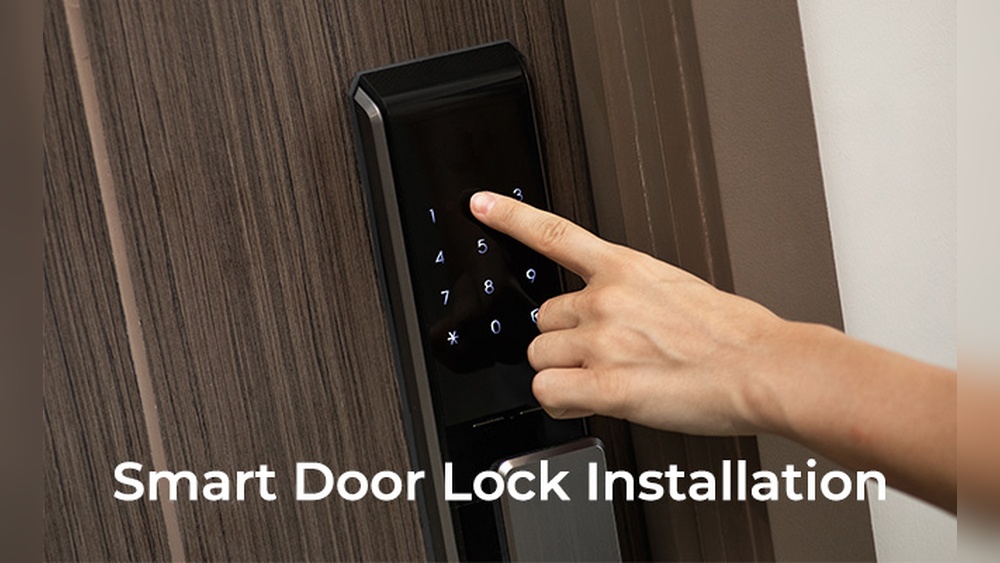
Keypad locks let you enter a code to open the door. You can set and change the code anytime. No need to carry physical keys. These locks are easy to use and good for families or guests.
Biometric Locks
Biometric locks use fingerprints or facial recognition to open. They offer high security because each print is unique. You don’t need to remember codes or carry keys. These locks work fast and are very reliable.
Bluetooth And Wi-fi Enabled Locks
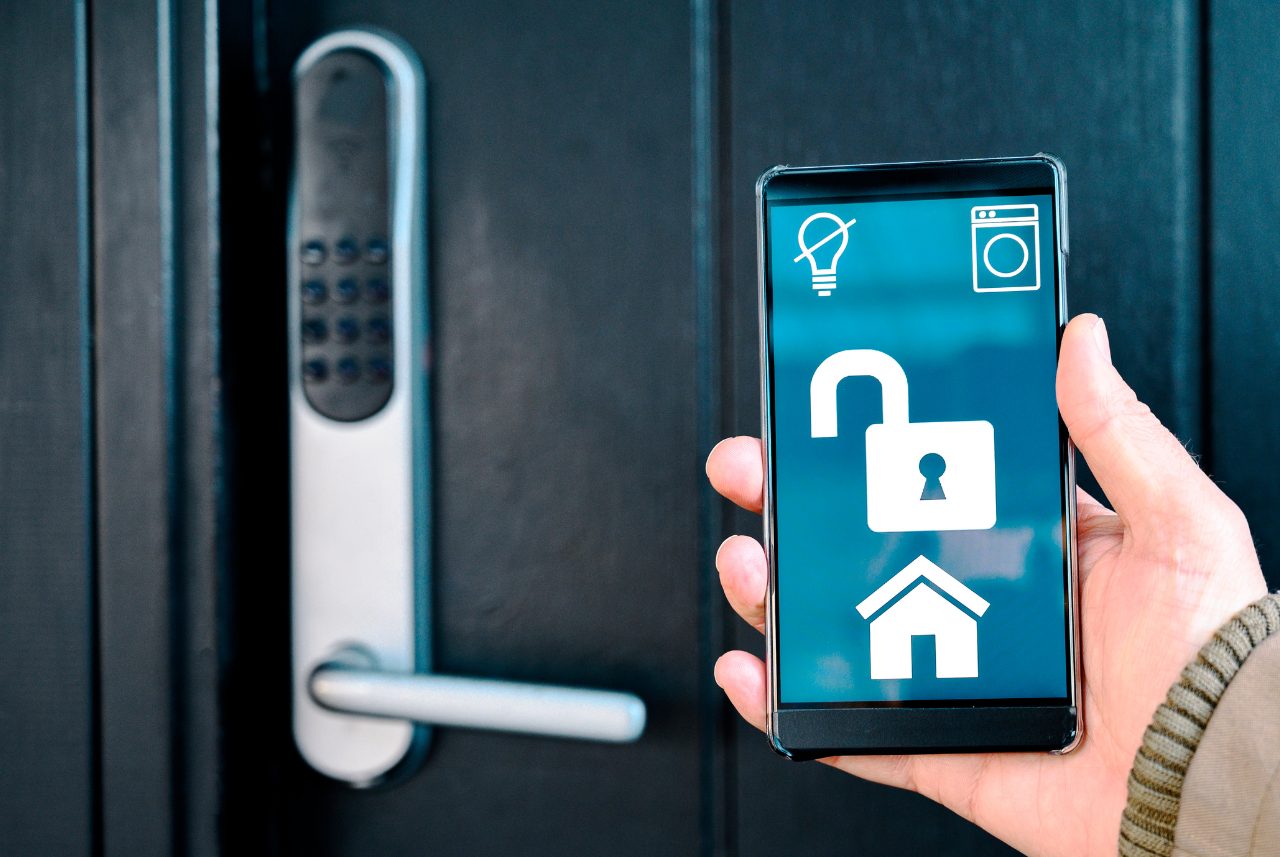
Bluetooth and Wi-Fi locks connect to your smartphone. You can lock or unlock the door using an app. Some let you share temporary access with friends. They also send alerts when the door opens or closes. These locks offer remote control and extra convenience.
Choosing The Right Smart Lock
Choosing the right smart lock is important for your home’s security and convenience. Not all smart locks fit every door or meet every need. Knowing what to consider helps you find the best lock for your situation. Focus on three key areas: compatibility, security, and budget.
Compatibility With Your Door
Smart locks come in many shapes and sizes. Your door type affects which locks will fit. Check if your door is standard or has a unique design. Some locks only work with certain thicknesses or lock styles. Measure your door carefully before buying. Also, think about your door’s material. Wood, metal, and glass doors may need different locks. Make sure the smart lock matches your door’s setup for easy installation and use.
Security Level Requirements
Not all smart locks provide the same security. Some offer basic keyless entry, while others include alarms or encryption. Think about your home’s location and risks. A high-security lock adds extra protection in risky areas. Look for locks with strong features like two-factor authentication or tamper alerts. Choose a lock that gives you peace of mind and fits your security needs.
Budget Considerations
Smart locks vary widely in price. Set a clear budget before shopping. More expensive locks often have advanced features. Less costly options may cover the basics well. Balance cost with what you really need. Avoid spending too much on features you won’t use. Find a smart lock that protects your home without breaking your budget.
Installation Process
Installing a door smart lock is easier than many expect. This process helps improve home security and adds convenience. Clear steps make the installation smooth and quick.
Follow simple instructions to set up your smart lock. Proper tools and careful attention will save time and effort. This guide shows what you need and how to do it right.
Tools You’ll Need
- Screwdriver (Phillips and flathead)
- Measuring tape
- Drill with drill bits
- Pencil for marking
- Level tool
- Batteries (usually AA or AAA)
- Smart lock installation manual
Step-by-step Installation
- Remove the old lock from the door carefully.
- Check the door thickness and latch size.
- Install the new latch and strike plate.
- Attach the exterior keypad or touchscreen.
- Secure the interior lock mechanism with screws.
- Insert batteries and close the battery cover.
- Test the lock manually to ensure it moves freely.
- Follow the manual to connect the lock to your smartphone app.
Troubleshooting Common Issues
- Lock doesn’t fit: Verify door thickness and latch size again.
- Keypad unresponsive: Replace batteries or check connections.
- Lock jams: Adjust screws or realign the latch plate.
- App connection fails: Restart phone and lock, then try again.
- Lock won’t turn: Lubricate the mechanism with graphite powder.
- Battery drains fast: Use high-quality batteries and check for power leaks.
Setting Up Your Smart Lock
Setting up your smart lock is the first step to making your home safer and more convenient. The process is simple and takes only a few minutes. You will connect your lock to your phone, create user codes, and set access permissions. These steps help you control who can enter your home and when.
Connecting To Your Smartphone
Start by downloading the lock’s official app from your app store. Open the app and create an account if needed. Turn on your phone’s Bluetooth and follow the app instructions to pair the lock. The app will search for the lock nearby and connect automatically. This connection lets you control the lock remotely and receive notifications.
Creating User Codes And Profiles
After connecting, create user codes for family and friends. Open the app’s user management section. Add a new user by entering their name and assigning a unique code. Each user gets a separate profile for easy tracking. Codes help avoid sharing your main password and increase security.
Configuring Access Permissions
Set specific access times for each user code. This option helps limit entry to certain hours or days. Use the app to choose time slots or permanent access. You can also remove or pause codes anytime. Managing permissions keeps your home safe and organized.
Daily Use Tips
Using a door smart lock every day can make your life easier. Small habits can help you get the most from your device. These tips focus on simple ways to use your smart lock smoothly. Learn how to lock and unlock, manage users, and use voice commands. These ideas help keep your home safe and your routines fast.
Locking And Unlocking Methods
Most smart locks offer several ways to lock and unlock your door. You can use a keypad to enter a code. Some models work with a smartphone app. Tap the app to open the door from a short distance. Some locks also have physical keys as a backup. Choose the method that fits your day best. Always check the lock status with your phone. This helps avoid leaving the door open by mistake.
Managing Multiple Users
Smart locks let you add several users easily. Assign unique codes or access through the app. Set time limits for visitors or workers. You can delete access anytime if needed. This helps track who enters your home and when. Sharing access is simple and secure. Keep user lists up to date to avoid confusion.
Using Voice Commands And Automation
Many smart locks work with voice assistants like Alexa or Google. You can lock or unlock the door using simple voice commands. This is helpful when your hands are full. Set up automation to lock the door at certain times. For example, the door can lock automatically at night. Automation adds convenience and extra safety to your routine.
Maintaining Your Smart Lock
Maintaining your smart lock ensures it works well every day. A well-kept lock stays secure and lasts longer. Simple care steps keep your lock ready for use. Follow these tips to keep your smart lock in top shape.
Battery Replacement And Power Backup
Check the battery level regularly. Replace batteries before they run out. Use high-quality batteries for better performance. Some locks have a power backup option. Keep a portable power bank handy for emergencies.
Firmware Updates
Smart locks need software updates to fix bugs. Updates improve security and add features. Connect your lock to Wi-Fi for easy updates. Check the app for update notifications often. Install updates as soon as they are available.
Regular Cleaning And Care
Clean your smart lock with a soft cloth. Avoid harsh chemicals that may damage the surface. Remove dust and dirt from the keypad and sensor. Keep the lock dry to prevent rust. Regular care helps your lock work smoothly.

Credit: lockly.com
Troubleshooting And Support
Troubleshooting and support are key to using your door smart lock smoothly. Problems can happen anytime. Knowing how to fix common issues saves time and stress. Support helps keep your lock secure and working well. This section guides you through simple fixes and when to ask for help.
Common Problems And Fixes
Battery issues often cause smart locks to stop working. Replace batteries regularly to avoid this. If the lock does not respond, try resetting it. Check the lock’s app for connection problems. Sometimes, the lock is dirty or jammed. Clean the lock gently and remove any debris. If the keypad does not work, check for software updates. A quick update can solve many problems.
When To Contact Customer Service
Contact customer service if your lock still fails after basic fixes. If the lock won’t connect to your phone, support can guide you. Problems with programming codes or software glitches need expert help. Reach out if the lock repeatedly fails to lock or unlock. Customer service can also assist with warranty and replacement questions. Keep your purchase details handy for faster support.
Security Best Practices
Change your access codes regularly to keep your lock secure. Use strong, unique codes that others cannot guess. Avoid sharing your code with many people. Enable two-factor authentication if the app offers it. Keep the lock’s firmware updated for better security. Check access logs often to spot any unusual activity. Always lock your door manually if you doubt the smart lock’s function.
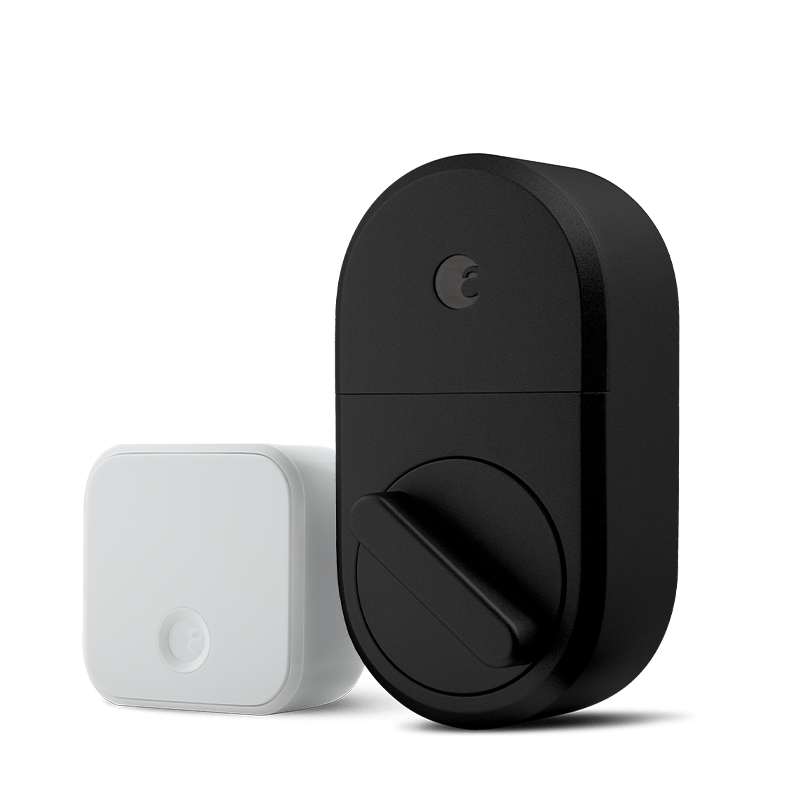
Credit: august.com
Frequently Asked Questions
How Do I Install A Door Smart Lock?
To install a door smart lock, first remove the existing lock. Align the smart lock components with the door holes. Securely fasten screws and connect batteries. Follow the manufacturer’s app instructions to complete setup and calibration for seamless operation.
Can I Control A Smart Lock Remotely?
Yes, most smart locks support remote control via a smartphone app. This lets you lock or unlock your door from anywhere. Ensure your lock connects to Wi-Fi or a compatible hub for remote access and real-time notifications.
What If The Smart Lock Battery Dies?
When the battery dies, many smart locks have backup key options. Replace the batteries promptly to avoid lockouts. Some models offer low battery alerts through the app, helping you stay prepared.
Are Smart Locks Compatible With All Doors?
Smart locks fit most standard doors but check your door’s thickness and lock type. Some models suit only certain door designs. Confirm compatibility before purchase to ensure proper installation and function.
Conclusion
Using a door smart lock makes home security easier and more convenient. You can control access with simple steps. It saves time and reduces worries about lost keys. Installation is quick and fits most doors. Regular updates keep your lock safe from threats.
Try adding a smart lock to improve your daily routine. It’s a small change with big benefits. Stay safe, stay smart.